NBN down? Backup internet, right away
A sudden outage, a new home still waiting for broadband, VIP guests arriving, or an event with no internet on the day: we bring dual-carrier 5G, a battery-backed gateway and WiFi 7 mesh, get you back online with no new cabling, and keep your existing devices connected wherever we can. Rent it short term, buy it to keep on site, or build it into your network so it takes over automatically when the NBN drops.
When a backup connection matters most
Outages have different causes, but the job is the same: get people and devices online first, then sort out the main line.
Sudden NBN outage
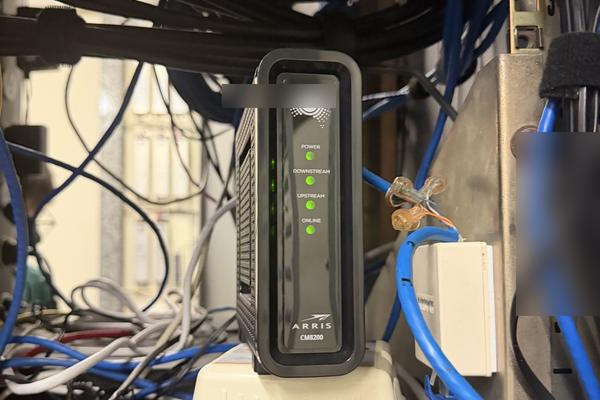
Storms, blackouts and line faults, and the provider can't come for days or even a week. Video calls, overseas business, online classes and security cameras can't wait, so we bring the backup and set it up.
New home or new shop
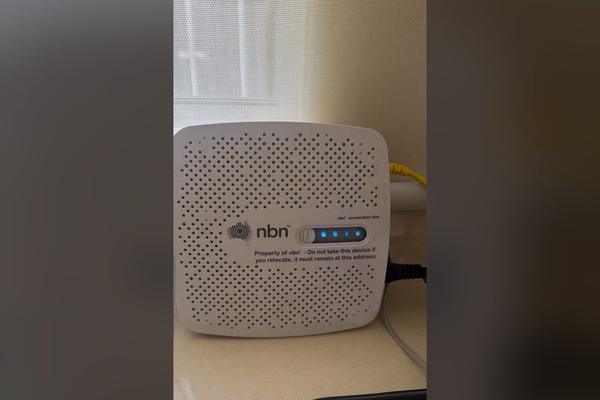
NBN connections can take weeks. Backup internet covers the whole home or shop in the meantime, so the move or the opening doesn't slip a day.

Events and temporary sites
Pop-up shops, exhibitions, small events and site offices with no fixed broadband: multi-node coverage, plus Starlink when needed. For larger events see event WiFi →
Standby for homes and shops
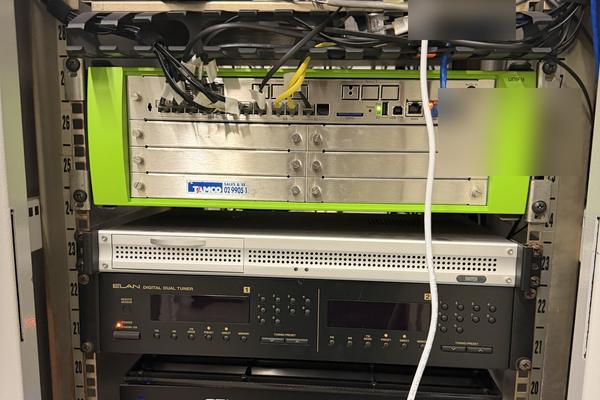
VIP guests staying long term, smart home and security systems that rely on the internet, or a shop that can't trade without it: keep the backup on site and let it take over the moment the main line drops.
For people who can't be without internet
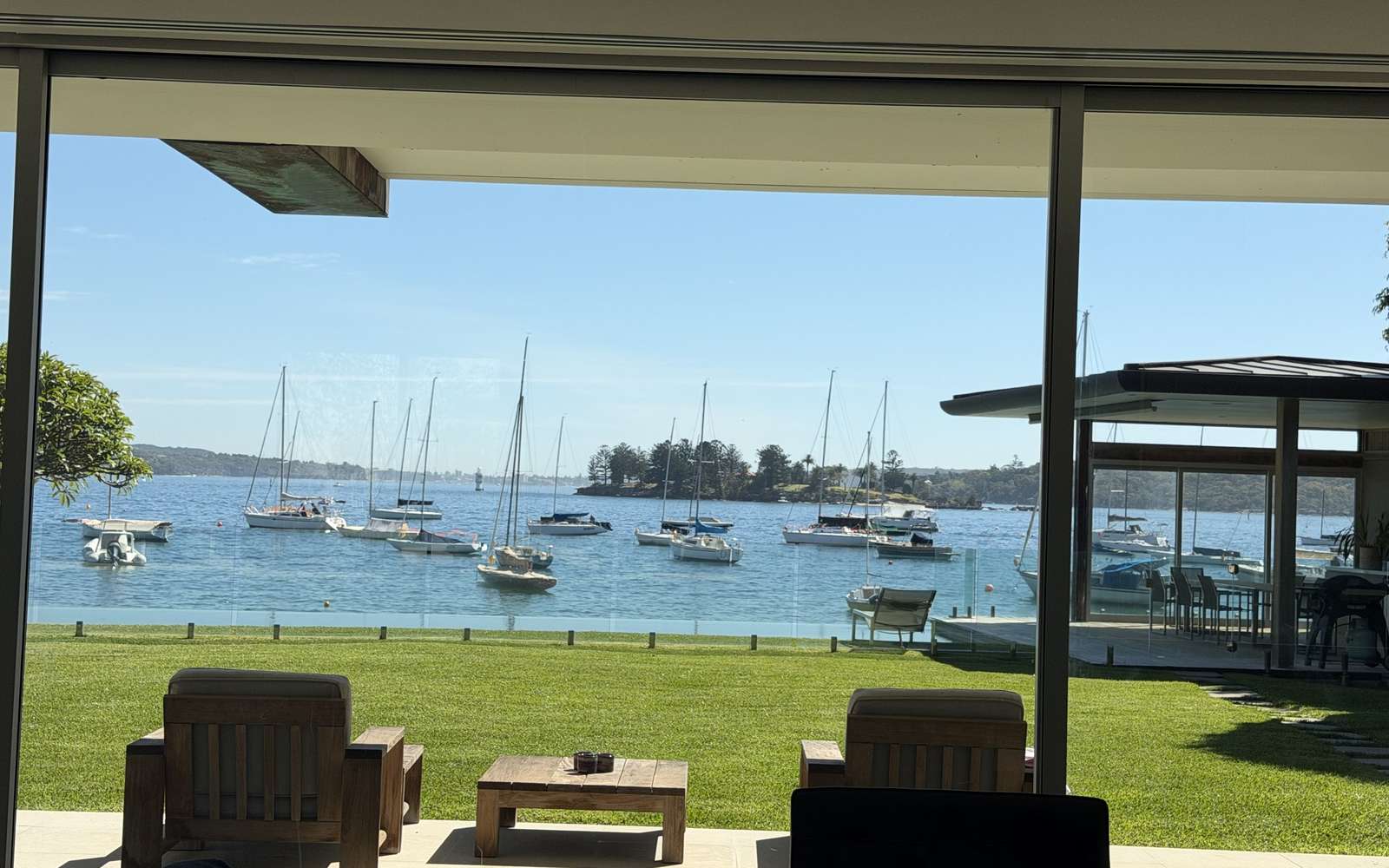
We look after many high-end homes and properties: ocean-view holiday rentals, a harbourfront home valued above A$60 million, 1,000 m²-plus houses and private estates. When the internet goes down, these are the people who need it back first.
Property agents & landlords
- Tenants and guests complain the moment it drops, but the provider is days away
- Call us on the owner's behalf and we'll arrange access with the tenant
- Managing a premium property? Keep a backup on site in advance
Premium tenants & guests
- Working from home, overseas meetings and classes can't stop for a day
- VIP guests expect internet and TV to just work
- Short stays and new move-ins can't wait for an NBN appointment
Owners, businesses & events
- Smart home, CCTV and POS systems all depend on the internet
- For shops, clinics and offices, downtime costs money
- Event sites with no fixed broadband need someone on call
What goes into a backup setup
Dual SIM, dual carrier, automatic switch
A business-grade 5G gateway holds SIMs from two different carriers (for example the Telstra and Optus networks), watches both lines and switches automatically if one weakens or a tower goes down.
Built-in battery for blackouts
The core gateway has a large built-in battery that keeps the backup running through a tripped circuit or local blackout, typically for about 6–8 hours depending on the model and load.
WiFi 7 wireless backhaul
We place the 5G gateway where the signal is strongest, by a window or upstairs, then use WiFi 7's dedicated 6 GHz band to carry the connection back to the comms cabinet and through the house, with no new cable.
1–6 nodes, sized to the space
A tri-band WiFi 7 mesh takes one to six nodes, from apartments and multi-storey houses to warehouses, offices and temporary sites, with 100+ devices online at once.
Plugs into your network as-is
It can connect to your existing router or business gateway, including UniFi, as a second internet line. Your WiFi names, passwords, internal addresses and camera settings stay the same.
Starlink satellite, optional
For remote locations, poor mobile coverage or high-stakes events we can add Starlink so you're not relying on mobile towers. Whether it suits depends on the site.
About 5G: our gateways work with both 5G and 4G. Whether you get 5G, and how fast it runs, depends on the 5G signal at the site and is confirmed by testing on the day. We help arrange data SIMs and plans to suit your usage, and can top up or change them whenever you need.
Rent it, buy it, or build it in
It depends on how urgent the outage is and how you want to be covered in future. Tell us the situation and we'll recommend the best fit.
Rent
Daily or weekly hire. We configure everything in advance, install and test on site, and collect it when you're done, without changing your existing network.
Buy
We choose the equipment for your property, configure it in advance and install it. The kit stays with you, ready for the next outage, and we can keep supporting it remotely or on site.
Integrate
We build the backup into your home's or building's existing network as a second line on your router or business gateway. It switches over automatically when the NBN drops and back when it returns, and nobody in the house notices.
Your devices keep working
In luxury homes and shops, reconnecting cameras, TVs, smart home gear and POS terminals one by one is a hassle, and some need the original installer. We aim to bring them back on their own.
- We reuse your existing WiFi name and password, so phones, TVs and smart devices reconnect by themselves
- Connected to your router as a second line, your internal addresses, fixed IPs, VPNs and camera settings stay as they are
- We check camera recorders, set-top boxes, smart home devices and POS terminals one by one until they're back online
- Without admin access to the existing network we never reset or take it over. We run an independent backup network instead
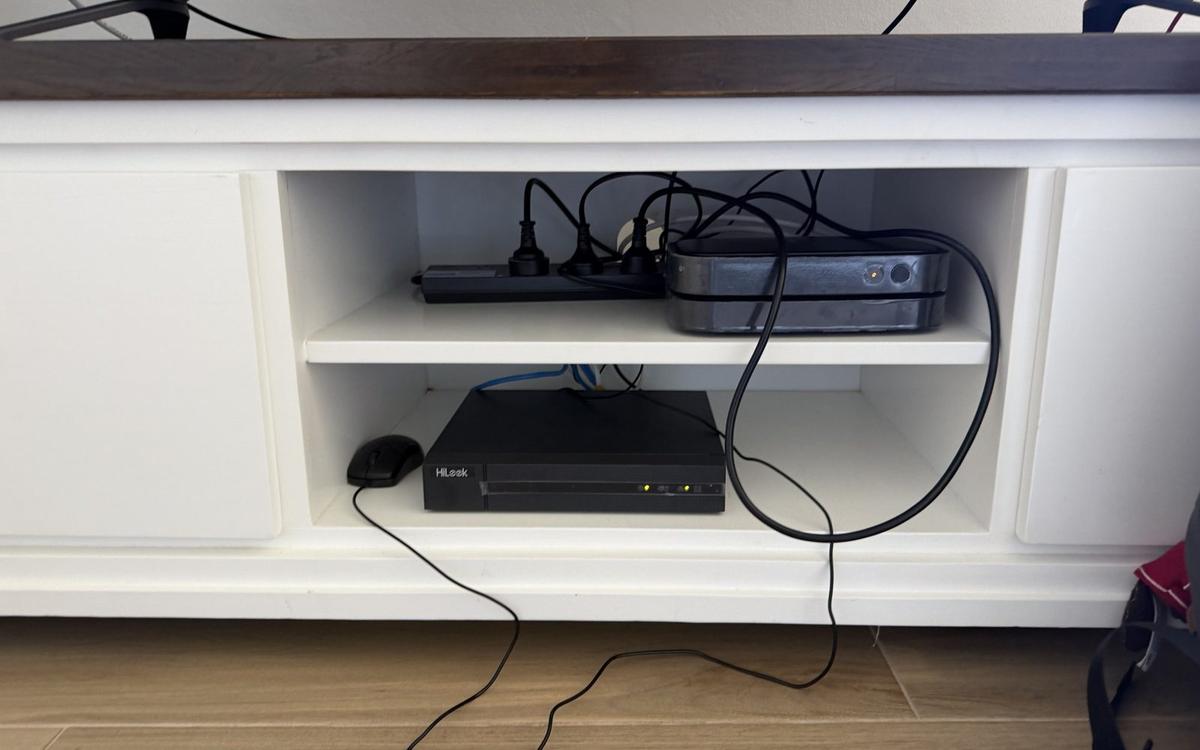
Three common setups, adjusted to the site
These are the three combinations we use most. The number of nodes, data allowance and whether to add satellite are settled after we look at the site.
Home & small office kit
- Dual-SIM 5G battery gateway
- 2–3 tri-band WiFi 7 nodes
- Dual-carrier data
- For apartments, standard houses, NBN repairs and move-ins
Large property & business kit
- Dual-SIM 5G battery gateway
- 4–6 tri-band WiFi 7 nodes
- Larger business data pool
- On-site signal survey and connection to your existing system, including UniFi
- For large homes, warehouses, offices, shops and small events
Starlink-boosted kit
- Starlink satellite terminal
- Dual-SIM 5G gateway as backup
- Multi-node WiFi 7 wide-area coverage
- For remote sites with poor mobile coverage, large outdoor events and critical cover
No public price list: we quote by site size, how long you need it and which option you choose. Rental, purchase and integration are priced differently.
About power cuts: the gateway's battery keeps an emergency backup connection running during a blackout. Keeping wide-area coverage up through a long outage, or running a large outdoor site with no mains power, needs extra portable power stations (several kWh) and cabling on site, and we plan those case by case.

Starlink is optional, and site-dependent
Starlink needs a clear, unobstructed view of the sky, plus a place to mount the dish and a way to run the cable inside. It doesn't suit everywhere:
- Apartments and high-rises usually aren't suitable: balconies and the building block the view, and mounting and cabling need strata approval
- Some houses are limited by the roof, trees or cable routes, so we check on site first
- Open large homes, estates, farms and outdoor event sites suit it best
- For most outages dual-carrier 5G is enough. We keep satellite for poor mobile coverage or demanding situations
From your call to back online
In an emergency, call or WhatsApp us with your address and a few photos of the equipment and we'll assess it straight away.
Call, WhatsApp or WeChat with the address, how long it's been down and which devices matter most.
We check each carrier's mobile coverage at the address, choose the two SIMs and decide whether satellite is needed.
Gateway, nodes and SIMs are set up and meshed before we leave, so it's online about 15 minutes after we plug in.
Nodes placed where you actually use them, speed tested, key devices checked back online, and a quick run-through.
When the internet's down, you need someone reliable
Real emergency experience
An ocean-view holiday rental, a A$60M+ harbourfront home, a private estate: each time the provider was days away and we had it back online the same or next day. See emergency cases →
More than dropping off a router
Choosing SIMs, configuring the gateway, building the mesh, connecting to existing UniFi and business networks, and getting cameras and smart devices back online: one team, start to finish.
English & Chinese, 24/7
Owners, tenants, agents and your existing IT can all talk to us directly in English or Chinese. Call even late at night. 750+ jobs completed. Contact options →
How we got these places back online
All three are high-end homes and properties where the provider was days away and backup internet got the house online first.

Holiday rental offline two days, back in 3 hours
The provider couldn't come until Thursday and the guests needed internet. We bought a 4G router and SIM on the way, had it online on arrival, then reconnected the cameras and set-top box.
Read the full case →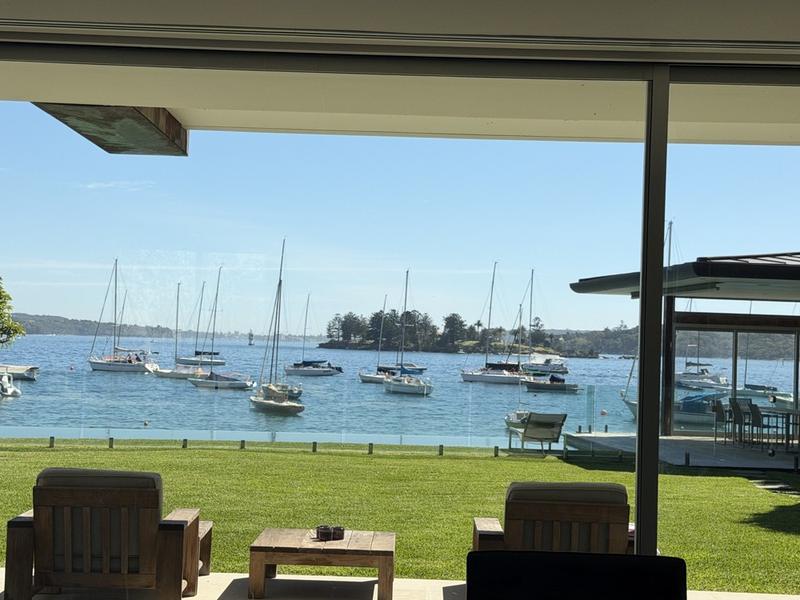
A $60M+ harbourfront home, back online next morning
VIP guests in residence and a week-plus wait for the provider. 4G and Starlink plans ready overnight, two technicians on site, internet back by 10 am.
Read the full case →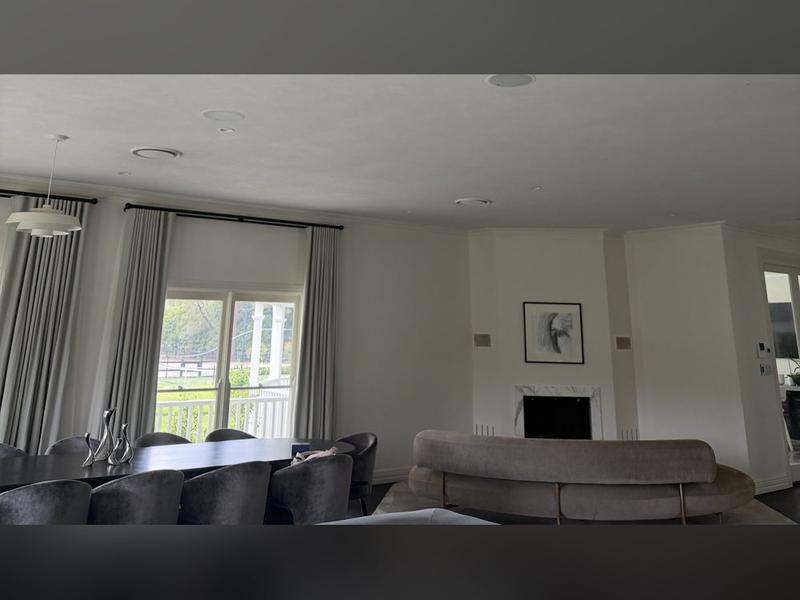
Storm knocks out an estate, backup online same day
Dual-carrier mobile internet and a four-node mesh built before we left, using the existing WiFi name and password so nothing had to be reconnected.
Read the full case →No price list, quoted per site
Rental is by the day or week, purchase by equipment and setup, integration by your existing network. In an emergency call first: we'll get you online, then talk long-term options.
Emergency & backup internet FAQ
How fast can you get here?+
Across Greater Sydney we aim to come the same day for emergencies, depending on distance and that day's schedule. Call us and we'll tell you the earliest time we can be there.
Will I need to reconnect my devices?+
Usually not. We reuse your existing WiFi name and password, or connect the backup into your existing router, so phones, TVs, cameras and smart devices reconnect by themselves.
Is 5G backup fast enough?+
It depends on the mobile signal at your address. We check coverage first and pick the two strongest carriers. Video calls, classes, streaming and camera playback generally work normally.
Can a property agent contact you for the owner?+
Yes. Many emergency jobs start with a call from the agent, then we confirm timing and the plan with the owner and tenant.
Will it work in a blackout?+
The core gateway has a built-in battery that keeps a backup connection running for a while, typically about 6–8 hours depending on the model and load. Other nodes and devices need power, and we can add backup power where needed.
Can Starlink go anywhere?+
No. It needs a clear view of the sky, a mounting point and a cable route, so apartments and some houses usually don't suit. We assess first, and in most cases dual-carrier 5G is enough.
Our home runs UniFi. Can you connect to it?+
Yes. The backup can be added to UniFi and other business gateways as a second internet line, which needs admin access to that network. Until we have access we run an independent backup network and leave your existing equipment untouched.
Do I need to buy the SIM cards?+
No. We supply and activate the data SIMs beforehand, so they work as soon as we arrive.
Should I rent or buy?+
If you're just waiting for the NBN to be fixed or connected, rental is better value. If outages are common in your area, or important devices can't be without internet, buying and keeping it on site is easier.
What does integrating mean?+
We connect the backup to your existing router or business gateway as a second internet line. If the NBN drops it switches over automatically, and switches back when it returns, with nothing for you to do.
How much does it cost?+
We don't publish a price list. Rental is by the day or week, purchase by equipment and setup, and integration depends on your existing network. Tell us the situation and we'll give you a clear quote.
Do you work outside Sydney?+
Our team is based in Sydney and covers Greater Sydney on site. Events and projects elsewhere can be discussed case by case.
Offline right now?
For emergencies, call us directly. Or leave a message below: your suburb, how long you've been offline, which devices matter most, and whether you'd like to rent, buy or integrate.
Ways to reach us
Call now0420 119 140How fast do we reply?
Based on our real message history. Urgent? Call 0420 119 140 directly.