We already had work booked on Saturday afternoon, so with the agent we set the visit for Sunday morning and used the time in between to get the backup equipment and SIMs ready.
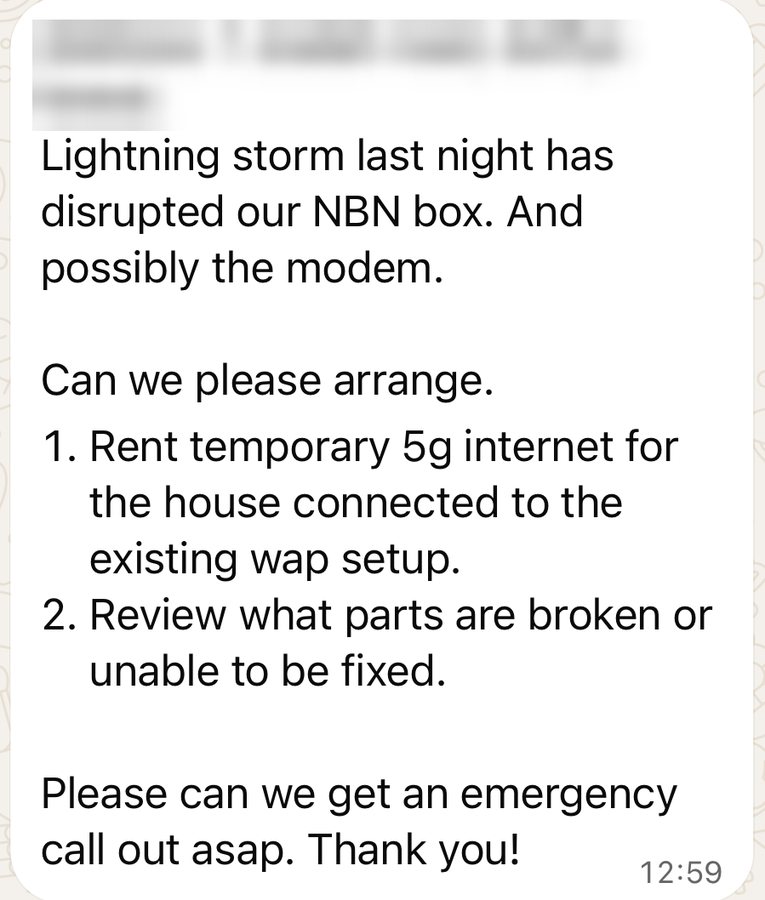
- 1
SIMs from two carriers
We checked mobile coverage for the area first and brought both Telstra and Optus SIMs, so one weak network wouldn't leave us stuck.
- 2
A dual-SIM 4G/5G router
If one carrier drops, it fails over to the other automatically.
- 3
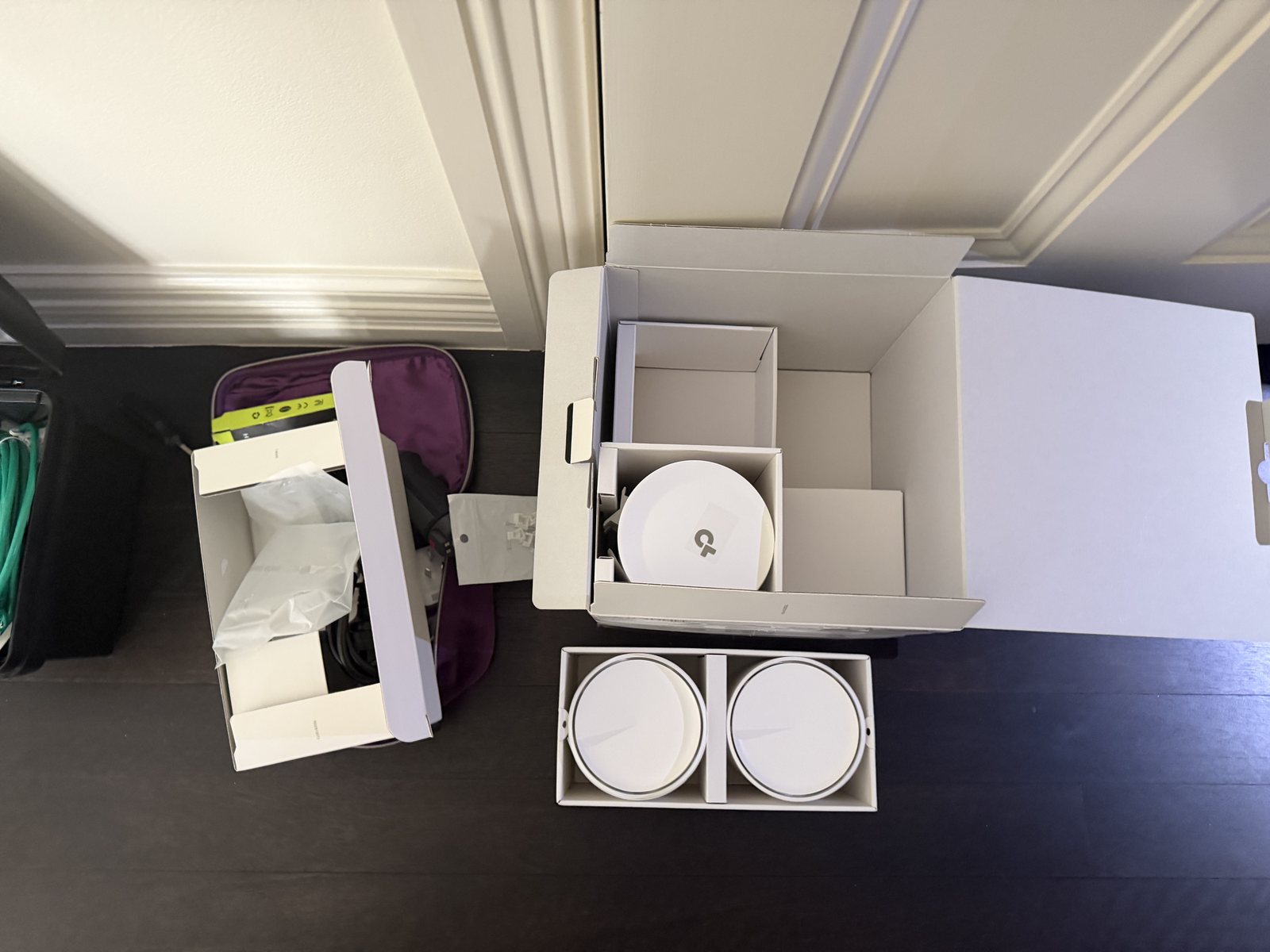
A four-node mesh, ready to go
A TP-Link Deco AX3000 WiFi 6 four-pack, already registered, configured, meshed and tested before we left, travelling as a spare.
First we tested the backup mobile service. The router supports 5G, but the site connected on 4G, with three to four bars and a working connection.
- 1
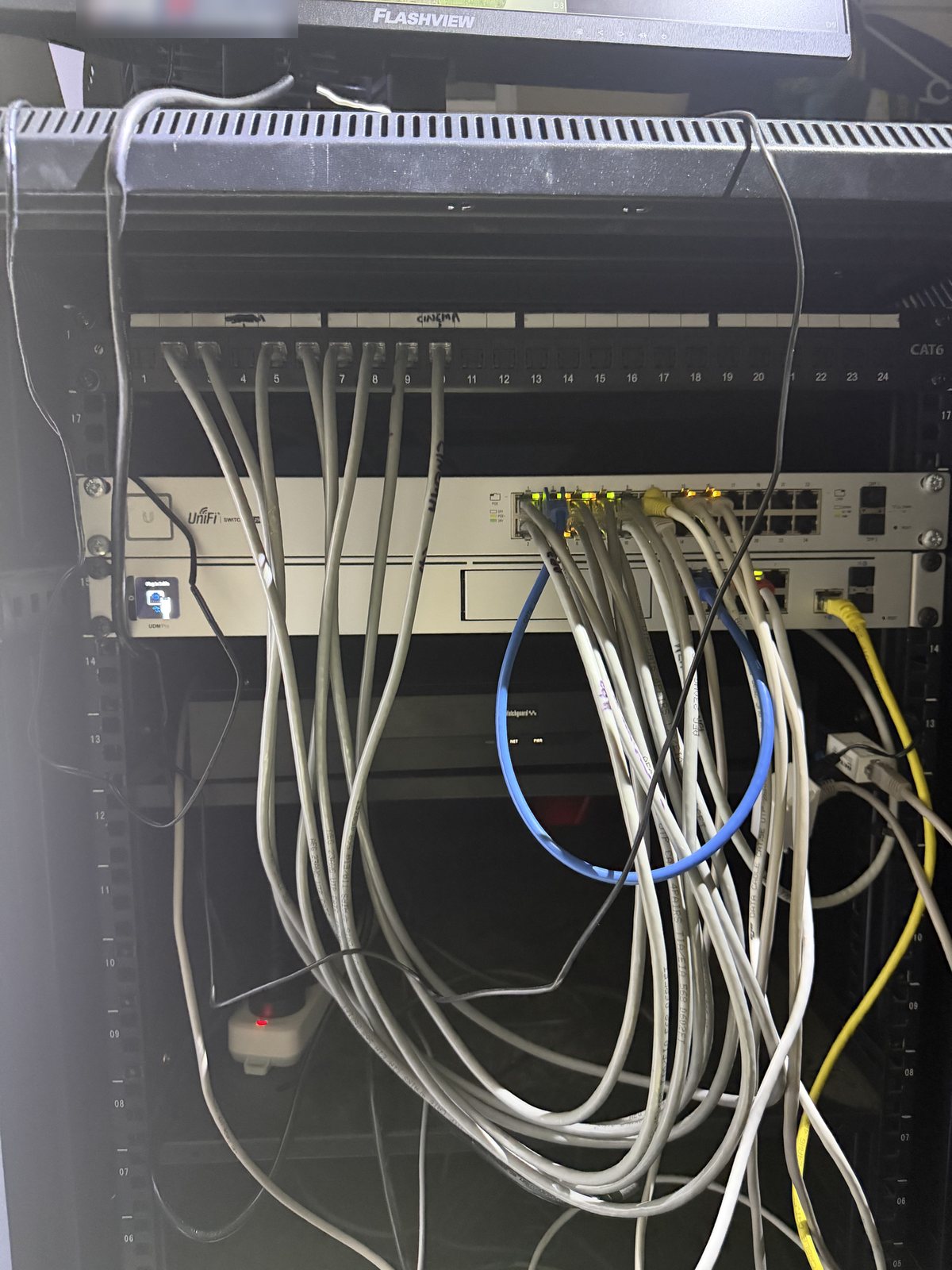
Into the UDM Pro
With the backup service connected to the existing UDM Pro gateway, the gateway didn't detect a usable internet connection.
- 2
Bypassing the gateway
With the backup router plugged straight into the UniFi PoE switch, a wired computer couldn't get a valid IP address, even after the switch was power-cycled.
- 3
No original WiFi
The existing UniFi wireless network wasn't broadcasting.
- 4
No admin access
Without the network's admin login there was no way to check the WAN settings, VLANs, DHCP or the access point setup.
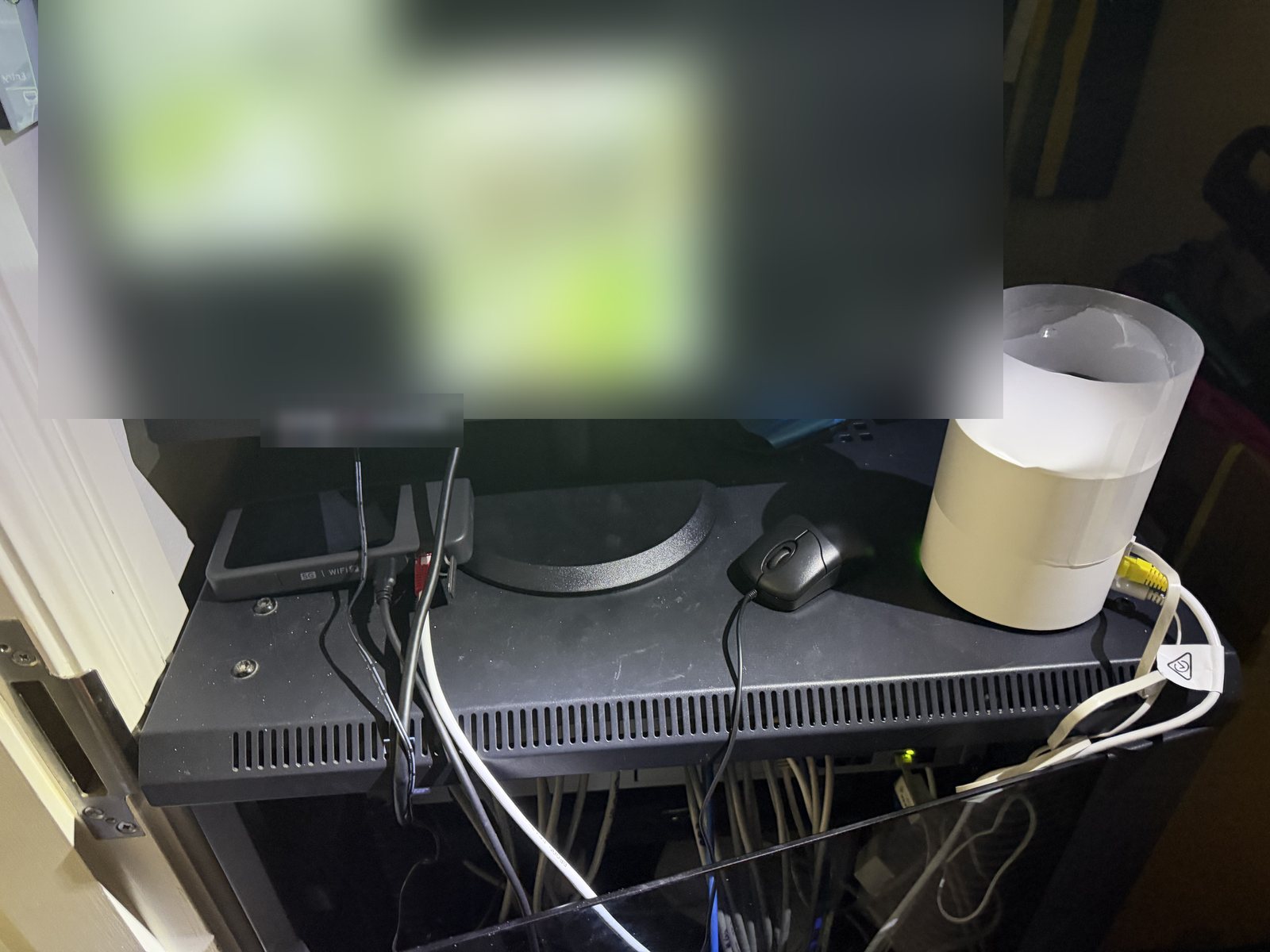
What we didn't do: to protect the existing network, we didn't factory reset, reset or take over any UniFi device.
Throughout, we kept trying the agent for admin details or a way to reach the IT contact who looks after the system. It was a Sunday and nobody replied in time. The owner couldn't access the settings either, and had other plans that day with a fixed time to leave.
Keep troubleshooting the original network, or set up a separate backup network straight away? With no admin access in sight and the owner needing the internet, we put the independent temporary WiFi first.
We brought in the pre-built four-node Deco and connected it to the 4G backup line we had already confirmed was working.
- 1
Nodes where they're used
We asked the owner which areas mattered most, then placed the four nodes to suit.
- 2
Same WiFi name and password
So the household's devices didn't need reconnecting one by one.
- 3
No setup from scratch
The kit was meshed before we left, which saved registering and pairing it on site.
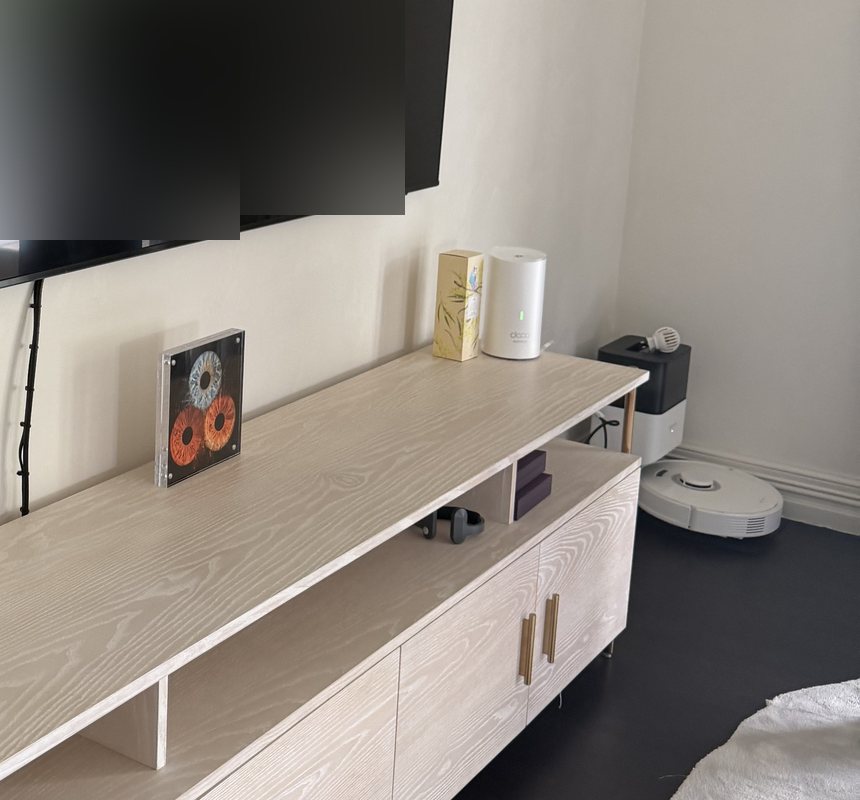
At about 11:30 WiFi was back in the owner's main living areas and the internet was working. The owner then showed us a suggestion from their IT contact: bypass the gateway and plug the backup router straight into the switch. With the owner's agreement we spent the last ten minutes trying it again, but the UniFi network still didn't come back. With the owner about to leave, we kept the working backup network in place, handed over and left.
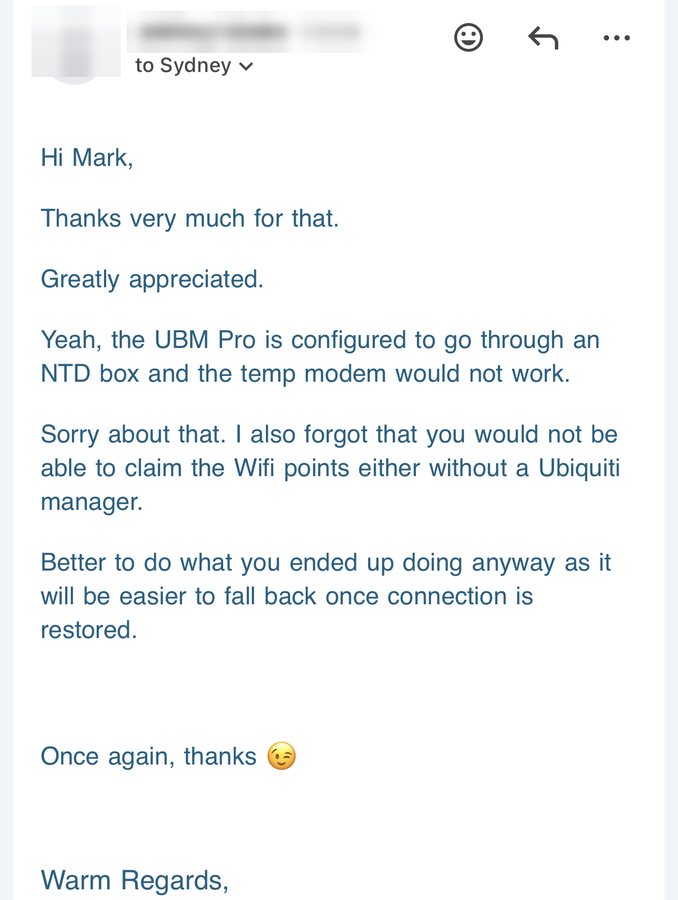
Afterwards we sent the IT contact and the other people involved a handover email covering what we tested, the backup equipment, how it's connected and what to watch for when restoring the original service.
- 1
Cause confirmed
The UDM Pro is configured to go through the NBN box, so a temporary modem couldn't work with its existing setup.
- 2
The access points
He also noted that without Ubiquiti manager access nobody on site could have taken over the access points.
- 3
The right call
In his view our approach was the better one, as it makes falling back to the original connection easier once it's restored, and he thanked us.
Scope: the goal was emergency internet, not a repair of the whole UniFi system. Once the NBN is back, the IT contact will check the network and switch back; until then we're keeping an eye on the backup service.