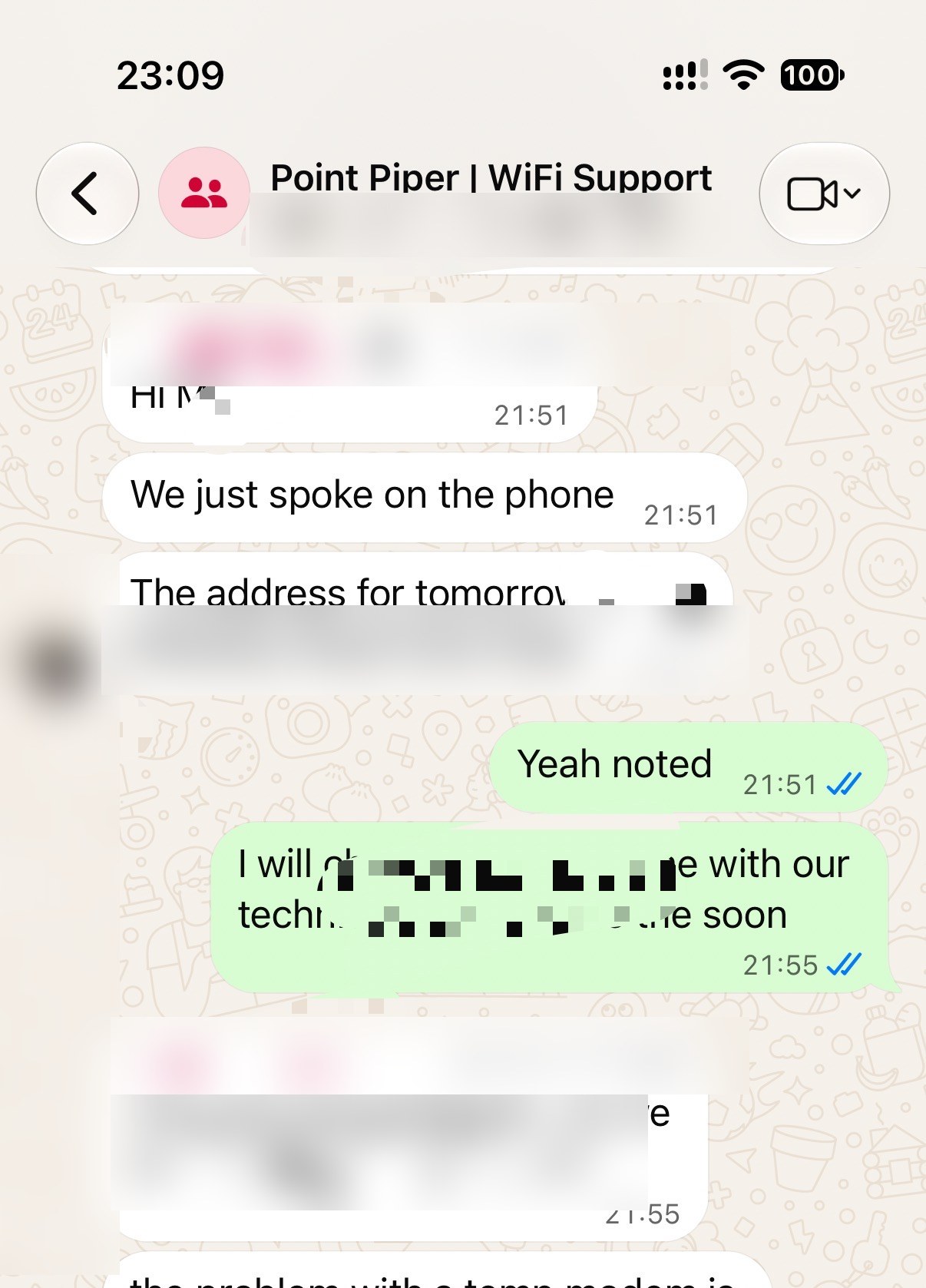
The client contact created a WhatsApp group; we joined as the technical support team.
The person who contacted us promptly brought the relevant people into a WhatsApp group to explain the situation. We followed up there, confirmed the urgent requirements and arranged to attend the next morning. We adjusted the morning schedule to prioritise the fault.
Before seeing the site, we could not know which recovery path would be needed. We prepared alternatives so that diagnosis and temporary access could progress together, keeping the client informed about the plan.
- 1
4G emergency access
Bring a router and data SIM, prepare activation and configuration, and have a temporary connection option available.
- 2
Restore the existing connection
Check the incoming NBN connection and key network devices, aiming to get the existing service working again.
- 3
A further fallback
Consider Starlink as an additional option if necessary. It was not used on this visit.
Two technicians arrived at 9:40 am and began checking the main incoming connection.
We prepared new 4G equipment and a data SIM that morning, coordinating procurement and activation preparation with the visit. Two technicians could then work on the emergency option and the existing network in parallel.
The existing IT contact gave a short telephone update: people on site had already been asked to restart equipment, but the connection was still down. Our team then carried out the diagnosis and repair, and reported the result back afterwards.
Drawing on hundreds of on-site visits, we started at the main network entry point and worked through the key devices. The home had several systems behind that connection, so restoring the incoming service was central to getting the property connected again.
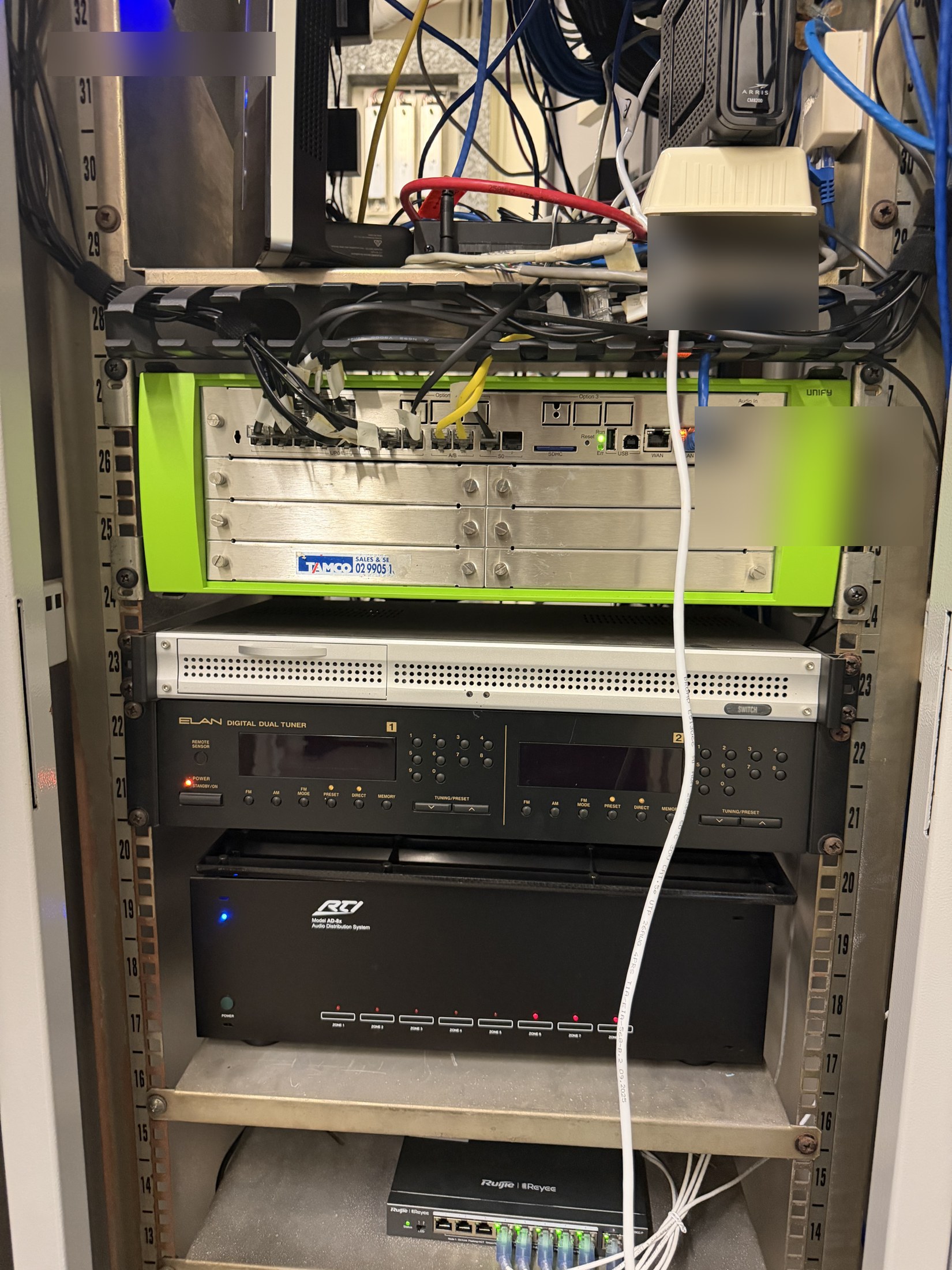
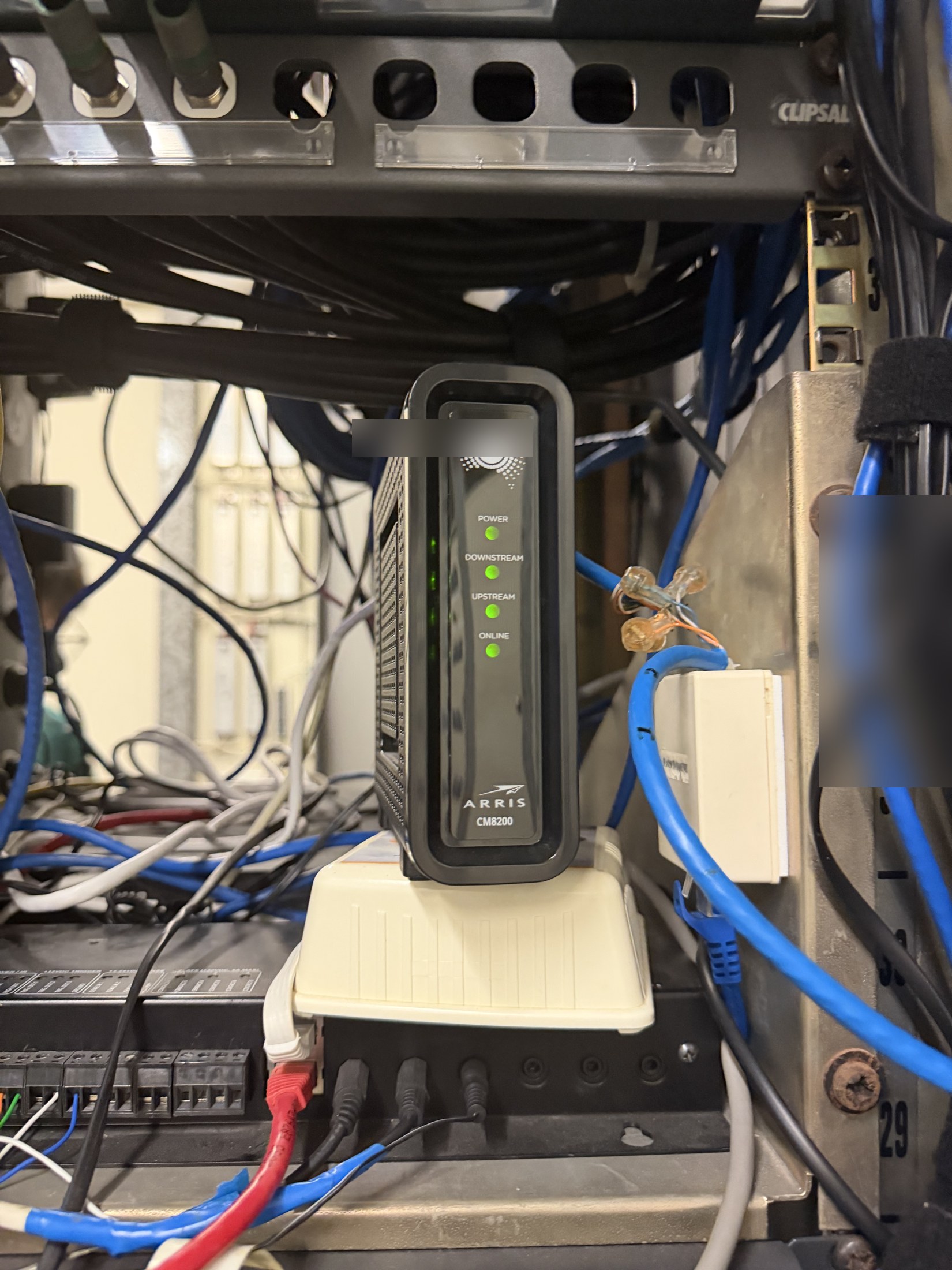
One technician configured 4G equipment while the other traced the original fault. Internet was restored by 10 am.
- 1
Prepare the temporary connection
Activate and configure the 4G equipment while work on the original connection proceeds.
- 2
Test the key devices
Use a directly connected computer, connection-status checks and restart diagnostics to trace and resolve the main connection fault.
- 3
Check actual use together
Our team, the on-site agent and the tenants checked phones, computers and the existing television, including Netflix playback, before we left.
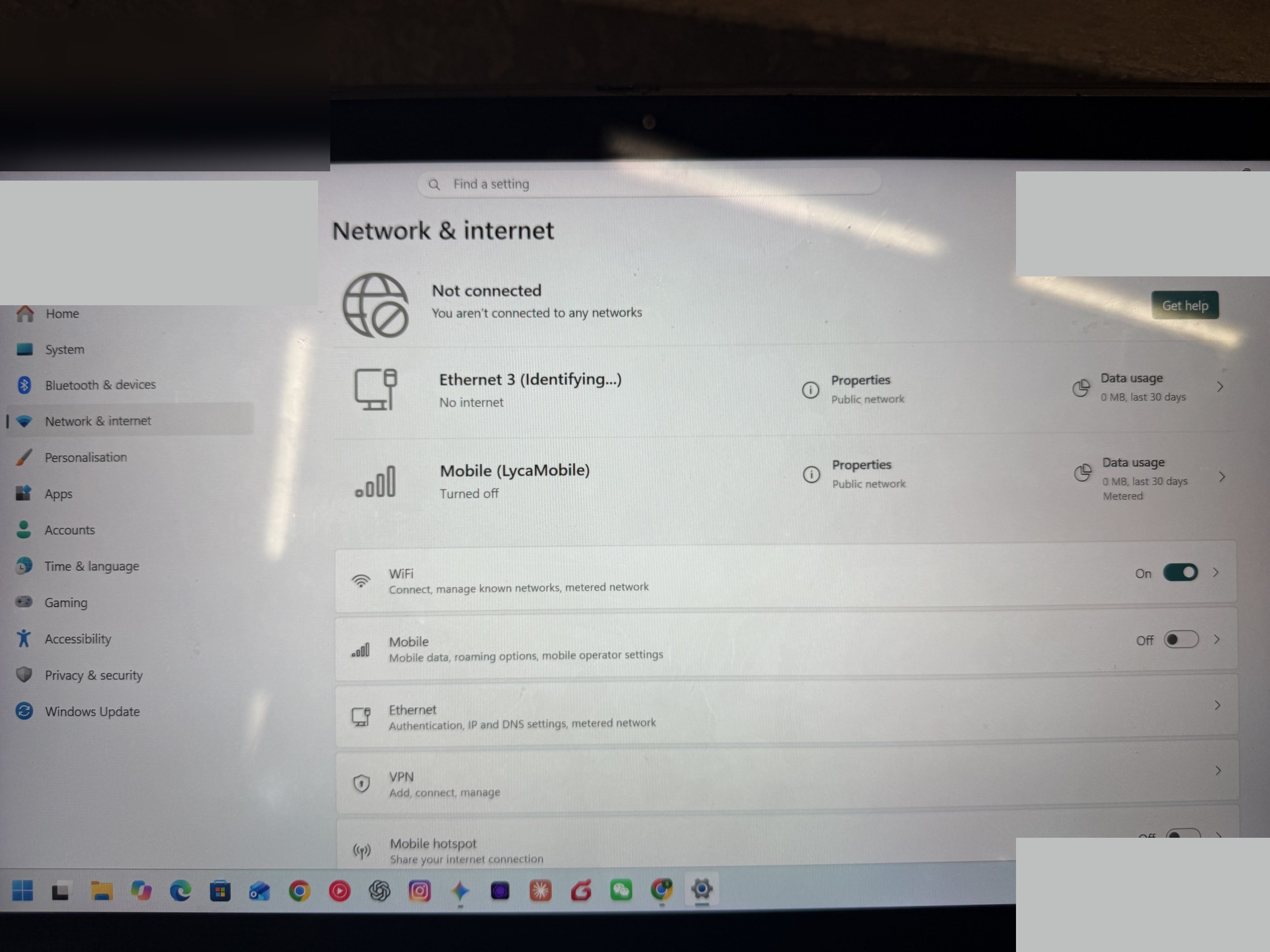
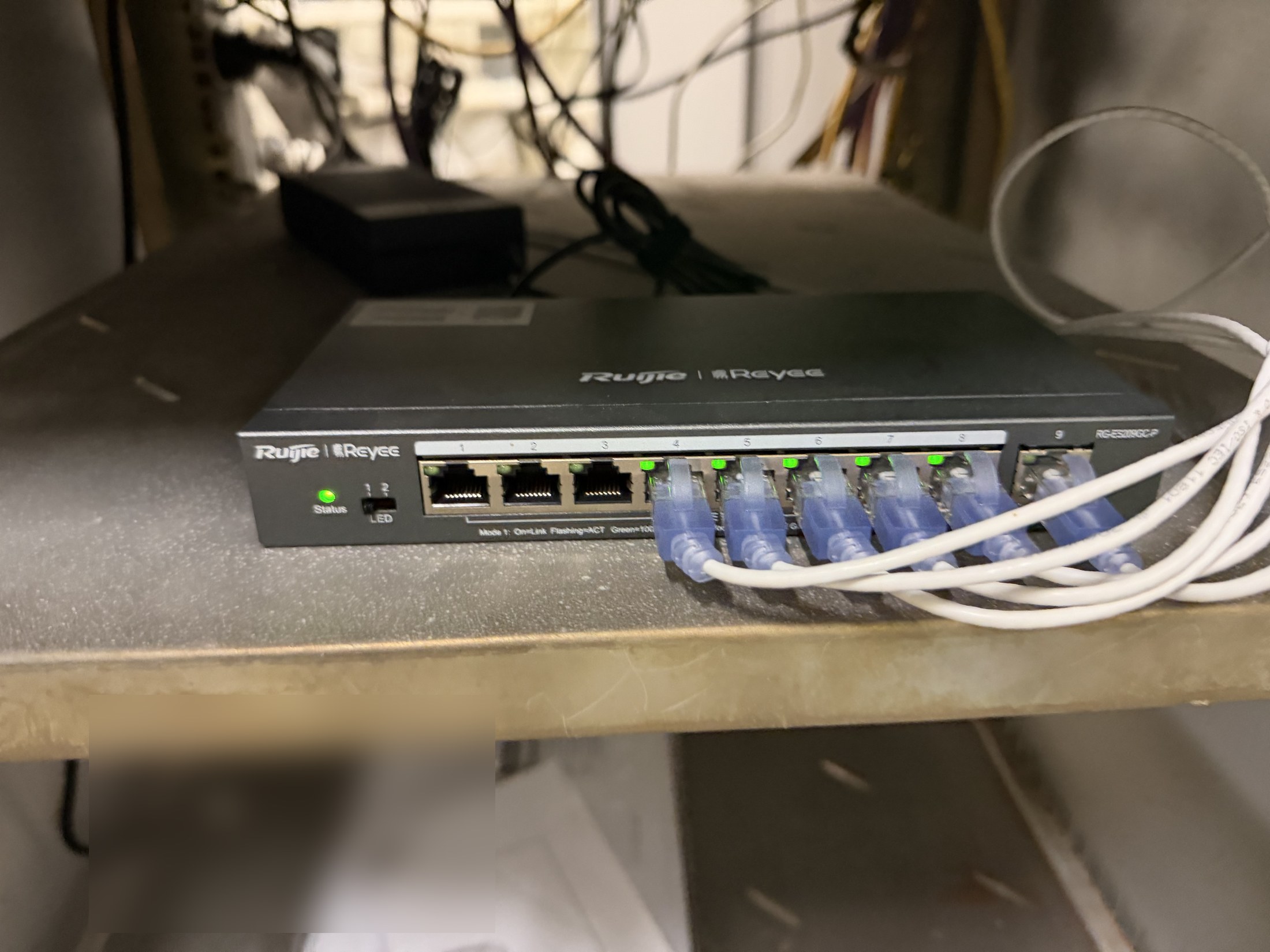
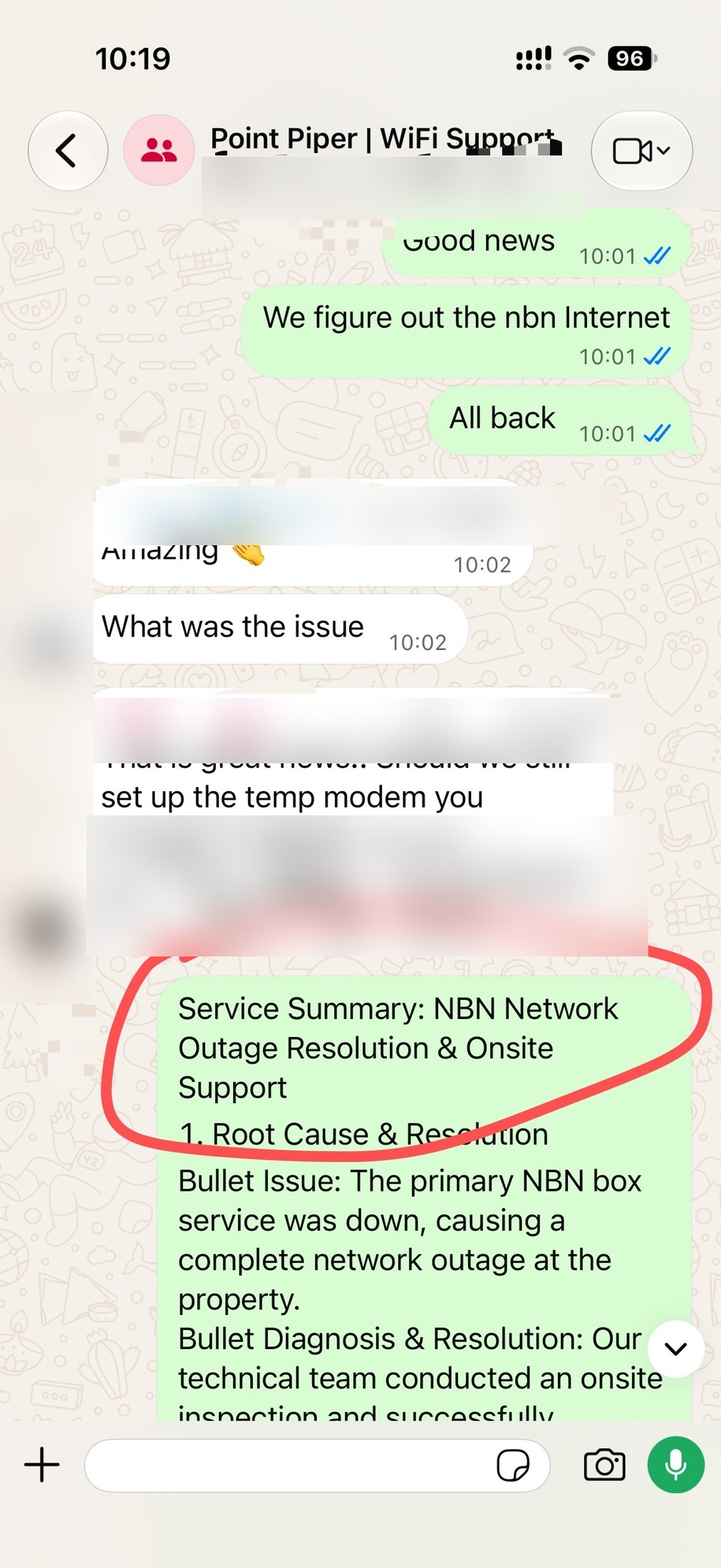
Recovery was reported promptly in WhatsApp, followed by a written Service Summary.
We told the group that the connection was restored. The client side responded positively and asked about keeping the temporary equipment available. We continued the discussion after the main connection was working.
A written Service Summary recorded the fault, the on-site work and the handover. This gave the client contact and the relevant IT people a clear record to review, share and retain.
- 1
One place for updates
The same group connected the evening arrangements, the visit and the recovery update.
- 2
A clear written record
The summary explained the diagnosis, repair and handover rather than leaving the outcome only as a phone conversation.
- 3
Follow through after recovery
We confirmed the equipment arrangements and explained the practical limitations of the emergency option.
The agent, tenants and our team tested the restored connection together.
After confirming that the phones, computers and television were working, we explained the 4G equipment and its precautions before leaving. Mobile reception in the cabinet room was weak, so 4G was retained as an emergency option rather than the preferred connection. Its placement would need to take the available signal into account.
The value of this visit was the full service: a referral from another luxury-home owner, evening preparation, two technicians working in parallel, diagnosis and repair, checks with the agent and tenants, and a written update afterwards. Technical experience and clear communication both mattered in an urgent, high-value setting.
The main network was restored; Starlink was not needed. The repair outcome was also communicated back to the existing IT contact.



