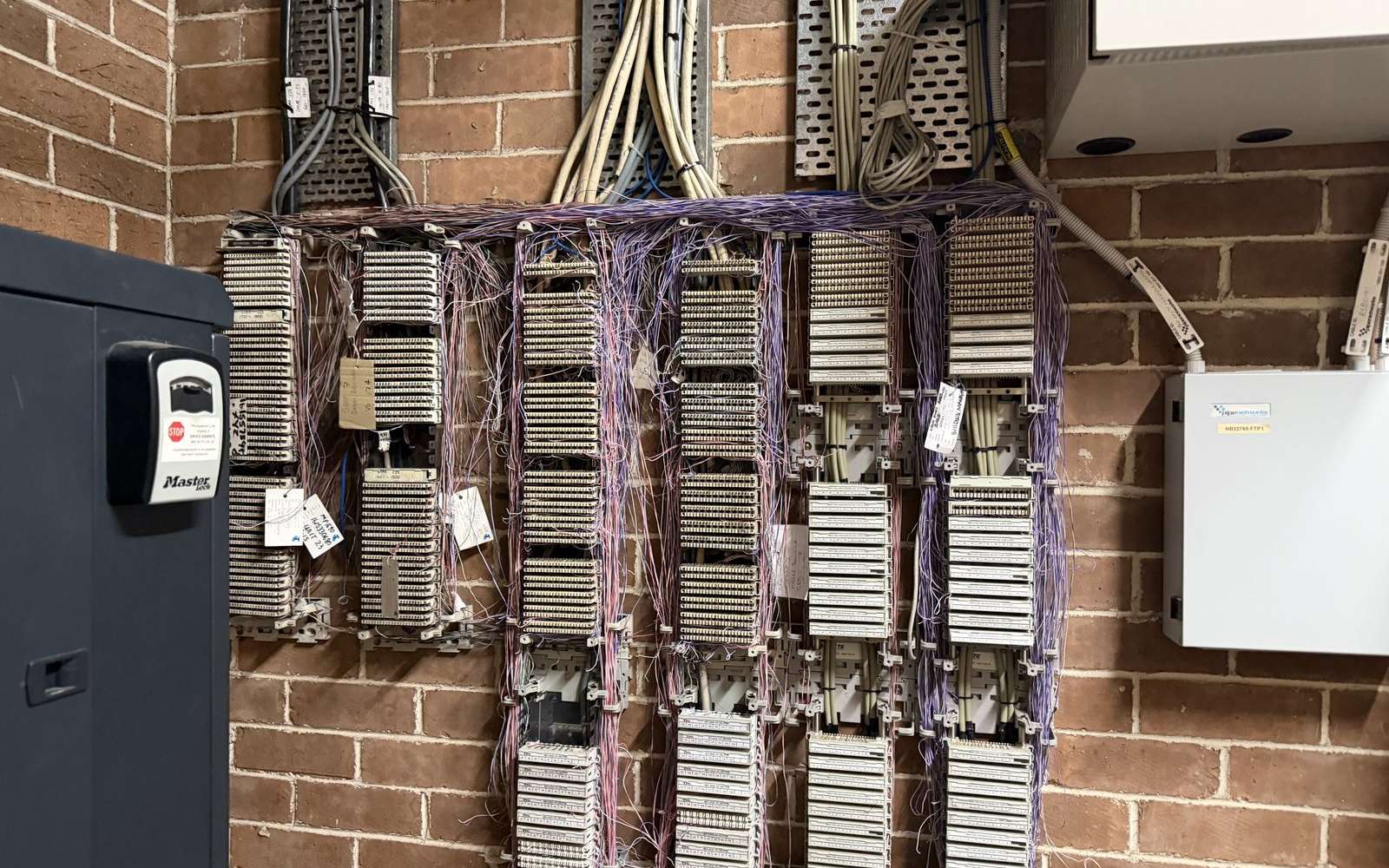
Whole-building WiFi & networks, from point plan to tenant plans
For owners, developers and property managers of apartment buildings, purpose-built student accommodation, co-living and hotels. One team takes it end to end: choosing the internet provider and applying for the service, data point planning, cabling, equipment selection, installation and testing in every unit, then the way residents get online, from one password per unit to self-serve sign-up and paid speed plans.
WiFi and networks for every kind of residential building
New build or fully tenanted, one team looks after the network from the first walk-through to day-to-day resident support.
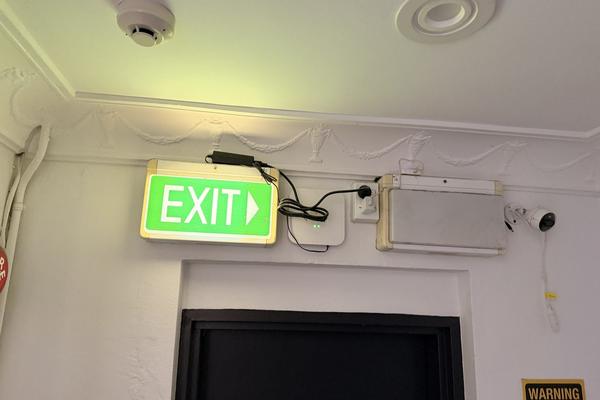
Student accommodation WiFi
Purpose-built student accommodation (PBSA): hundreds of rooms, move-ins in the same week, and lectures, gaming and video calls home every night. Per-room access, fair speeds at peak time, support in Chinese and English. Student accommodation →
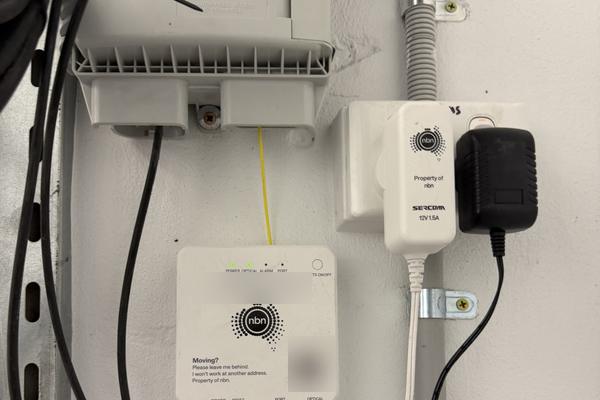
Build-to-rent & apartment buildings
Owner-held buildings that want internet as part of the offer: one network for the whole building, speed plans residents choose and pay for, and a clean switch-off when a tenant moves out.
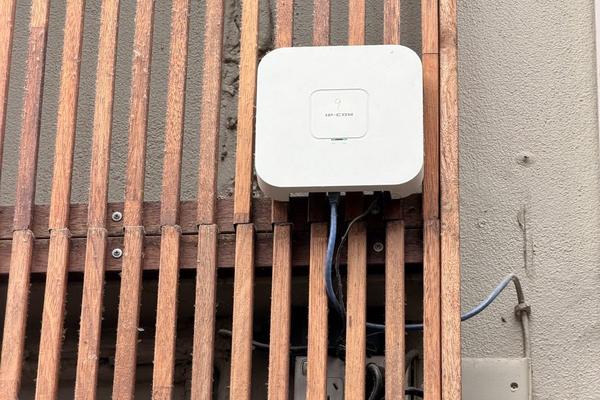
Co-living & share houses
Share houses, co-living and boarding houses: many residents under one roof, often changing month to month. Each room or resident gets their own access, and the manager stops handing out and changing passwords.
Hotels & serviced apartments
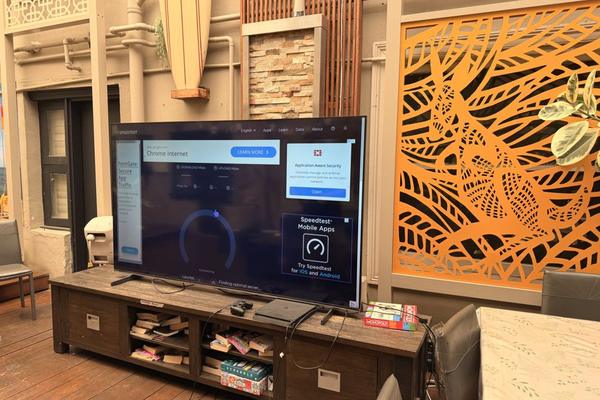
Hotels, hostels and serviced apartments: guest WiFi that keeps up at 9pm, with staff, back-office systems and TVs on networks of their own. Accommodation WiFi →
Common areas & car parks
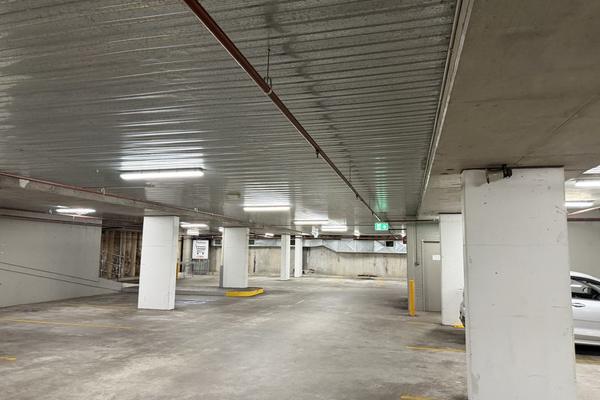
Lobbies, gyms, rooftops and basement car parks, where concrete and steel block the signal, planned point by point. Car park networks →
New builds & renovations
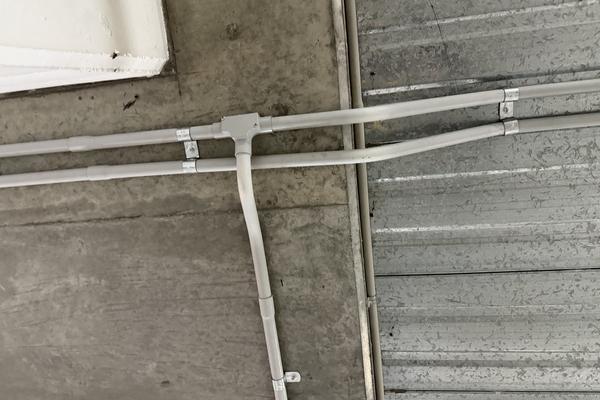
The cheapest time to plan data points is before walls and ceilings close. We can plan from your drawings, so cable paths, the comms cupboard and access point positions are built in.
Bring us in at whatever stage the building is at
We are working on buildings at each of these stages right now, and we also look after networks that others installed.
Plan the network before construction starts. One building due to open next year already has our network plan, and the owner has chosen us to deliver it.
On site with the electrician: survey together, agree who does what, and decide whether more data points are needed before the walls close.
Data points are in and the NBN service is active. What's left is the equipment: we supply it, install it, set it up and test every unit.
Installed by someone else, maintained by us. The Kings Cross hostel is one example.
What a whole-building network project includes
Site survey
Floors, building materials, the existing NBN and comms room, and how many units and residents.
Data point plan
Where each data point, access point and rack goes, unit by unit and floor by floor.
Provider & activation
We compare internet providers for the building and apply for the service on your behalf.
Cabling
Data cabling and risers, carried out with our team's ACMA-registered cablers.
Equipment selection
Brands and models matched to the plan and the budget, such as TP-Link or UniFi, supplied by us.
Installation & testing
Racks, switches and access points installed and labelled, then every unit and floor tested.
Access & billing setup
Passwords, accounts, plans and speed limits set up the way you chose.
Handover & support
Documents for the owner and manager, then on-call or monthly support, residents included.
Several plans to compare, and you decide
Based on your budget and what you want the network to do, we put forward more than one plan, each covering the internet provider, the equipment brand, the coverage and how residents get online. If it helps, we'll send someone to your office to walk you through them.
Budget-first
- Cost-effective equipment, such as TP-Link
- Coverage focused where residents use it most
- Internet plan sized to the budget
- One shared password or one per unit
Balanced
- Mid-to-high-end equipment where it matters most
- Coverage in every unit
- One password per unit, with speed limits
- Room to add paid plans later
Best performance
- UniFi (Ubiquiti) mid-to-high-end equipment, widely used in residential buildings
- Managed and monitored from one dashboard
- Designed for peak-time capacity
- Account logins, self-serve sign-up and paid plans
Every plan includes our provider recommendation and how the service would be applied for. These are typical directions, not fixed packages: the final mix follows the building, the budget and how you want to run it.
Many ways for residents to get online, and to pay
Every building runs differently, so the network shouldn't force one model on it. Models can also be combined, for example free basic WiFi everywhere with paid plans for residents who want more.
One shared password
One WiFi name and password for the building or for each floor.
One password per unit
Each unit or room has its own password on the same WiFi. Change one without touching the rest, and cancel it when a tenant leaves.
Account login
Residents sign in with an account or login code issued after they apply or move in. Each account can be limited to a set number of devices.
Self-serve sign-up & payment
Residents apply online and pay. They are then issued an account with the plan they chose, such as 200 Mbps or 500 Mbps, and the device limit that comes with it.
Free basic, paid upgrade
Everyone gets free basic WiFi. Residents who want more speed pay to upgrade.
Speed, devices and security, managed per resident
Whichever model you choose, the controls sit underneath it, so one heavy user can't slow a whole floor and residents' devices stay away from the building's own systems.
- Speed limits per account, and per device
- A cap on how many devices each account can connect
- Separate WiFi names and passwords for residents, staff, guests and building systems
- Resident traffic kept apart from CCTV, intercoms and management systems
- Password or account cancelled in one step at move-out
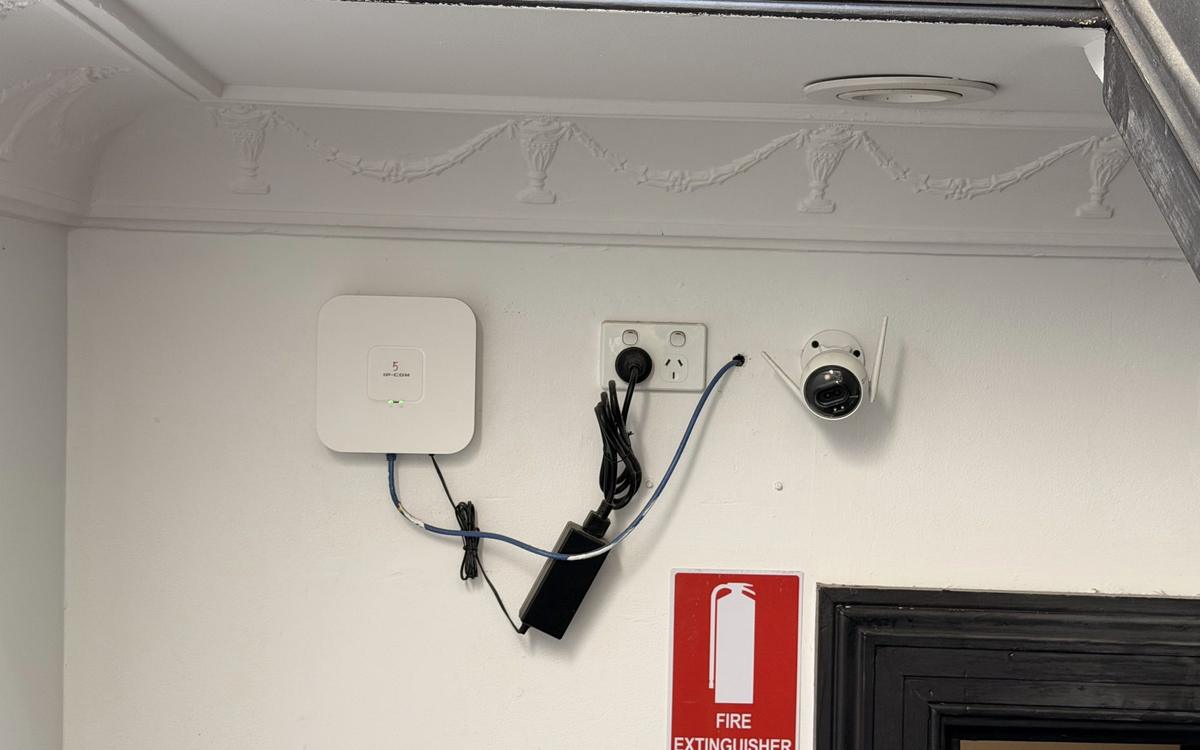
Security cameras on the same network, in the same project
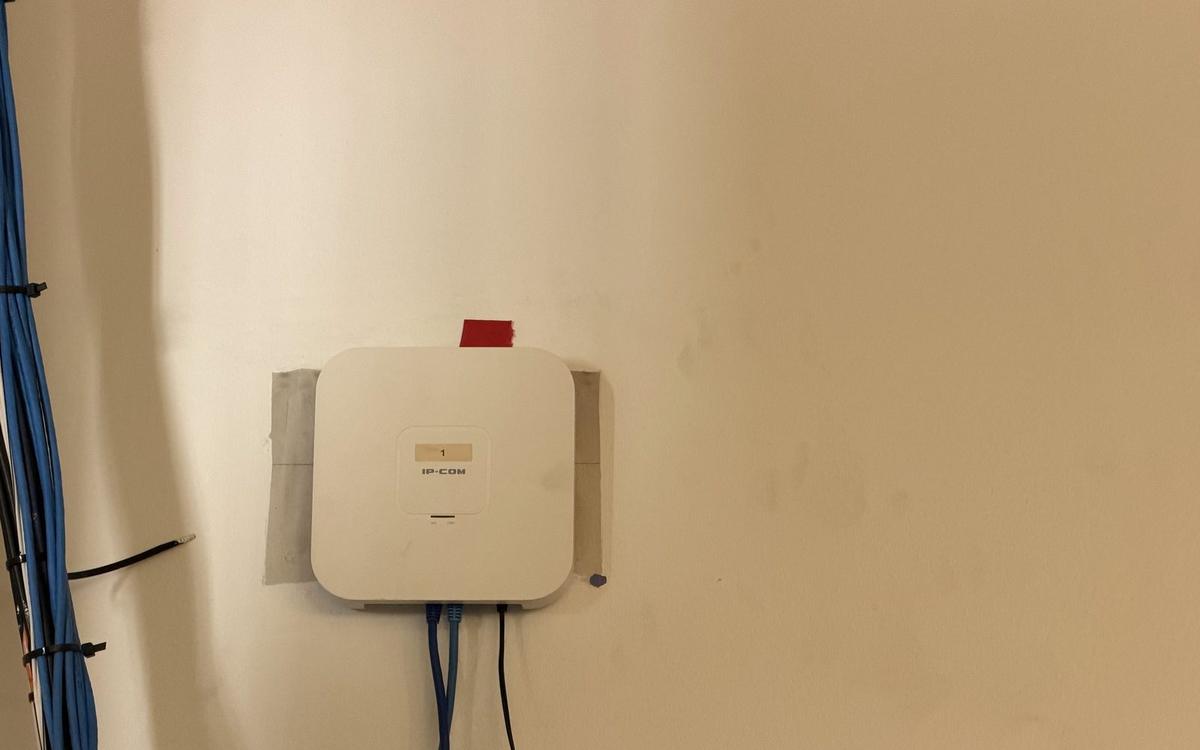
Cameras for entrances, car parks, corridors and common areas can be planned, cabled and installed alongside the WiFi, on their own part of the network. Regulated security work is done by licensed members of our team. CCTV network setup →
- Planned in the same survey and data point plan
- PoE switch ports reserved for the cameras
- Cameras on their own network, away from residents' devices
- Remote viewing for the owner or manager
What owners, managers and residents each get
Owners & developers
- Choose from tiered designs that fit the budget
- Decide what is free and what residents pay for
- Make WiFi a feature of the building, and a source of income
- One team from planning to handover
Property managers & operators
- Residents sign up and pay themselves, so no one hands out passwords
- Move-outs handled by cancelling one password or account
- Check the network remotely instead of sending someone on site
- One bilingual contact for faults and resident questions, and less staff time spent on WiFi
Residents & students
- Online from move-in day through self-serve sign-up
- Pick a speed plan and upgrade when needed
- A private password or account keeps their connection secure
- Steady speeds for lectures, gaming and video calls home, with help in Chinese or English
Why owners and managers choose us
One team, every step
Provider, cabling, equipment, installation, resident access, CCTV and ongoing support. Many installers handle only their own slice and stop at its edge. We take the whole job, so nothing falls between contractors.
Not tied to one provider
Some providers will install the equipment for free if the building stays on their service. We set that offer out next to the alternatives, so you can see the long-term trade-off before you commit.
Every point of view
Residents and international students, property managers, owners, and the technical view: what can and can't be done, to what standard, and where each device should go.
Plans you can compare
Budget-first, balanced and best-performance options, and someone can come to your office to walk you through them. You make the call.
Experience behind it
750+ jobs done, including residents of well-known student accommodation, apartment buildings and hotels in Sydney, Melbourne and the Gold Coast. We know what residents ask for and where they get stuck.
Fast, and in your language
Nine in ten messages answered within an hour, calls taken 24/7, and the whole project handled in English or Chinese.
Real jobs in apartment buildings, student housing and hotels
We have helped many residents of well-known student accommodation, high-end apartment buildings and hotels in Sydney, Melbourne, the Gold Coast and elsewhere, so we know how these buildings run WiFi for tenants. Some use one password for everyone, some issue a login code after you apply, and some give free basic WiFi and charge for faster speeds. Knowing what residents ran into and what they wanted shapes the systems we design for owners.
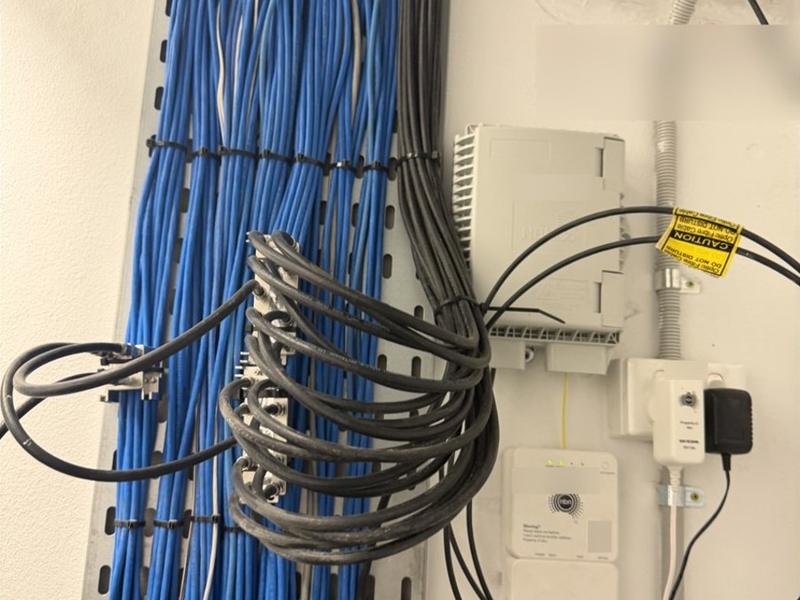
One network plan for two apartment buildings
A landlord found us through ChatGPT. Survey the same day, plan the next: broadband, UniFi equipment, access control and handover documents. Installation is still to come.
Read case →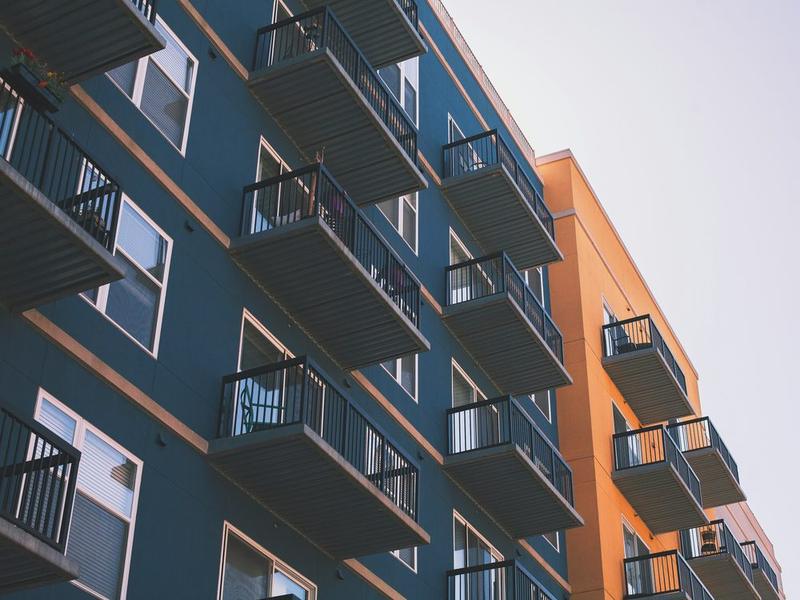
A new 44-unit building: tenant logins, paid upgrades
A builder's website enquiry: a login for each of 88 tenants, a base speed in the rent, paid upgrades, and access points set before the ceilings close.
Read case →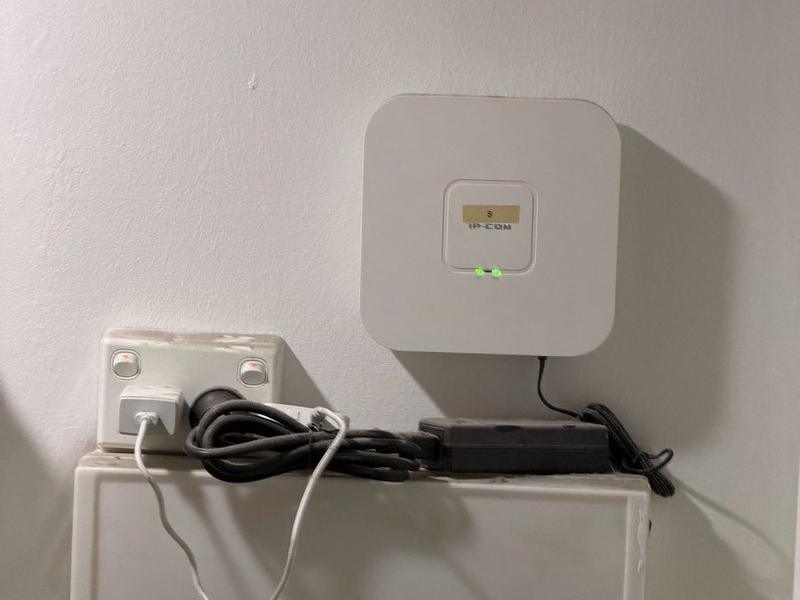
Seven hostel access points back online within an hour
Seven access points down for two days, restored within an hour, then tuned for World Cup viewing in the lounge.
Read case →Quoted per building, after a site survey
No two buildings are the same, so we don't publish a price list. After a site visit or a look at your drawings, you get a written proposal with options at different levels, covering cabling, equipment, installation, testing and the access setup.
Whole-building network FAQ
Can you do the whole project, not just the WiFi?+
Yes. Site survey, data point planning, cabling with our team's ACMA-registered cablers, equipment supply, installation, testing, access setup and ongoing support, all from one team.
What does it cost?+
Every building is different, so we quote per building after a survey or a review of your drawings, with options at different levels.
Can someone present the plan at our office?+
Yes. We can arrange for someone to come to your office and walk you through the options.
Do you work outside Sydney?+
Yes. Our team is based in Sydney and takes on projects across Australia.
Can residents pay for faster internet themselves?+
Yes. Residents can sign up and pay for a plan, for example 200 Mbps or 500 Mbps, and their account then gets that speed and its device limit. You can also give everyone free basic WiFi and let residents pay to upgrade.
What does one password per unit mean?+
Every unit or room gets its own WiFi password on the same network name. When a tenant moves out, that one password is cancelled or changed and nobody else is affected.
Can we limit how many devices each resident connects?+
Yes. Each account can have a device limit, and speed can be limited per account and per device.
Is there anything to check before charging residents for internet?+
We can set up whichever model you choose. Charging residents for internet can bring telecommunications rules into play in Australia, so we suggest getting professional advice on the billing arrangement. We will provide the technical details your adviser needs.
Can you choose the internet provider and apply for the service?+
Yes. We compare providers for the building, recommend one, and apply for the service on your behalf.
Which equipment brands do you use?+
Usually TP-Link for budget-focused builds and UniFi (Ubiquiti) for mid-to-high-end ones, which can be managed and monitored from one dashboard. We recommend a brand per building, and other brands are possible.
A provider offered to install the equipment for free. Should we take it?+
It can make sense, but it usually comes with a requirement to stay on that provider's service. We can set the offer side by side with other options so you can weigh the long-term cost and flexibility.
Can you install CCTV as well?+
Yes. Cameras are planned and installed with the network, on their own part of it. Regulated security work is done by licensed members of our team.
The building is still under construction. When should we talk to you?+
Before walls and ceilings close, ideally at the drawings stage, so data points, cable paths and the comms cupboard are planned in rather than added later.
The building already has NBN and some equipment. Can you work with it?+
Yes. We survey what is there, such as the NBN setup, existing cabinets and cabling, and design around it or recommend what should change.
Do you support residents after handover?+
Yes. On-call or monthly maintenance, and residents can contact us in Chinese or English.
Tell us about your building.
Call us, or leave a message with the suburb, the number of units and floors, and whether it's a new build. Drawings or photos help.
Ways to reach us
Call now0420 119 140How fast do we reply?
Based on our real message history. Urgent? Call 0420 119 140 directly.