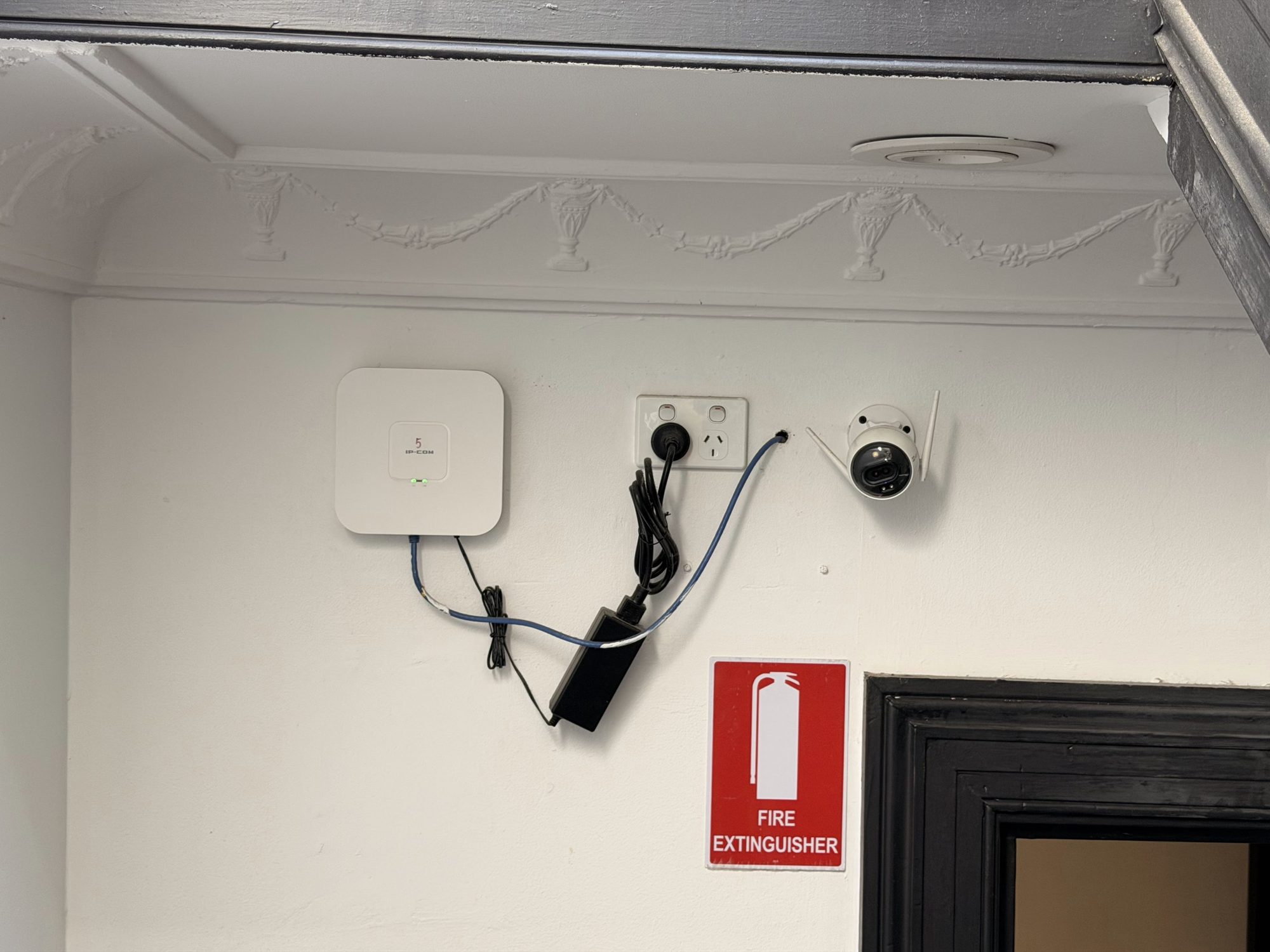
A large hostel with dozens of guests at a time. The access point near the main router worked, but seven on other floors showed red and gave no service.
It had gone on for two days, with plenty of guest complaints, and the owner wanted it fixed fast.
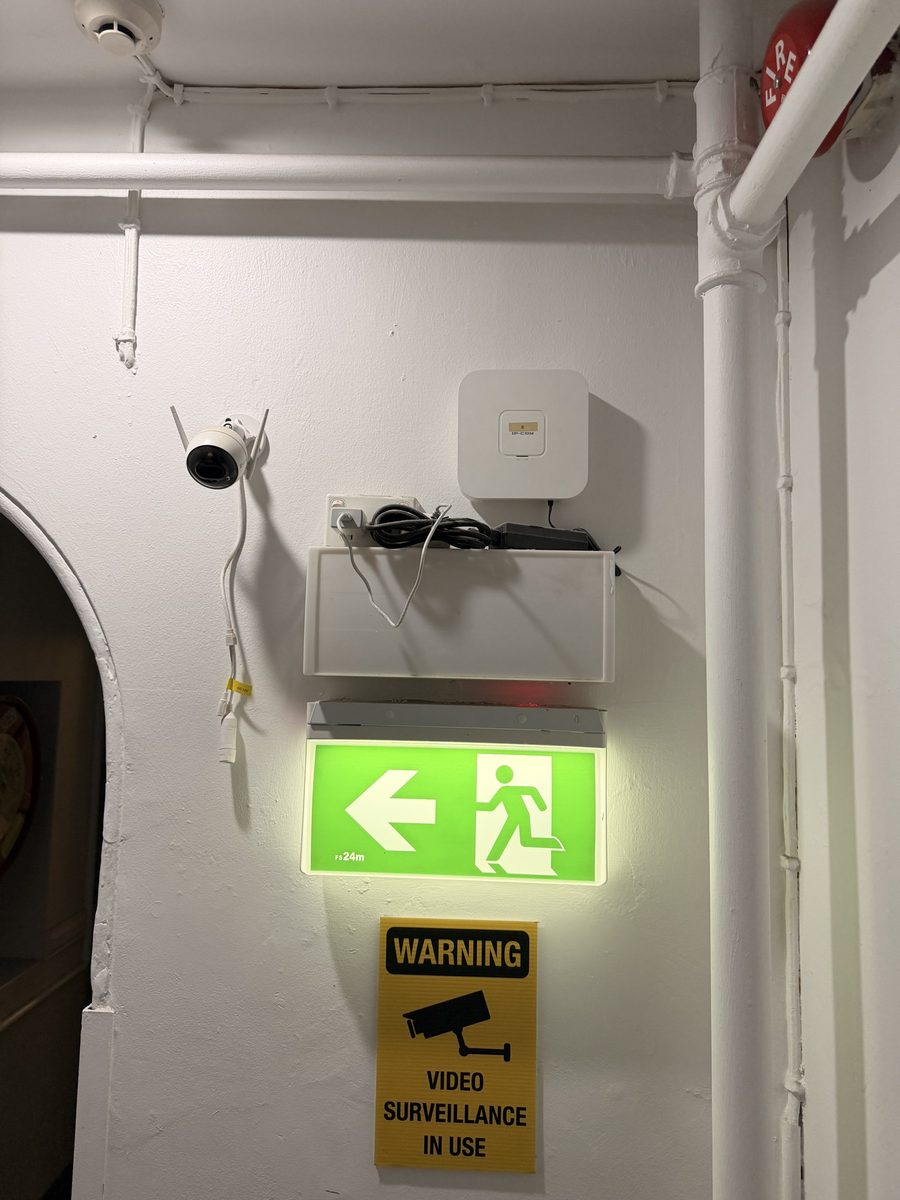
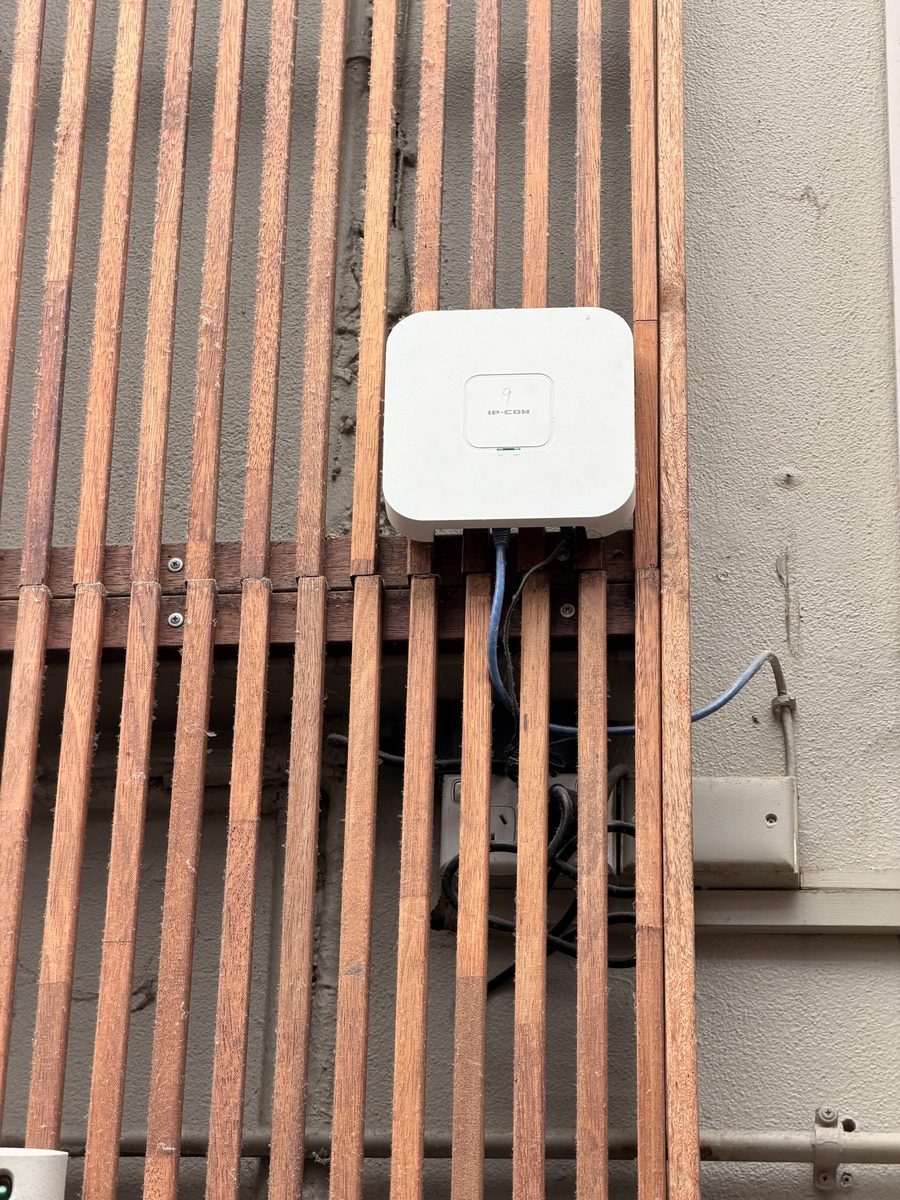
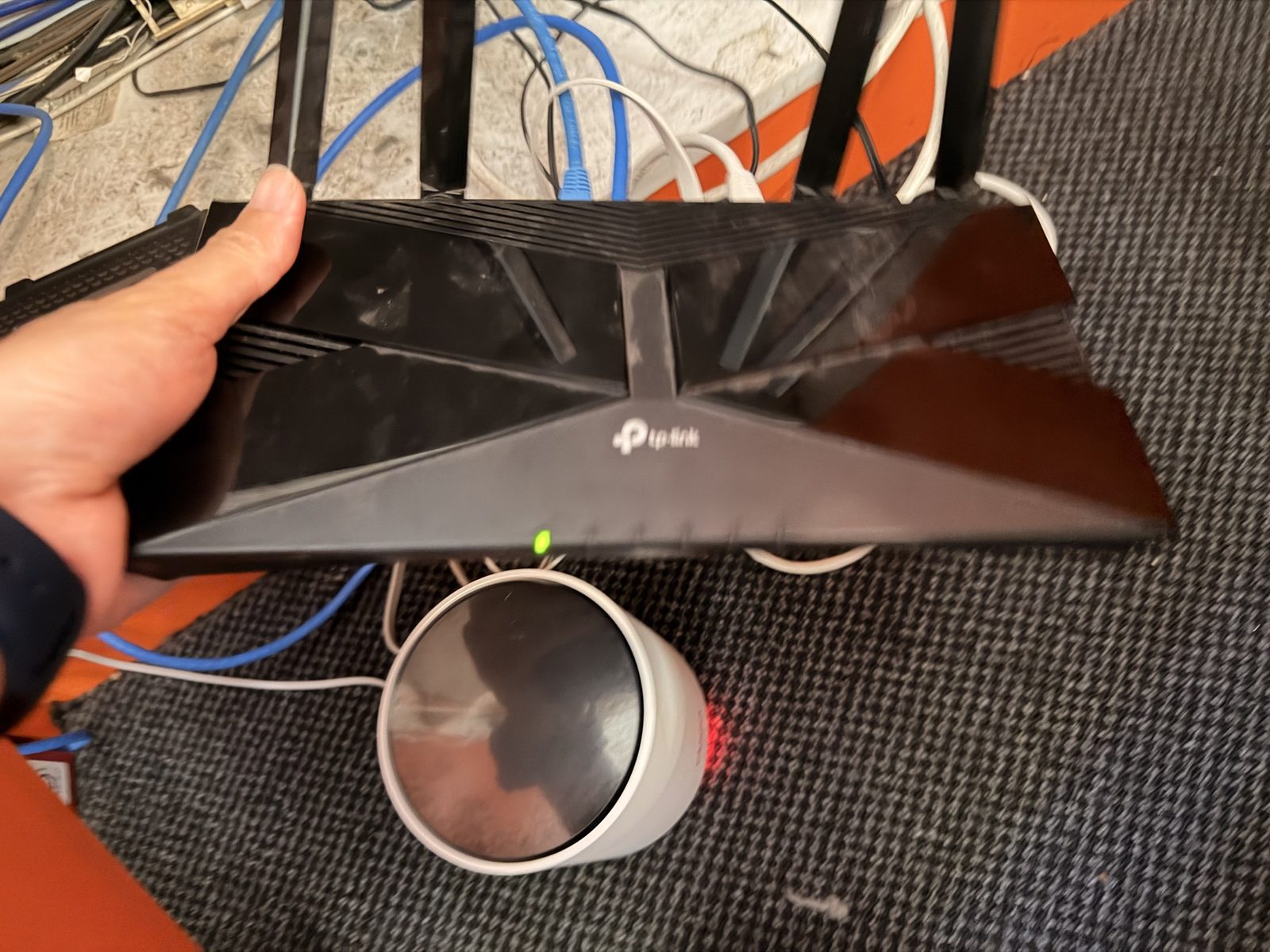
Lots of devices, tangled cables:
first, work out what goes where.
- 1
A messy site
Whoever installed the network and CCTV had left cables unlabelled and mixed together. There was a TP-Link main router, access points from another brand, a newly added Deco, cameras and a recorder, and no switch. The staff member on duty didn't know how it had been set up.
- 2
Mapped out
We traced how each device and cable connected, found the fault and fixed it.
- 3
Checked one by one
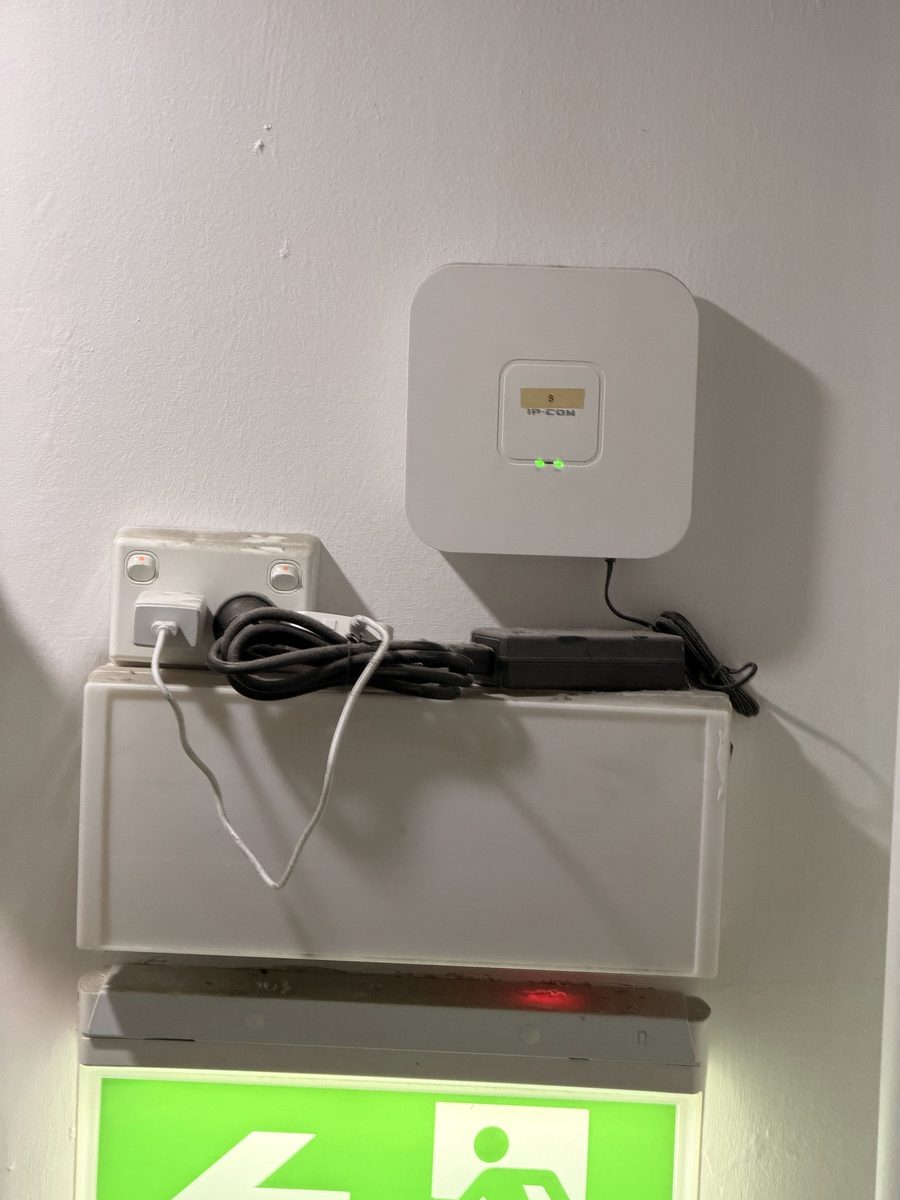
Within an hour the network was back, and we photographed each access point showing green.
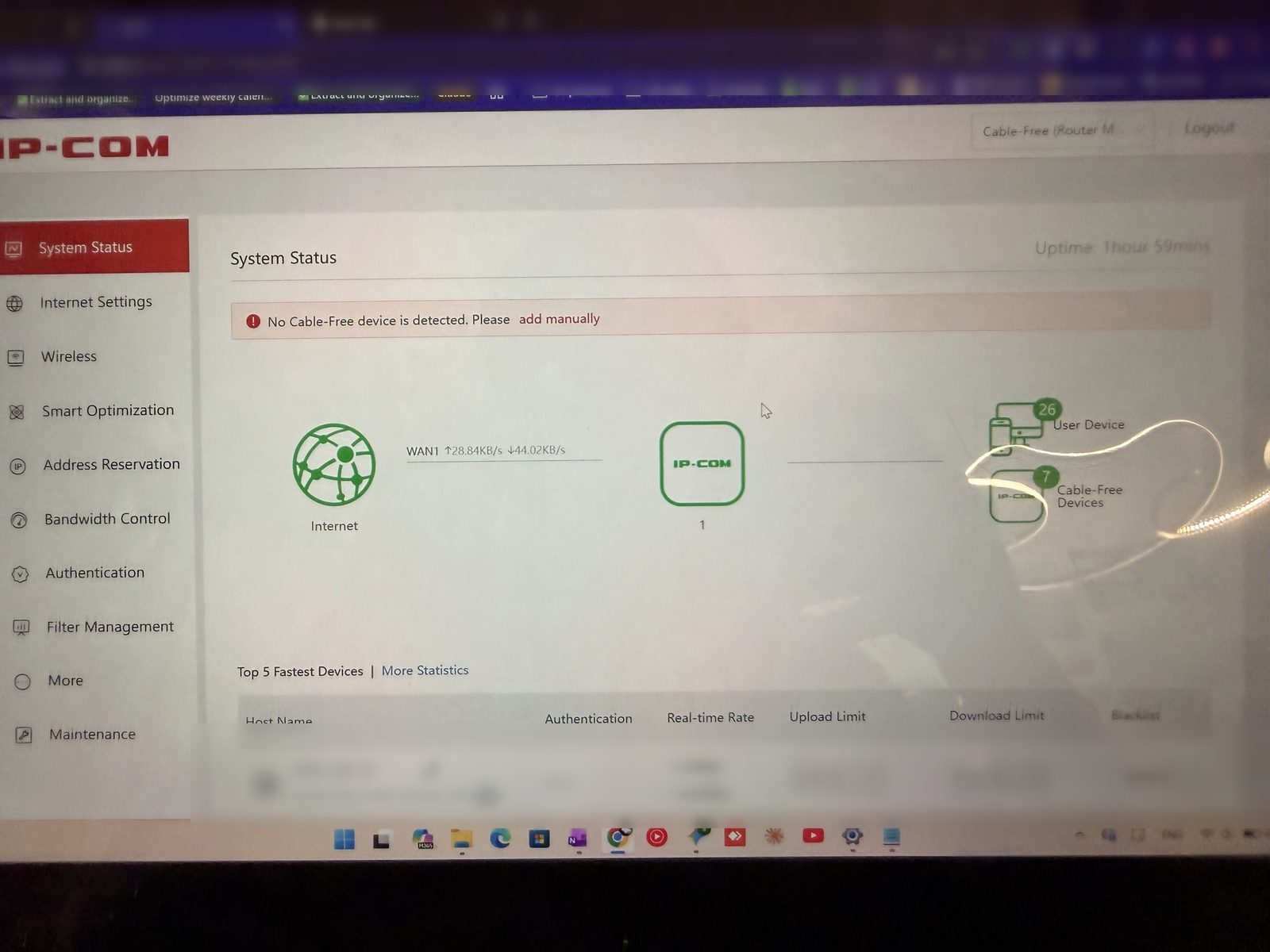
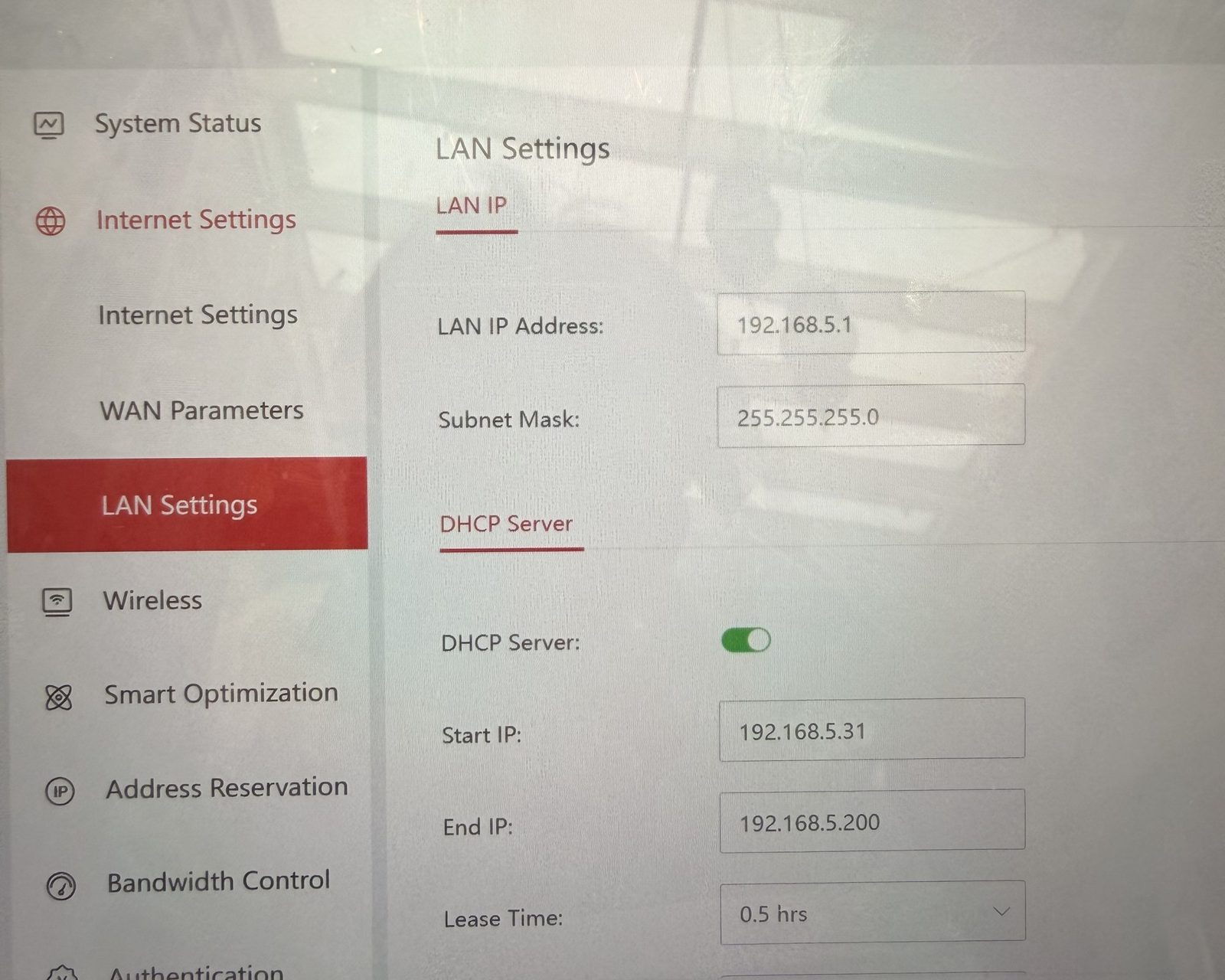
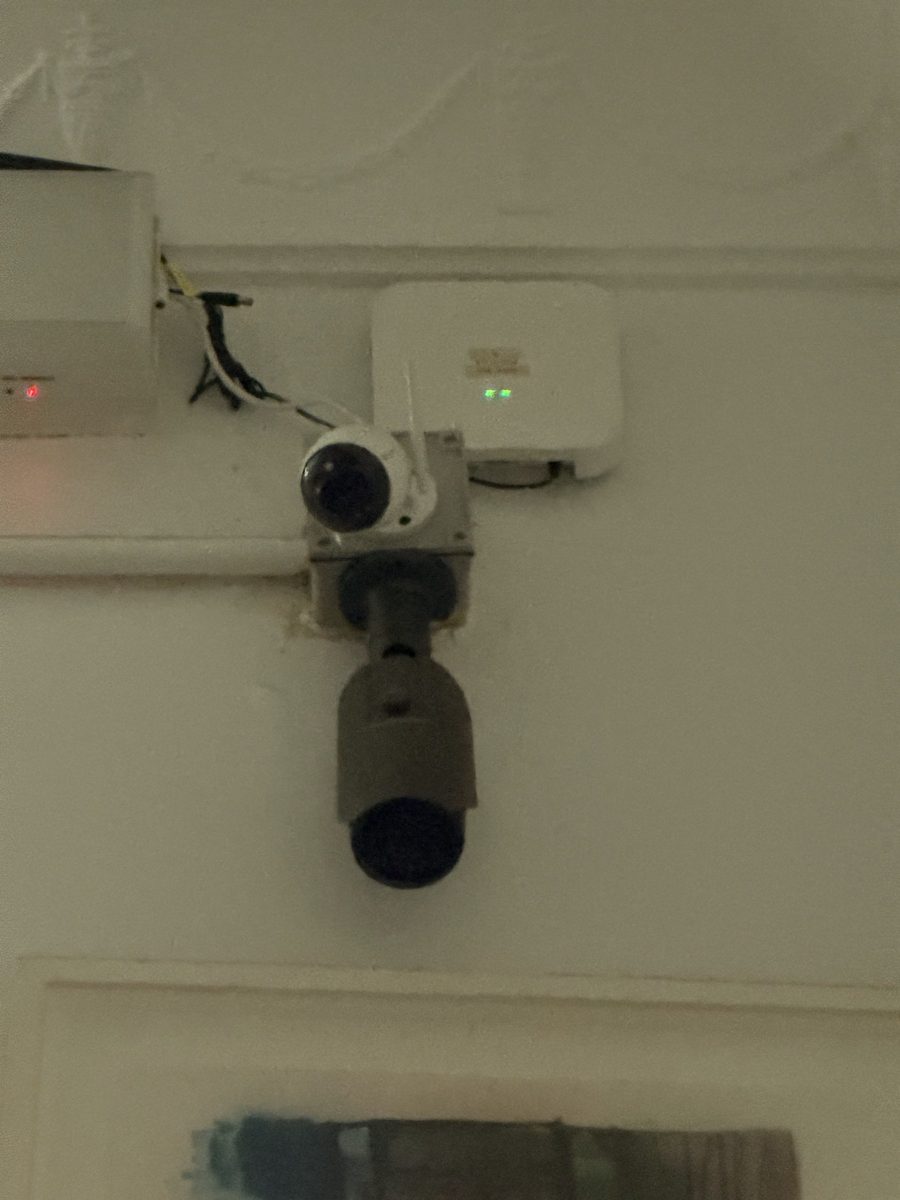
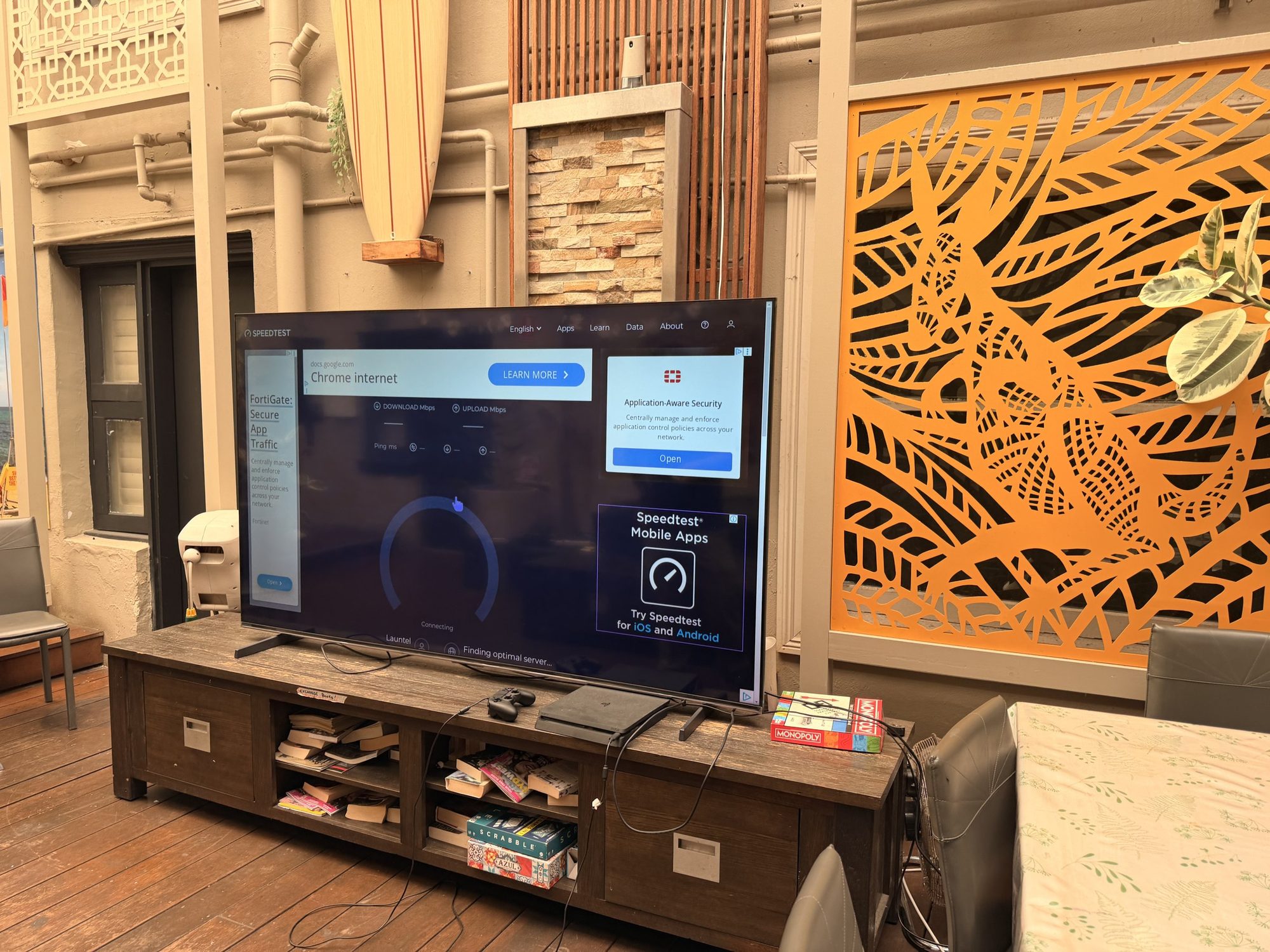
With the outage fixed, the owner asked us to tune the network so guests could watch the 2026 World Cup on the TVs. We checked the configuration on site, gave an optimisation plan with notes, and stayed in contact with the owner and staff for later troubleshooting.
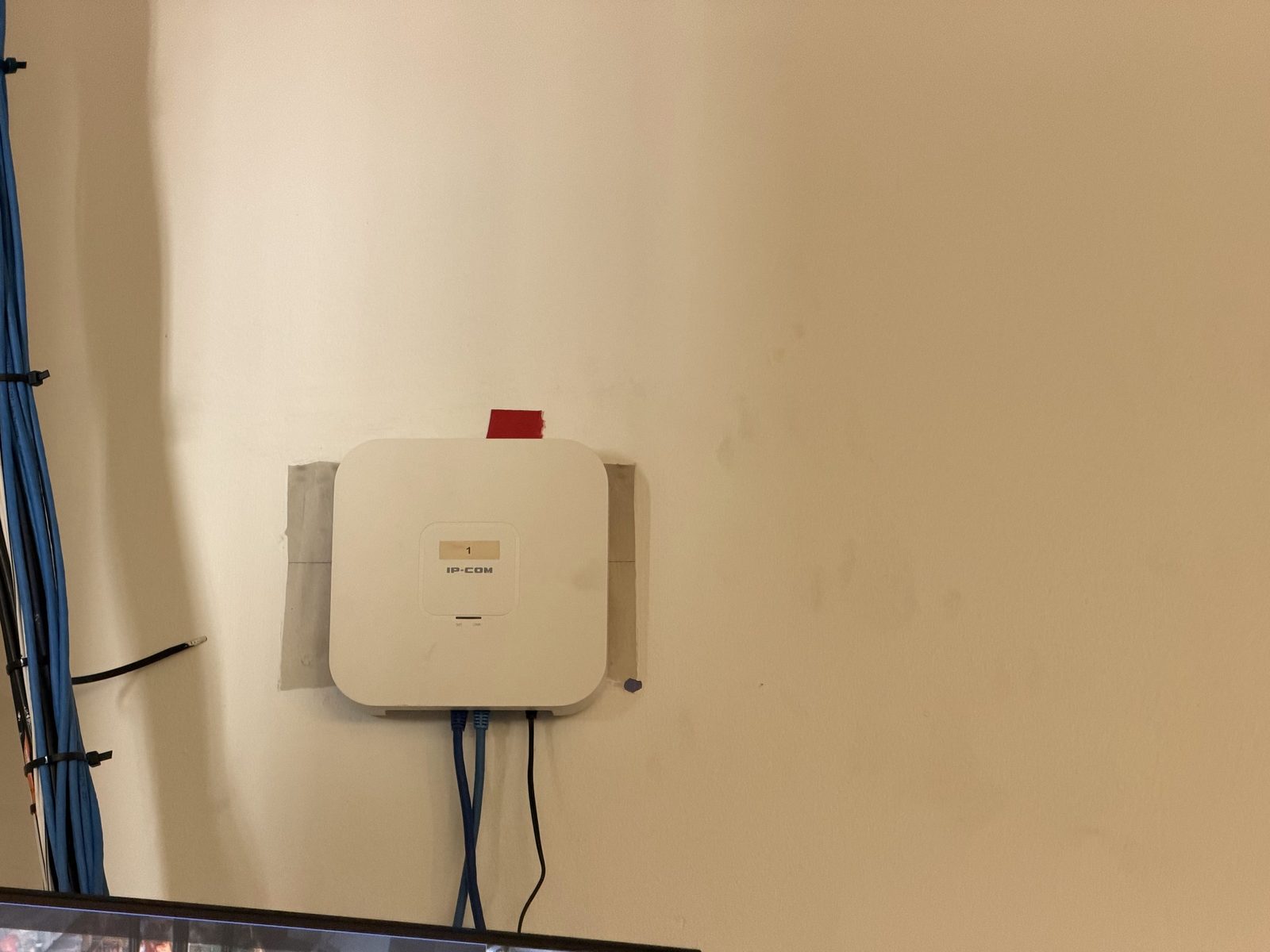
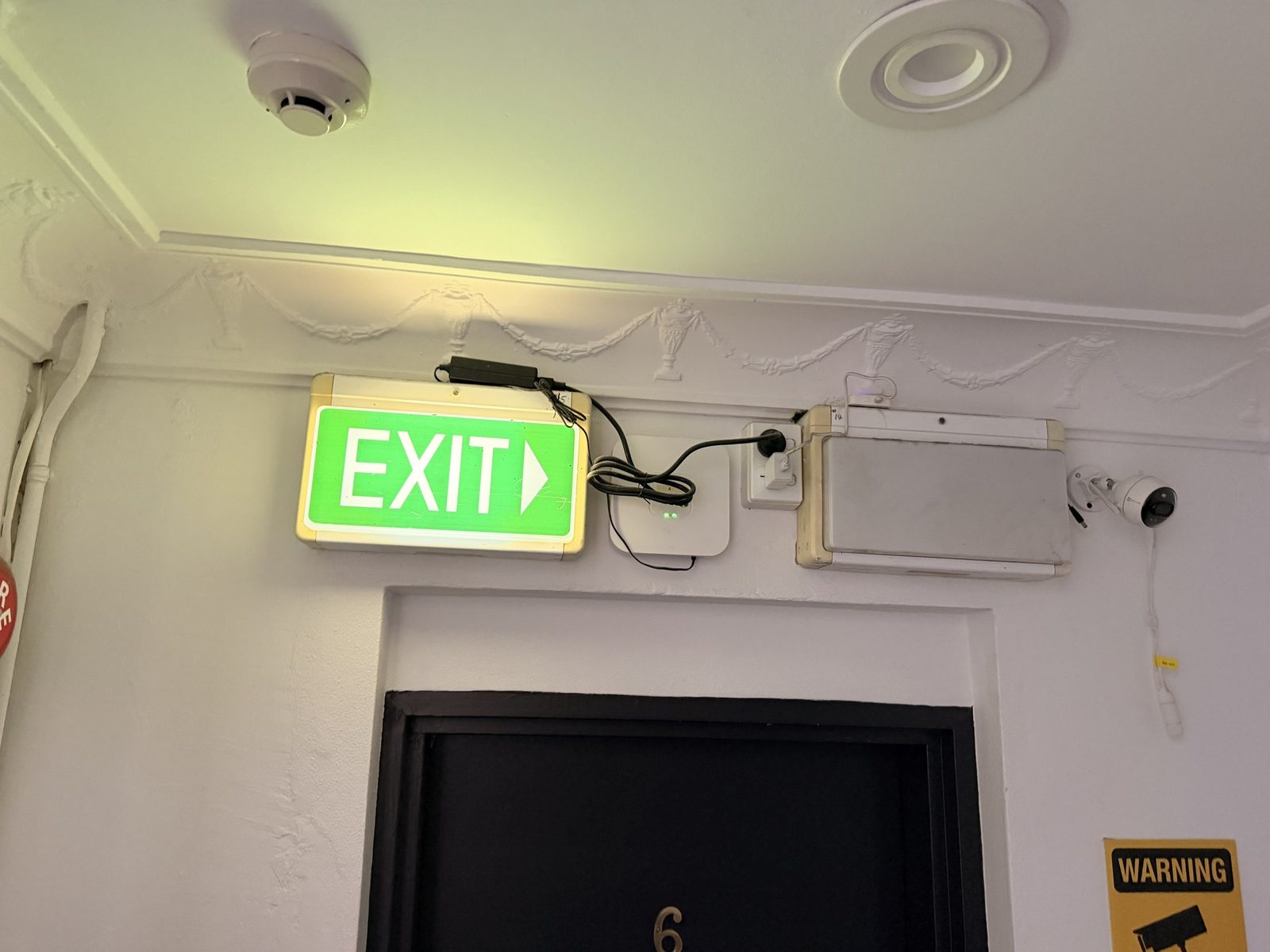

How they found us: the hostel owner messaged us on Xiaohongshu (RedNote), and we went straight over.