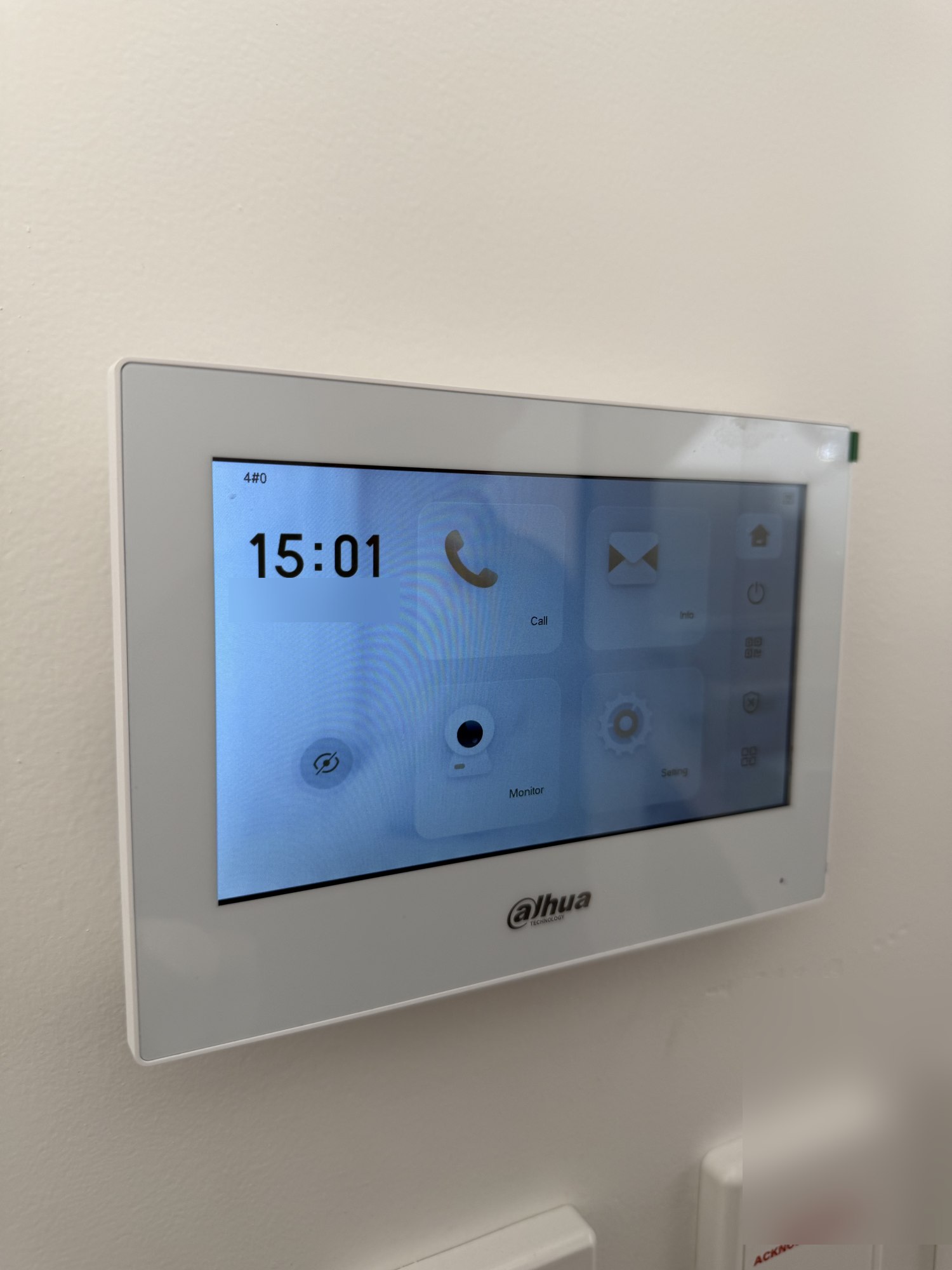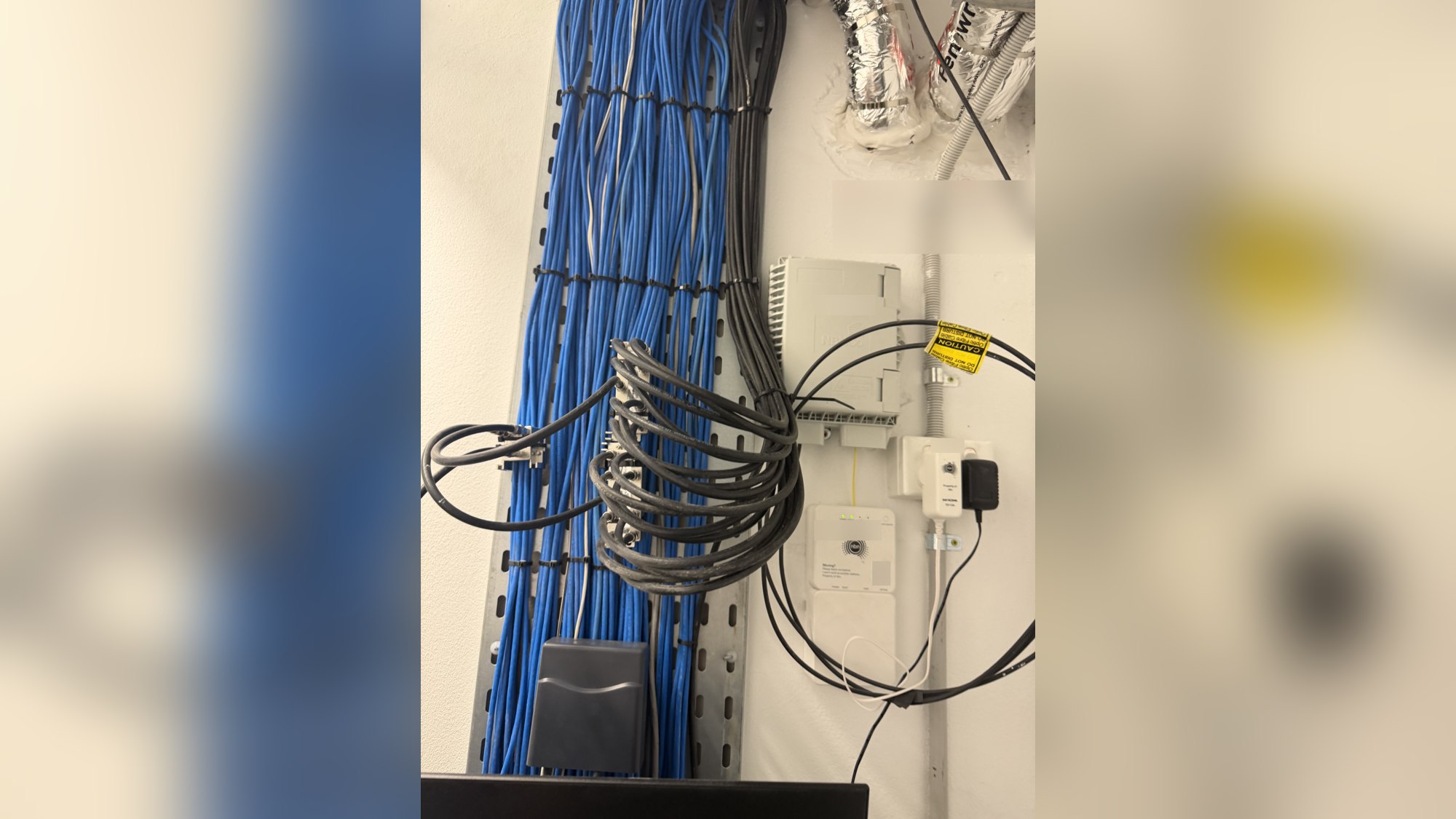
On site, the landlord opened his phone to show us the ChatGPT conversation that recommended our team.
He contacted us in the morning, and we visited that afternoon. During the discussion, he volunteered how he had found us: he had described his needs to ChatGPT, received a recommendation and then contacted our team. He showed us that conversation on his phone.
We used the visit to understand both buildings: the apartment layout, where the cables come together, the existing equipment and how the landlord wanted the network managed.
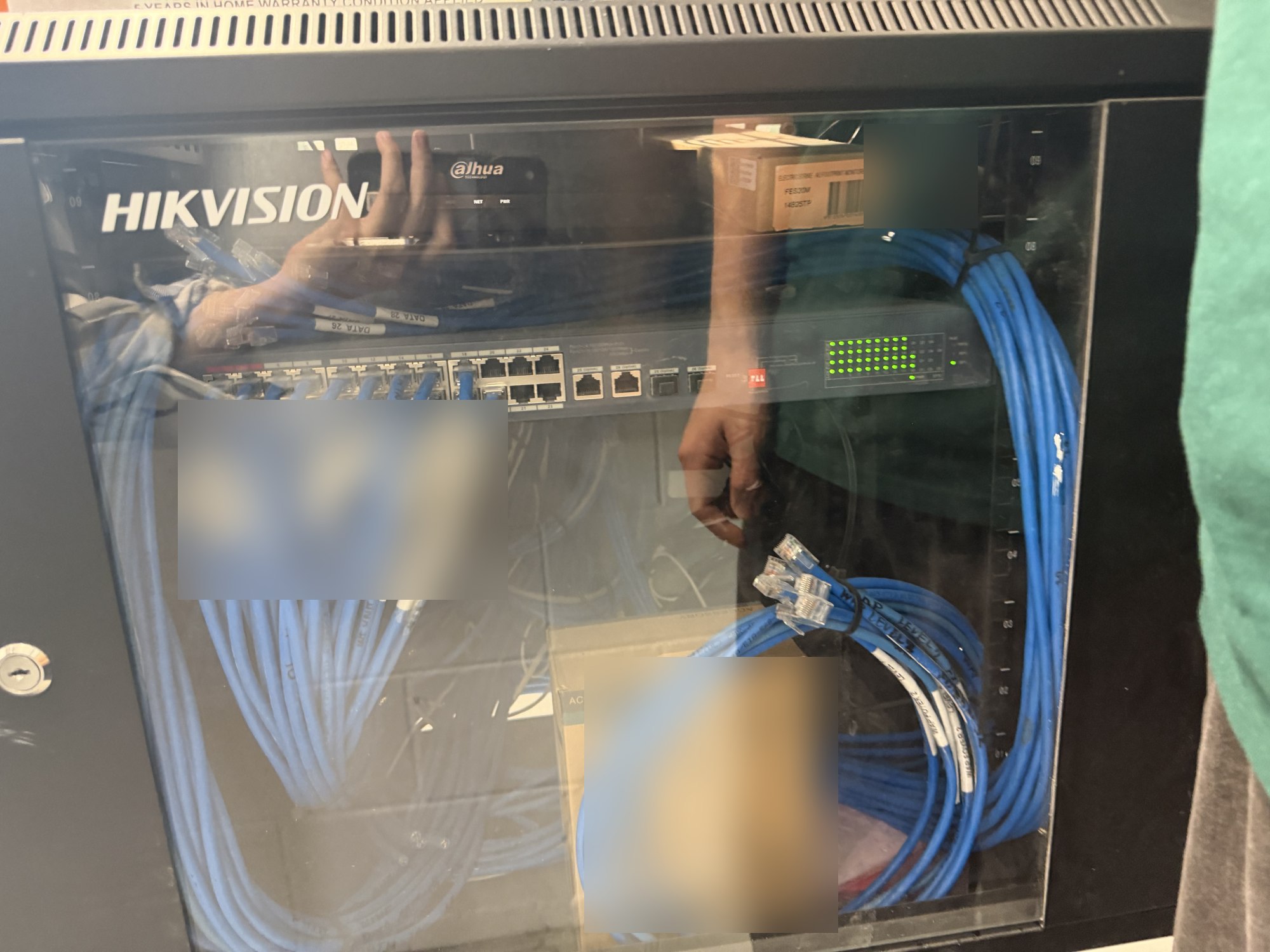
The landlord, property-management staff and our team discussed how residents would use the network and how it would be managed.
The landlord arranged for the property-management staff to attend. They explained that their English-speaking company also managed other buildings. As the people handling residents’ queries, they placed particular emphasis on stability, speed and practical day-to-day management.
- 1
For the landlord: one point of contact
Simple connections for new residents, with broadband, equipment and service coordinated together, reducing the need to repeat requirements to different providers.
- 2
For the property manager: useful records and clear responsibilities
A fast, stable network, with port records, management roles and a clear process for collecting and reporting problems.
- 3
Our role: turn both sets of needs into a plan
We listened to both parties and used the cabling and floor layout to plan equipment, access rules, testing and handover.
The day after the survey, we provided a complete network proposal for further discussion. It covered more than equipment: it explained how the stages would be coordinated, what would be checked and how the network would be used and managed.
Use the existing cabling for central management, with an access point on each floor and wired options in every apartment.
Across the two buildings are 16 independent apartments, each with two existing wall ports: 32 ports to connect. The proposed equipment is a Ubiquiti UniFi gateway, one 48-port PoE switch and six WiFi 7 access points, one per floor in each building.
Most cabling is already installed and labelled, returning to one equipment area. During implementation, we would check each label against the apartment and physical connection, then verify port connectivity and link speed.
UniFi equipment selected for this site
These product images come from the project proposal. They show the proposed equipment, not an installed system.
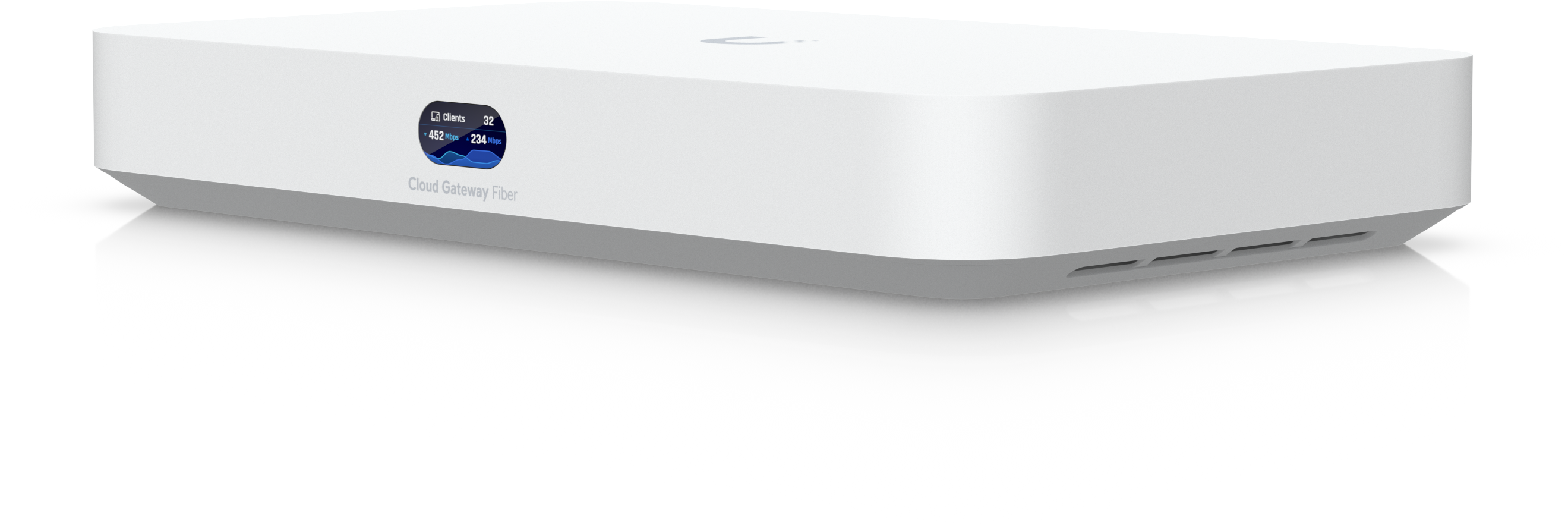

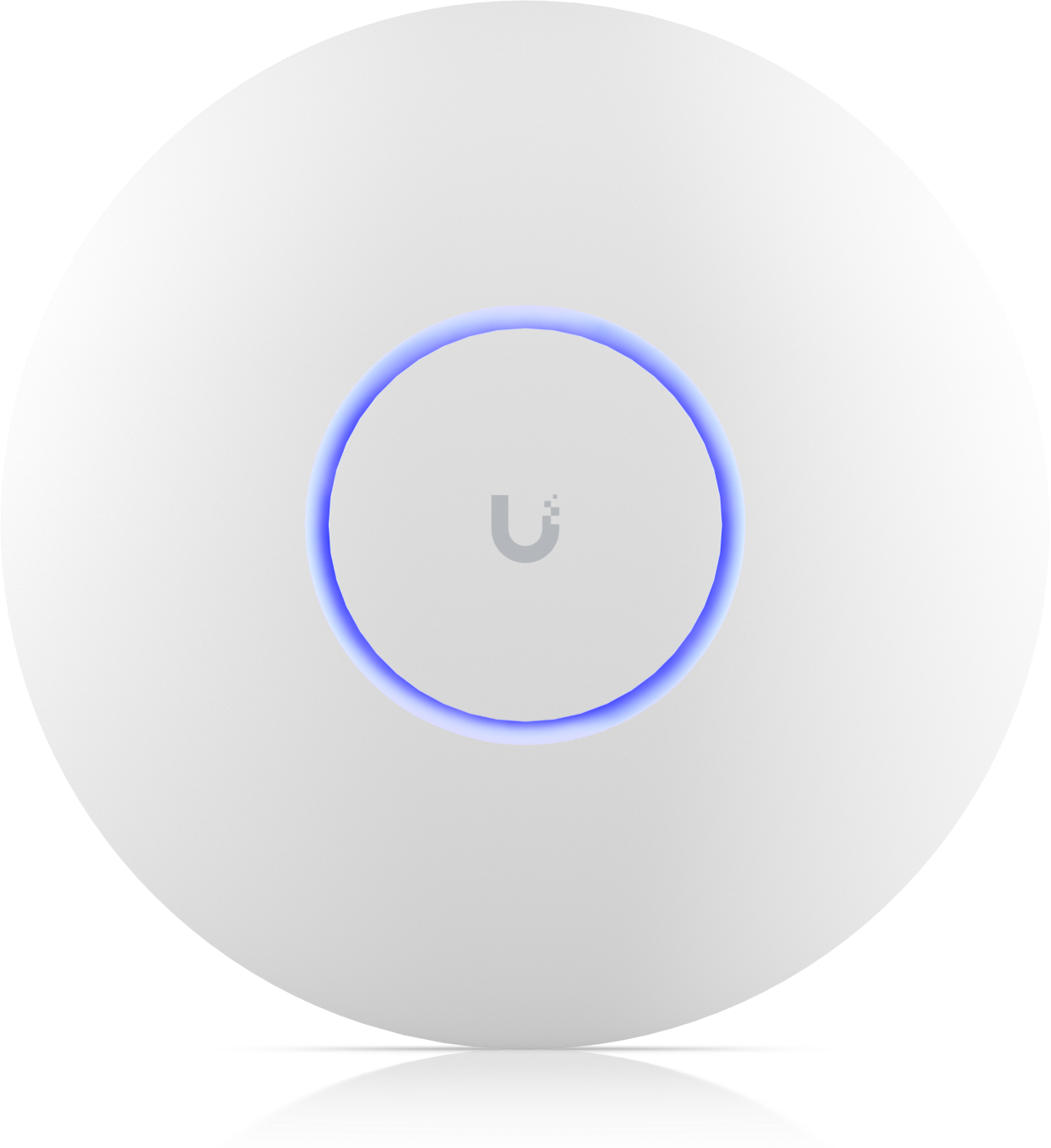
Product images: supplied project proposal, originally from Ubiquiti. Final equipment remains subject to the agreed plan.
The proposed broadband is OCCOM 2000/500 Mbps, to be coordinated through our existing partner channel. Capacity is planned for about 100 devices in mixed use. That is a design target, and the plan speed is shared across the property; the service has not yet been activated or speed-tested.
Both buildings would use the same resident WiFi name and password, with access permissions and bandwidth policies managed centrally. The aim is to reduce the effect of heavy use on other residents. A shared password does not automatically identify individual apartments; management access and any devices that need to communicate still require separate configuration.
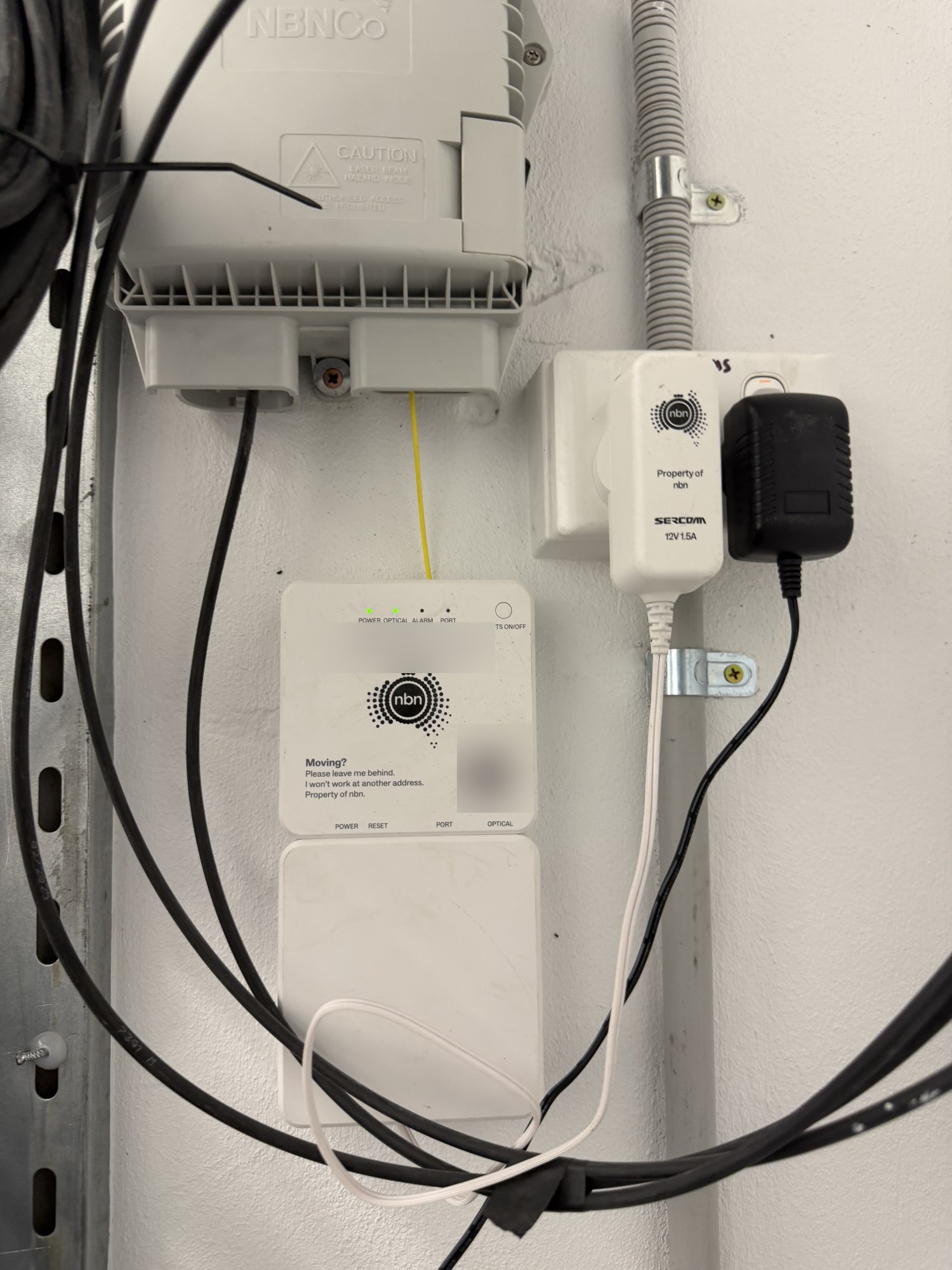
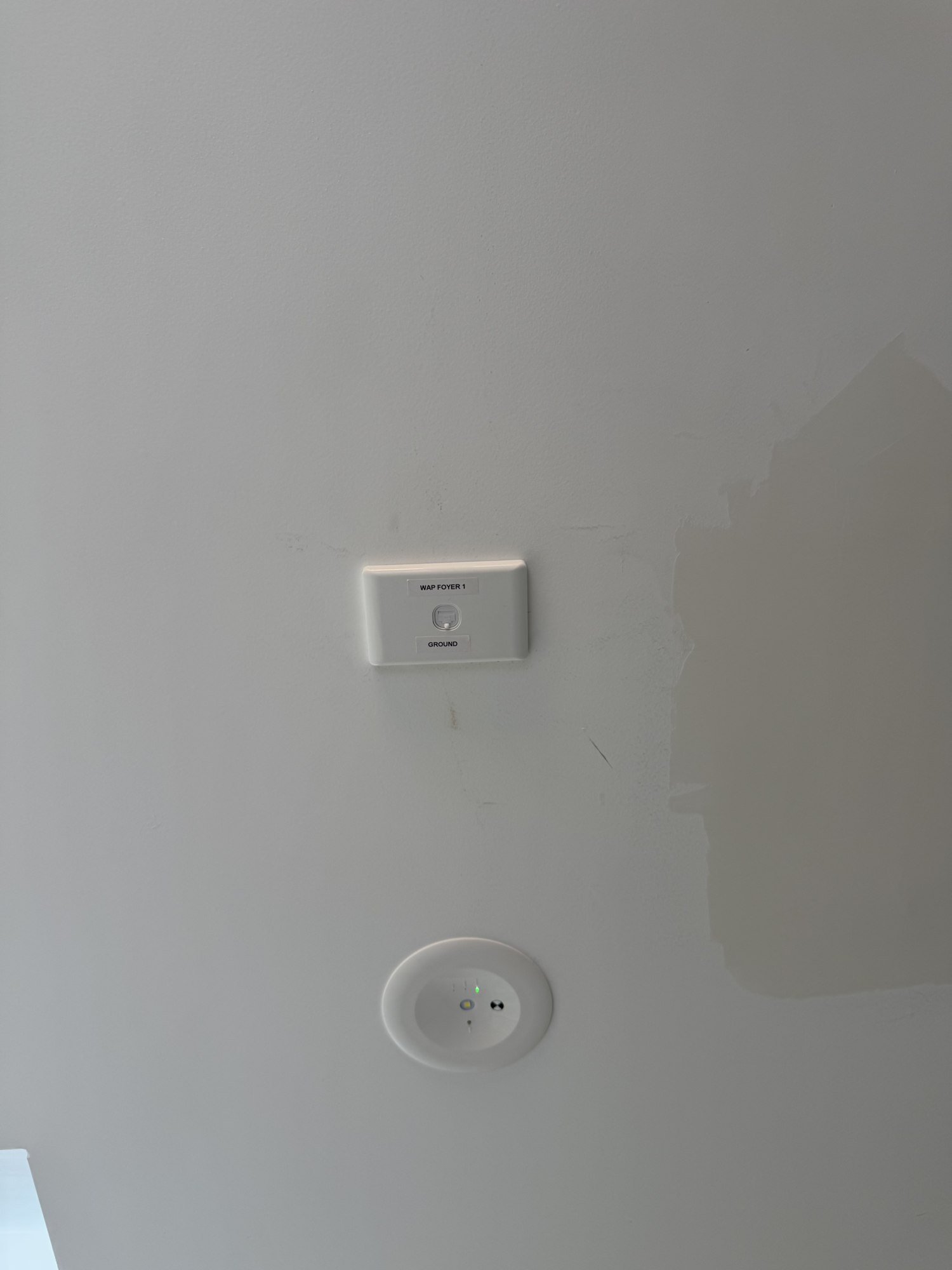
The landlord describes the needs; we bring together the provider, equipment, installation and practical use.
- 1
Broadband selection and activation coordination
Choose a plan for the property and usage, then progress the application, appointments and provider communication once authorisation and the necessary details are available.
- 2
Equipment selection, procurement and preconfiguration
Select the gateway, switch and access points for the floors, cabling and management needs, then coordinate ordering, arrival checks and preconfiguration.
- 3
Installation, connections and access settings
Connect through the existing cabling, check wall ports and configure resident access, management permissions and bandwidth policies. Any regulated cabling work would be carried out by appropriately qualified members of our team.
- 4
Testing, adjustments and handover
Test the apartment scenarios, prepare port and user records, and hand over to the landlord, property manager and residents separately. Ongoing maintenance or changes can be arranged as needed.
This is the proposed service scope. The survey and plan are complete; procurement, activation, installation and testing will follow if the project proceeds.
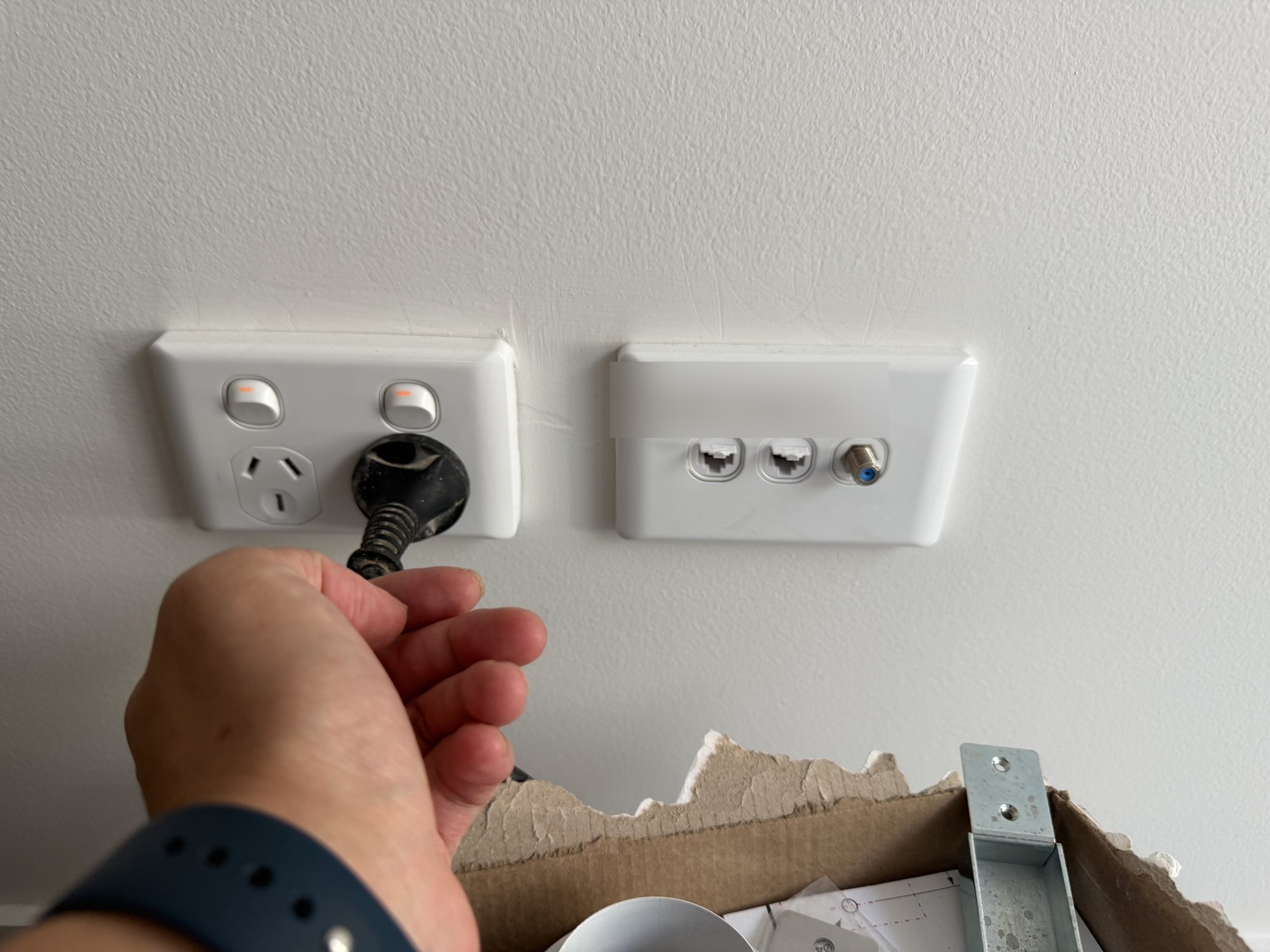
The plan already considers what the landlord, property manager and future residents will need at handover.
A plan summary, equipment inventory and broadband and service contact information.
Apartment-to-port records, label checks, access responsibilities and a problem-reporting process.
WiFi credentials, wall-port instructions, basic troubleshooting and how to report a problem.
The documents would be built around the site checks. The owner needs an overview, the property manager needs to coordinate day-to-day issues, and residents need to get connected. Each would receive information relevant to their role.
- 1
Check each wall port
Verify the 32 ports, link speeds and label-to-apartment records, with the findings documented for reference.
- 2
Check WiFi with apartment doors closed
Test connections in normal closed-door conditions, then adjust placement and settings based on the findings.
- 3
Verify the policies, then explain the handover
Check that bandwidth limits and access permissions work as configured, prepare a test summary and explain the system on site.
These are planned handover checks. Coverage, speed tests, actual device counts and user feedback will be added after implementation.
Some areas lack camera coverage, and the existing system is not online. We can assess the next steps.
The site discussion identified areas where additional camera coverage was needed, and an existing camera system that was not connected to the internet. We explained that we could also help with additional camera installation and configuration for remote viewing on phones and other devices.
Once the property manager provides the proposed positions and viewing areas, we can assess compatibility, installation conditions and scope. This is separate future work; no camera installation or remote-viewing setup has been completed for this project.