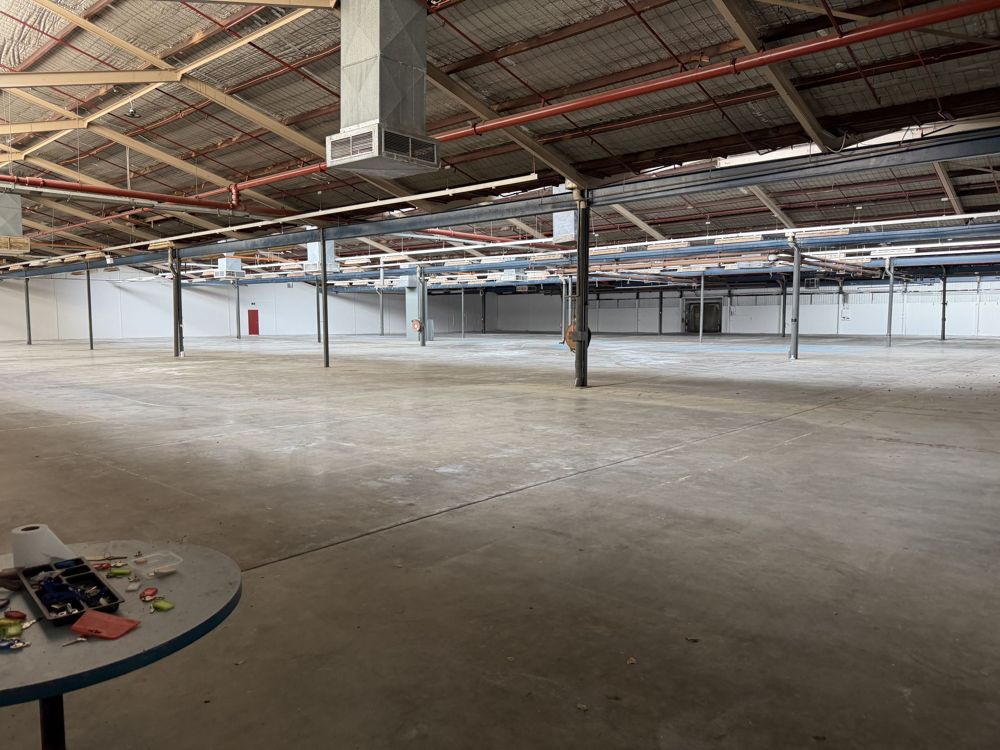
WiFi kept dropping out, and speeds were painfully slow.
The client reported frequent WiFi drop-outs and very slow speeds, seriously disrupting both work and entertainment at home.
On top of that, the home relies on many networked smart devices: several smart TVs, sound systems from different brands, and some older Apple devices — so the local network needs to be stable and able to handle a lot of connections.
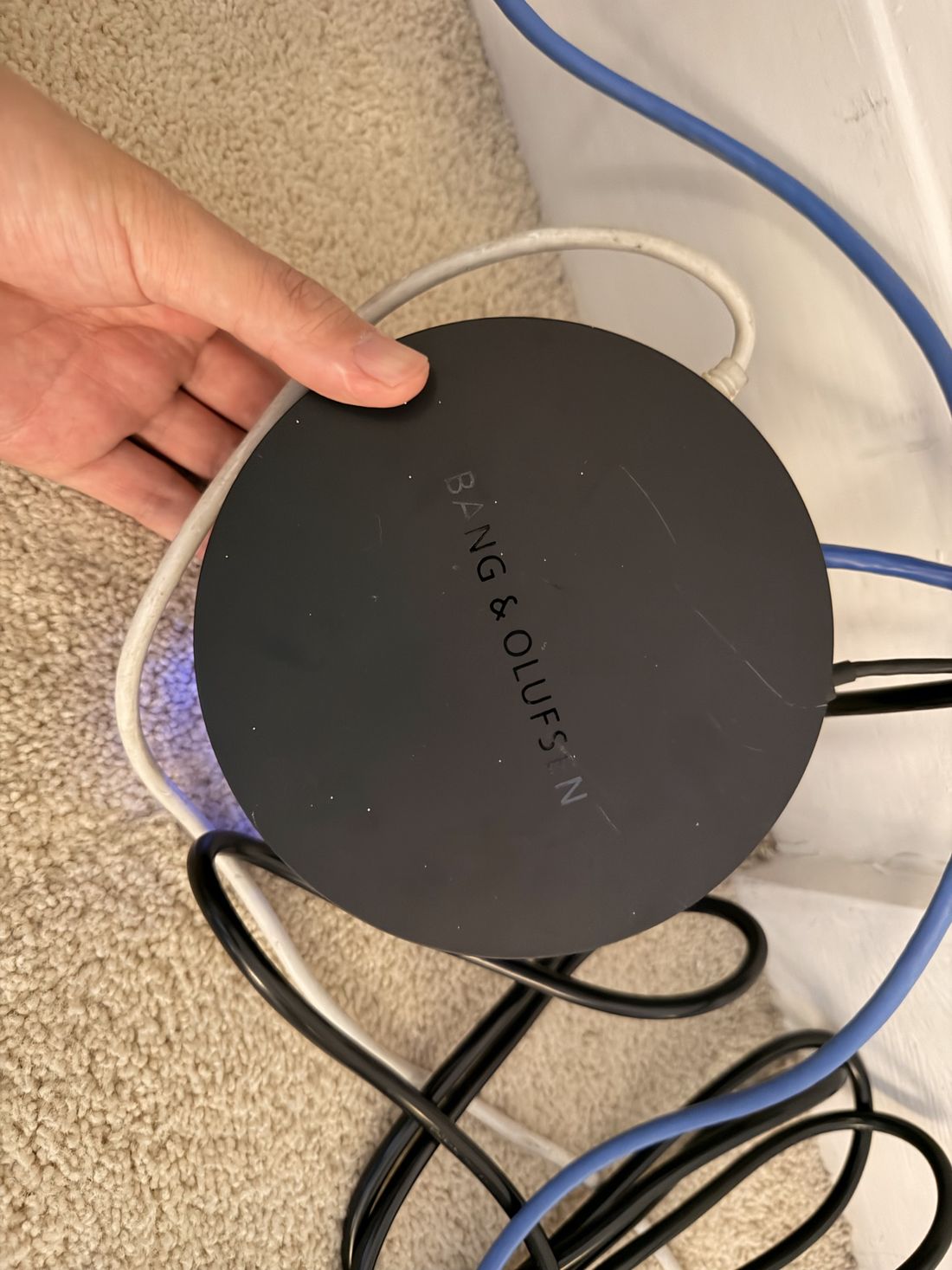

Three routers stacked together —
and they fought each other.
Site survey
Not an apartment — a thick-walled grand home
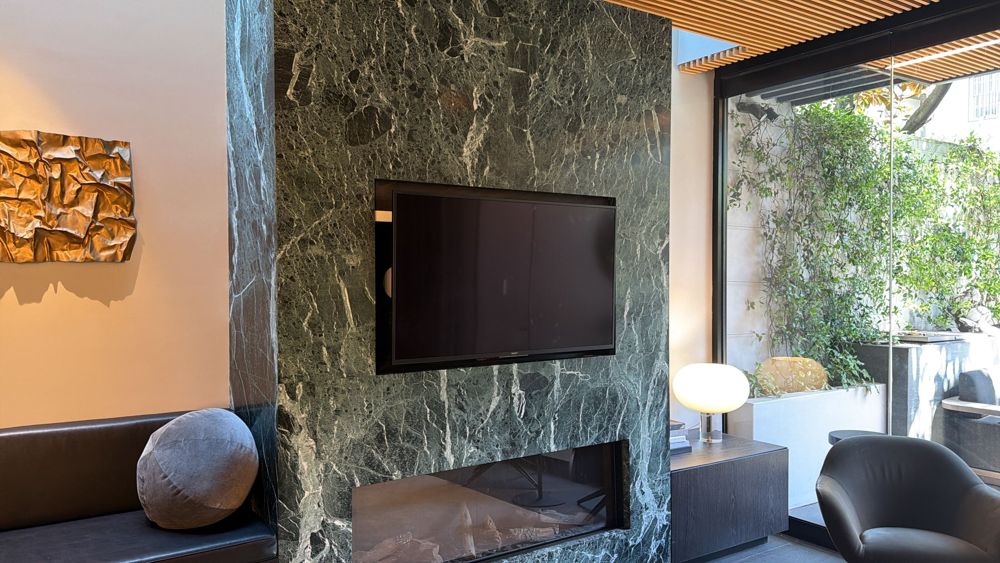
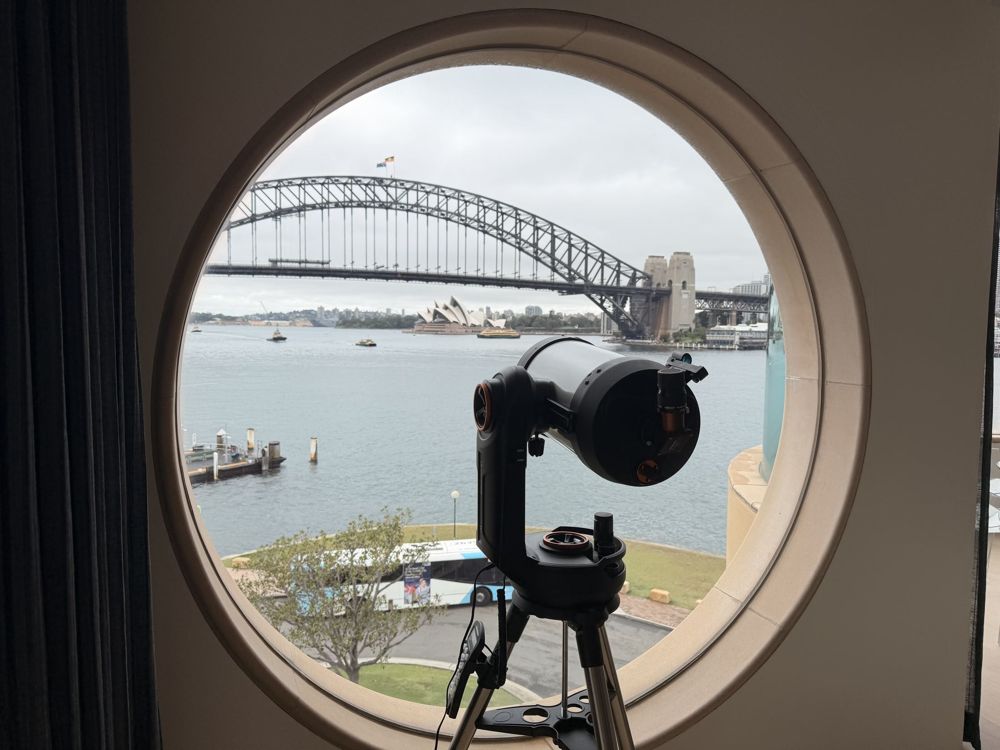
On the first afternoon visit, our engineer found this wasn't an ordinary apartment but a large, traditional residence built with solid thick brick walls — a natural enemy of WiFi signal.
Root cause
Three routers, more chaos
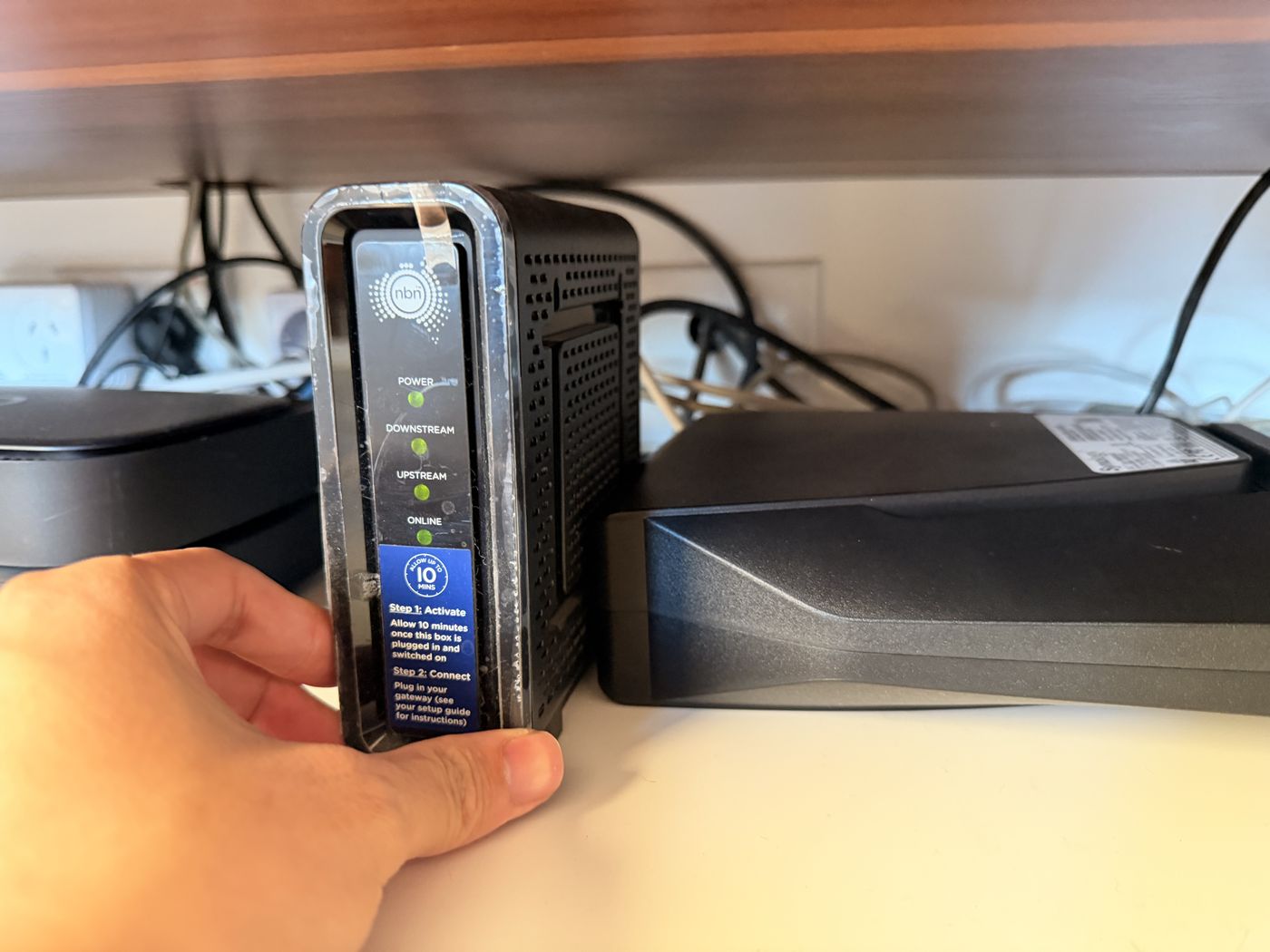
- 01NBN HFC connectionThe broadband comes in via HFC (Hybrid Fibre Coaxial).
- 02Three old routers stackedTo make up for weak signal, the client had added three old routers from different brands, including a Telstra router.
- 03Severe co-channel interferenceStacking didn't remove the dead zones. It caused serious co-channel interference, a messy topology and constant drop-outs.
Equipment chosen for thick walls and many devices
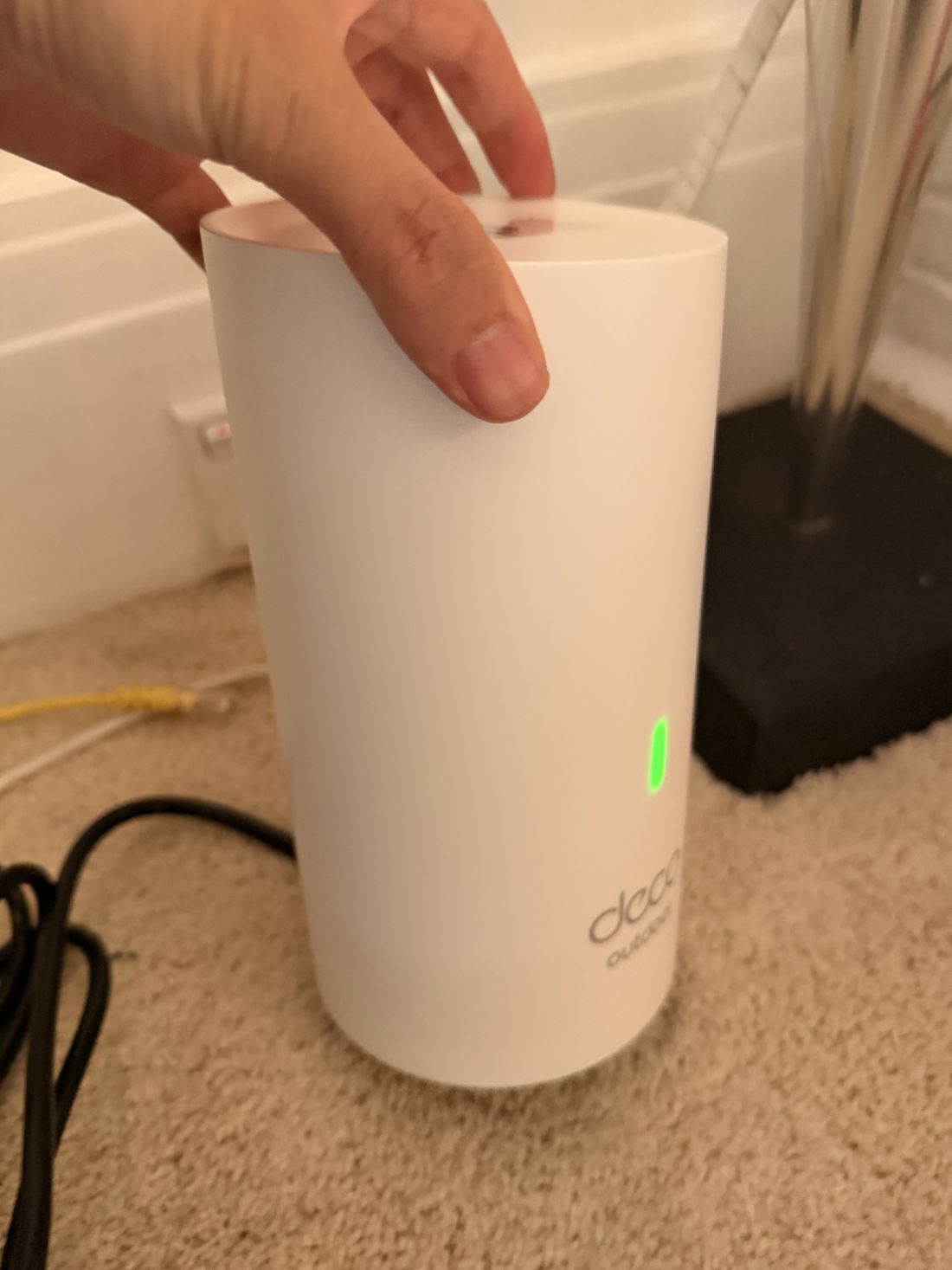
After the first visit, we sourced a TP-Link Deco high-end 4-node mesh system specifically for the thick walls and heavy device load, and booked a second visit to install it.
One clean source, a Z-shaped relay
We removed the messy stack of routers and connected the NBN HFC box directly to the main Deco node as one clean source. The other three nodes were placed in a Z-shaped relay that routes around the solid load-bearing walls, giving seamless roaming across the whole home.
Old and new devices, one by one
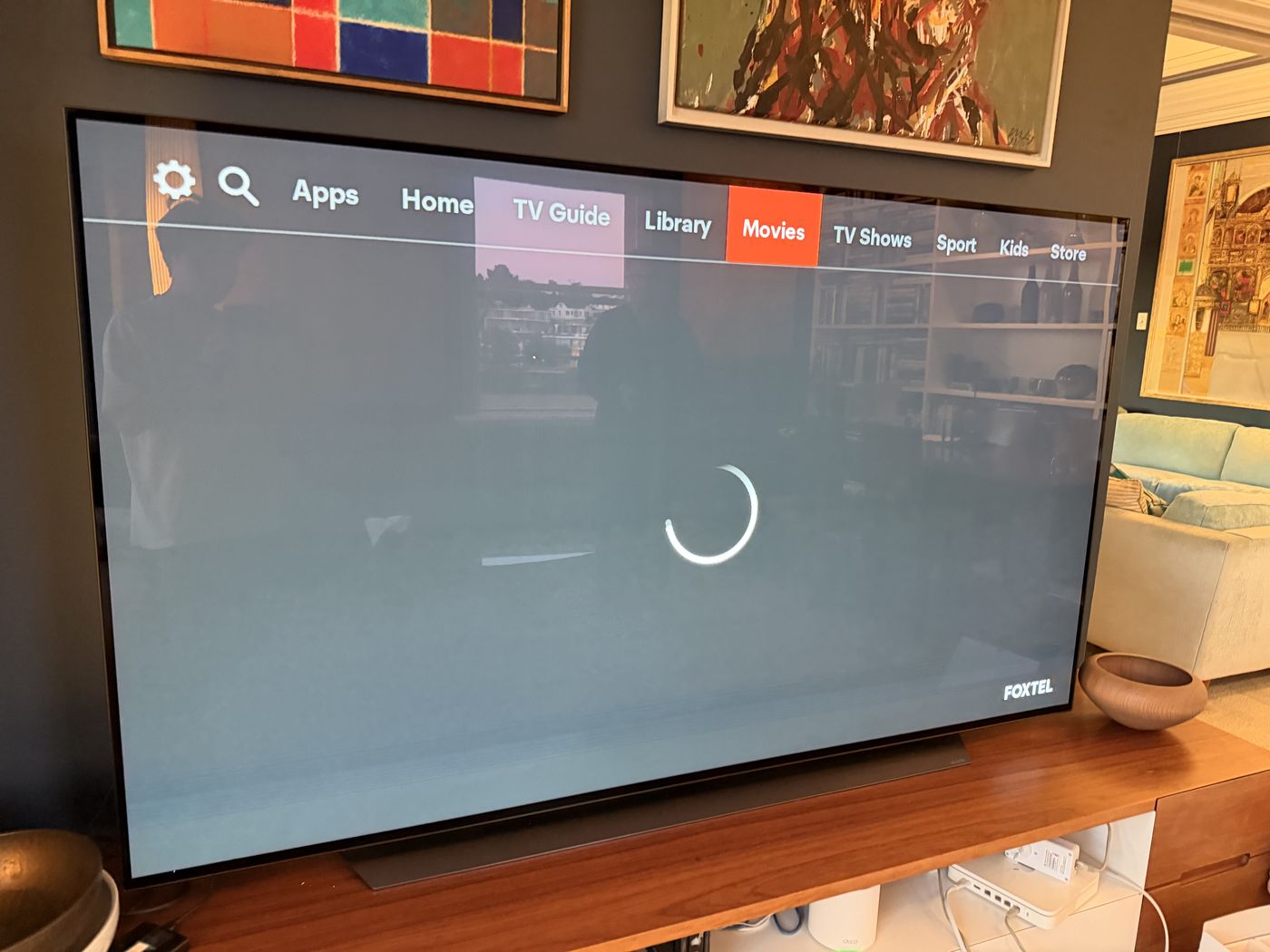
With the hardware in place, our engineer spent extra time helping the client reconnect every offline device — smart TVs, multi-brand speakers, older Apple devices — to the new mesh network, so old and new devices all work together.
Every former dead zone, tested
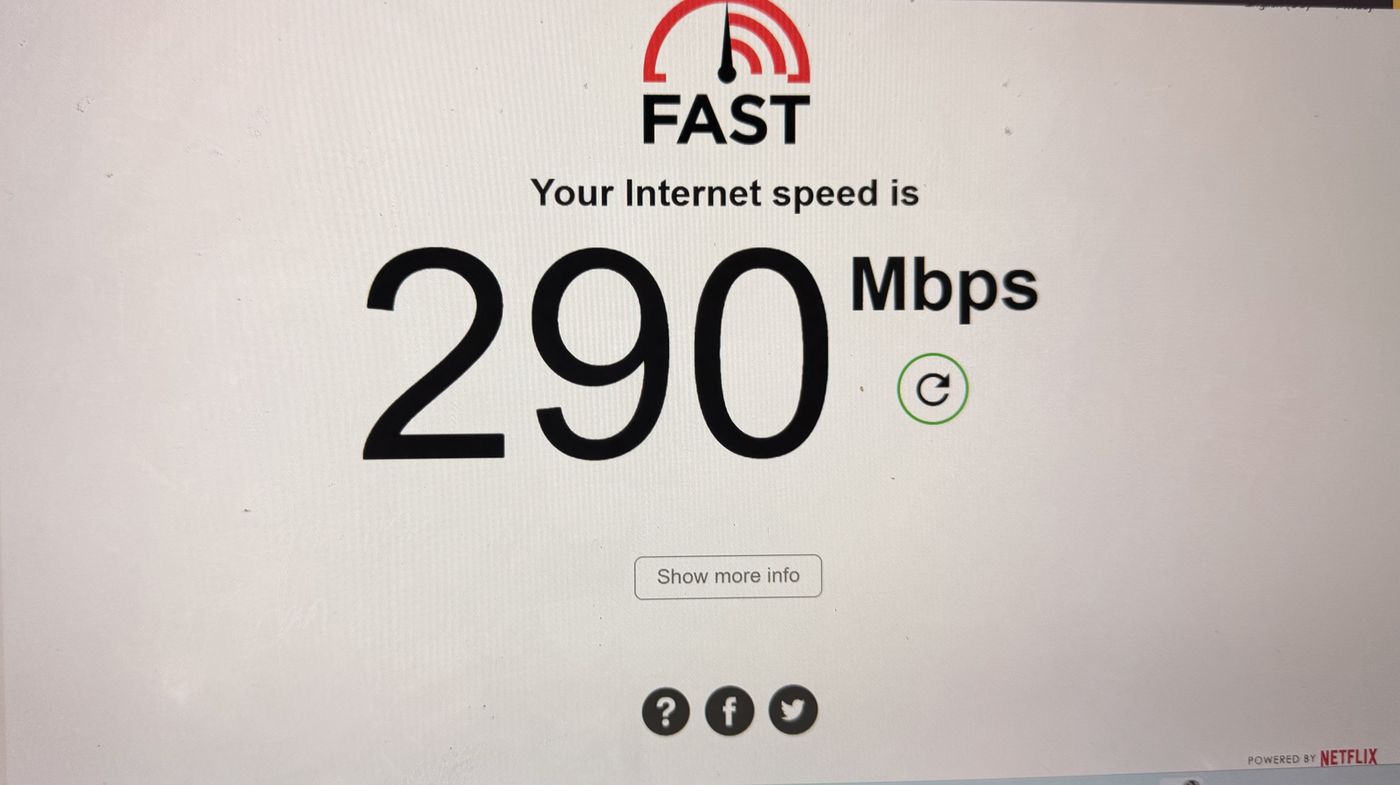
Once everything was online, our engineer ran speed tests in each former dead zone, making sure the HFC service performs in every room with no drop-outs.
Both visits were in the afternoon — and both on clear days.
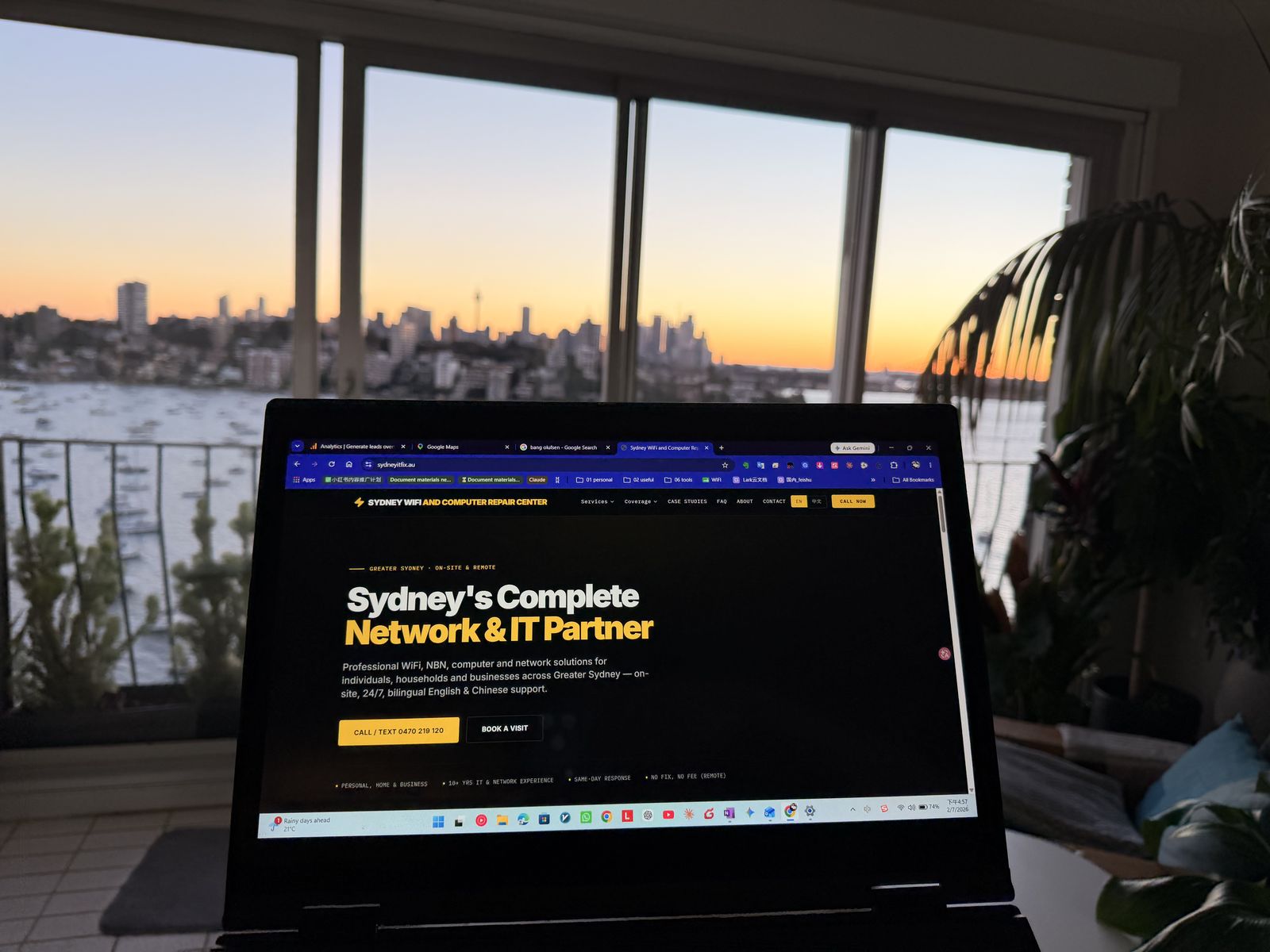
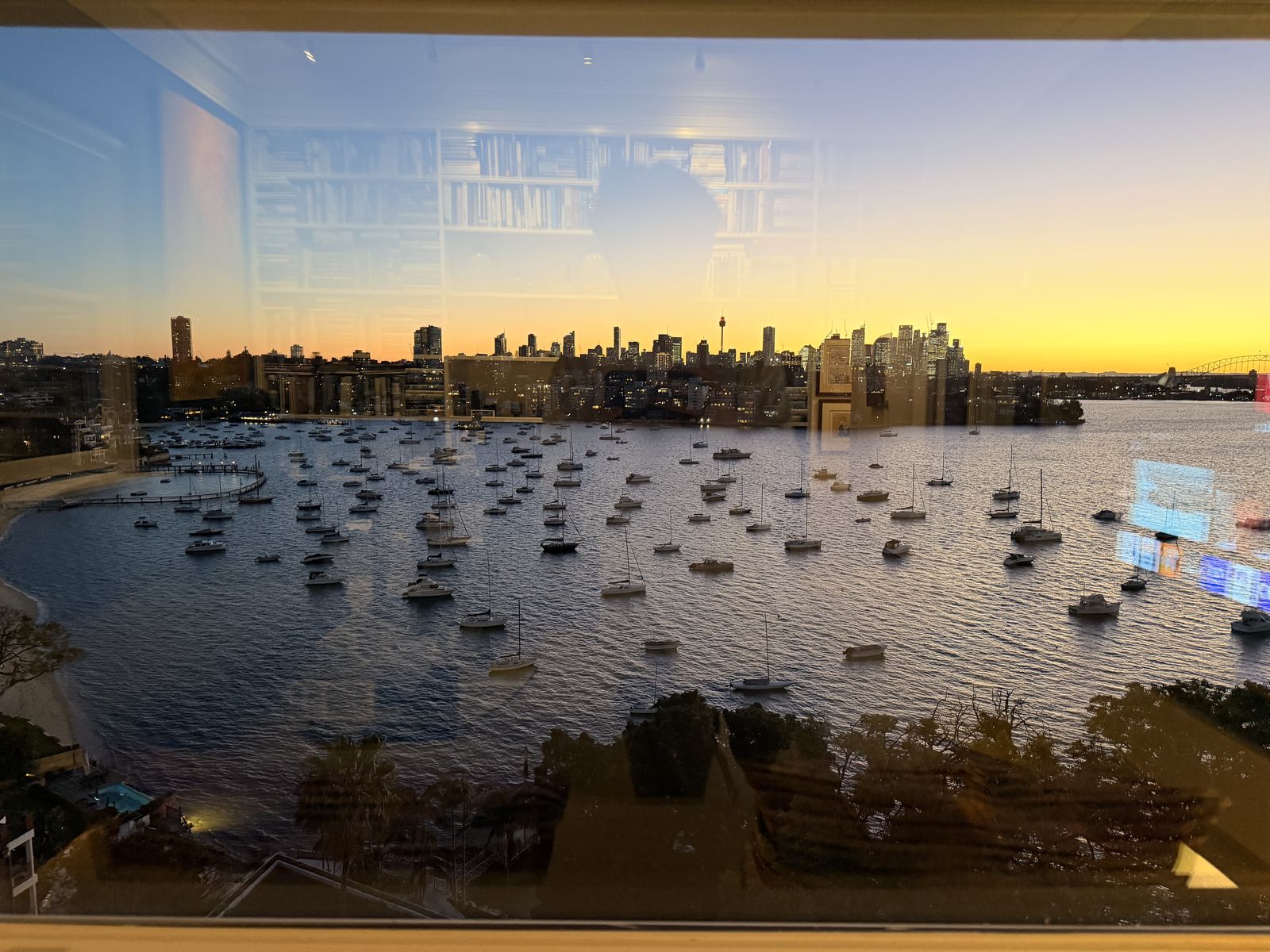
The client was warm and welcoming, and made time for our engineer to photograph the stunning Point Piper harbour from the balcony.