0420 119 140More ways to reach us
On-site across Sydney · Remote support Australia-wide
Skip to content
Sydney WiFi & Computer RepairSydney WiFi
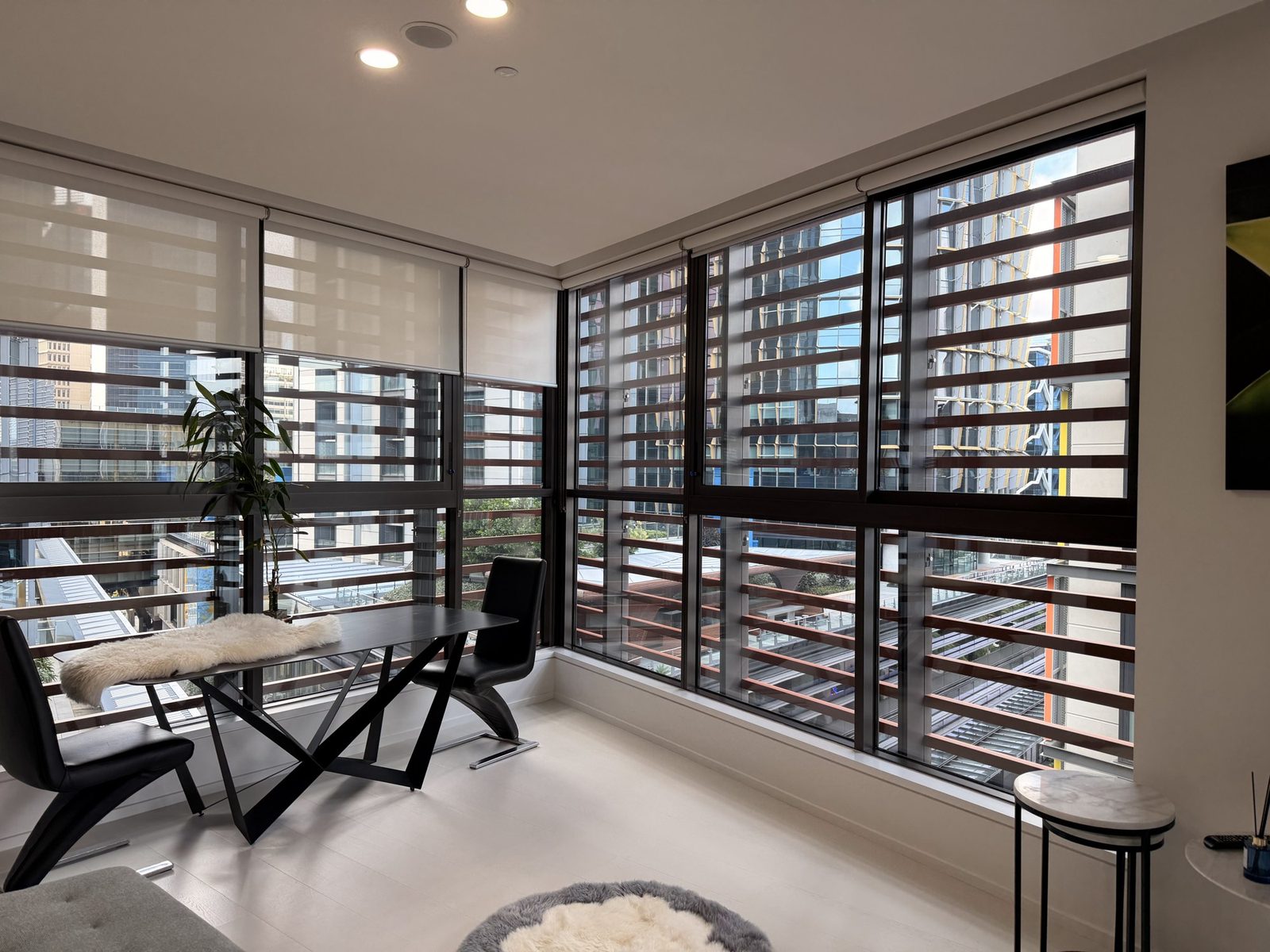
The living room of the Barangaroo harbourside apartment

Featured case · Barangaroo · Student apartment

Broadband, WiFi 7 and NAS ready on move‑in day

A provider chosen and ordered online the day before move-in, then a WiFi 7 router installed that morning, a wall port run to the living room for the NAS, and 1.0 Gbps on site

Need
New broadband · NAS home cinema
Internet
NBN FTTP · Superloop
Fix
Provider chosen and ordered · TP-Link WiFi 7 router
Timing
Ordered the day before · installed on move-in morning
Result
1.0 Gbps on site
RESULTThe internet worked from move-in day, with a WiFi 7 router, a living-room port for the NAS and a 1.0 Gbps speed test on site.
01
The Need
From 2000 Mbps in the US to a new home in Sydney

The client studied his undergraduate degree in the US and came to Australia for a master's, moving into a one-bedroom harbourside apartment in Barangaroo.

In the US he had 2000 Mbps up and down from one provider, with a NAS and Blu-ray player at home. He contacted us two weeks before moving in for advice on choosing a provider. He plays Overwatch with friends on Asian servers and wanted low, stable latency, and sometimes uploads large files. He asked whether Australia has plans with equal upload and download; we told him there are none for now.

Messages about the client's needs (avatars hidden)
Planning before move-in
02
Before Move-in
Provider chosen and ordered online
  1. 1

    The day before

    We chose the provider and placed the order online for him: Superloop, on NBN FTTP.

  2. 2

    Move-in morning

    We arrived with a TP-Link WiFi 7 router and set everything up in one visit.
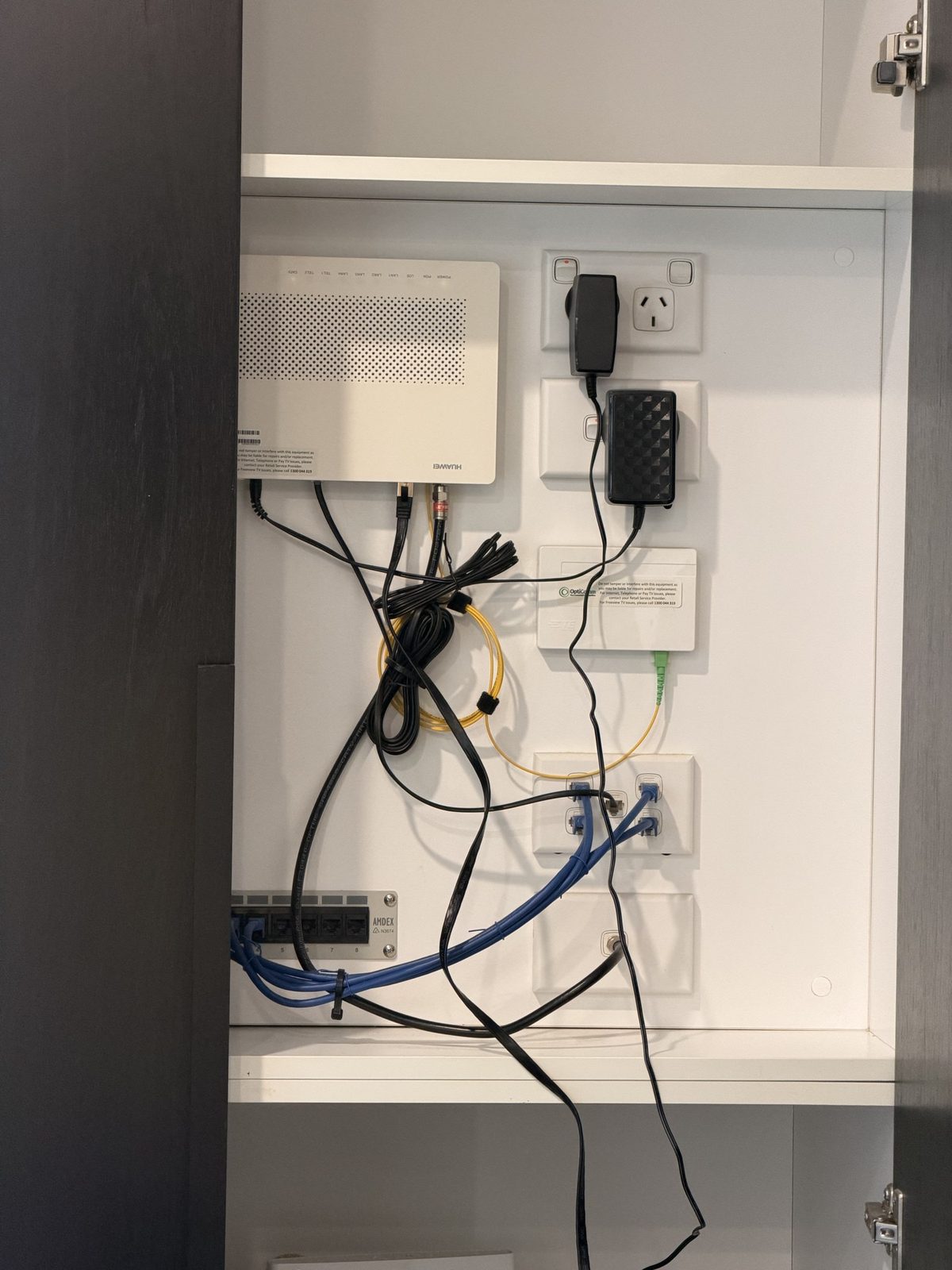
The apartment cupboard: fibre box and wall ports
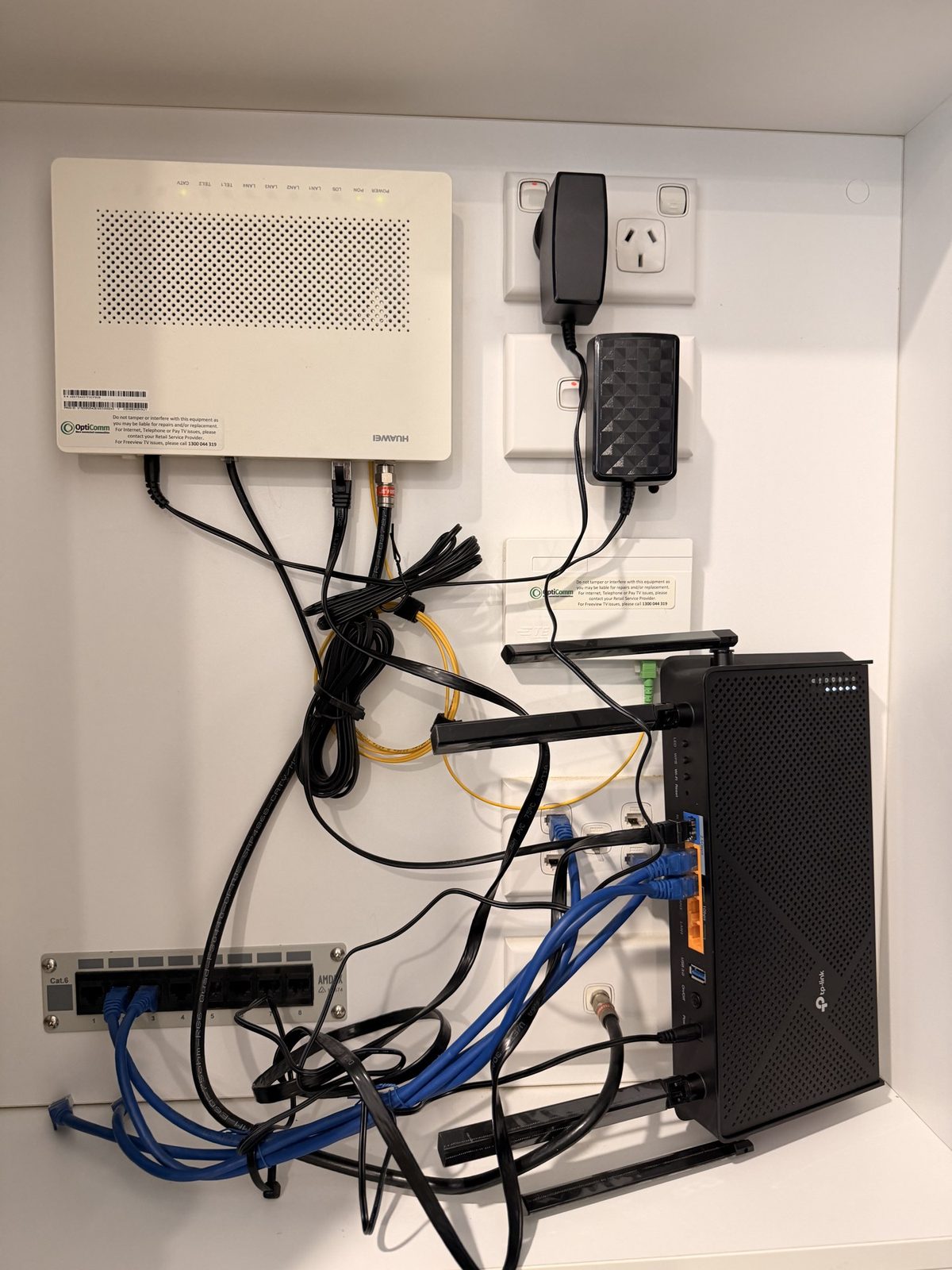
The cupboard before
The TP-Link WiFi 7 router installed in the cupboard
WiFi 7 router installed
From choosing a provider to a working network,
nothing for him to chase.
03
The NAS
A wired port in the living room

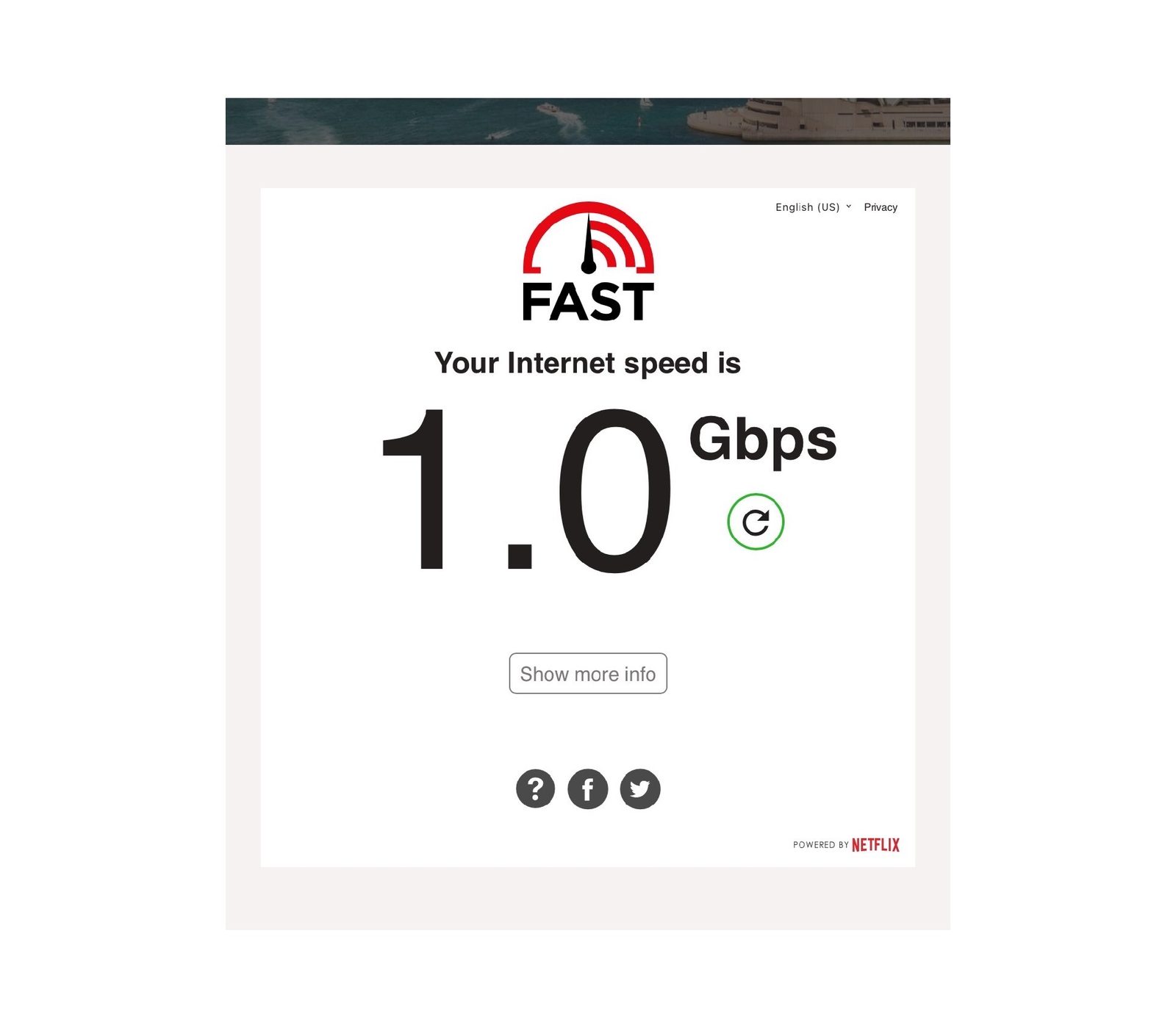
His main use is a NAS home cinema on the living-room big screen. We connected a wall port through to the living room, gave him a plan for connecting the NAS, and a speed test on site reached 1.0 Gbps.
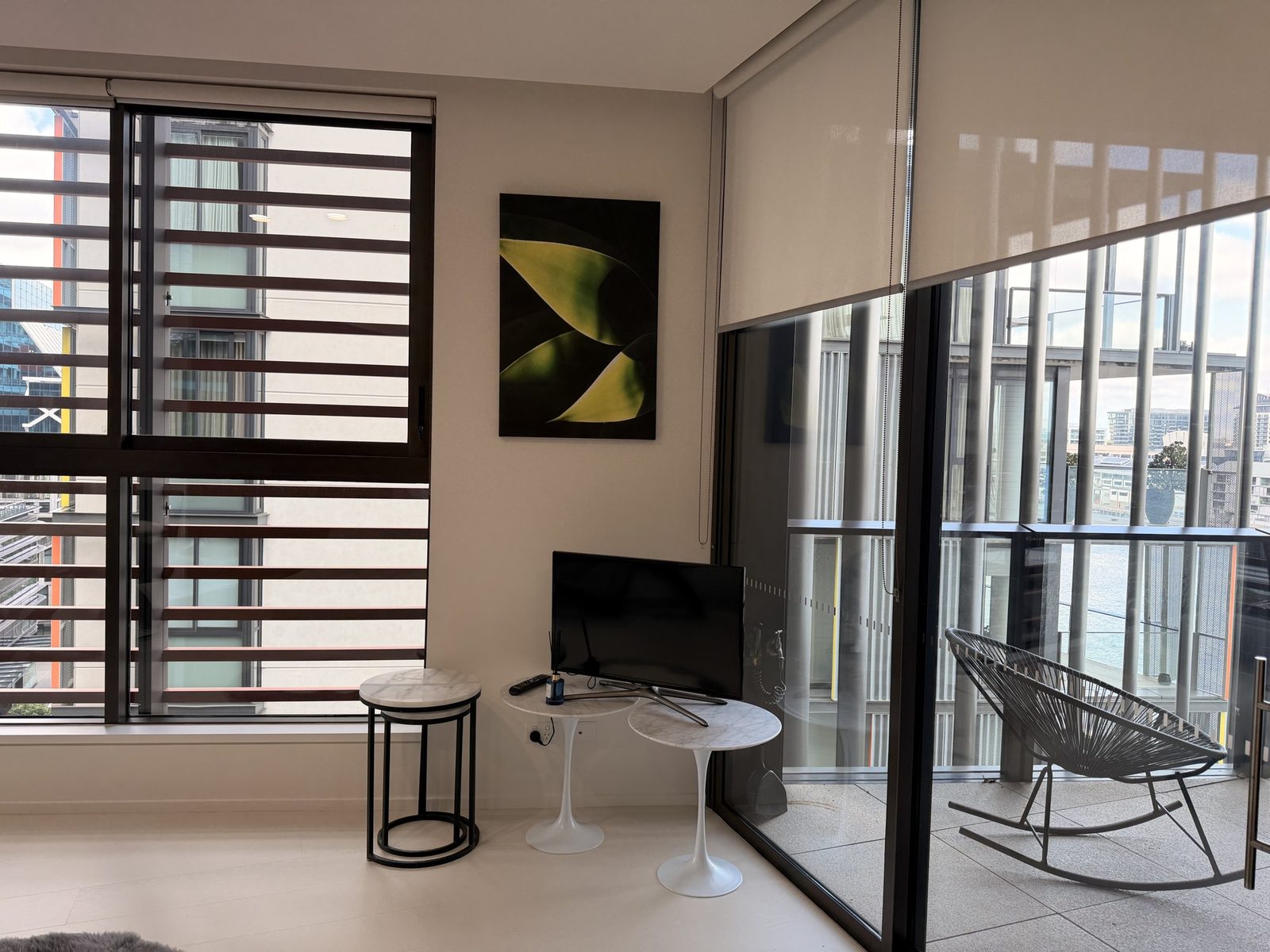
The living-room screen by the harbour windows
The living-room screen
A 1.0 Gbps speed test on site
1.0 Gbps on site

How they found us: a message on Xiaohongshu (RedNote).

RESULT
Online from the day he moved in.

Provider chosen and ordered in advance, WiFi 7 router installed on move-in morning, living-room port connected, 1.0 Gbps on site.

NEXT STEP

Moving in? Have the internet ready on day one.

Provider choice and ordering, router installation, wall ports and NAS connection plans, with same-day visits across Sydney when booked ahead.

Students · New connections · Move-in setup