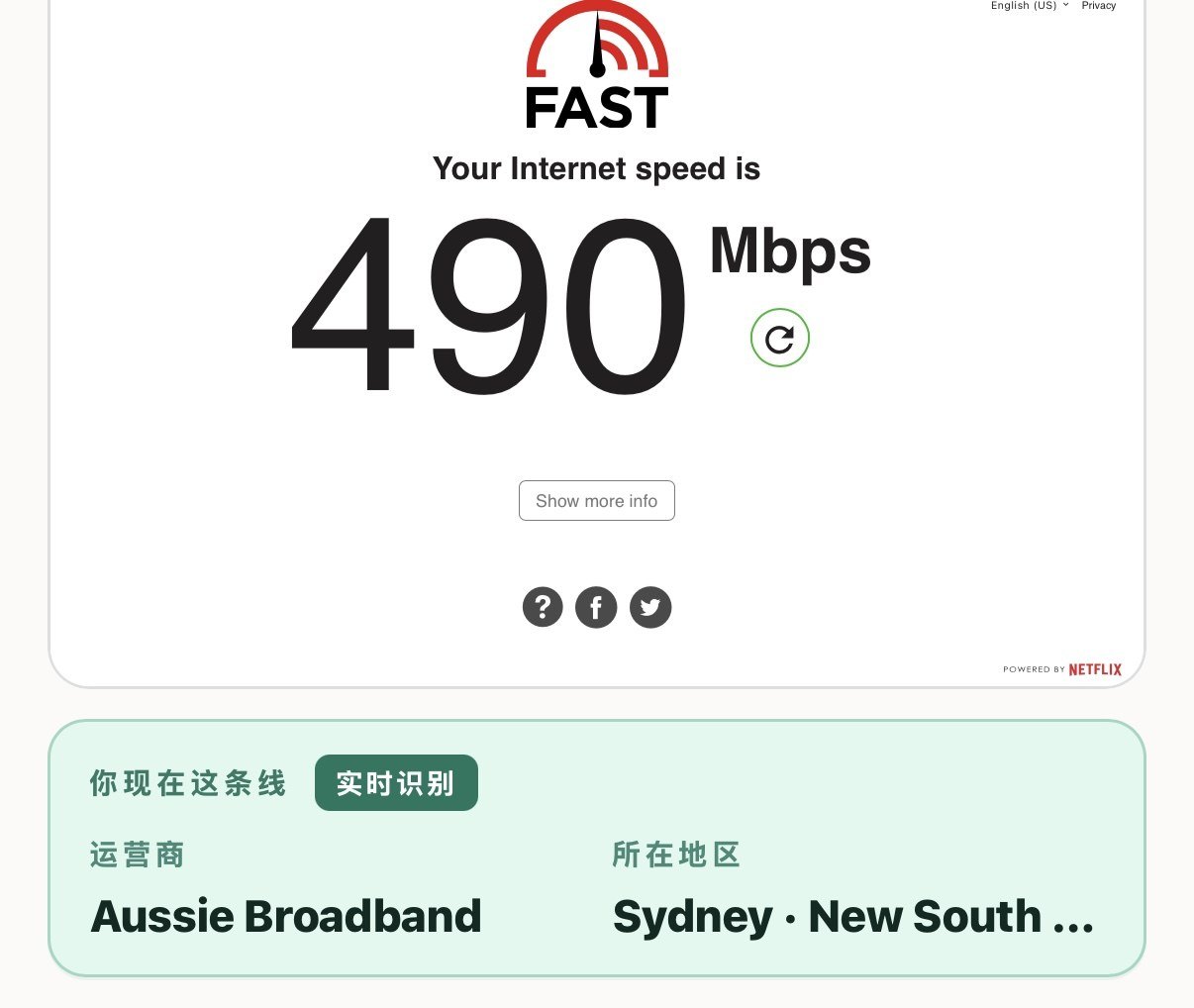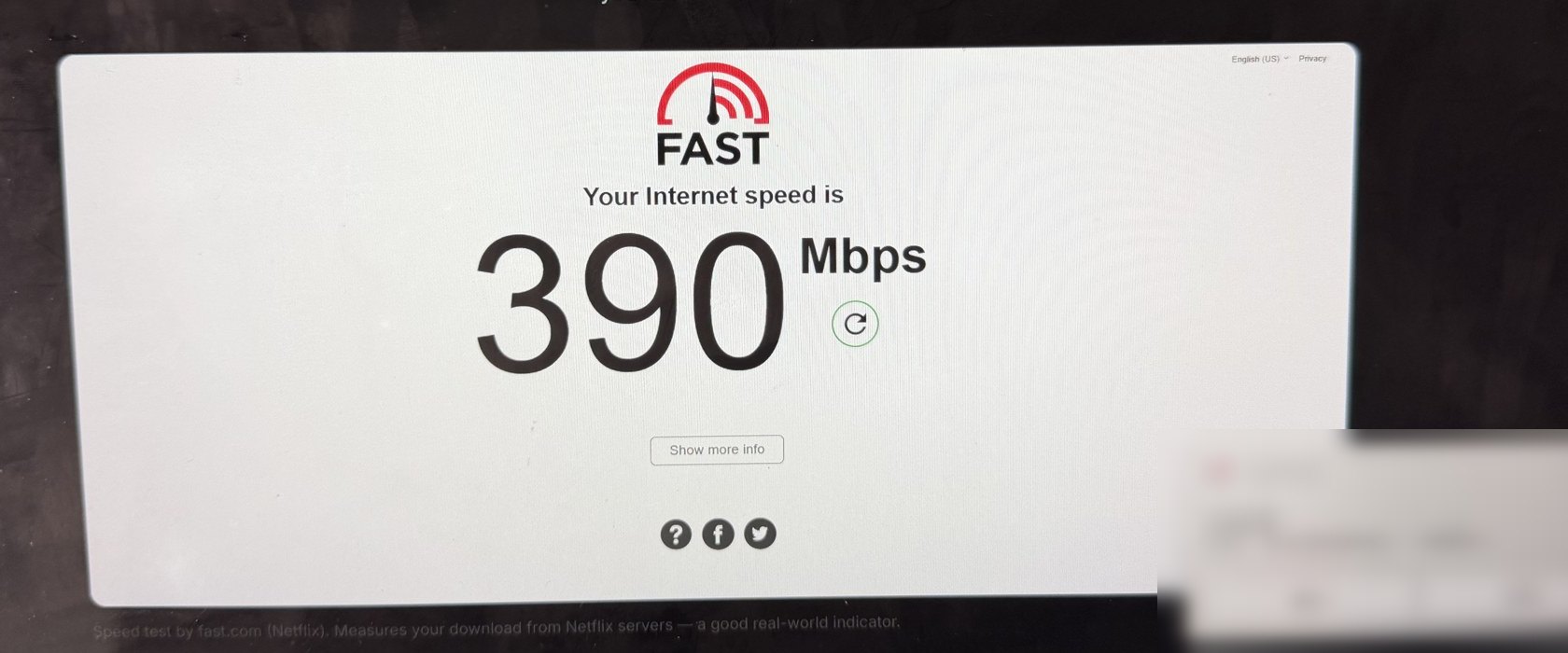
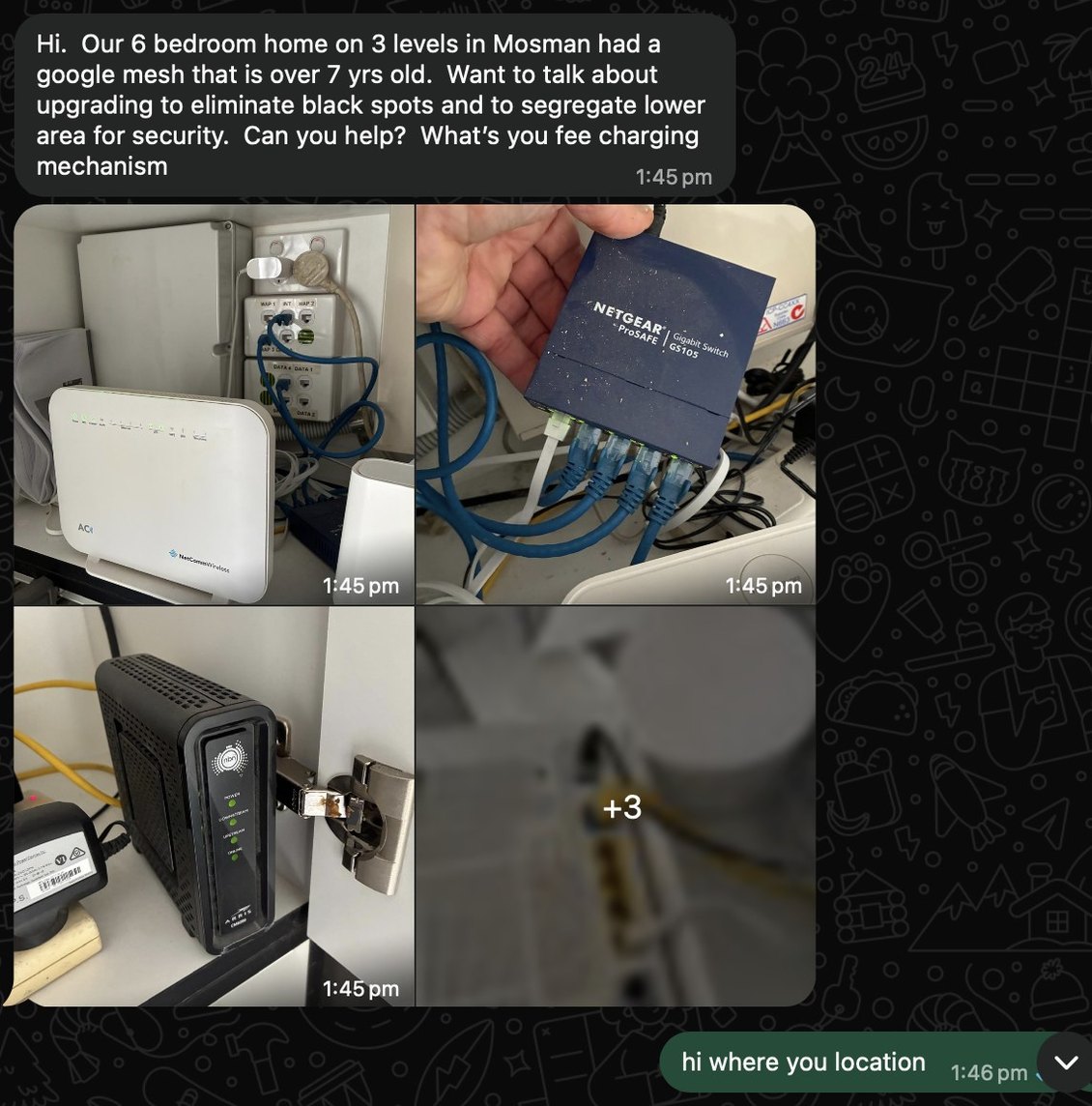
We had already done the same upgrade for several homes running older Google mesh with lots of smart devices. From the owner's floor plan, equipment photos and the positions of the four Google WiFi points we could see the bottlenecks, and matched a four-node TP-Link Deco WiFi 6 kit.
- 1
Similar cases
The owner looked at our similar cases, was happy with the plan and the clear quote, and went ahead.
- 2
One visit
We bought the full kit first, and the technician brought everything and installed it in a single visit, with no second booking.
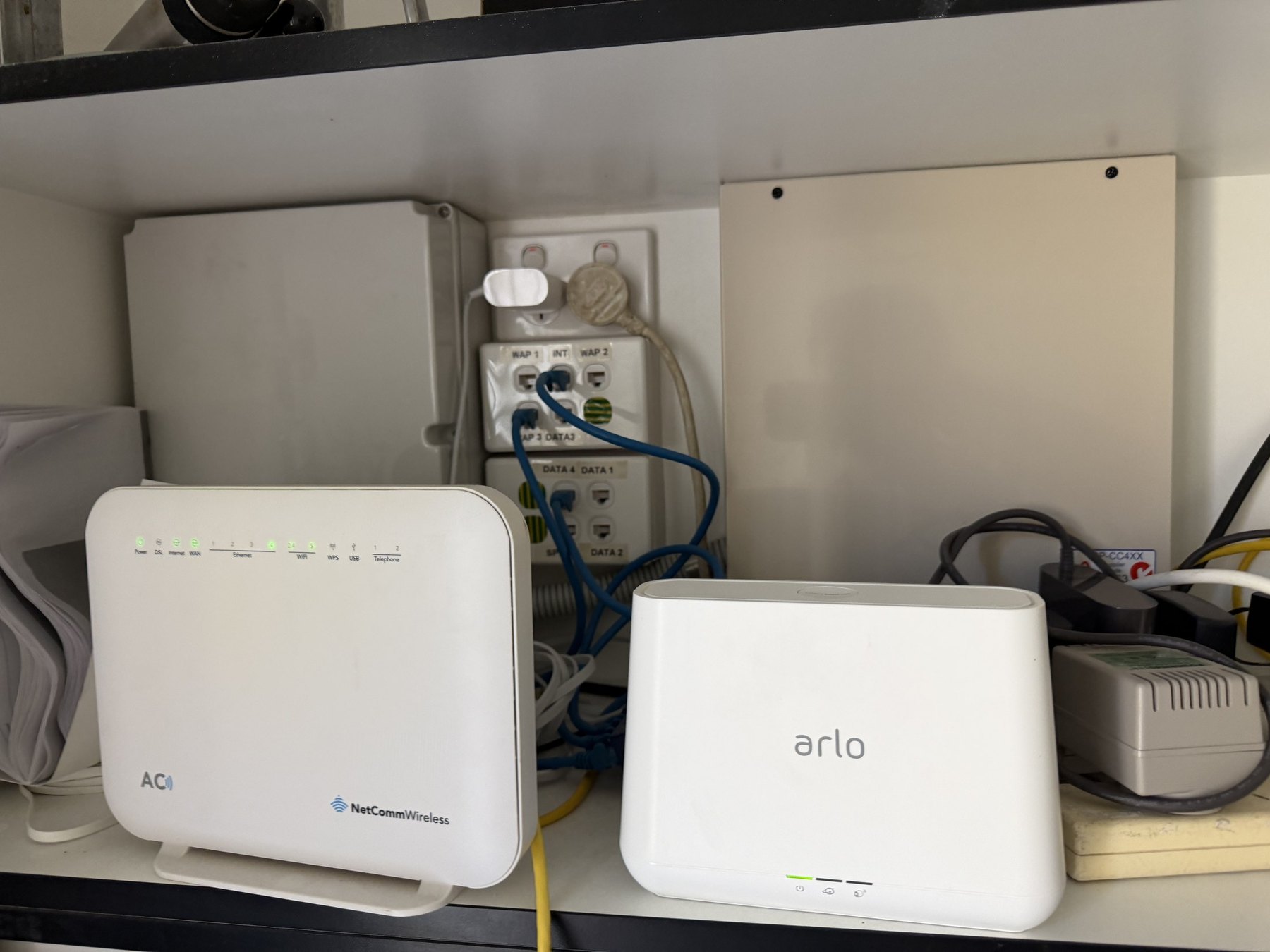
On arrival we checked the whole network from the ground up. It confirmed what we saw online and pinned down why the WiFi lagged and dropped out.
- 1
Ageing hardware
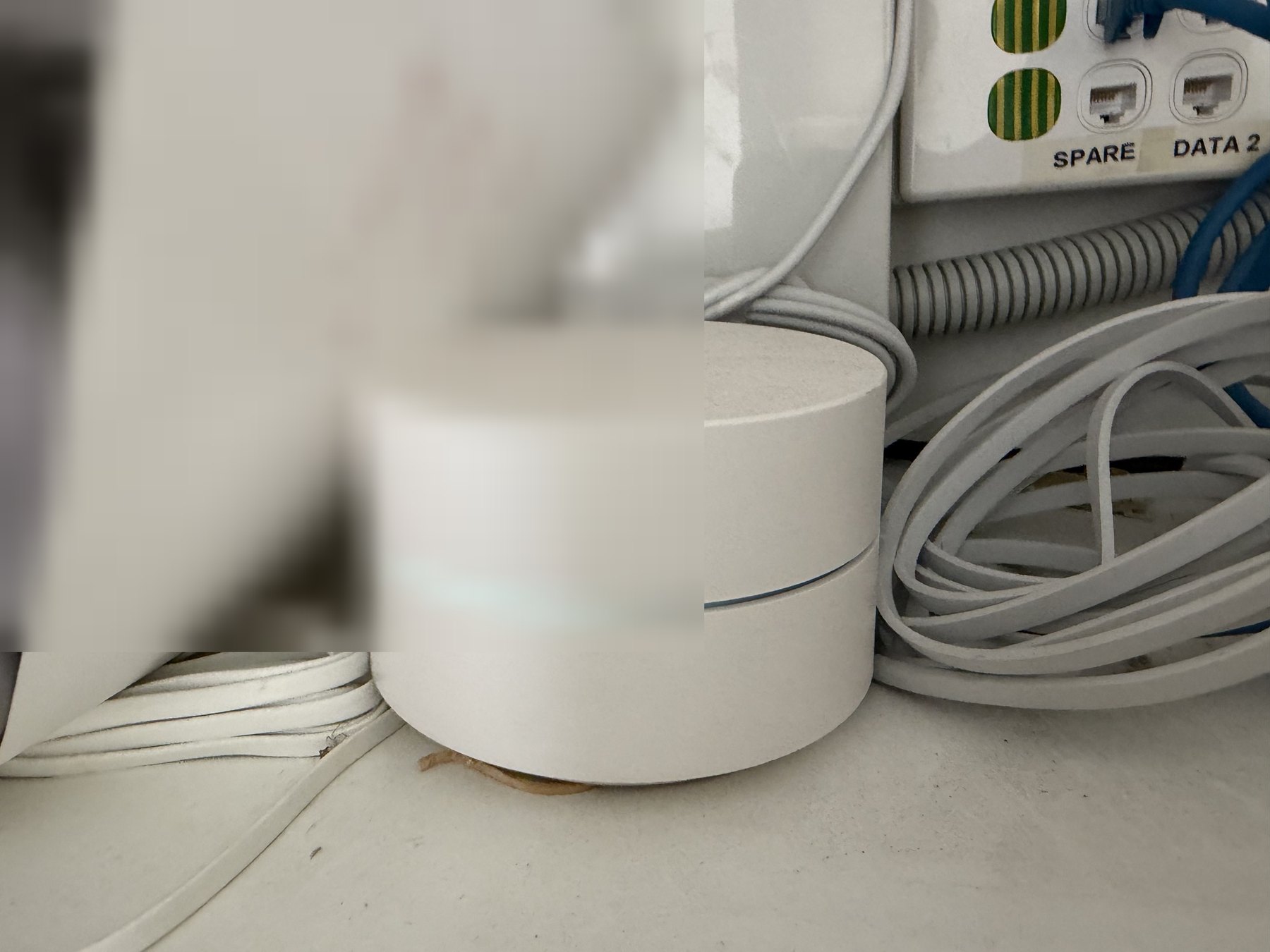
Up front was a router the provider supplied years ago, and behind it first-generation 2016 Google WiFi on WiFi 5, which couldn't keep up with a household of devices online at once.
- 2
Offline points, messy cabling
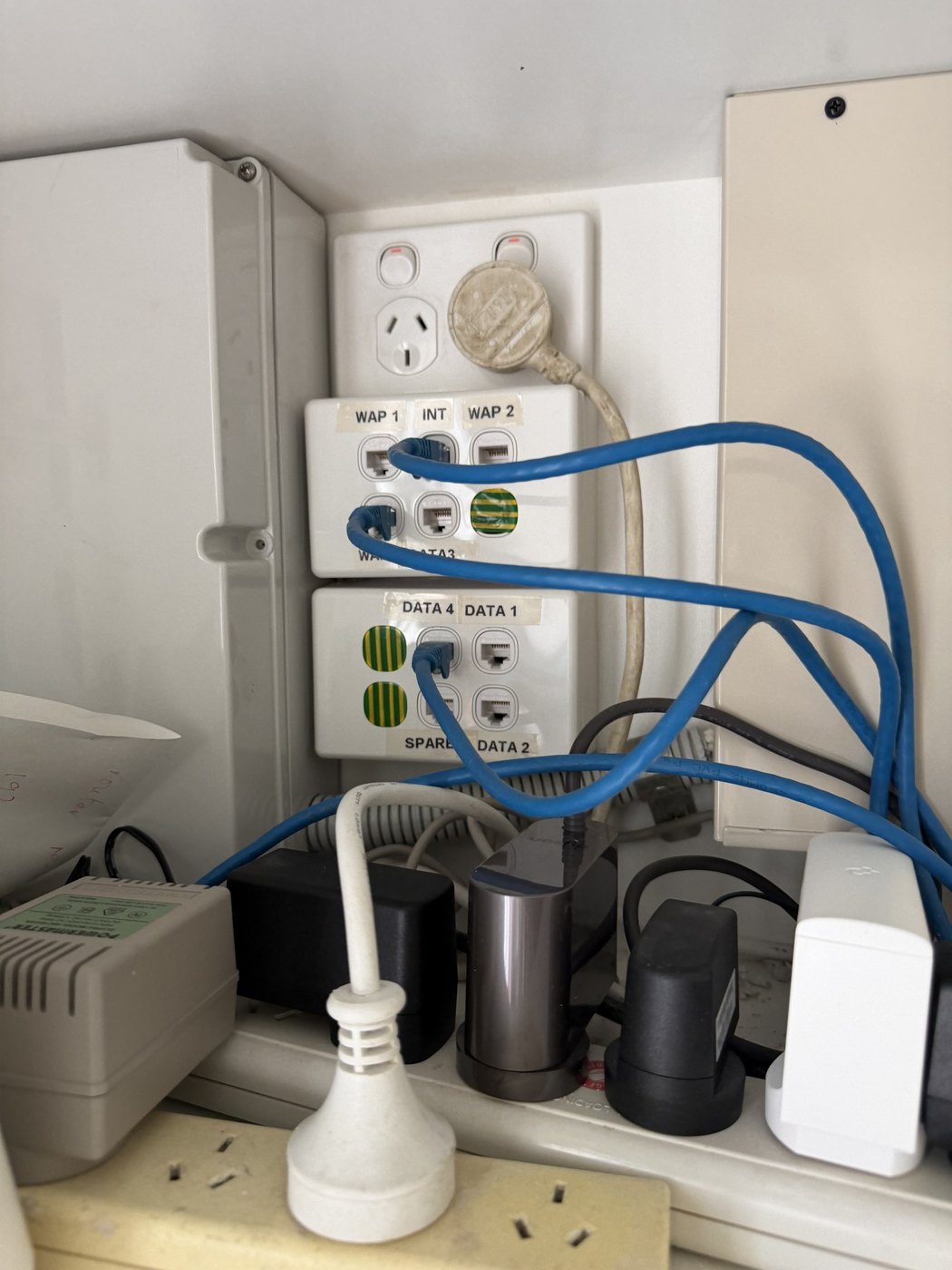
Some of the existing points were showing red and hadn't joined the mesh, and the cabling in the cabinet was hard to follow.
- 3
Not enough switch ports
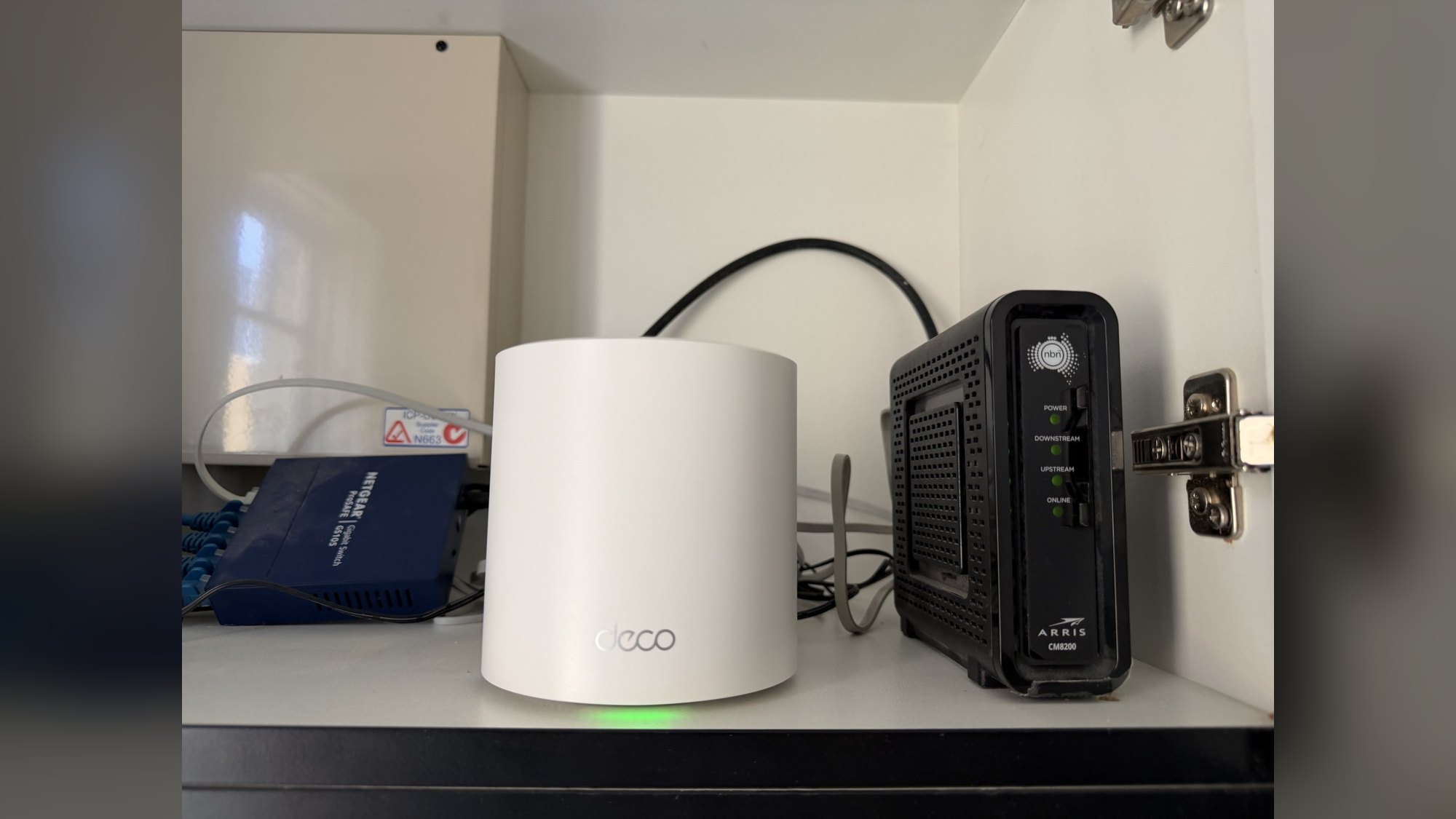
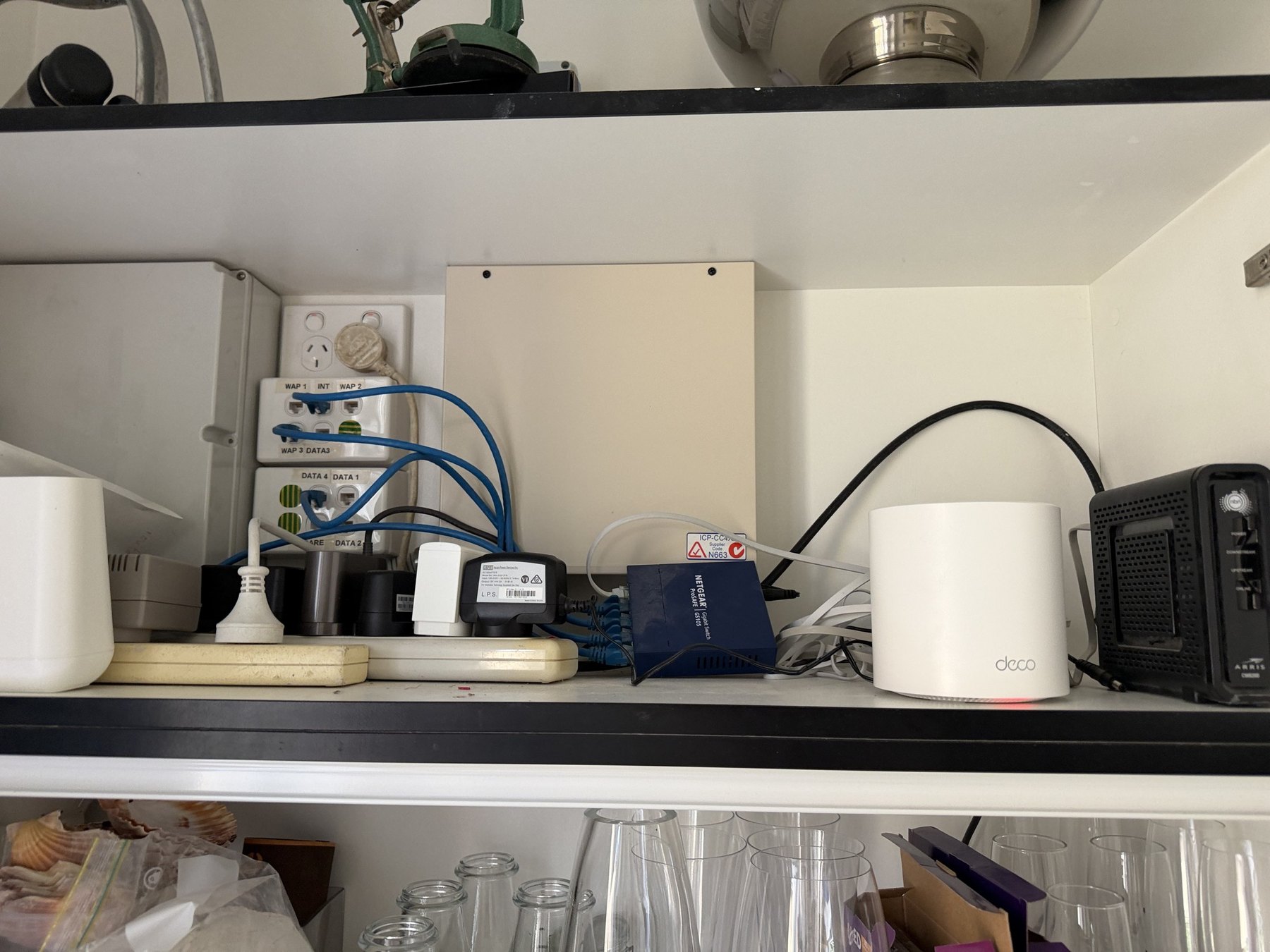
The house was built with plenty of wall data points, but the cabinet had a single five-port switch, leaving four ports after the uplink. With the mesh points plugged in it was full, so several smart TVs had cables plugged in behind them but dead links in the wall, and fell back to weak WiFi 5.
- 4
No separation
Family devices, cameras, the intercom, air conditioning and guest devices all shared one network, a privacy and security risk.
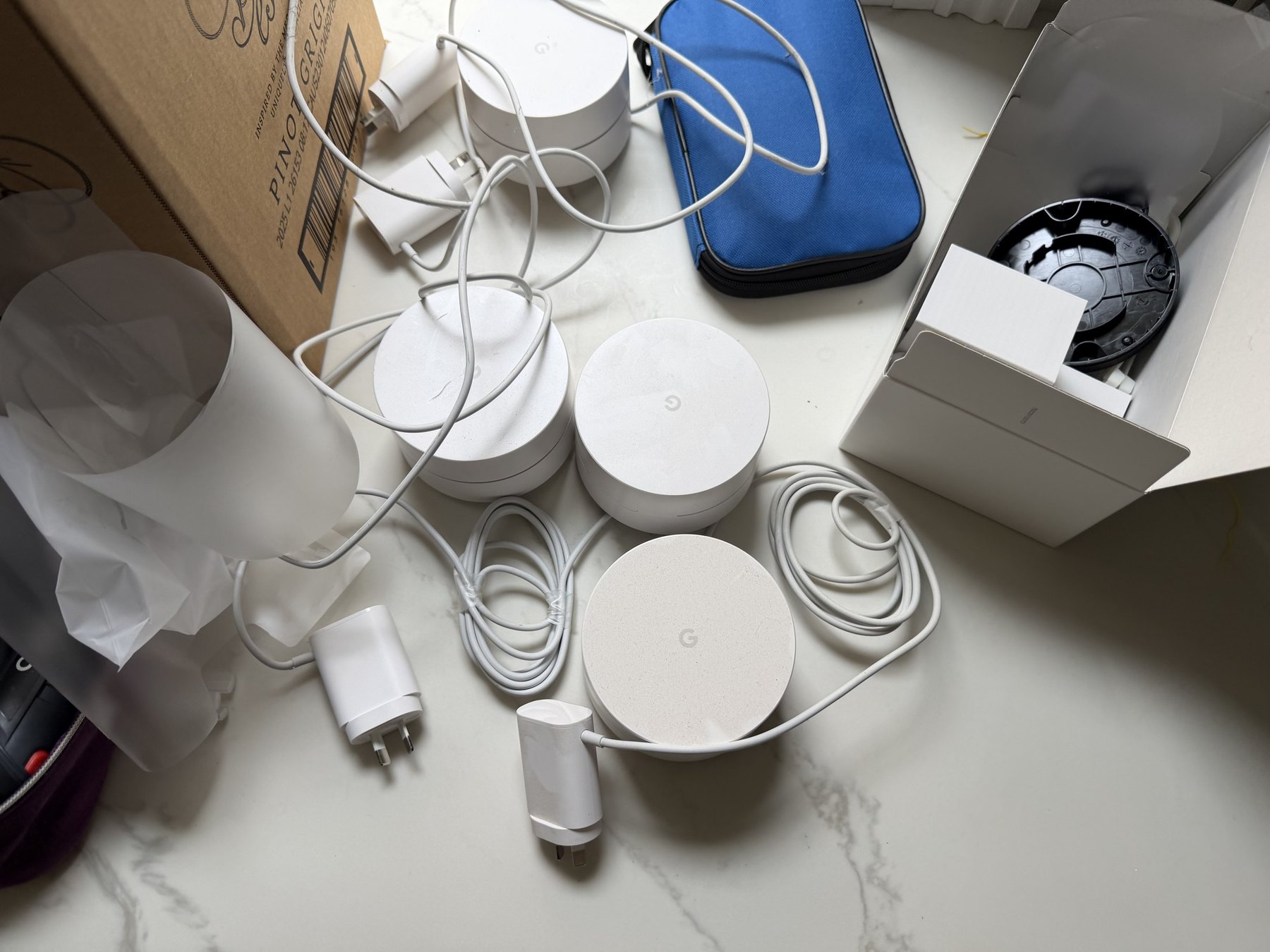
We removed the provider's old router and the original first-generation main units, cutting out the delay of double routing. The fibre comes in at the butler's pantry, so a new Deco WiFi 6 unit went there as the main router, on the shortest path to the switch.
- 1
The same four positions
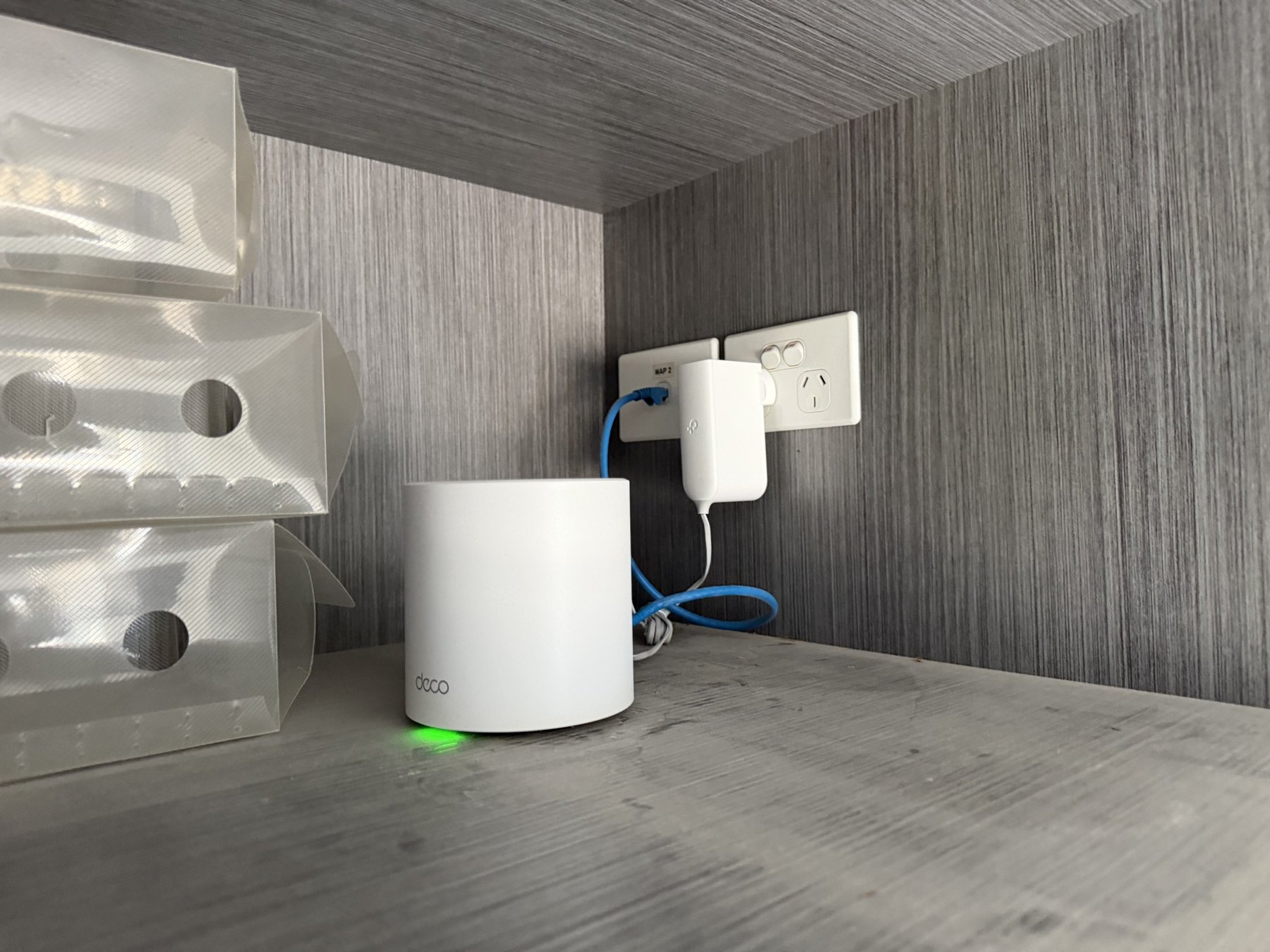
All replaced with WiFi 6 units, with stronger units at key spots to carry signal to the second- and third-floor bedrooms and out to the back yard and pool.
- 2
Wired backhaul throughout
The data cabling already in the walls now carries the backhaul, so no floor relies on wireless relays.
- 3
A wall-plate fault found
During setup one point wouldn't link over cable and fell back to wireless. We traced the run with a cable tester, found a wiring fault in a wall plate and fixed it. Every point now links by cable and each floor can reach the full plan speed.
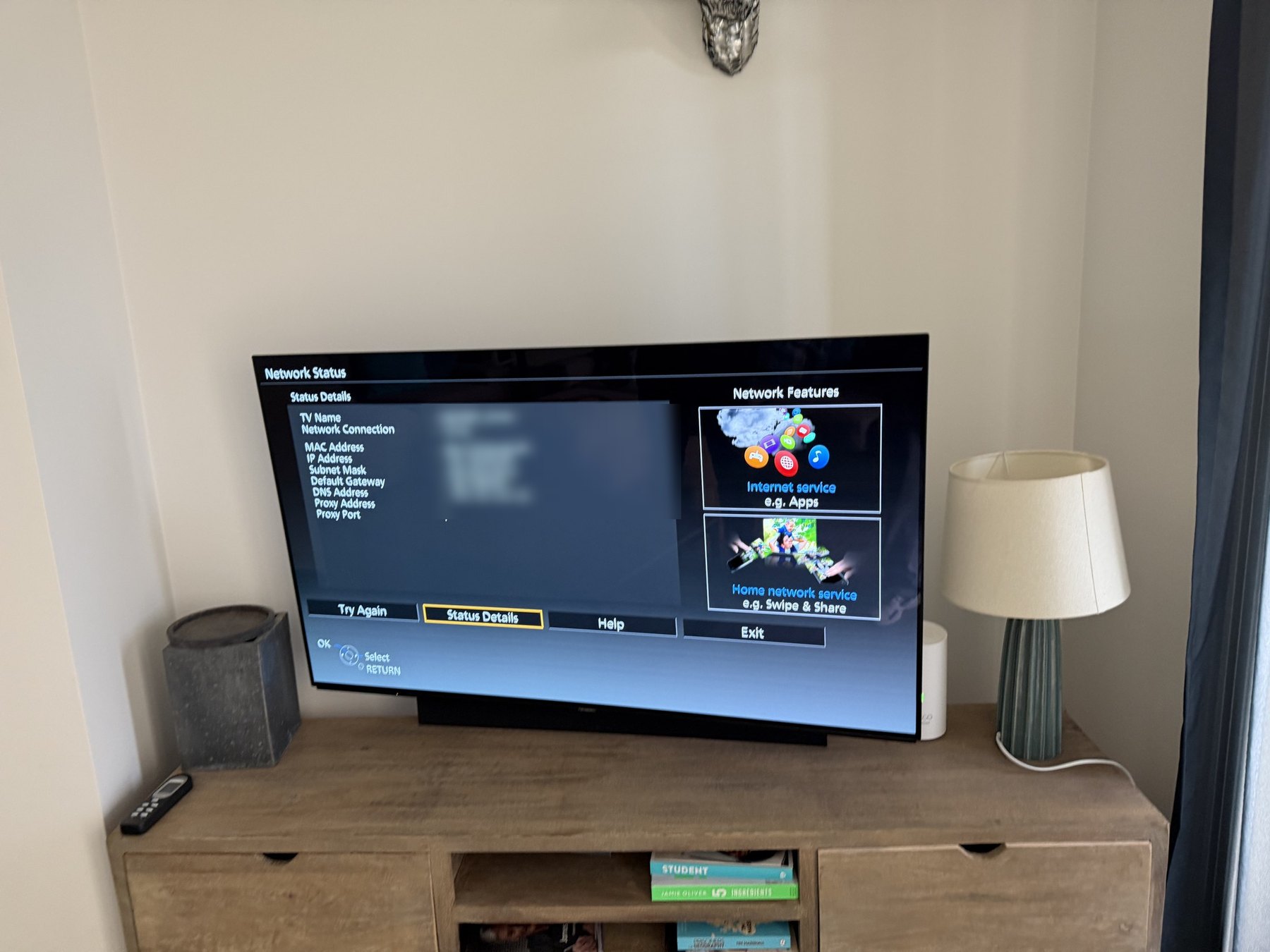
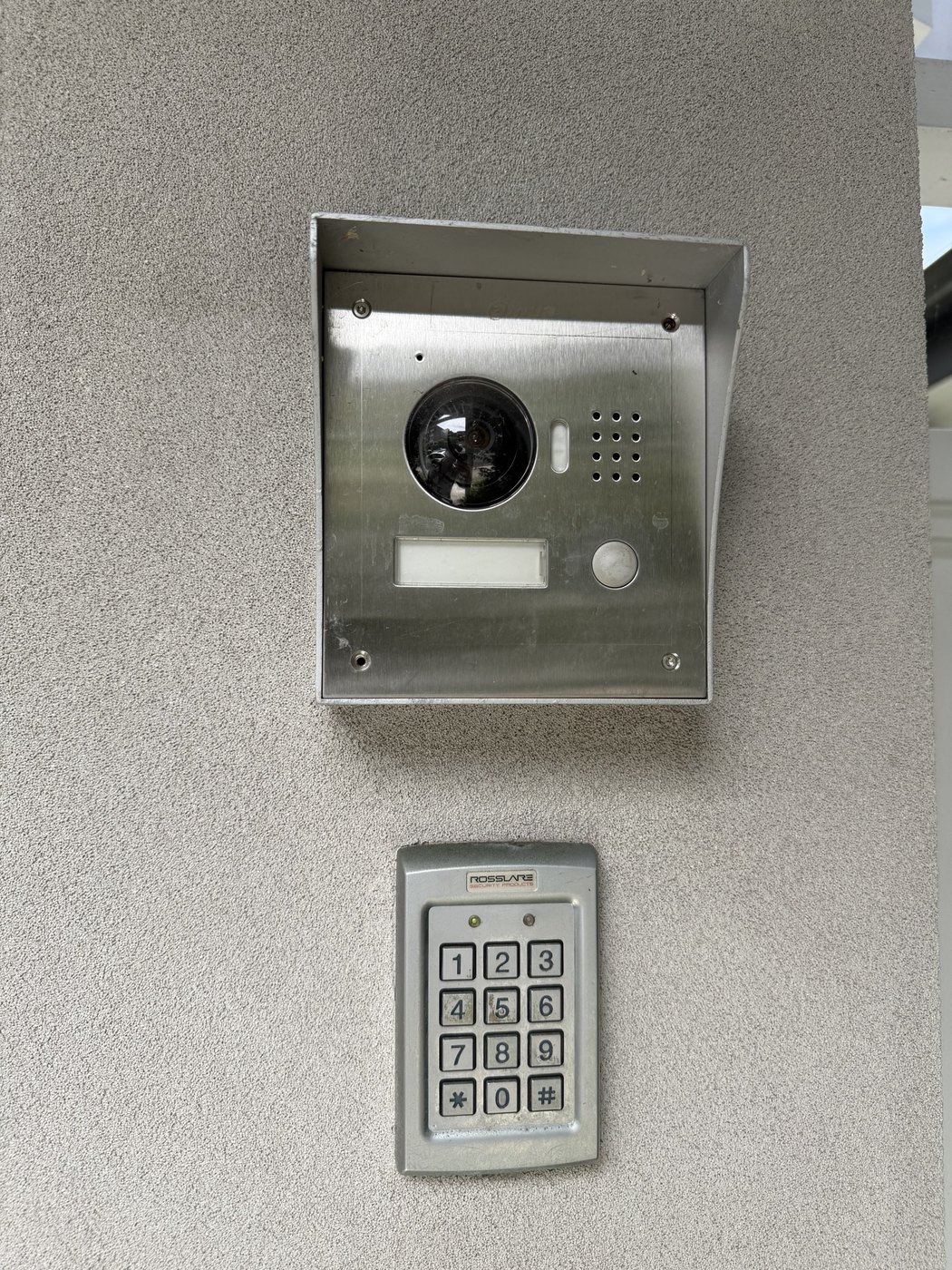
We kept the owner's existing WiFi name and password, so almost everything reconnected on its own. Then we went through every connected device with the owner, from the smart TVs and ducted air conditioning to the cameras, the gate intercom and the wireless printer, and reconnected the few that dropped off until everything was back online.
- 1
Guest network
A separate guest WiFi: fast for visitors, with no view of or access to the family's smart devices on the main network.
- 2
Handover
We set up the Deco app on the owner's phone and showed them how to manage the main and guest networks.
- 3
Room to grow
With the five-port switch full, we recommended an eight-port gigabit switch and sent a link to buy it, so the owner can plug it in when it arrives and bring the remaining TVs onto cable.
From the online assessment to a single install visit, it all went smoothly. The ground-floor office, the bedrooms on the second and third floors and the pool area all have steady WiFi 6. The smart TVs stream without buffering, the cameras and intercom stay online, and the owner can check both networks in the app.