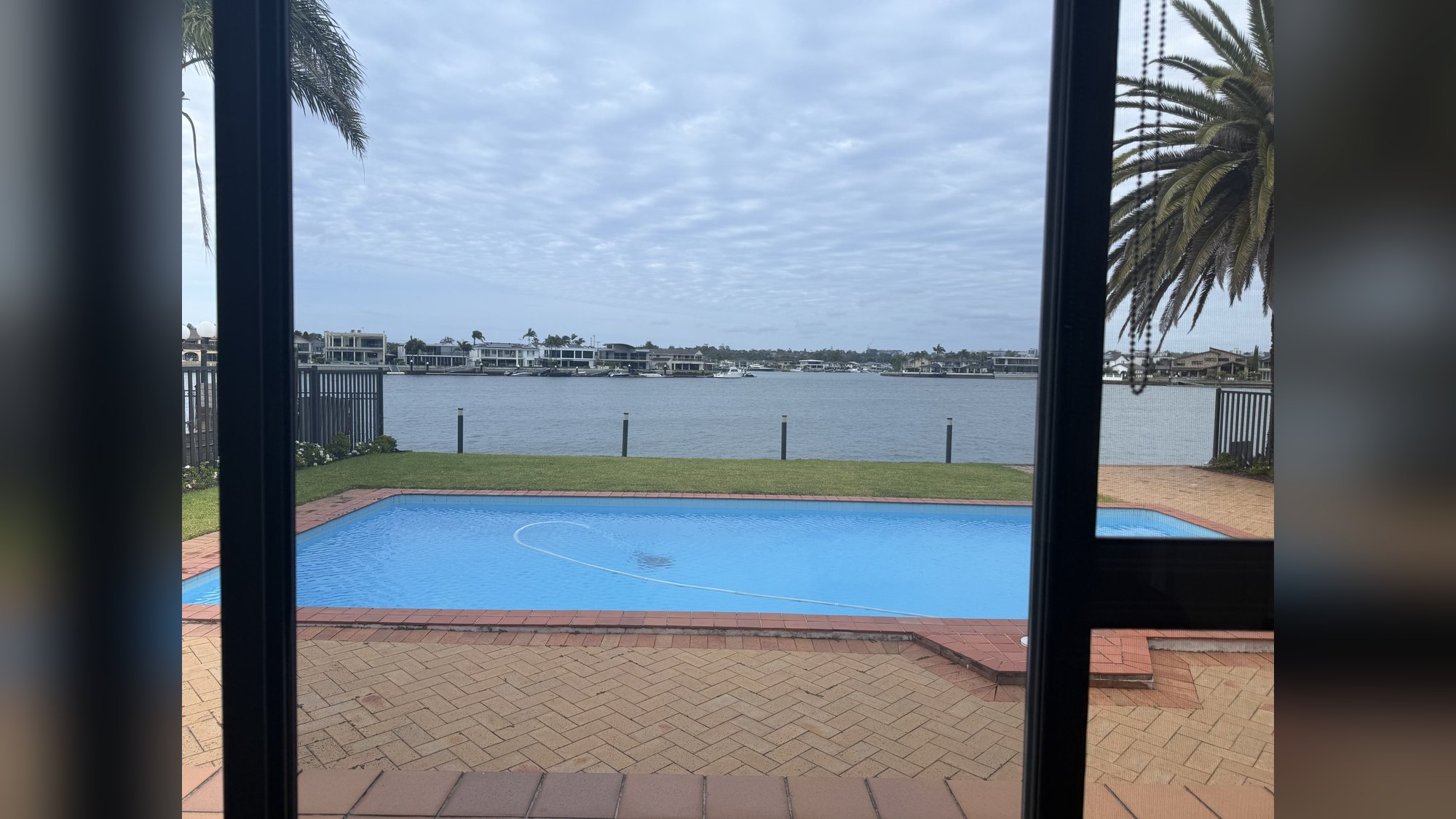
No NBN: the whole house ran on one 4G router.
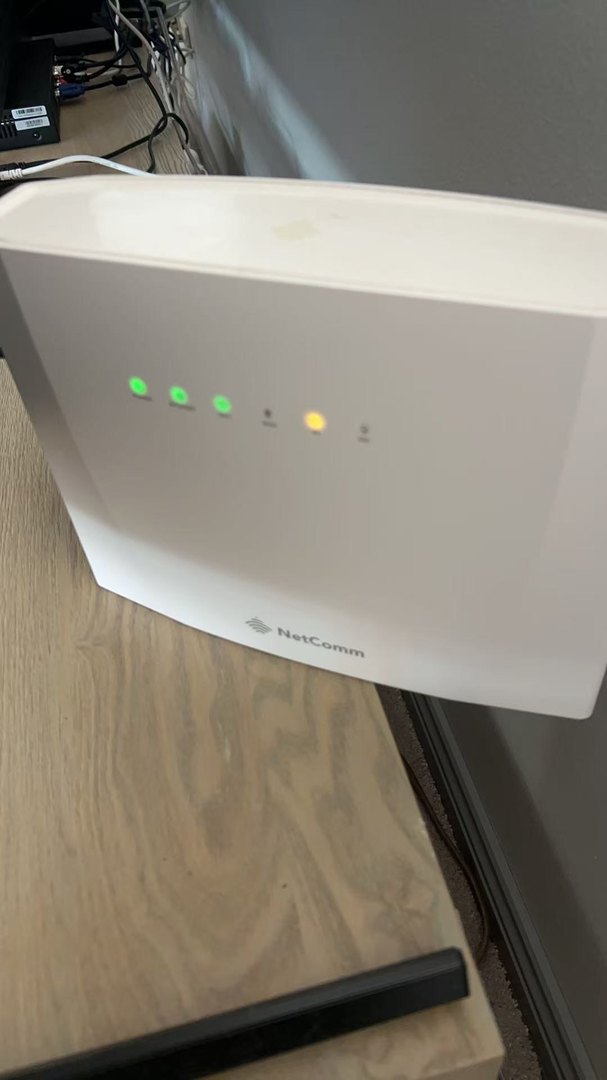
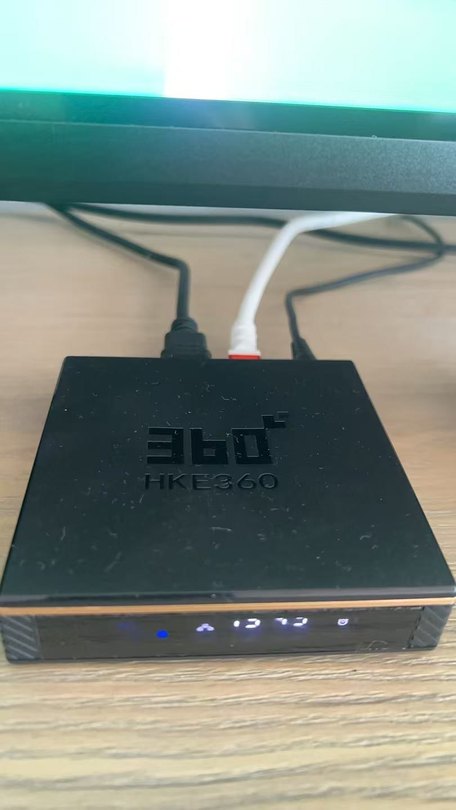
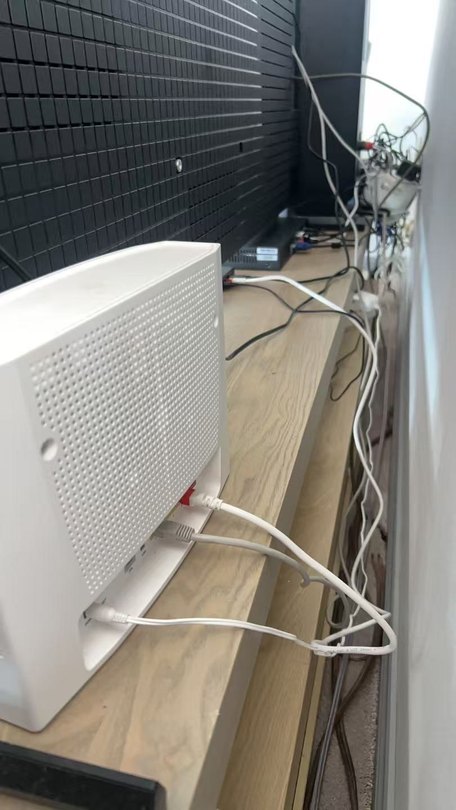
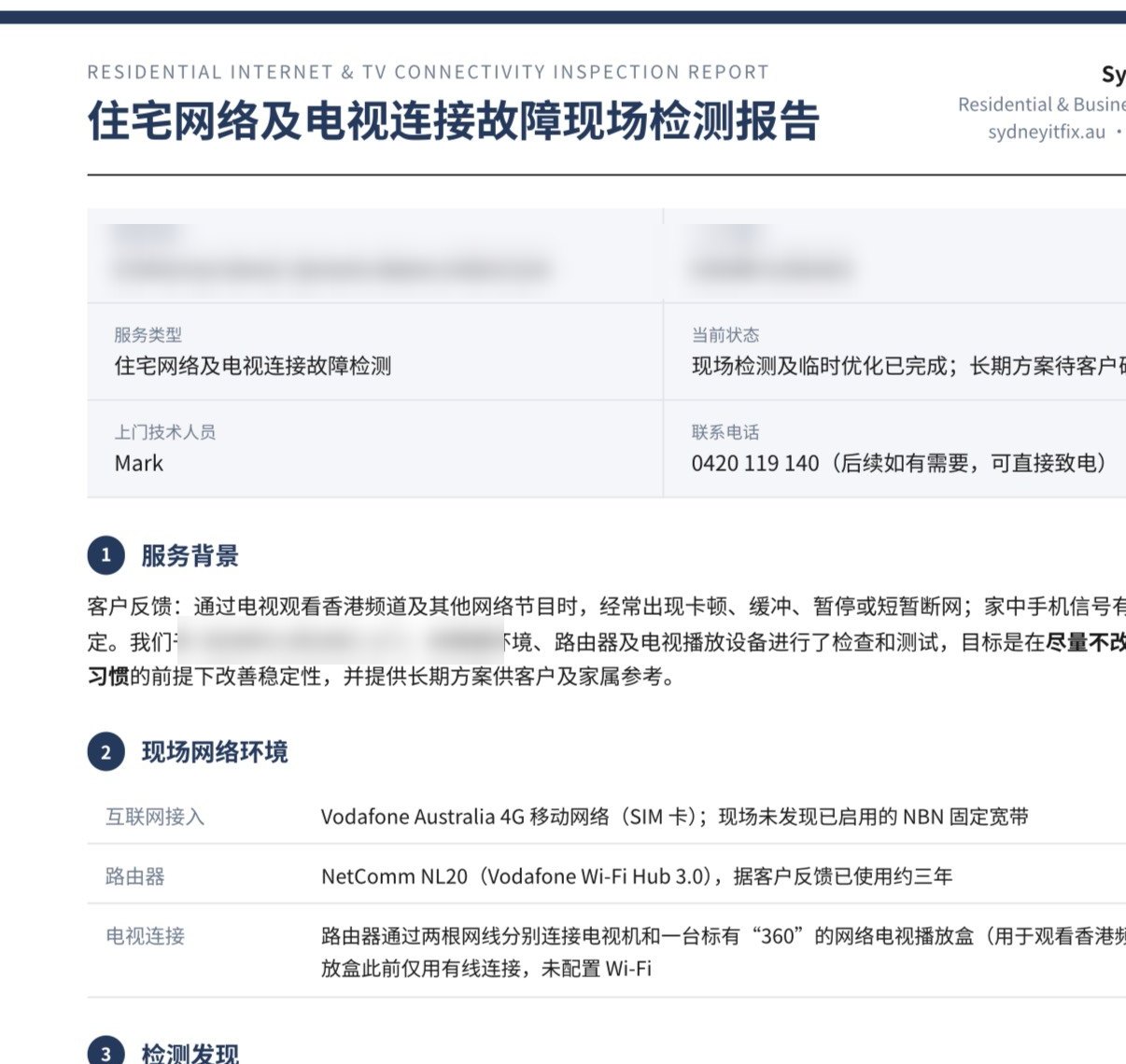
The Vodafone 4G router (a NetComm NL20) was about three years old, with the TV and a “360” box used for Hong Kong TV each cabled to it.
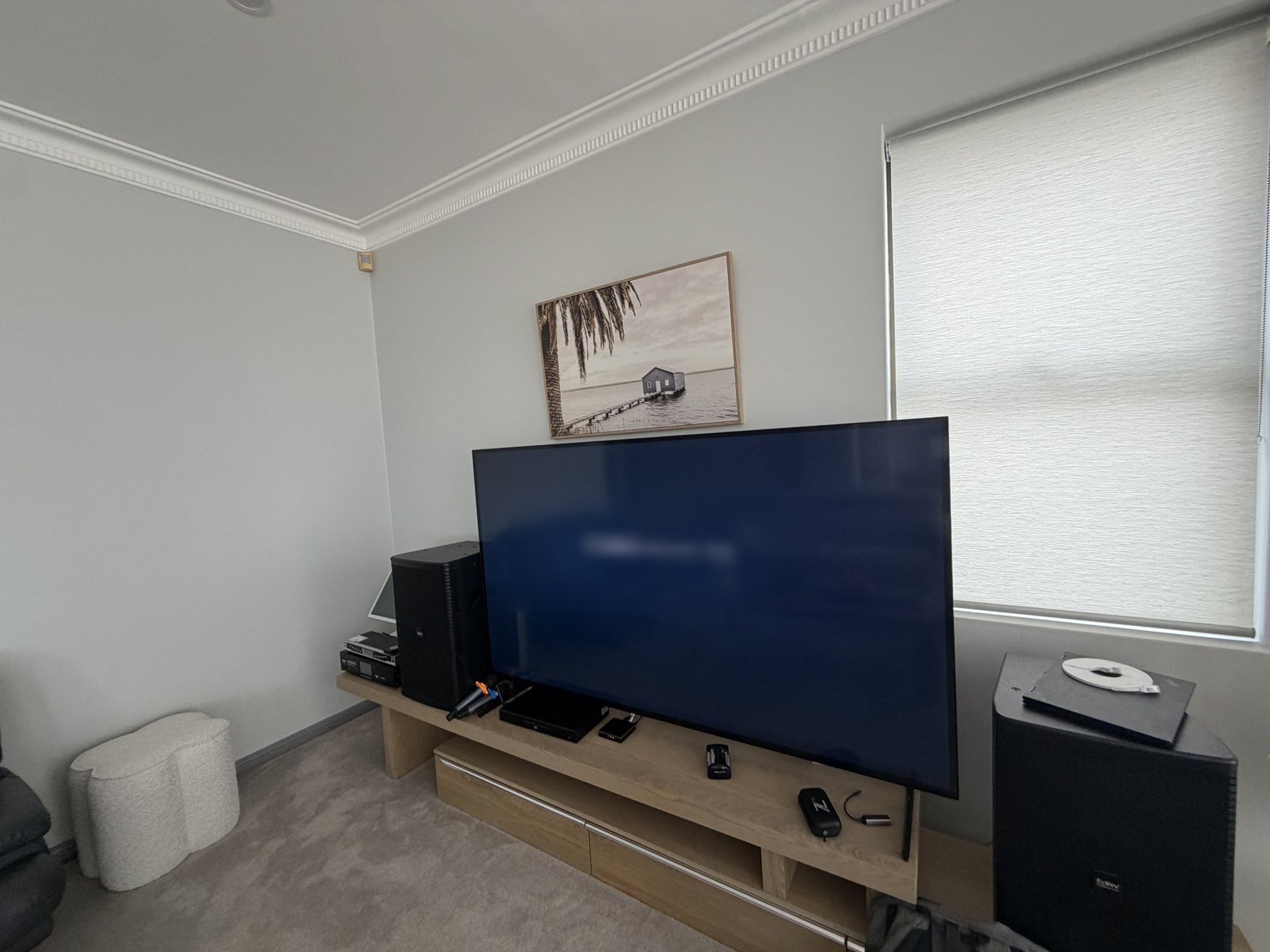
Checked link by link: two causes stacked together.
We checked the TV box, the cabling, the router and the upstream connection separately, and the buffering and dropouts had more than one cause.
- 1
A loose port on the TV box
The 360 box's network port was loose, so the cable could lose contact or slip out with the slightest knock. With no WiFi set up, the box lost its connection whenever the cable did.
- 2
Unstable 4G upstream
The router's lights kept switching between green, amber and red, and we could see the picture stutter. The router is about three years old, and a mobile connection also depends on tower coverage, the building and congestion.
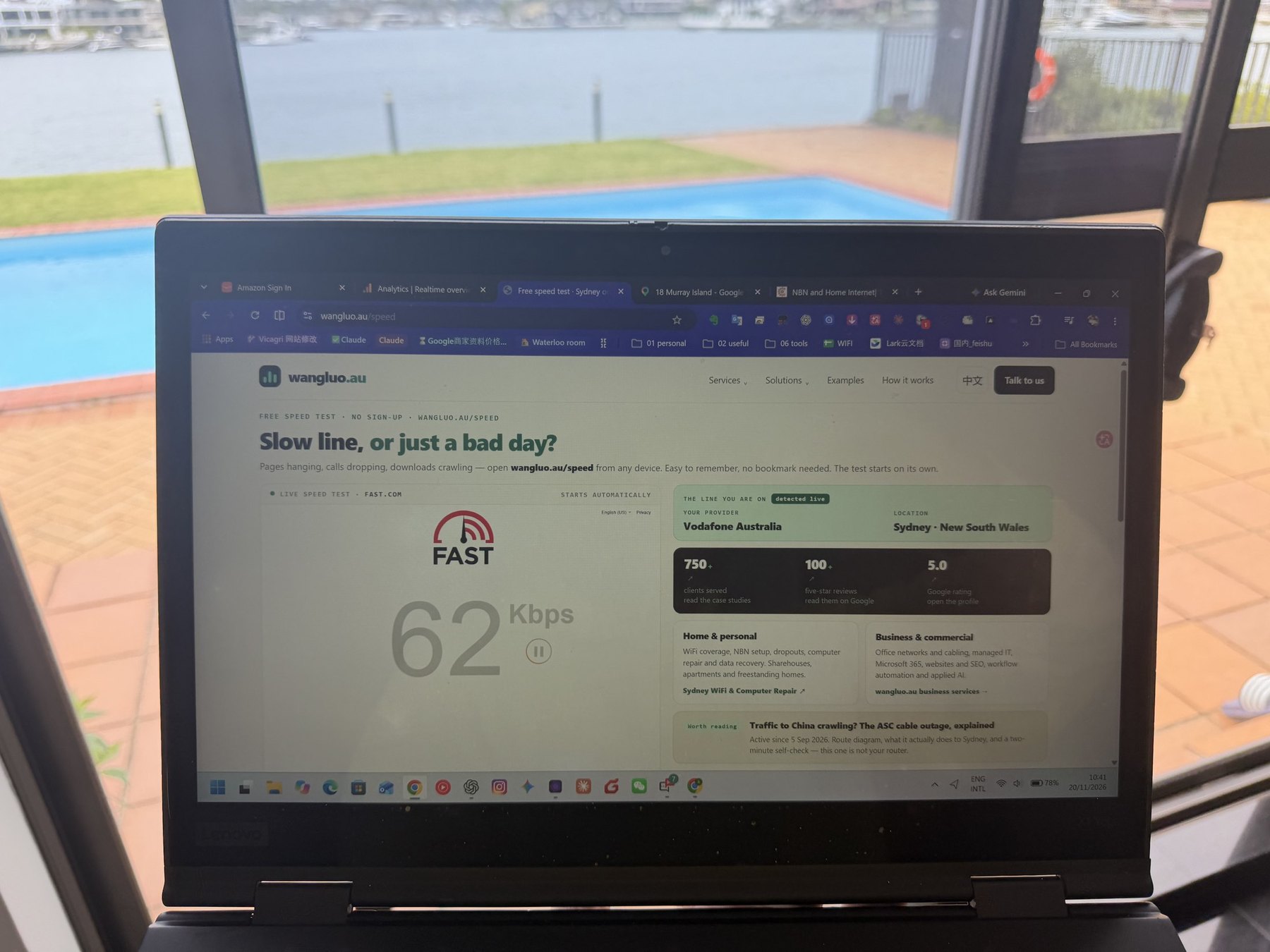
On another carrier, playback was clearly steadier.
To see whether the Vodafone network was to blame, we put the TV box on the technician's Optus hotspot for a while, with less buffering and fewer pauses.
- 1
What it tells us
The existing Vodafone 4G connection is likely a major factor in the TV problems.
- 2
Being straight about it
It was a short on-site comparison, not long-term monitoring, so the report says plainly that it can't rule out the TV box or congestion on its own.
Two quick fixes, without changing how things are used.
- 1
Secured the cable
We fixed the TV box's network cable to the HDMI cable beside it so it's far less likely to be knocked loose.
- 2
Added WiFi
We connected the TV box to the home WiFi, so it now has both a cable and wireless connection to fall back on.
- 3
Clear about the limits
Both only improve the connection inside the home. Cable and WiFi still go through the same Vodafone router, so the 4G instability still needs dealing with.
Three options, pros and cons explained, the owner decides.
- 1
Option 1: NBN fixed broadband
Our technical first choice: less reliance on mobile signal and better for long-term TV streaming, but it means a new service and possibly installation work.
- 2
Option 2: ask Vodafone to replace or upgrade the router
Closest to the owner's preference, keeping the same carrier and plan. The owner would like family to contact Vodafone when they visit.
- 3
Option 3: another carrier's 4G/5G
We can prepare equipment and SIMs and test on site while keeping the Vodafone service during a trial. The owner doesn't want a new plan for now, so it's on hold.
We respect the owner's choice and suggested starting with option 2. If buffering continues after a new router, options 1 or 3 are next.
A three-page report the same day, easy for family to follow.
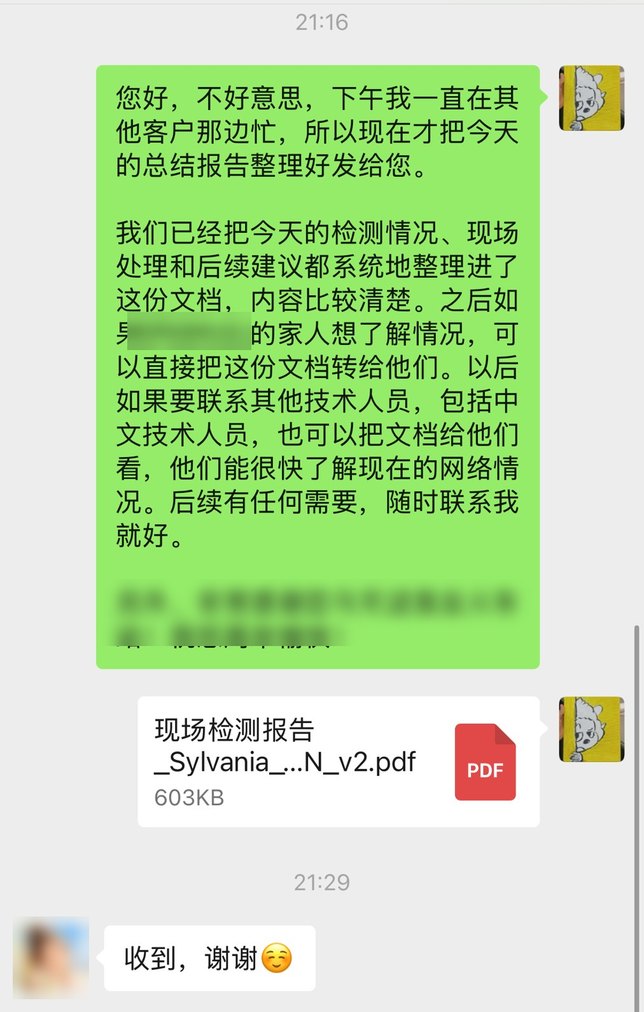
The diagnosis, the fixes and the three options went into the report, sent by WeChat that day. Family members, or any technician later on, can understand the setup straight away.
- 1
A complete loop
Diagnosis, comparison, options, a written summary and follow-up: every step explained, so the owner and family can rest easy.
- 2
Ongoing support
Talking to Vodafone, assessing new equipment, installing a new router or fixing TV and WiFi issues: we can keep helping.