0420 119 140More ways to reach us
On-site across Sydney · Remote support Australia-wide
Skip to content
Sydney WiFi & Computer RepairSydney WiFi
The new TP-Link main router in the upstairs comms box in Blacktown

Featured case · Blacktown · Two-storey house

Three network devices set up in a nearly 300 m² new home

FTTP 500: a smaller router in the comms box, two wall ports traced and connected, and the client's old TP-Link gear reused over cable

Problem
Comms box door would not close · weak WiFi downstairs
Internet
NBN FTTP · 500 Mbps plan
Fix
Smaller router · wall ports connected · old gear wired in
Visit
Arrived before 10 am as agreed
Result
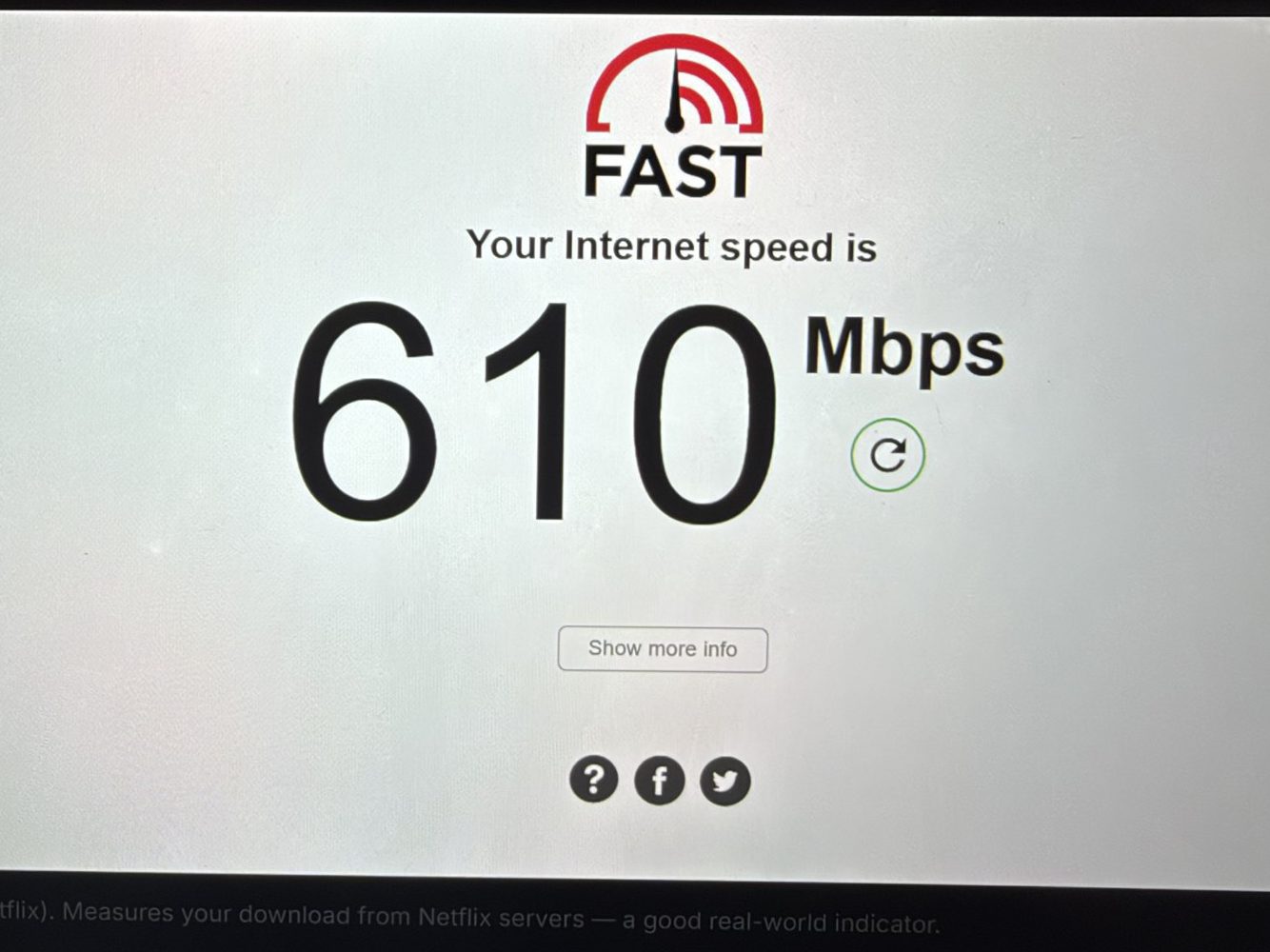
570 and 610 Mbps on site
RESULTThe comms box closes, the TV downstairs and the granny flat are online, and on-site speed tests reached 570 and 610 Mbps on a 500 Mbps plan.
01
The Problem
Three things to sort out
  1. 1

    The comms box would not close

    The Telstra modem supplied with the plan was too big for the comms box in the upstairs wardrobe.

  2. 2

    Weak WiFi downstairs, and a TV to connect

    The client wanted a network point behind the TV on the ground floor.

  3. 3

    Old equipment to reuse

    A TP-Link router and extender from their previous home were sitting unused. The client wanted them reset to cover the house and the granny flat above the garage.
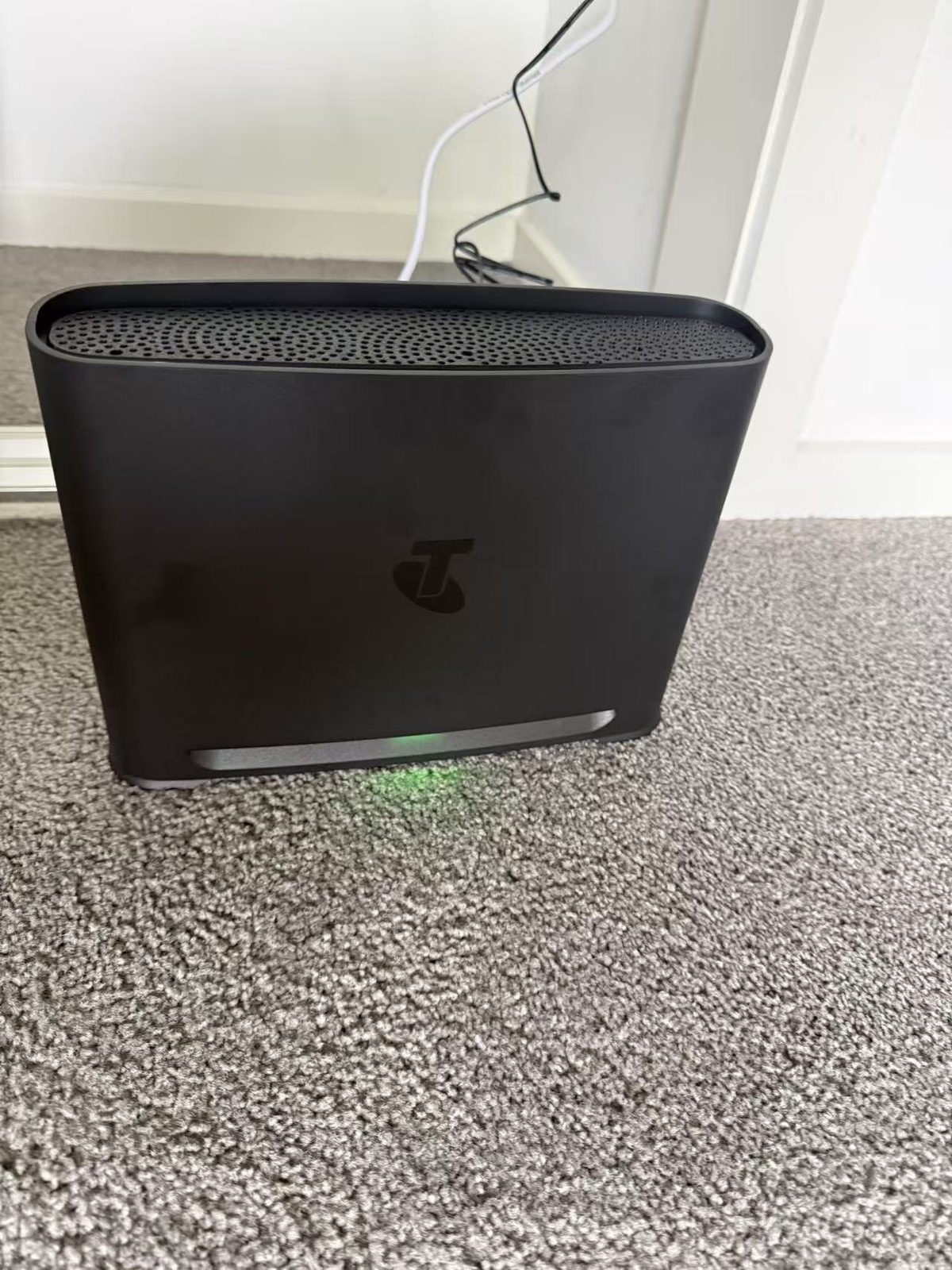
The Telstra modem that had been in the comms box
The original Telstra modem
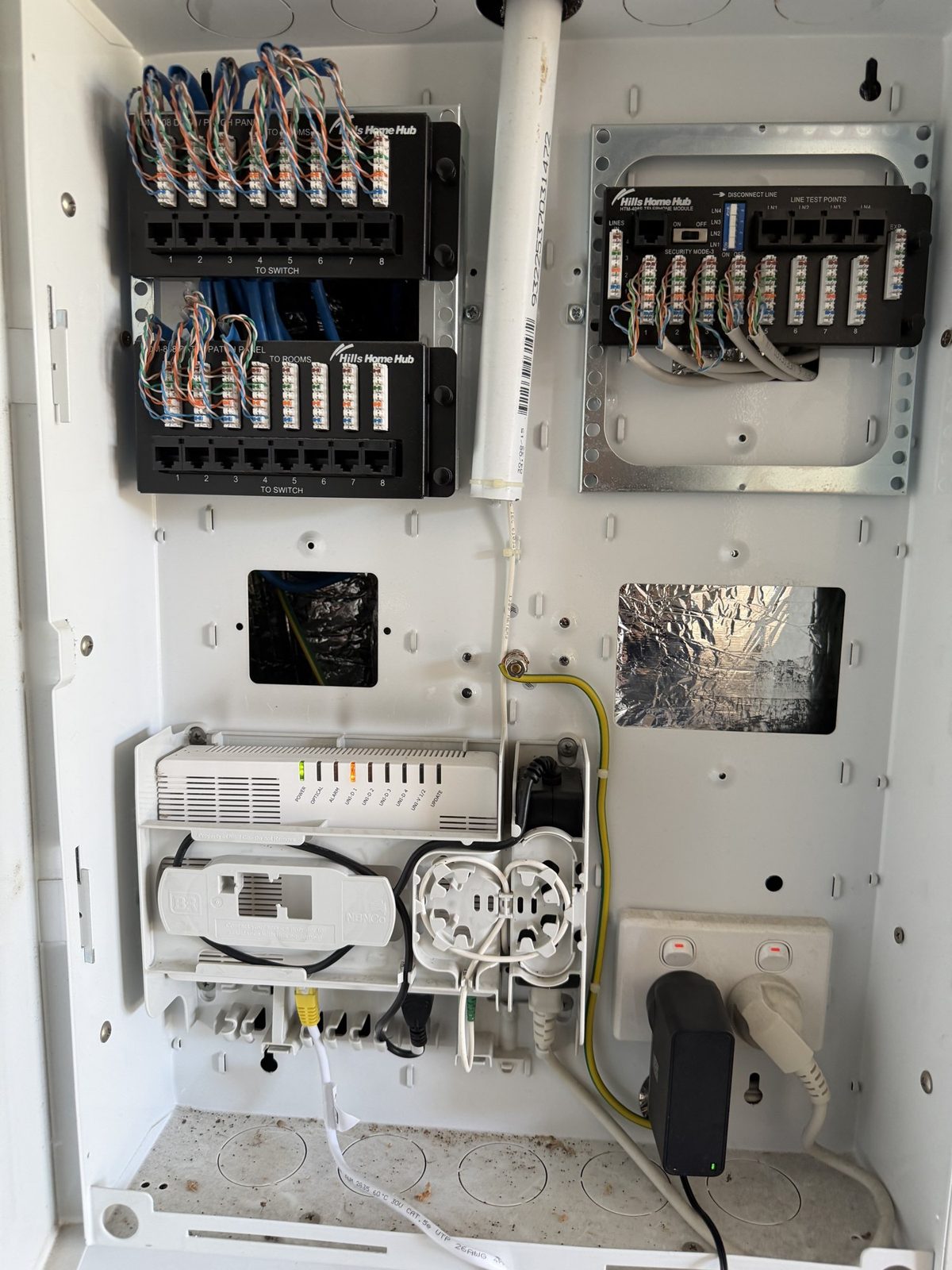
The upstairs comms box: NBN connection box and patch panels
The upstairs comms box
The modem was so big
the comms box door would not shut.
02
The Plan
Options first, then the budget choice

On site we first offered a new mesh system for whole-home coverage. The client chose to start by resetting and reusing the equipment they already had, to keep costs down, so that is what we did.

03
The Fix
New router, traced ports, old gear wired in
  1. 1

    A router that fits the comms box

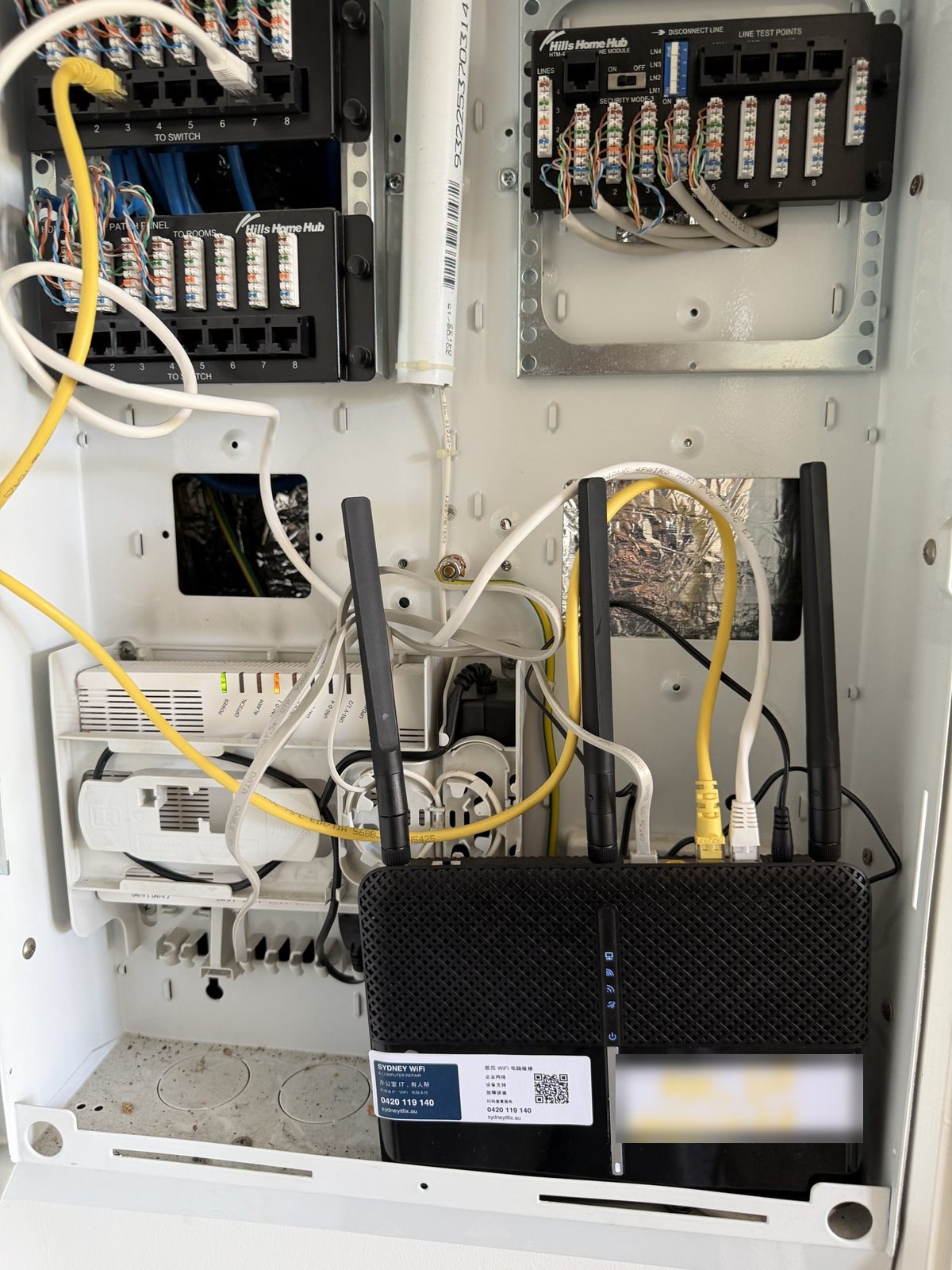
    We fitted a smaller TP-Link main router in the upstairs comms box, and the door now closes.

  2. 2

    Wall ports traced with a cable tester

    We traced the patch panel to the wall ports in the downstairs living room and the granny flat, and connected both.

  3. 3

    Old equipment reset and wired in

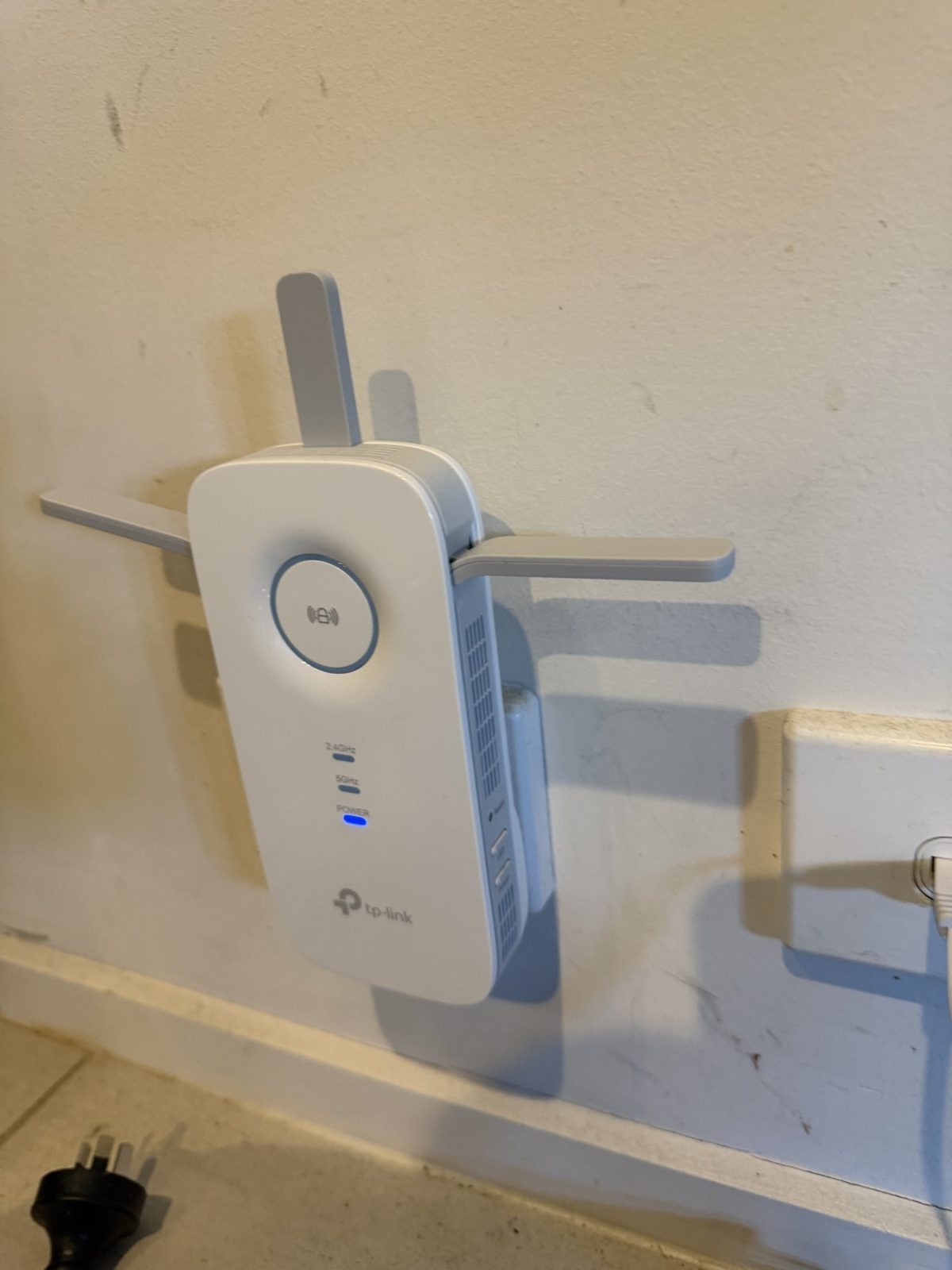
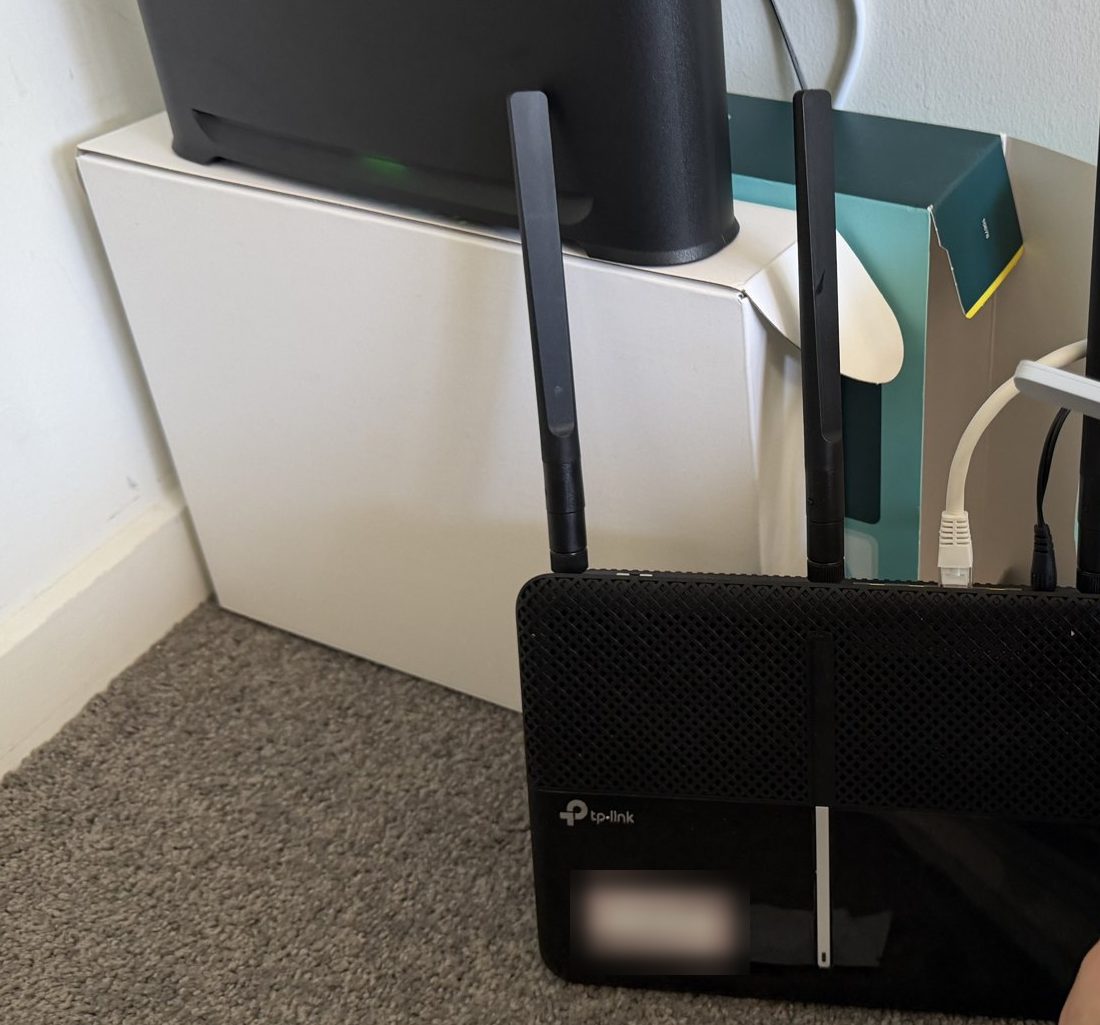
    The client's TP-Link router and extender were factory reset and connected by cable through those wall ports, behind the TV downstairs and in the granny flat, for a steadier link.
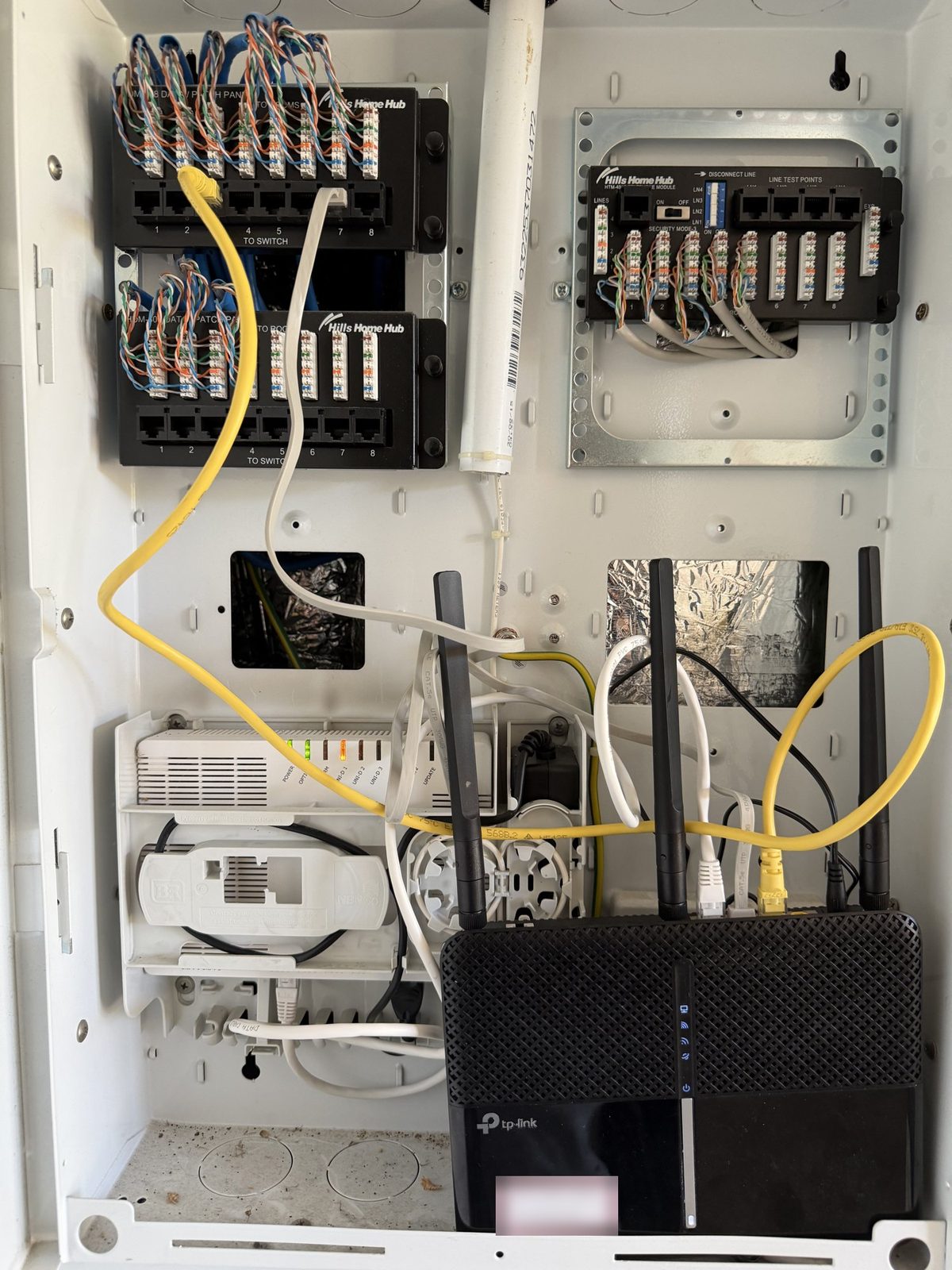
The new TP-Link main router in the comms box (label hidden)
The new router in the comms box
The client's old TP-Link router, reset for reuse (label hidden)
The old TP-Link router, reset
The TP-Link extender on the wall
The TP-Link extender
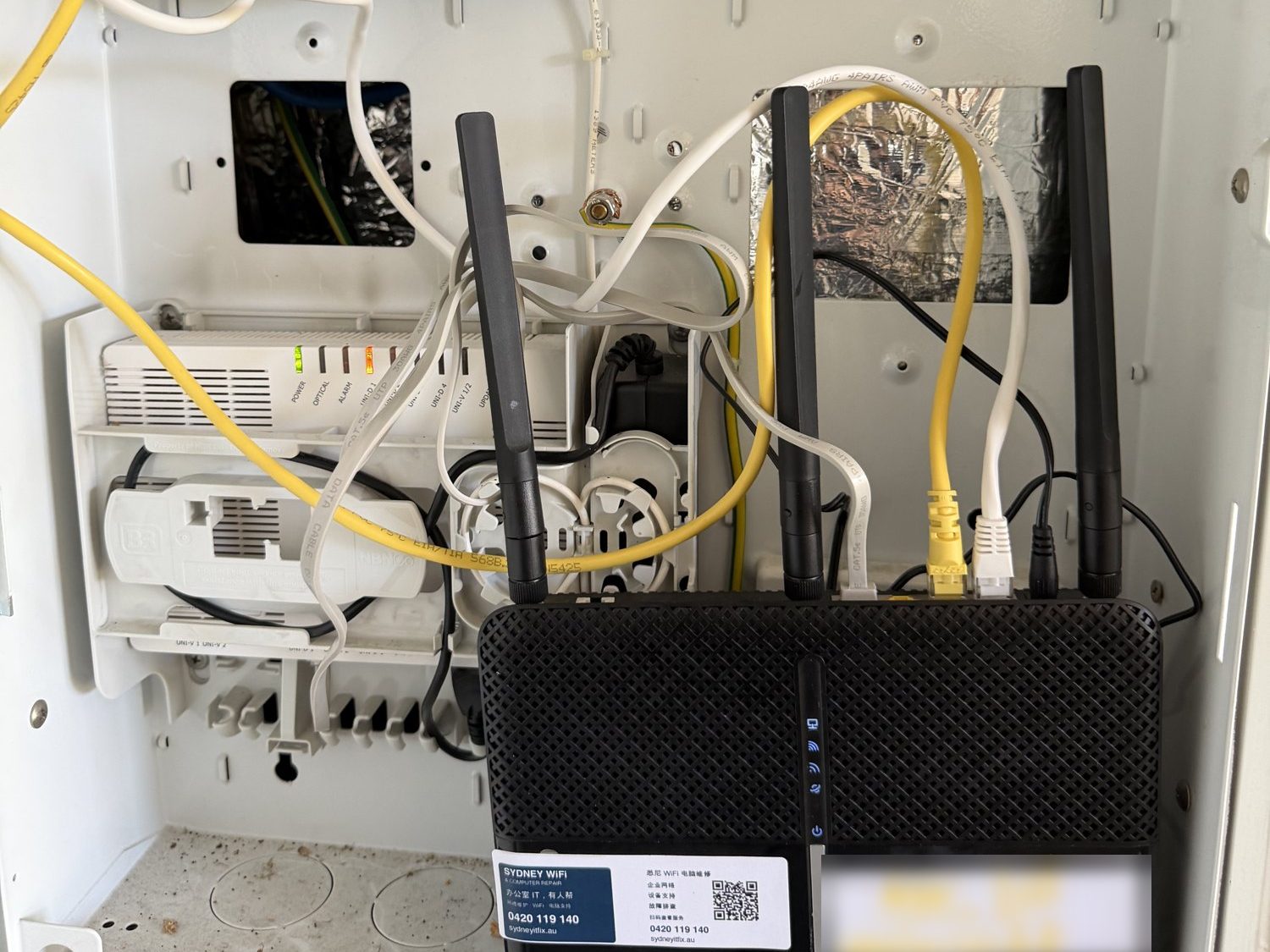
The finished comms box with our service sticker (network name hidden)
The finished comms box
04
Handover
Consistent names, a settings sheet and speed tests

Each of the three devices got its own WiFi network with a consistent naming format and a new password. We wrote up a network settings sheet for the client and put a service sticker on the equipment so they know who to call.

We then ran speed tests with the client: 570 Mbps and 610 Mbps on site, above the 500 Mbps plan speed, with the ground floor and granny flat both connected.
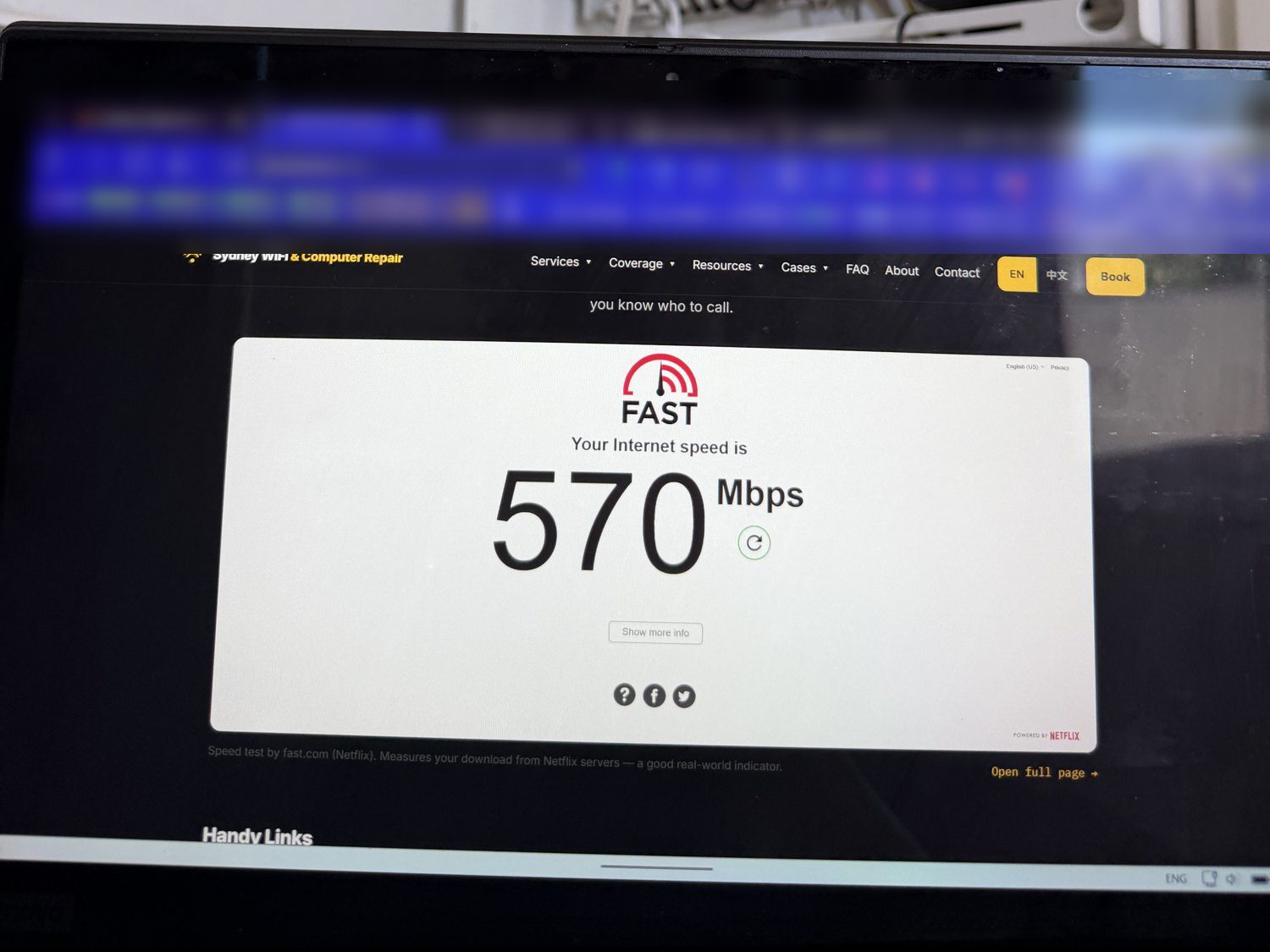
A 570 Mbps speed test in front of the comms box (browser tabs hidden)
570 Mbps
A 610 Mbps speed test on site
610 Mbps
05
Background
How the client found us

Blacktown is the furthest Sydney home we have visited so far. The client first tried their provider's technician, but the language barrier made it hard. They then asked the Doubao AI assistant for someone near Blacktown who speaks Chinese and can set up WiFi, and we were its first suggestion. They called, then confirmed the details and visit time with us on WeChat.

Afterwards the client asked about adding security cameras, and we are preparing a plan for them.
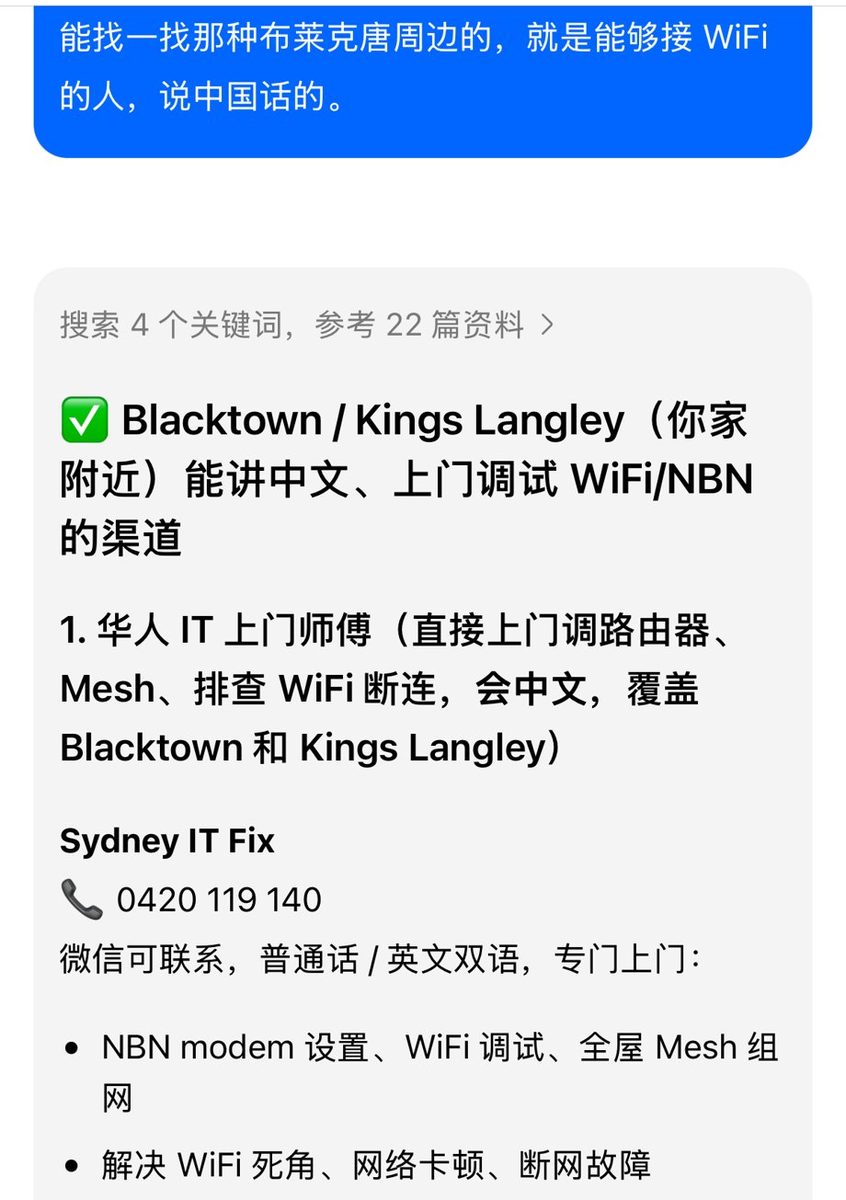
The Doubao AI answer suggesting a Chinese-speaking WiFi technician near Blacktown
The client's Doubao AI search
RESULT
The door closes, and the TV and granny flat are online.

A smaller router, two wall ports connected, old gear reused, and 570 and 610 Mbps on site.

NEXT STEP

Western Sydney is within reach.

Comms box tidy-ups, wall ports traced and connected, whole-home WiFi and reusing the equipment you already have, from Blacktown to the eastern suburbs.

Western Sydney visits · Whole-home WiFi · Comms boxes