0420 119 140More ways to reach us
On-site across Sydney · Remote support Australia-wide
Skip to content
Sydney WiFi & Computer RepairSydney WiFi
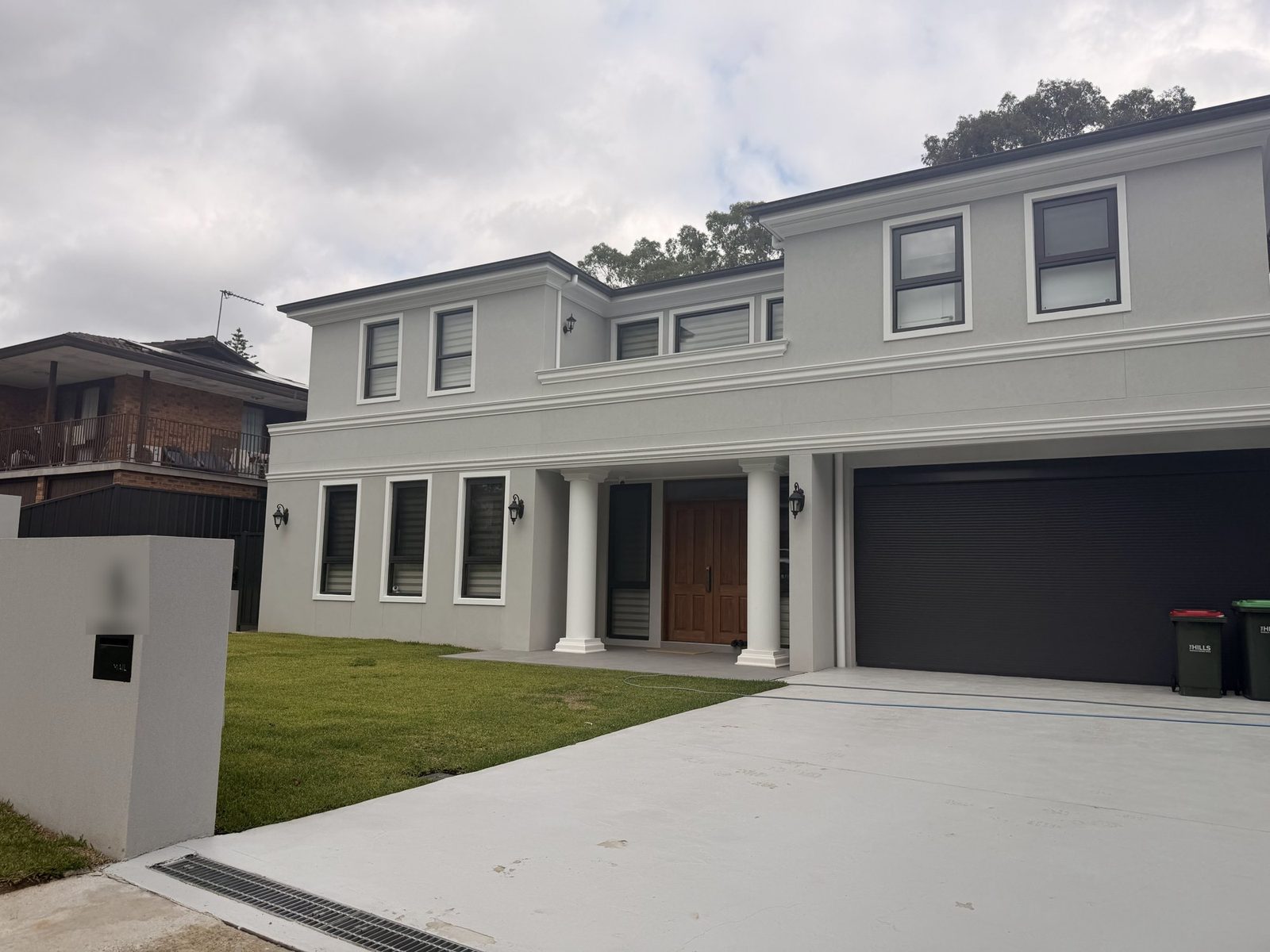
The two-storey Castle Hill home (house number hidden)

Featured case · Castle Hill · Two-storey house

A WiFi 7 mesh for a large two-storey home, placed for gaming

A TP-Link Deco BE65 WiFi 7 three-pack chosen with the client, placed around the children's rooms, with the printer and cameras reconnected

Problem
Unstable gaming · weak WiFi in parts of upstairs
Internet
NBN HFC · Vodafone
Fix
Deco BE65 WiFi 7 three-pack
Also
Printer and cameras reconnected
Result
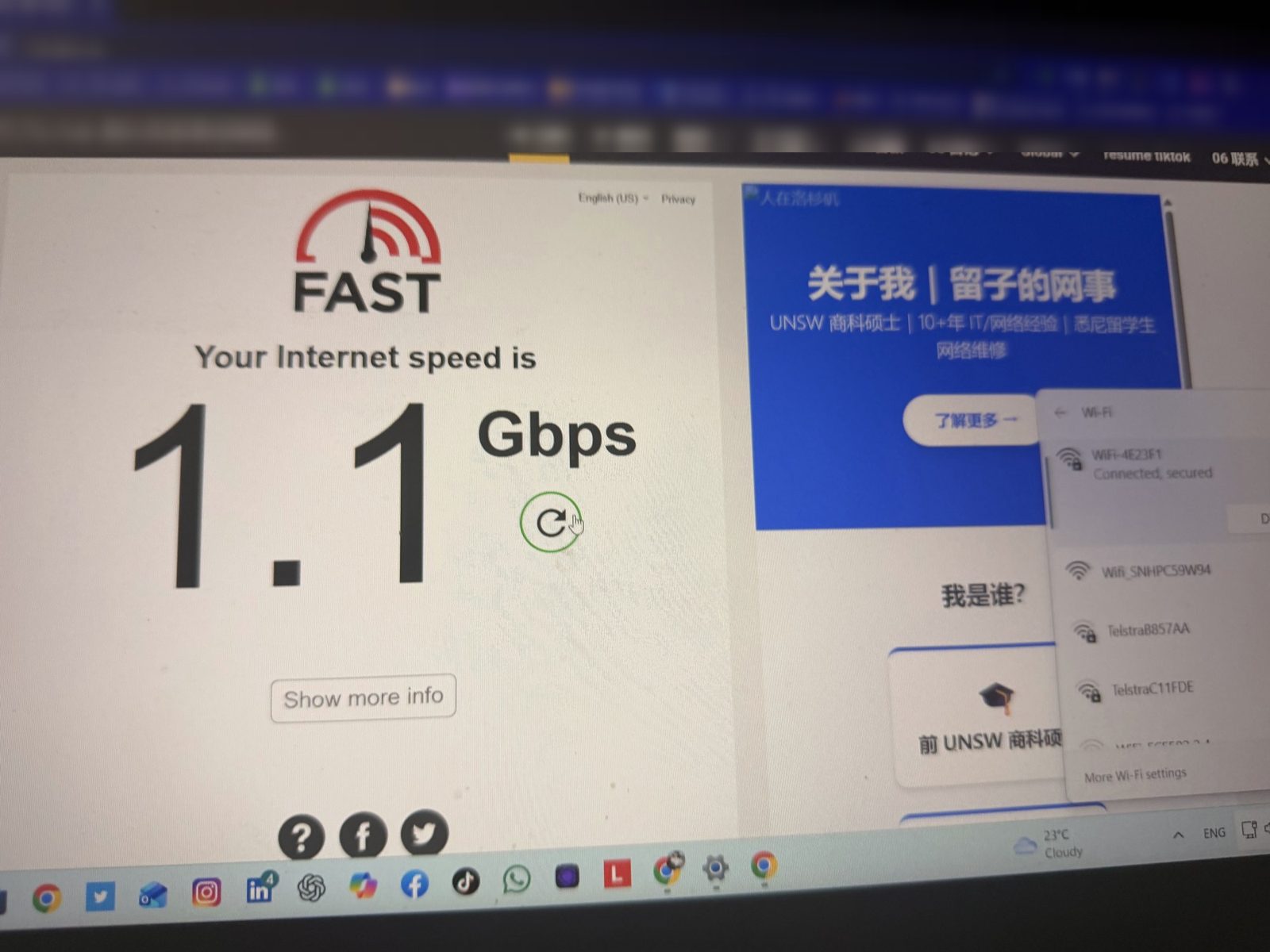
1.1 Gbps on site
RESULTOne WiFi 7 mesh across both floors, nodes placed where the children game, and 1.1 Gbps in an on-site speed test.
01
The Problem
Unstable games in a big house

A large two-storey home, and the gaming room had some of the weakest WiFi.

The client's children love gaming and kept complaining that games were unstable. Some areas upstairs had weak WiFi. The house is two storeys on a large footprint, and the old equipment did not cover it well.
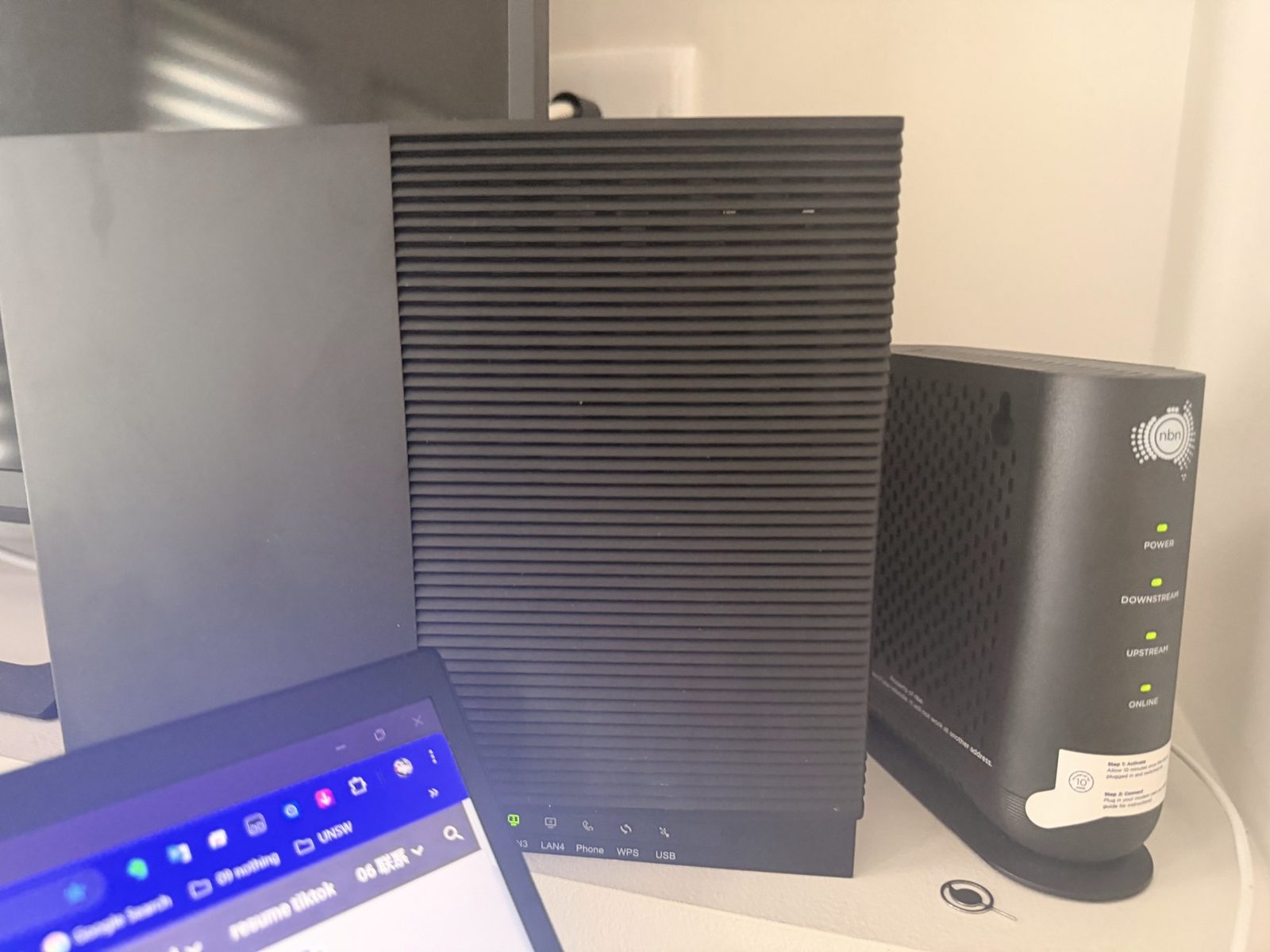
The HFC connection box and the main Deco
Where the nodes go
depends on where the gaming happens.
02
The Plan
Choosing a WiFi 7 mesh together

After hearing what they needed, we recommended a plan and went with the client to buy a TP-Link Deco BE65 WiFi 7 three-pack (BE11000). They chose the stronger WiFi 7 system to do it once.
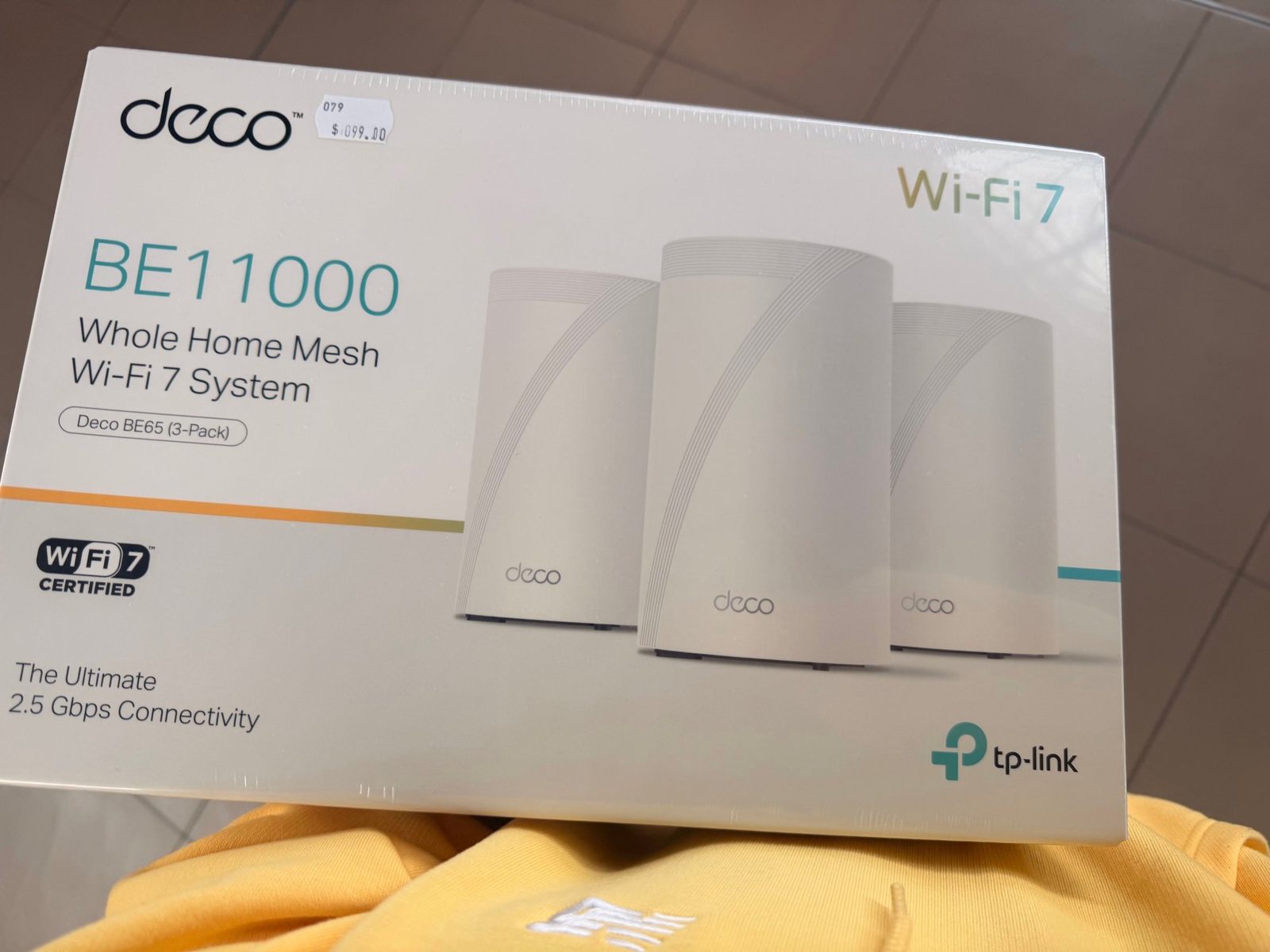
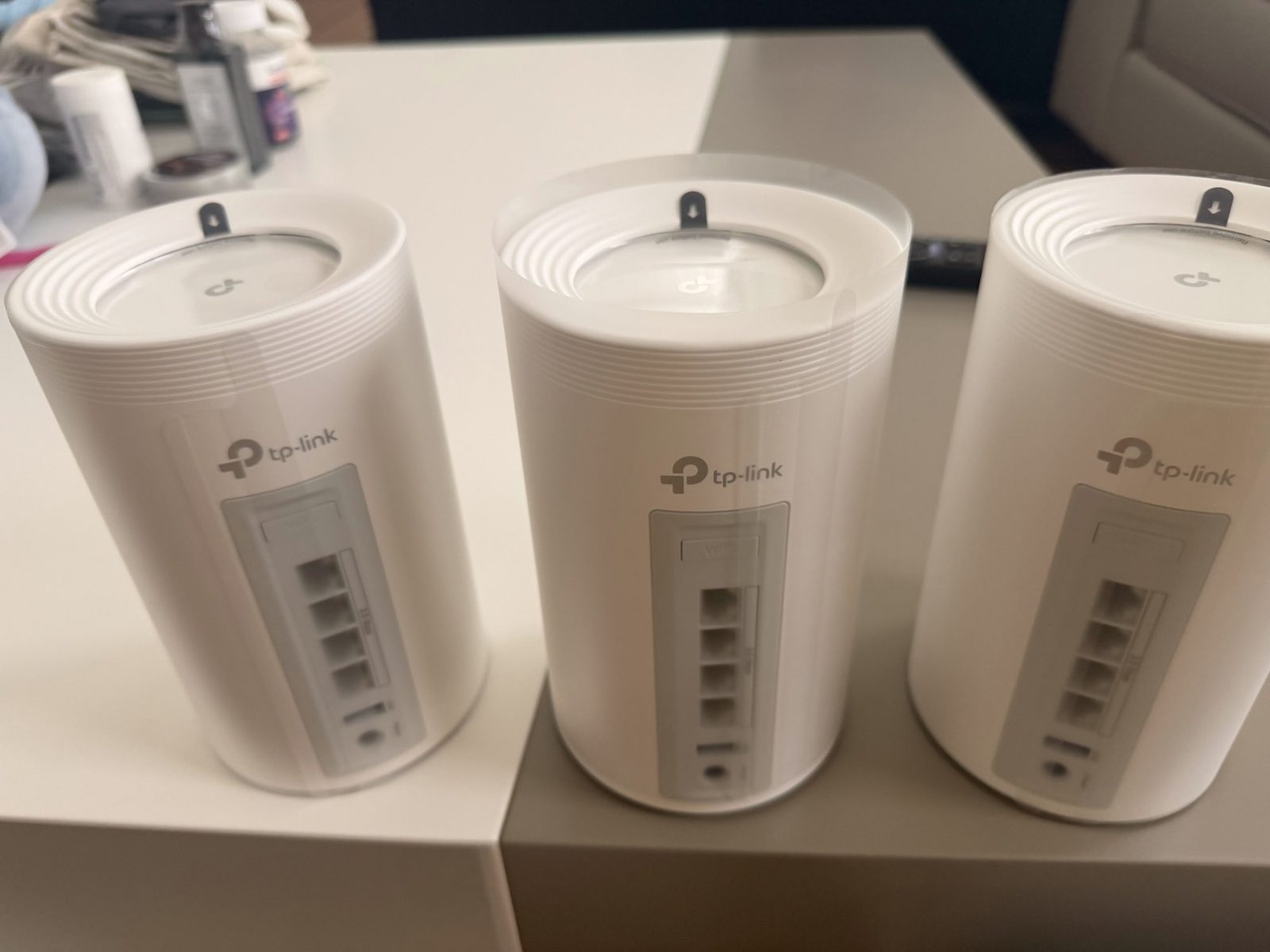
TP-Link Deco BE65 WiFi 7 three-pack
Deco BE65 WiFi 7 three-pack
The three Deco units
03
The Setup
Placed around the rooms that matter
  1. 1

    All three Decos configured

    We set up the three units as one mesh network.

  2. 2

    Placed by how the house is used

    Nodes went near the children's rooms and the areas the family uses most, with the gaming room first.

  3. 3

    Tested room by room

    We tested around the house after placement and recorded 1.1 Gbps on site. The children tried their games straight away and found them much smoother.
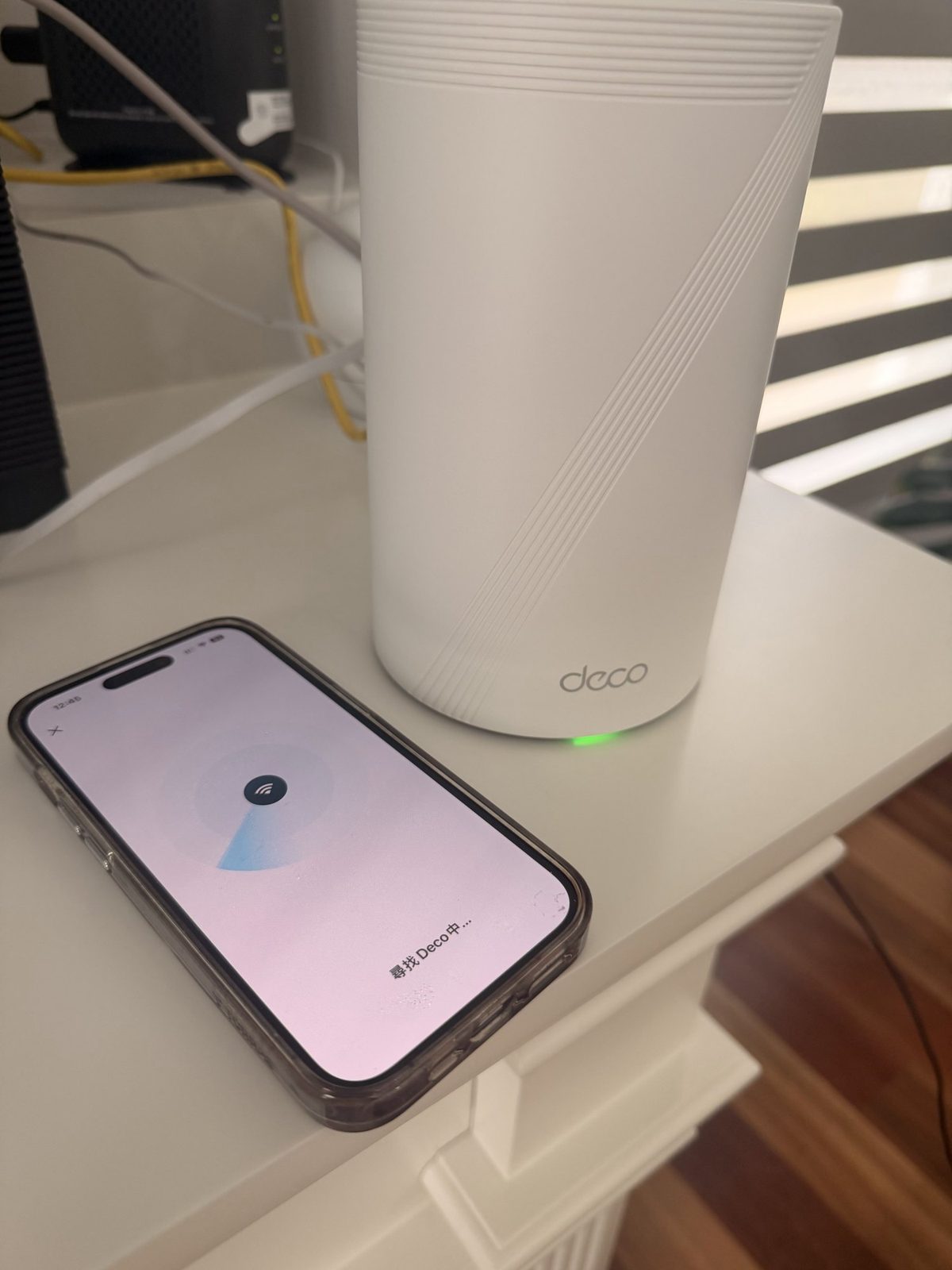
Setting up the nodes in the Deco app
Setup in the Deco app
A 1.1 Gbps speed test on site (browser tabs hidden)
1.1 Gbps on site
04
Other Devices
Printer and cameras reconnected

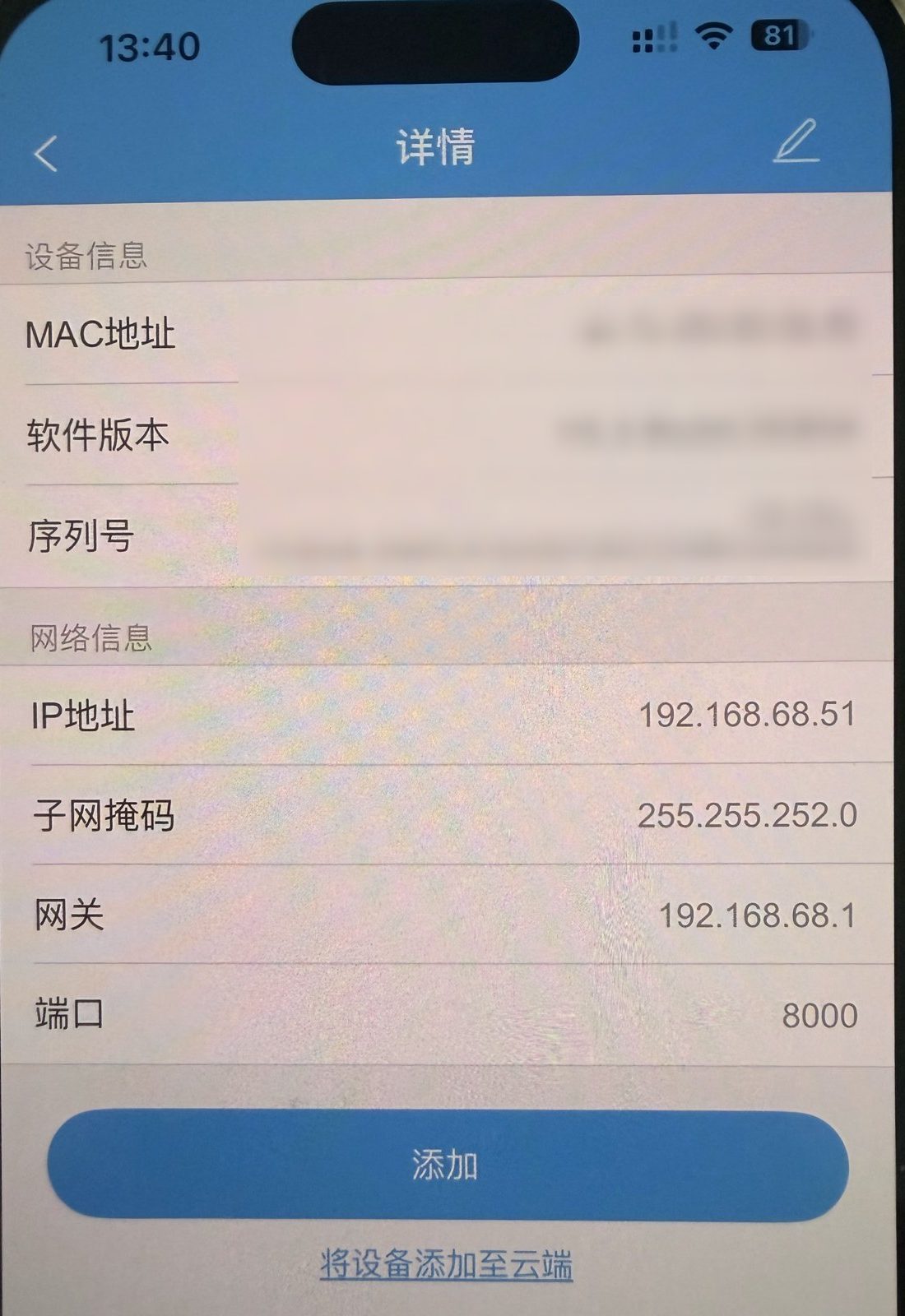
A new network means the printer, cameras and other devices need reconnecting, so we set each one up again on site.
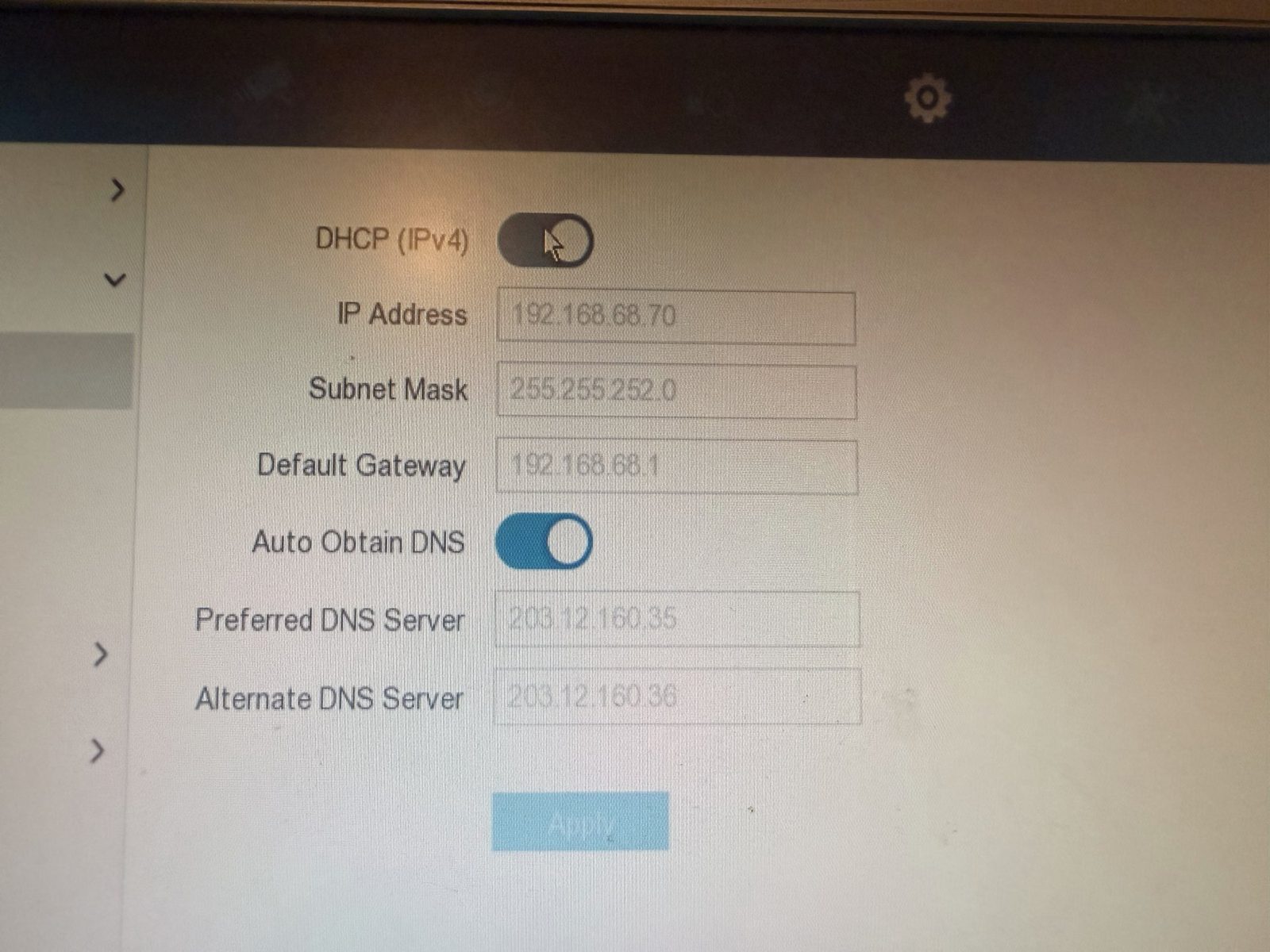
The printer's network settings
Printer reconnected
Security camera network details (MAC and serial hidden)
Camera reconnected

How they found us: referred by another Chinese-speaking family whose home we had worked on.

RESULT
One WiFi 7 mesh across both floors, gaming room first.

A Deco BE65 three-pack placed by use, printer and cameras reconnected, and 1.1 Gbps on site.

NEXT STEP

WiFi for a big home, placed for how you use it.

Buying advice, installation, placement and testing, plus reconnecting printers and cameras, anywhere in Sydney.

WiFi 7 mesh · Whole-home WiFi · Gaming


