0420 119 140More ways to reach us
On-site across Sydney · Remote support Australia-wide
Skip to content
Sydney WiFi & Computer RepairSydney WiFi
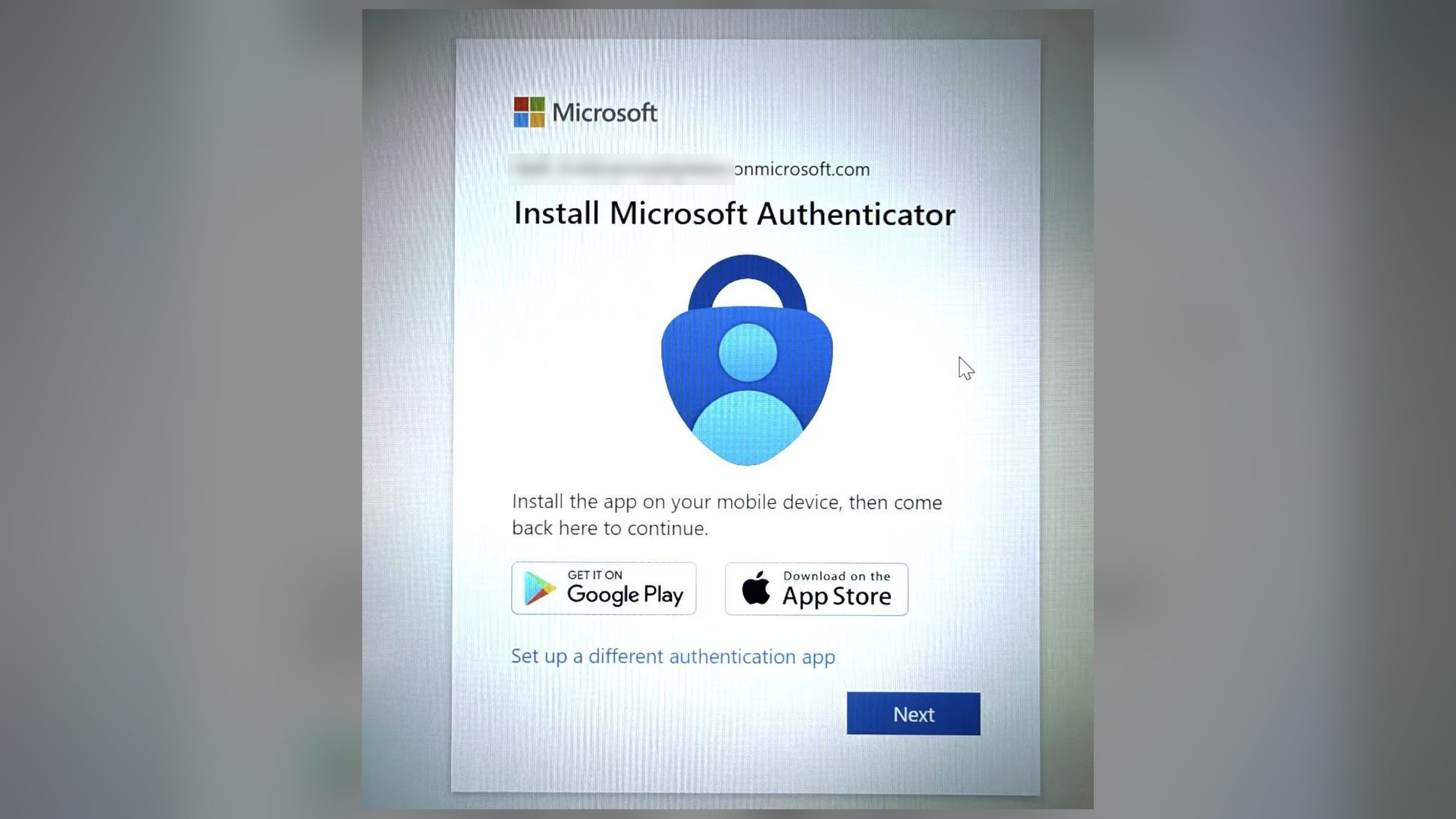
A new computer's first Microsoft 365 sign-in, setting up MFA

Featured case · North Ryde · Business IT

Microsoft 365 from day one to the company domain

For a North Ryde company we handled Microsoft 365 from the first purchase, then moved every account from the temporary onmicrosoft domain to the company domain

Client
Company office
Platform
Microsoft 365 Business Standard
Scope
Licences · accounts · devices · domain · mail
Method
Test accounts first, then all staff
Result
All staff on the company domain
RESULTEvery staff account moved from the temporary onmicrosoft domain to the company domain, with mailboxes, shared mailboxes and Outlook working.

THE CLIENT

A new company, no domain yet, so Microsoft 365 started on a temporary one

This North Ryde company handed Microsoft 365 to us from day one: buying the subscriptions, creating staff accounts, assigning licences and joining new computers. They hadn't settled on a domain, so staff signed in to Office and their computers with accounts on the temporary onmicrosoft domain that Microsoft 365 provides.

A month or two later the company domain was confirmed. We added it to Microsoft 365, switched test accounts one at a time, then moved every staff account and set up the new mailboxes, shared mailboxes and Outlook.

01
Licences and accounts
Subscriptions, accounts and licences in one place

We bought the Microsoft 365 Business Standard subscriptions, created the staff accounts and assigned licences. Adding and removing users since then is handled by us as well.
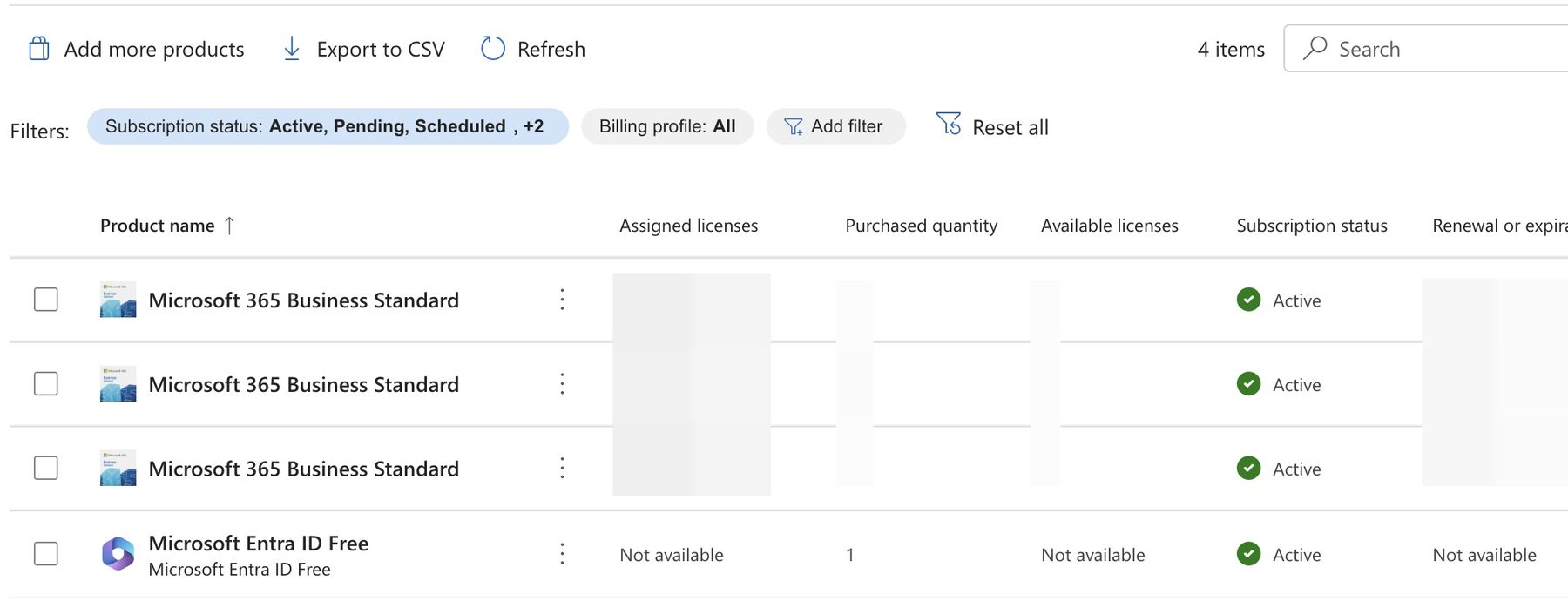
Microsoft 365 subscriptions in the admin centre (quantities and dates hidden)
Microsoft 365 subscriptions and licences
02
New computers
Joined to Entra ID

The company's new computers were joined to Entra ID (formerly Azure AD), so staff sign in to Windows with their Microsoft 365 account.

  1. 1

    Joined

    Each new computer was joined to the company's Entra ID.

  2. 2

    Sign-in security

    Staff set up an authenticator app on their phone at first sign-in, with MFA turned on.

  3. 3

    Temporary domain

    Until the company domain was ready, sign-in accounts used the onmicrosoft domain.
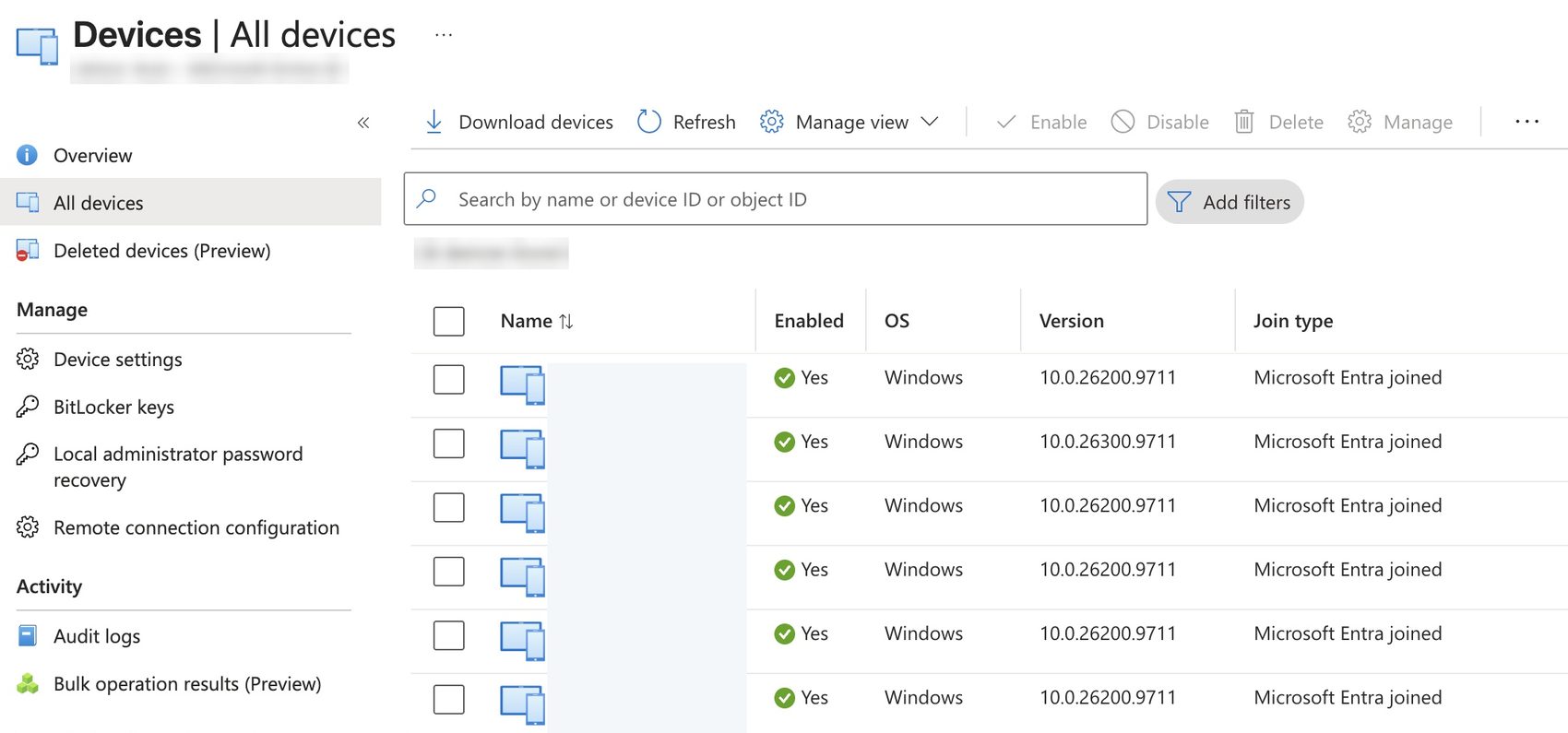
Devices in the Entra admin centre, each new computer shown as Microsoft Entra joined (tenant, device names and count hidden)
New computers joined to Entra ID
03
Domain change
Company domain added, tested, then rolled out

Once the domain was confirmed, we added it in the Microsoft 365 admin centre, set the TXT, MX and CNAME records with the domain provider, verified it and made it the default.
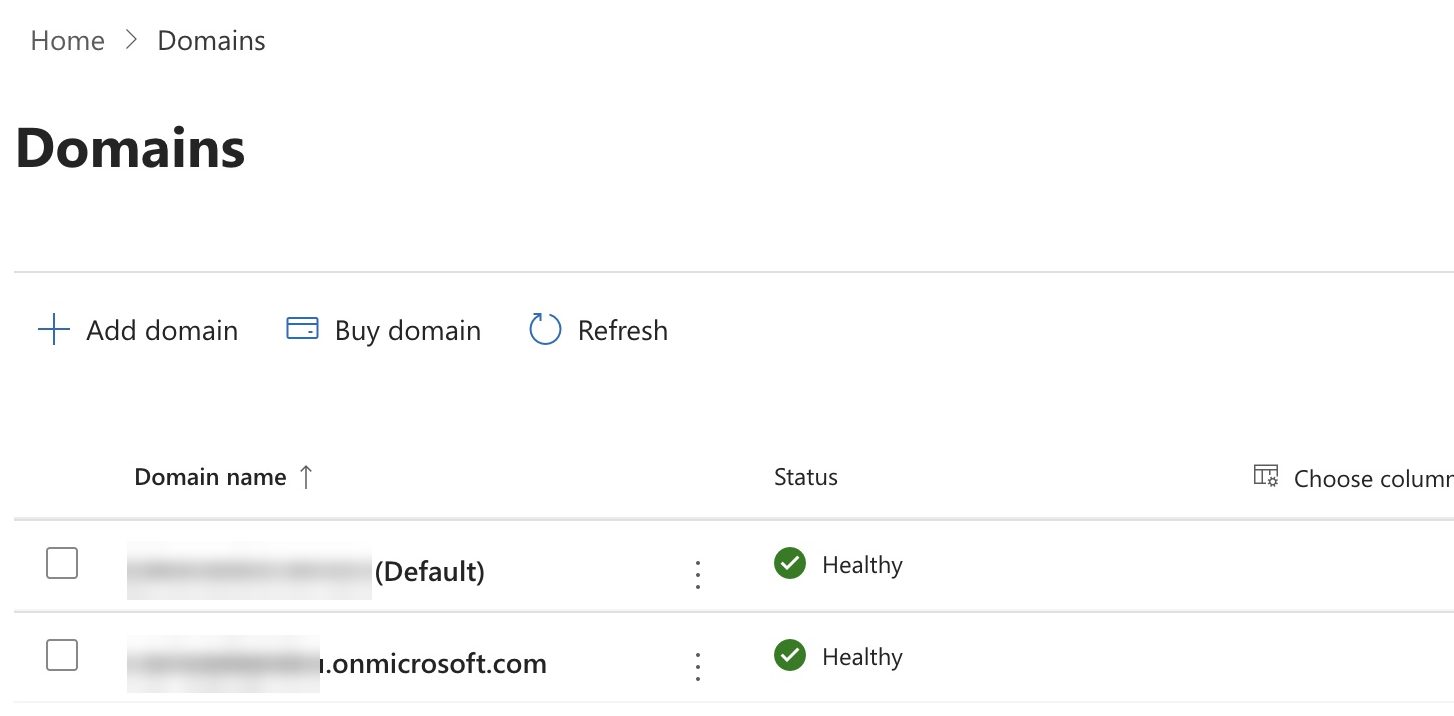
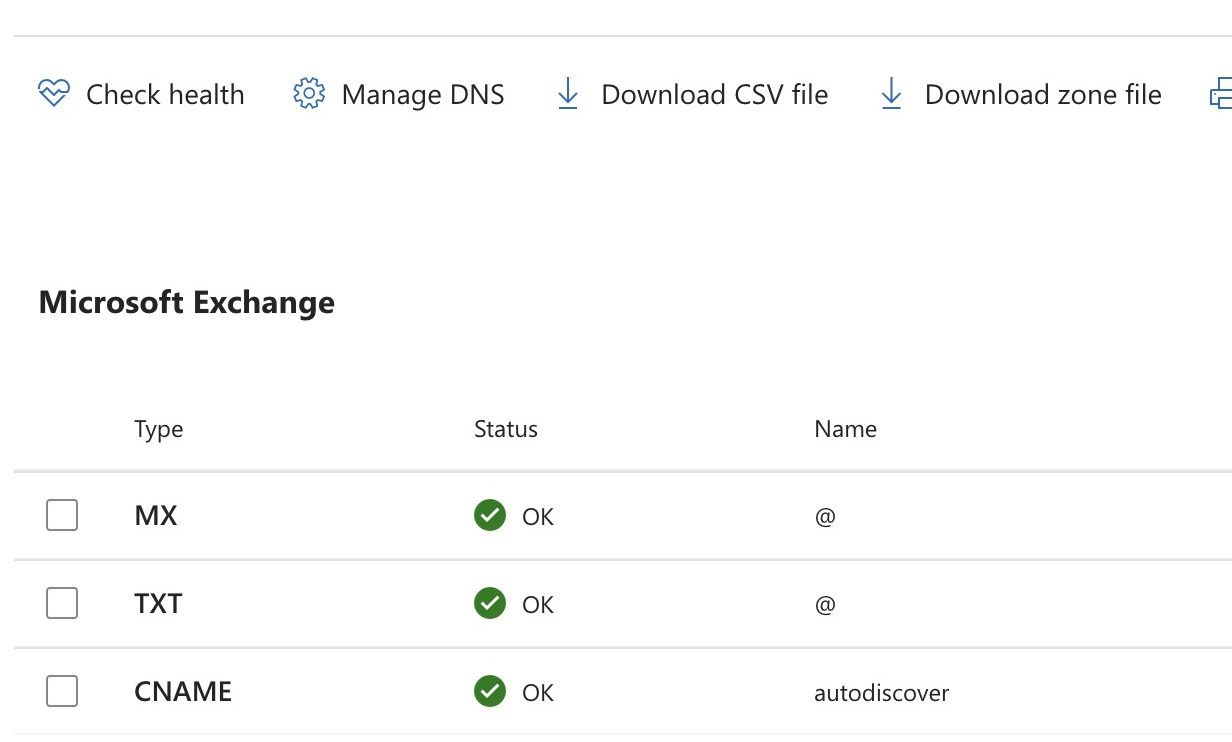
Domains in the admin centre: the company domain is default, the temporary domain stays (names hidden)
Company domain set as default
MX, TXT and CNAME records for the company domain showing OK
DNS records checked

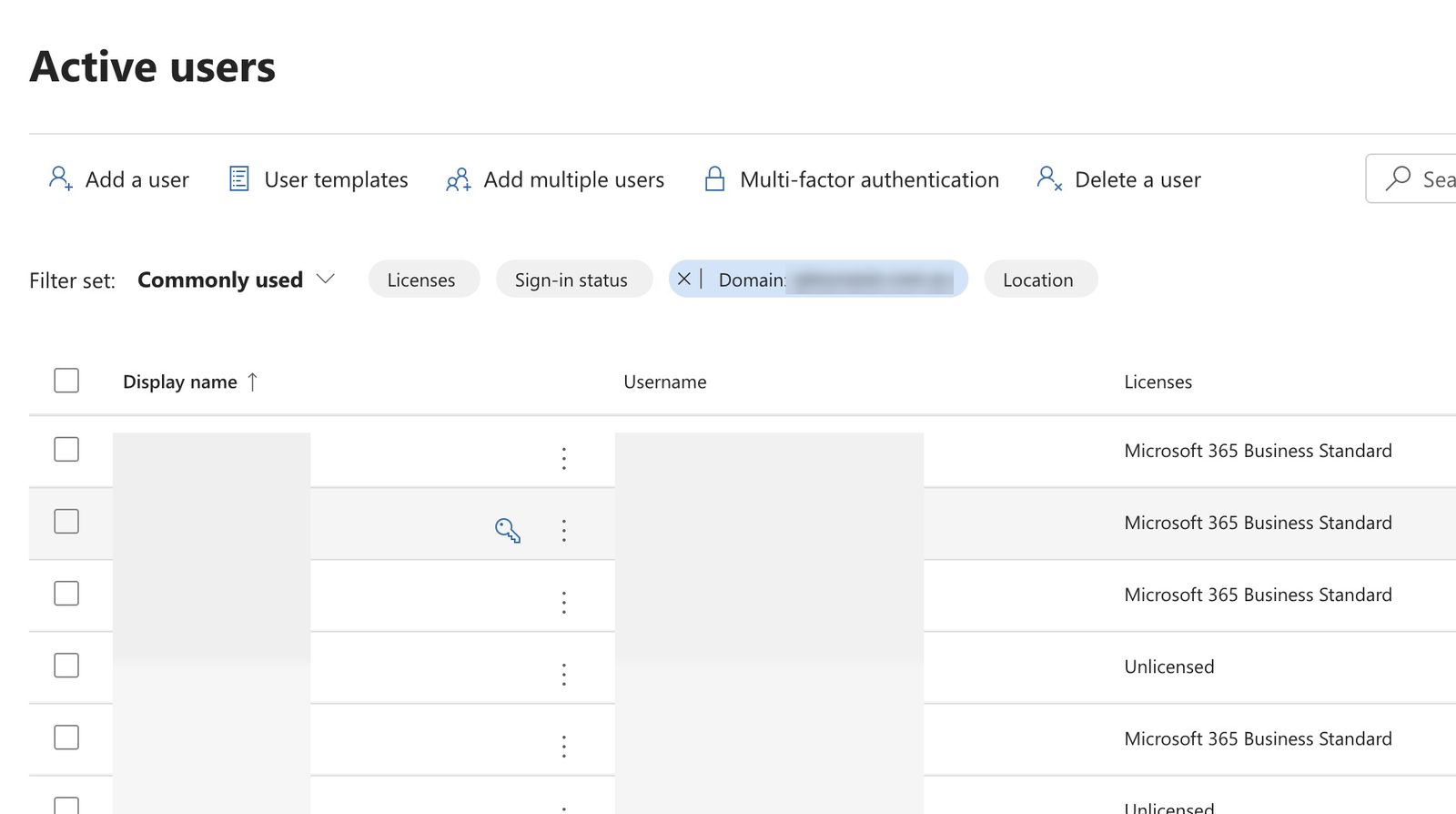
Before the rollout we moved several test accounts from the temporary domain to the company domain, one at a time, and checked sign-in and use. Then we changed every staff account in bulk. The old onmicrosoft addresses stay on as aliases, so mail sent to them during the change still arrived.
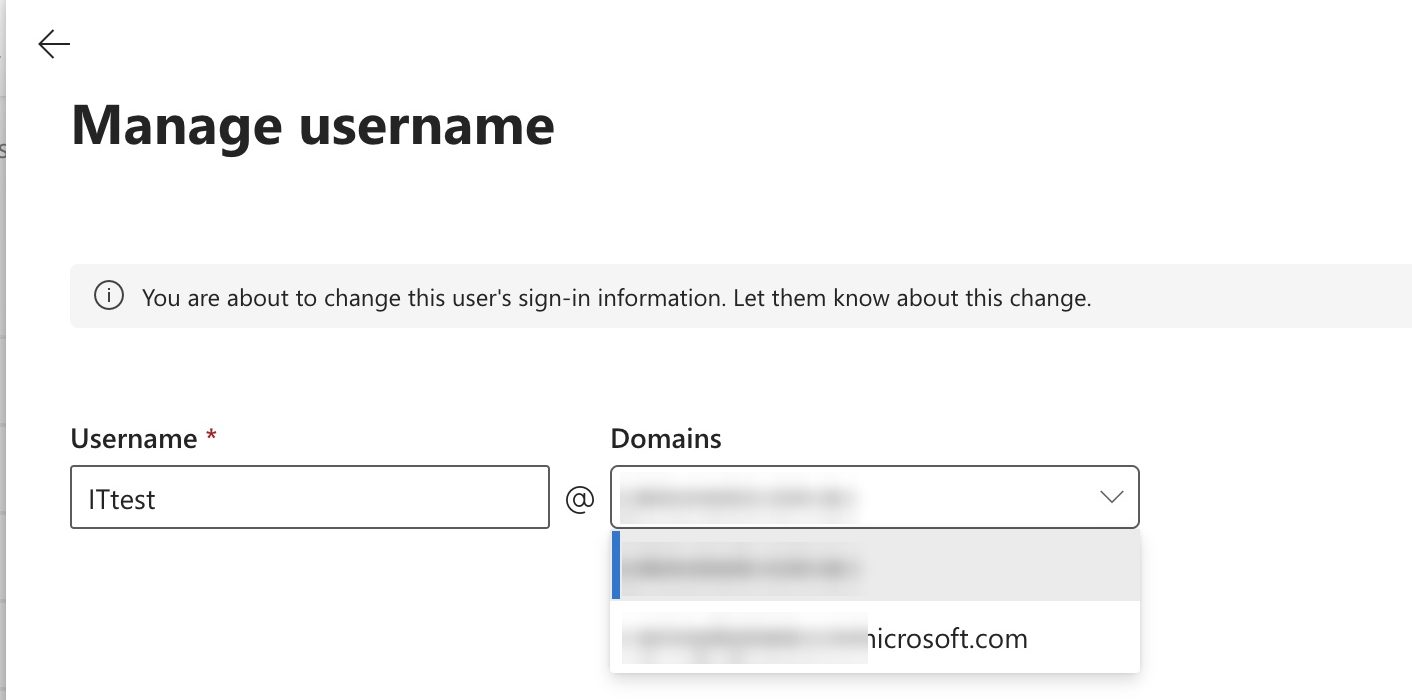
A test account's username moved to the company domain (domain hidden)
Test accounts switched first
Active users after the bulk change (names and addresses hidden)
Then every staff account
04
Mail and staff guide
A switch-over guide, shared mailboxes and Outlook

For the rollout we wrote the client a switch-over guide setting out what staff needed to do.

On the Windows lock screen, staff choose "Other user" and sign in with the new address and their existing password. When Office, Outlook, Teams or OneDrive asks, they sign in again with the new address and complete MFA.
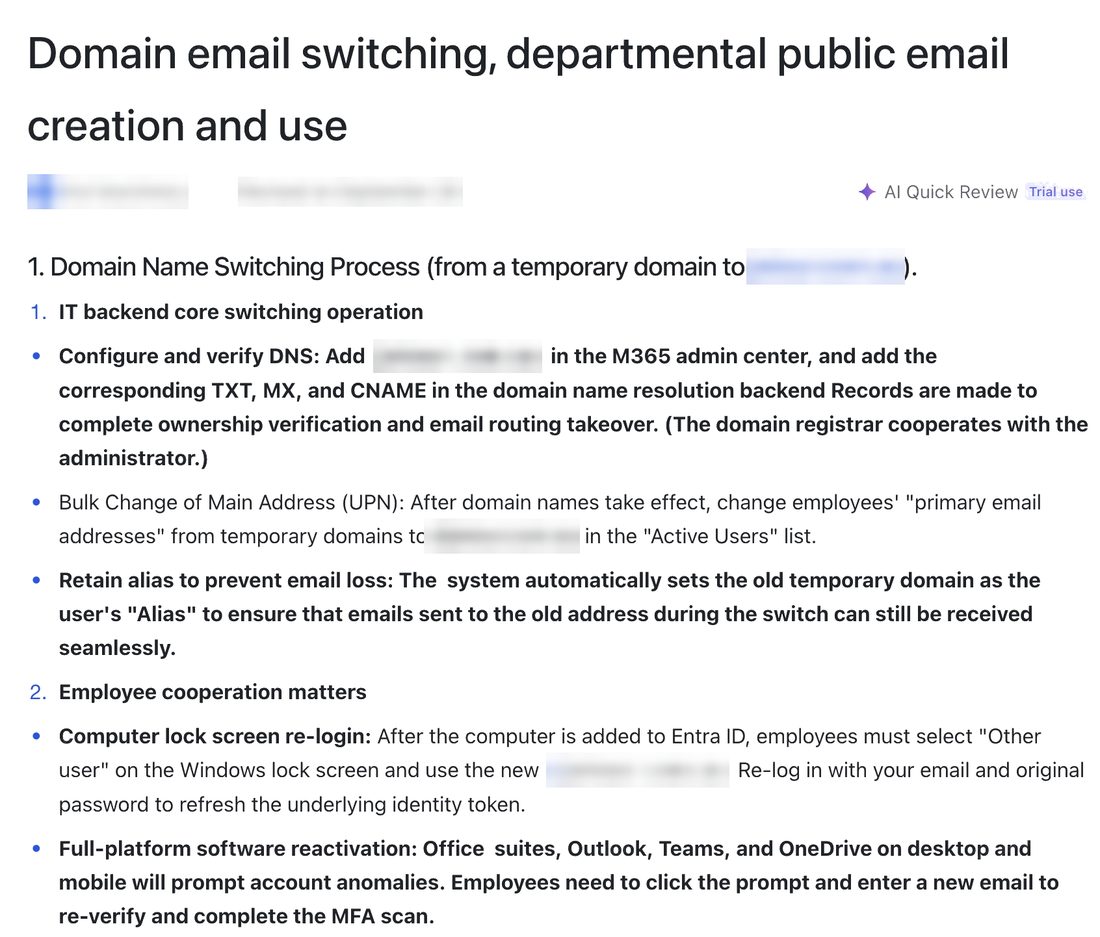
The switch-over guide written for the client (names, dates and domains hidden)
The switch-over guide

After the change we followed up on the new mailboxes, created the department shared mailboxes and connected the new mail to the Outlook app, so every staff member can send and receive on the company domain.
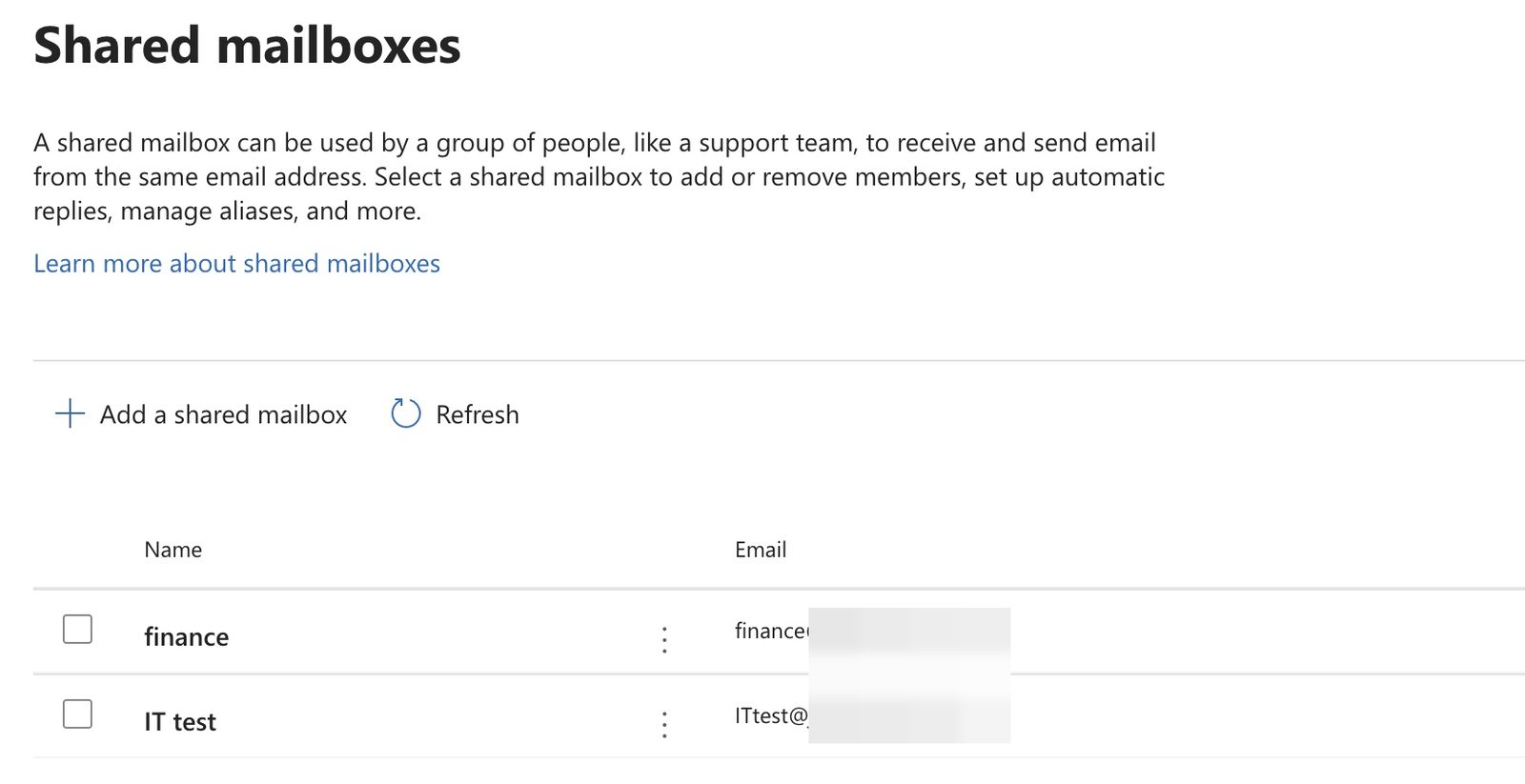

Shared mailboxes in the admin centre (domain hidden)
Department shared mailboxes
RESULT
From the first computer to the company domain, one provider throughout.

Microsoft 365 purchasing, accounts and licences, new computers, the domain change, mailboxes, shared mailboxes and Outlook, all handled by us.

NEXT STEP

Want one team to run your Microsoft 365?

Microsoft 365 purchasing and licences, user accounts, joining computers, domain changes, business email and shared mailboxes, handled for Sydney offices.

Business IT · Microsoft 365 · Domain change


