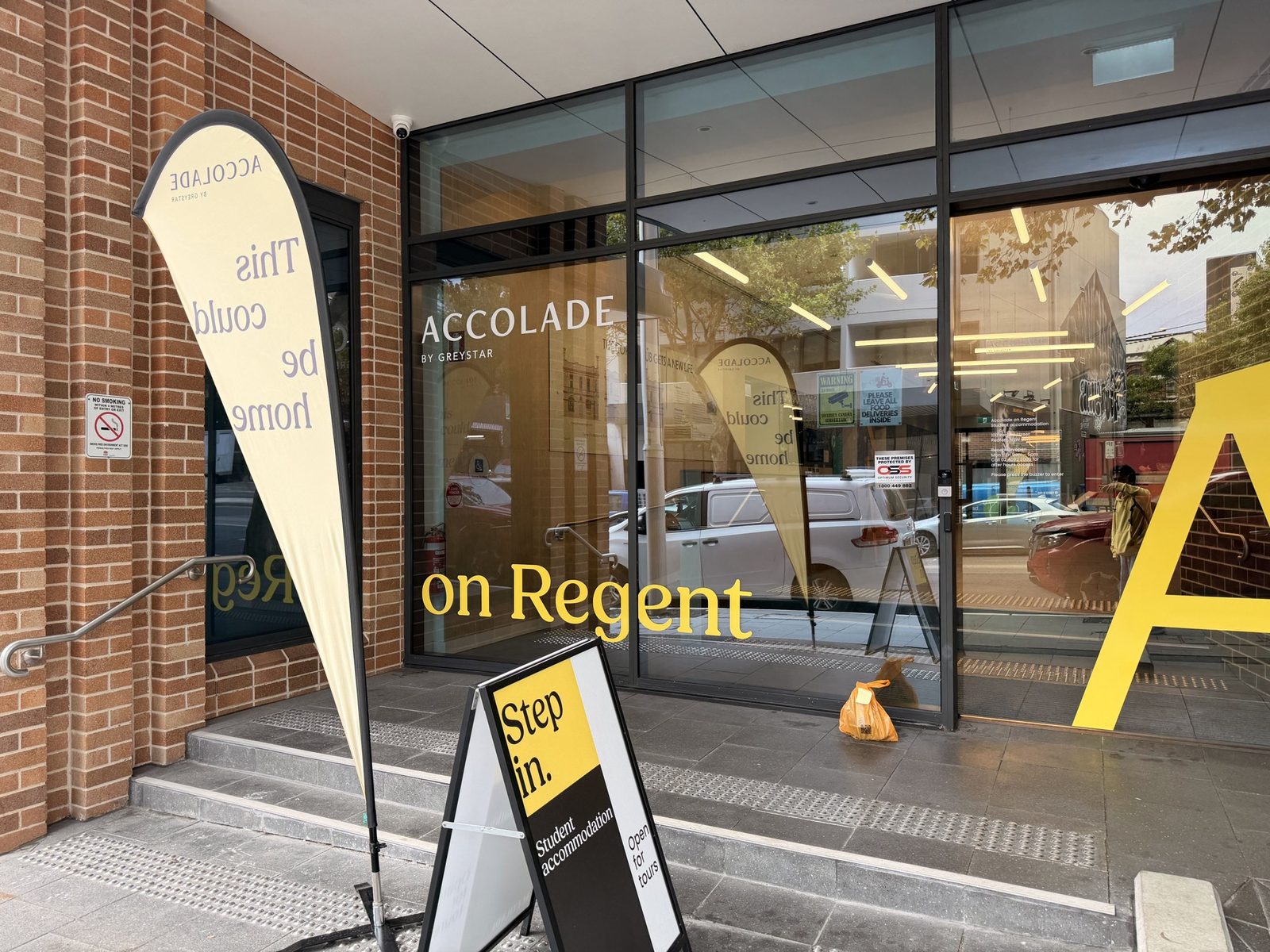
The student accommodation provides shared WiFi that needs a username and password, and the room has no wall port.
The WiFi is about 100 Mbps. Phones were fine, but the desktop usually managed around 40 Mbps and speed tests were unstable. The client, a University of Sydney undergraduate, wanted steadier gaming.
No wall port,
but the desktop is on cable now.
- 1
Needs first
He contacted us in the afternoon and we went through how he uses the connection.
- 2
Visit the next day
We set up and installed the equipment so the desktop runs over cable.
- 3
A switch added
He plans to connect more wired devices, so we added a switch for later.
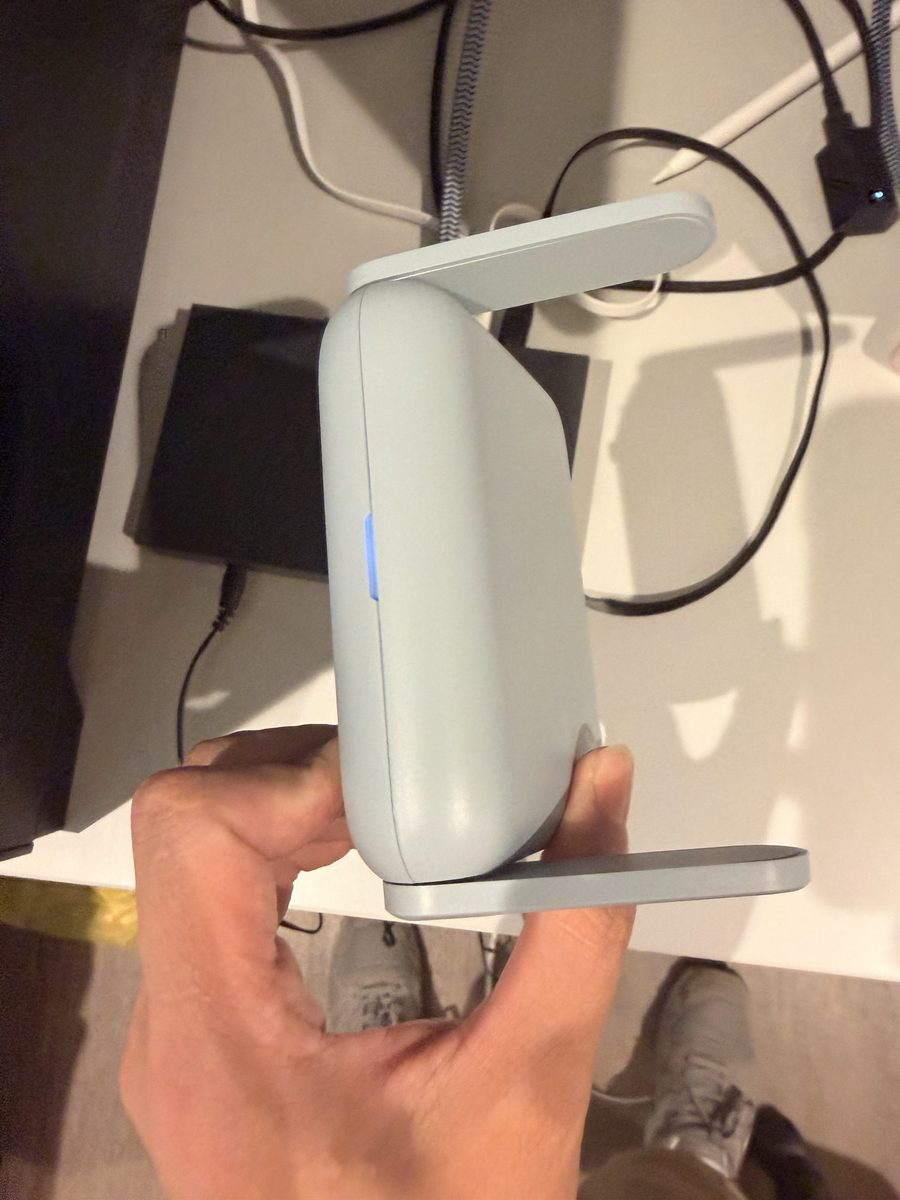
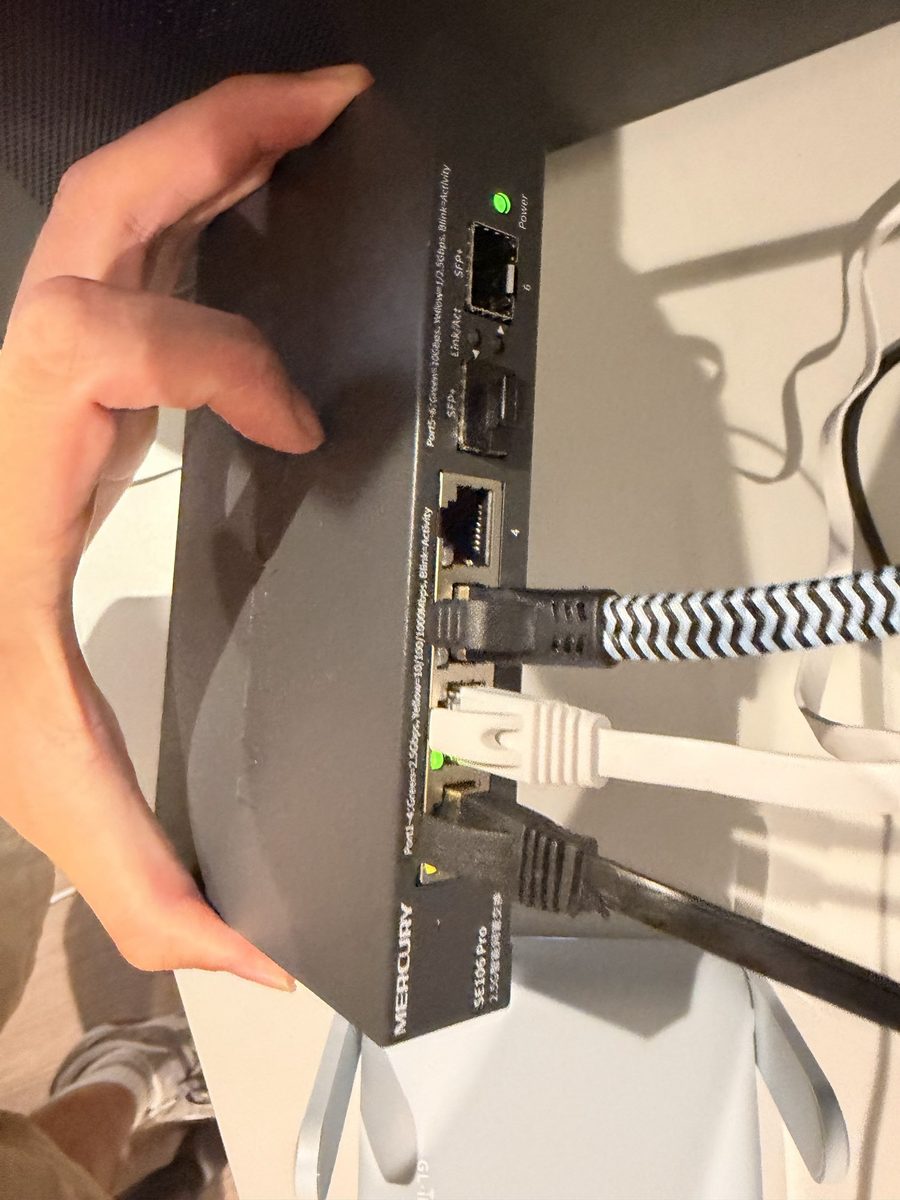
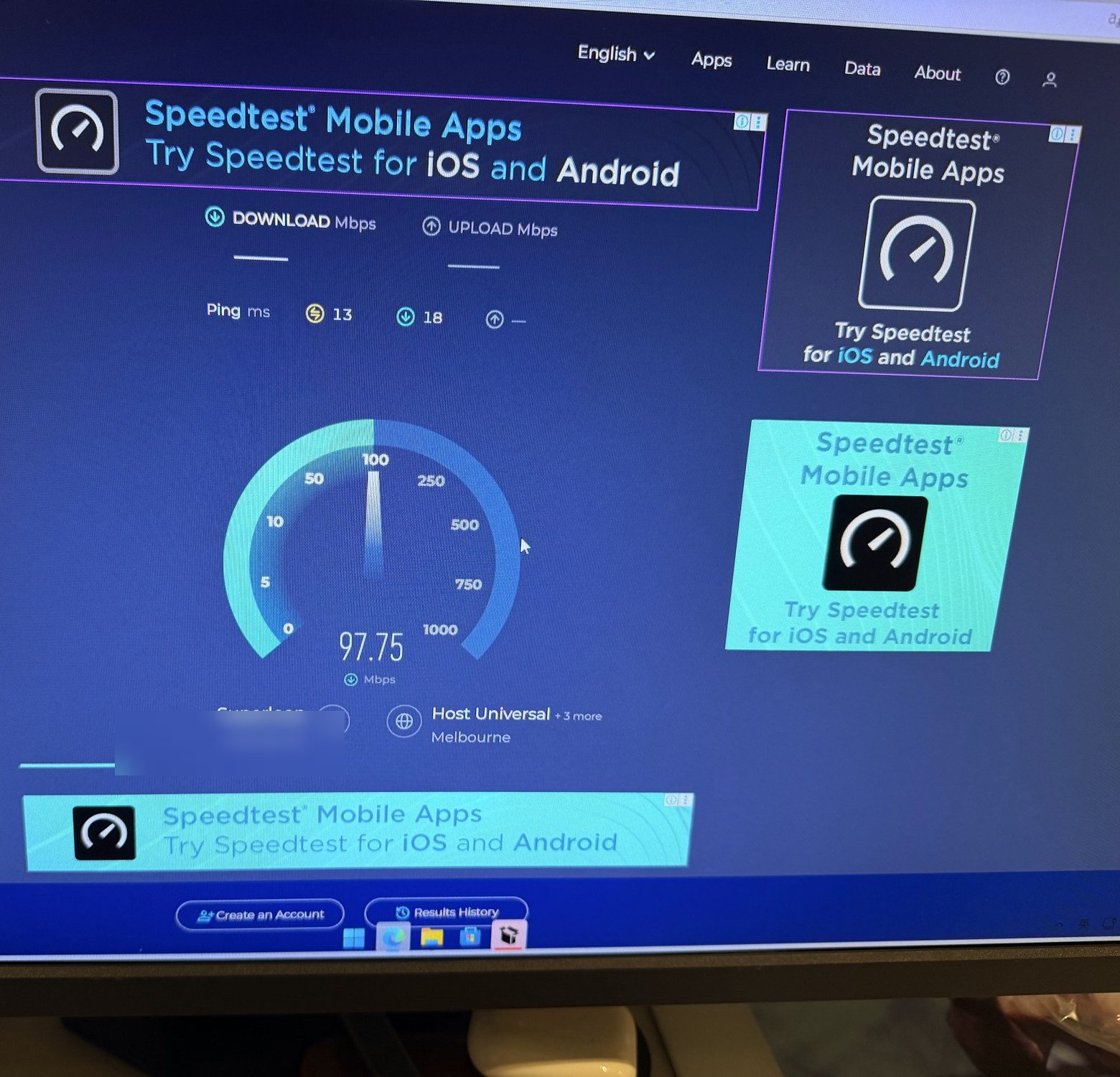
After the setup, a wired test on the desktop reached 97 Mbps, close to the building's 100 Mbps service. When we followed up, his reply was simply that the internet is great.

How they found us: a message on Xiaohongshu (RedNote).



