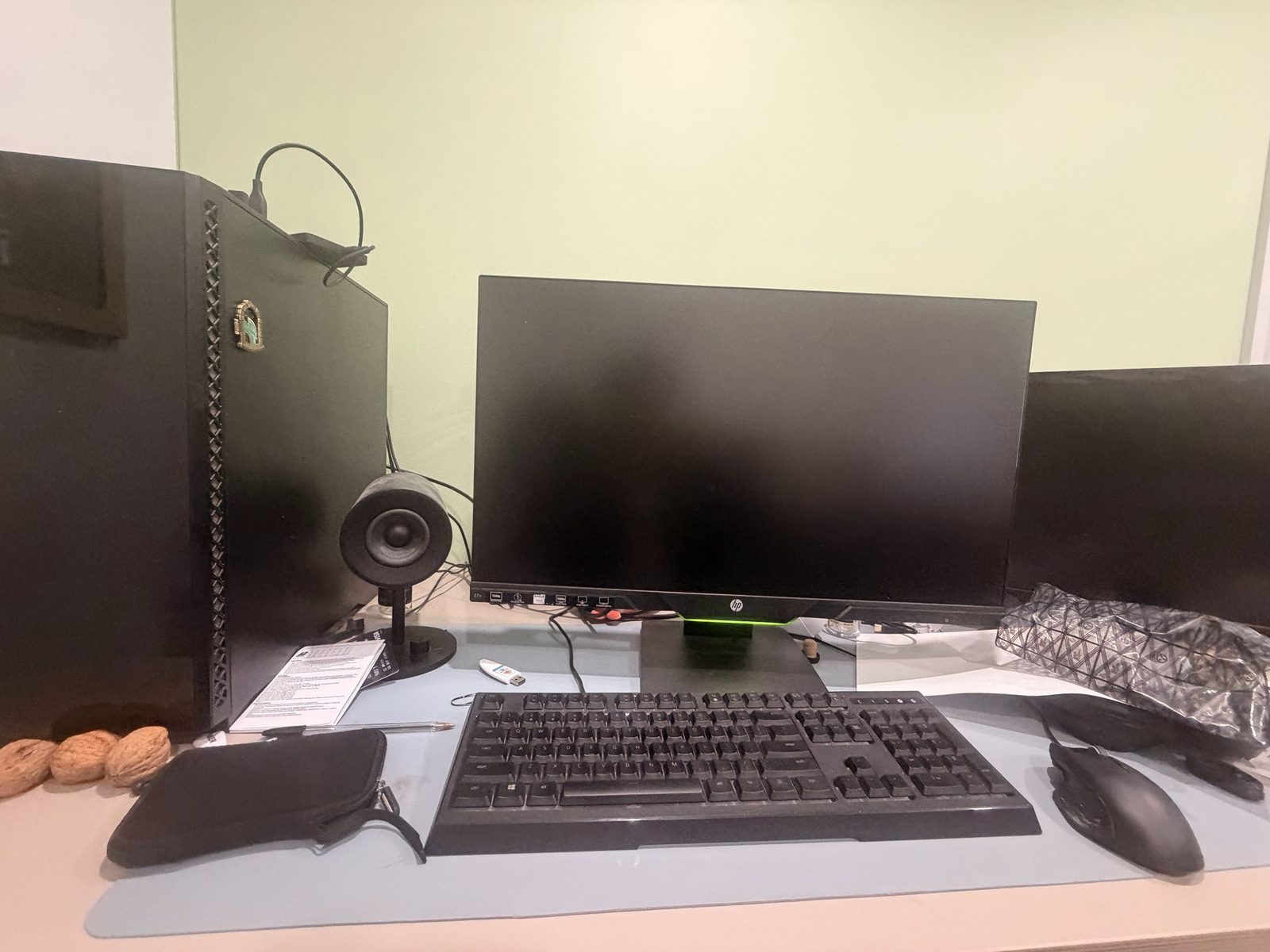
Most of the computers were upstairs, where the WiFi was weakest.
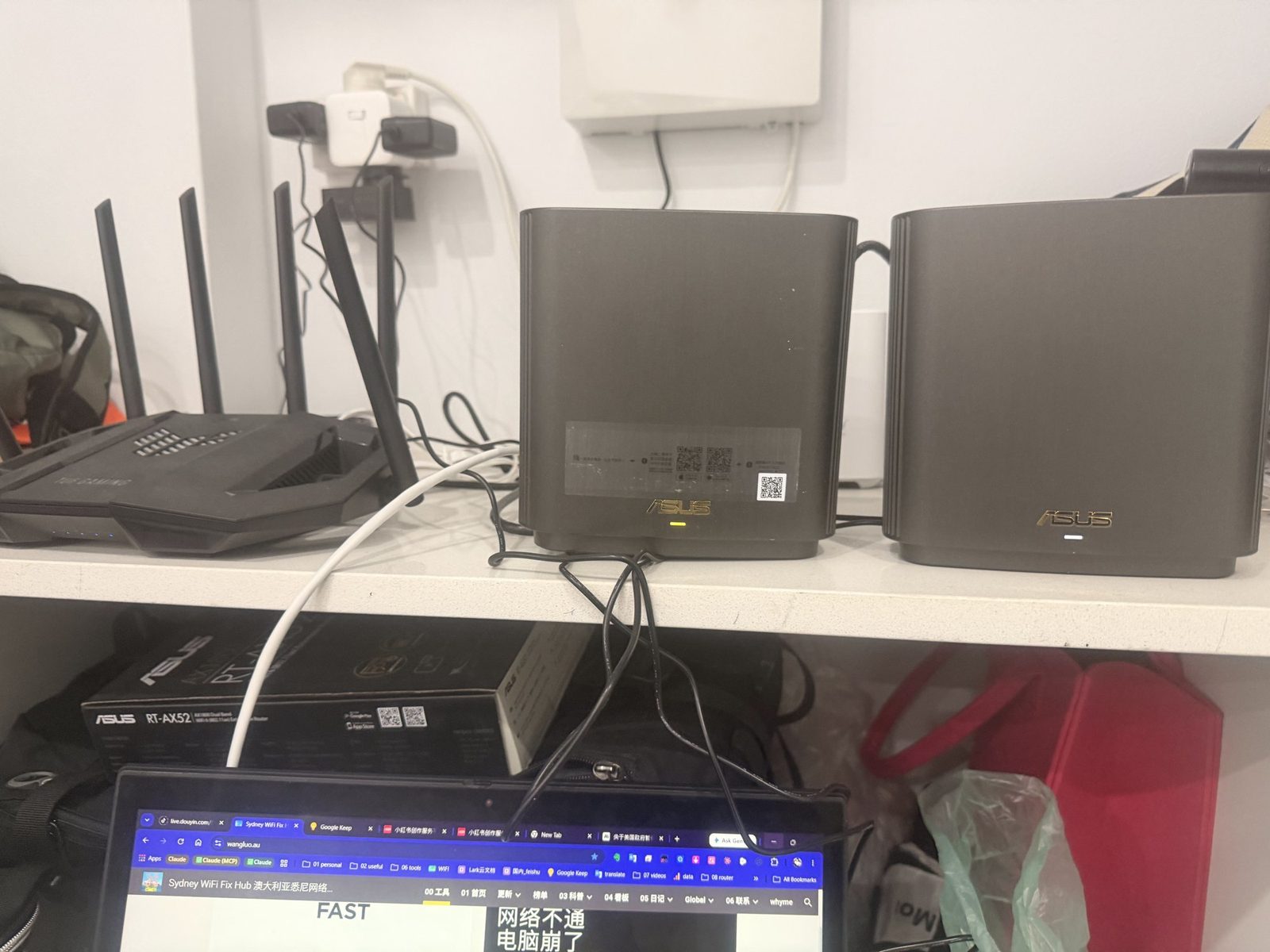
In this two-storey house, upstairs coverage was poor and speeds were around 200 Mbps, yet the family games and works upstairs. They already had an ASUS router and had bought two more ASUS units that support mesh, and wanted us to set them up as one network for better coverage upstairs.
Fix the network first,
then get every computer on it.
- 1
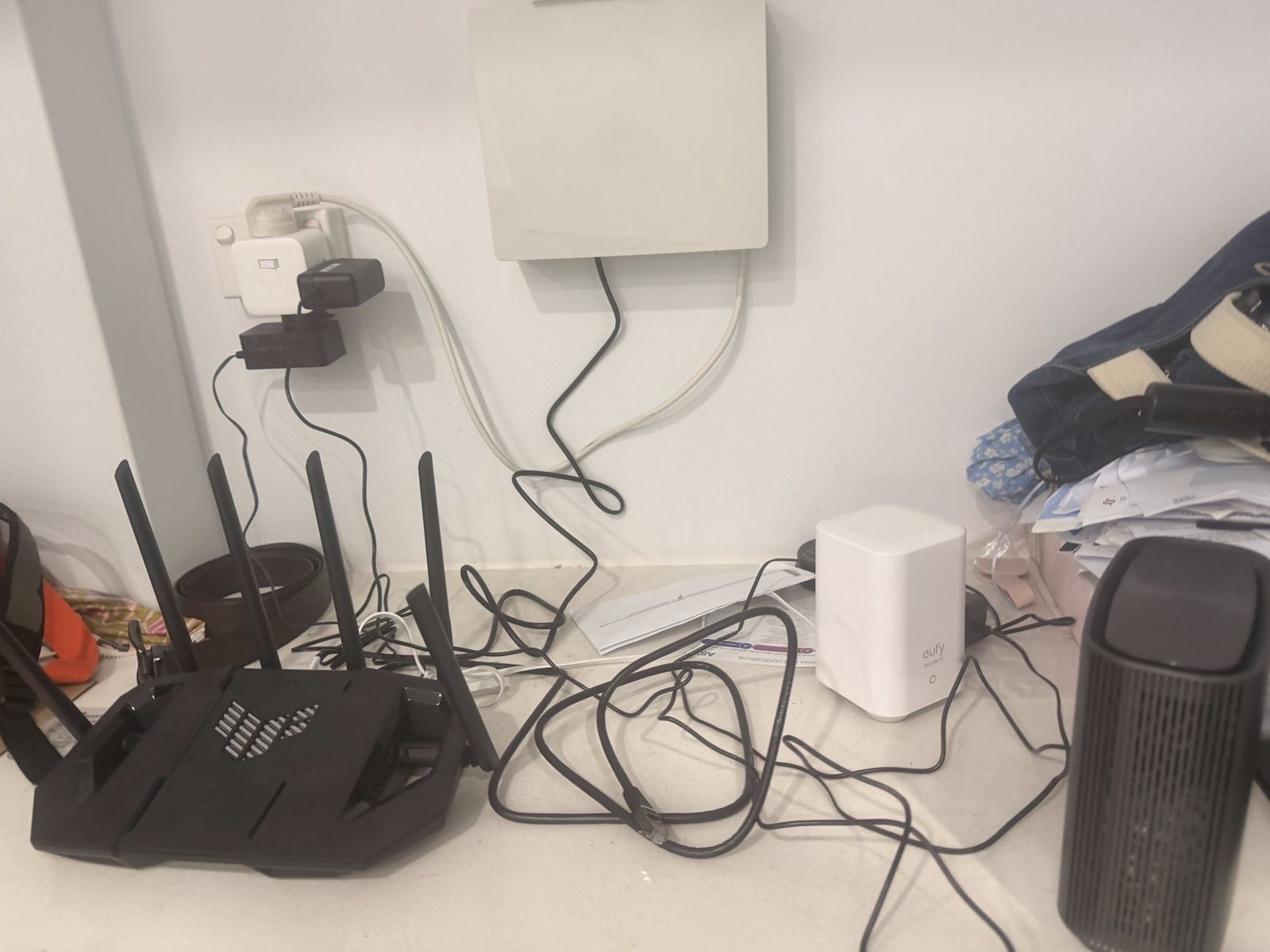
Three ASUS units as one mesh
With the existing ASUS router as the main unit, we added the two new mesh nodes to the same network, strengthening coverage upstairs.
- 2
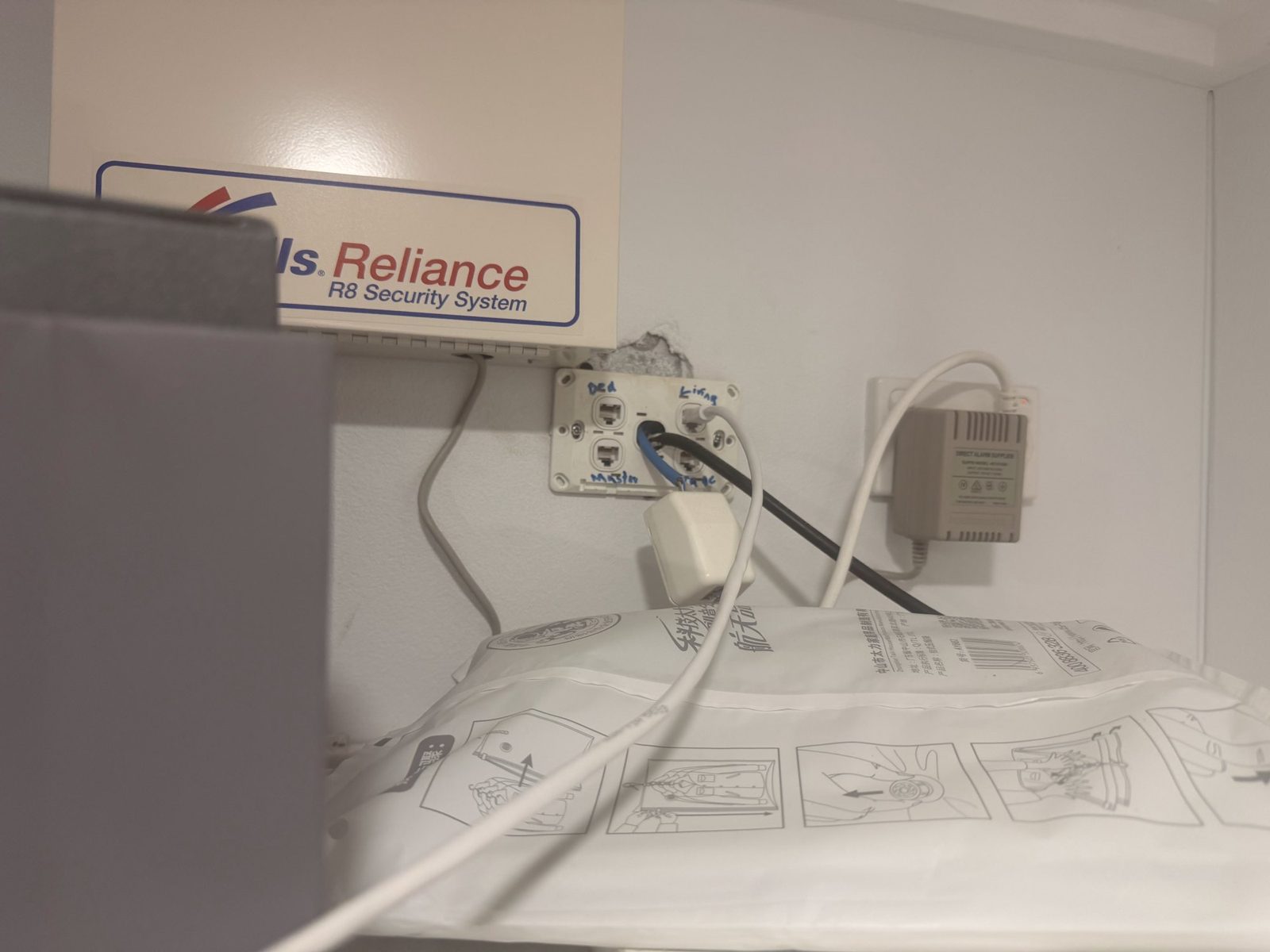
Ports that did not run straight through
Some wall ports were not connected, ports upstairs and downstairs were not directly linked, and the cabling took long routes, so we traced it on site.
- 3
A likely cause of the dropouts
The client had occasional dropouts. They may be linked to an unstable power supply in the house, and we explained this and what to do.
With the network done, the family started using their computers: several desktops and laptops. Some could not join the WiFi at first, so we worked through them one by one.
- 1
A family laptop that would not connect
A wireless driver problem; updating the driver got it online.
- 2
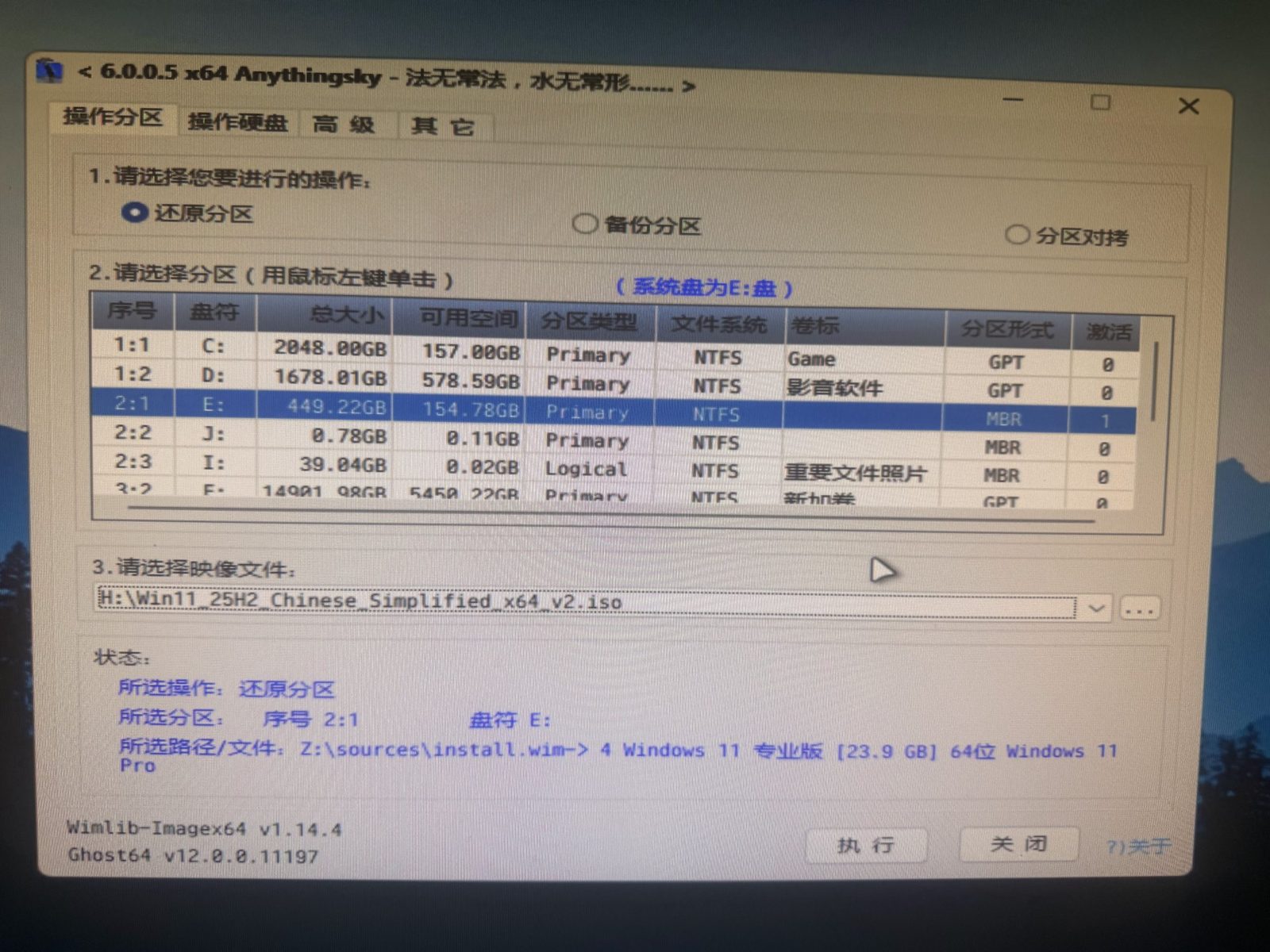
A desktop with system problems, reinstalled
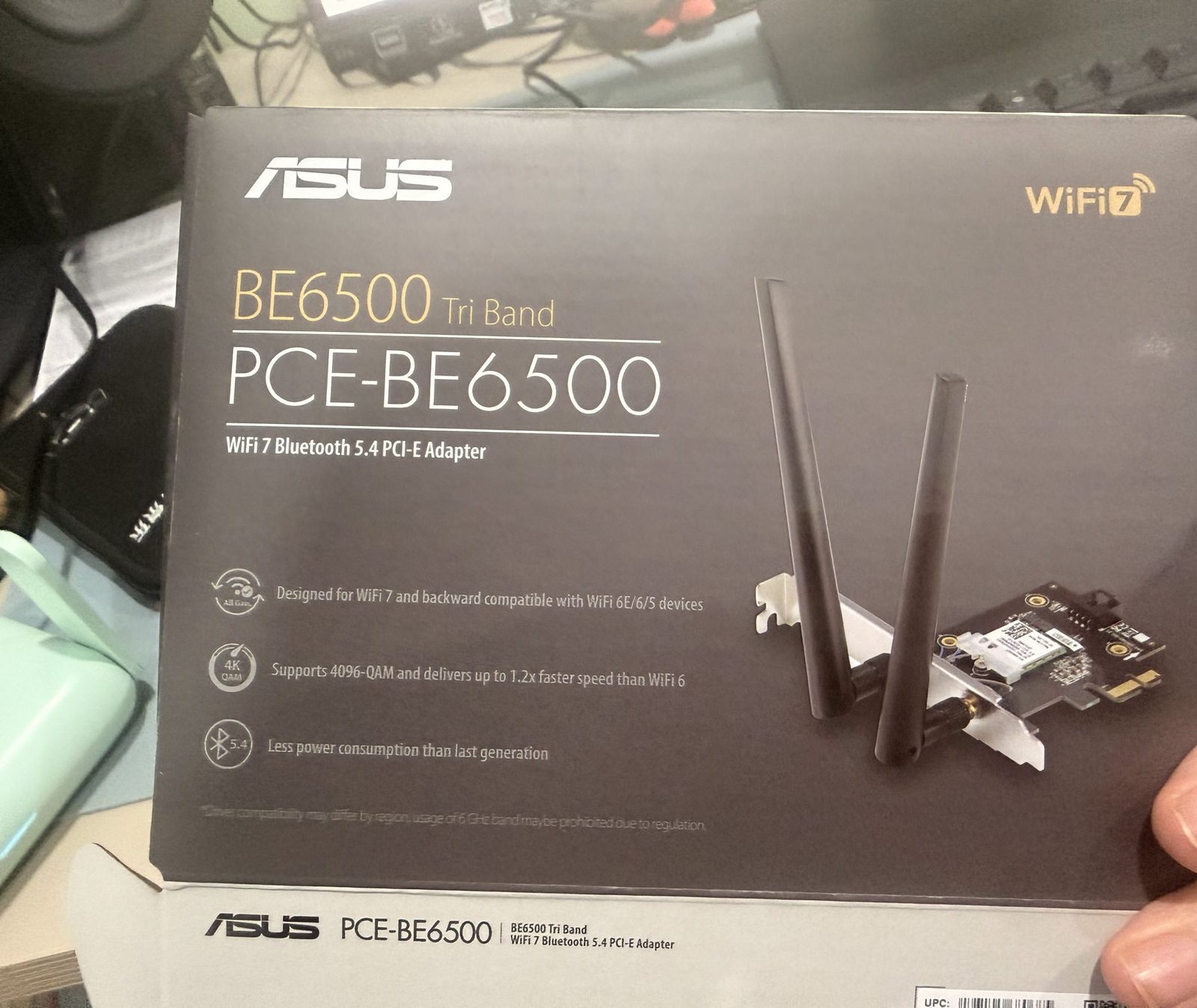
The client had just fitted a WiFi 7 card, but Windows itself had problems, so we reinstalled Windows 11 on site.
- 3
The WiFi 7 card working
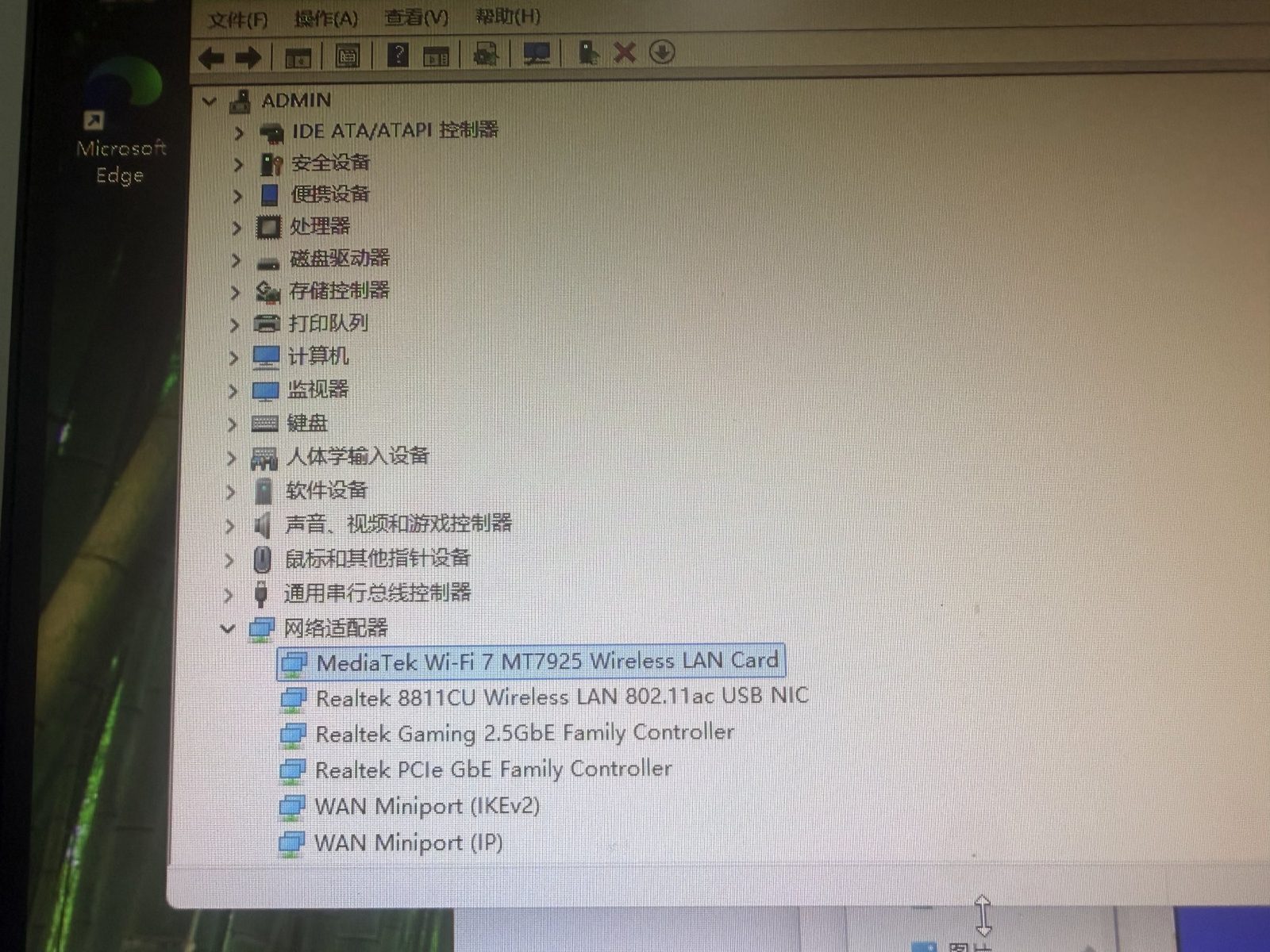
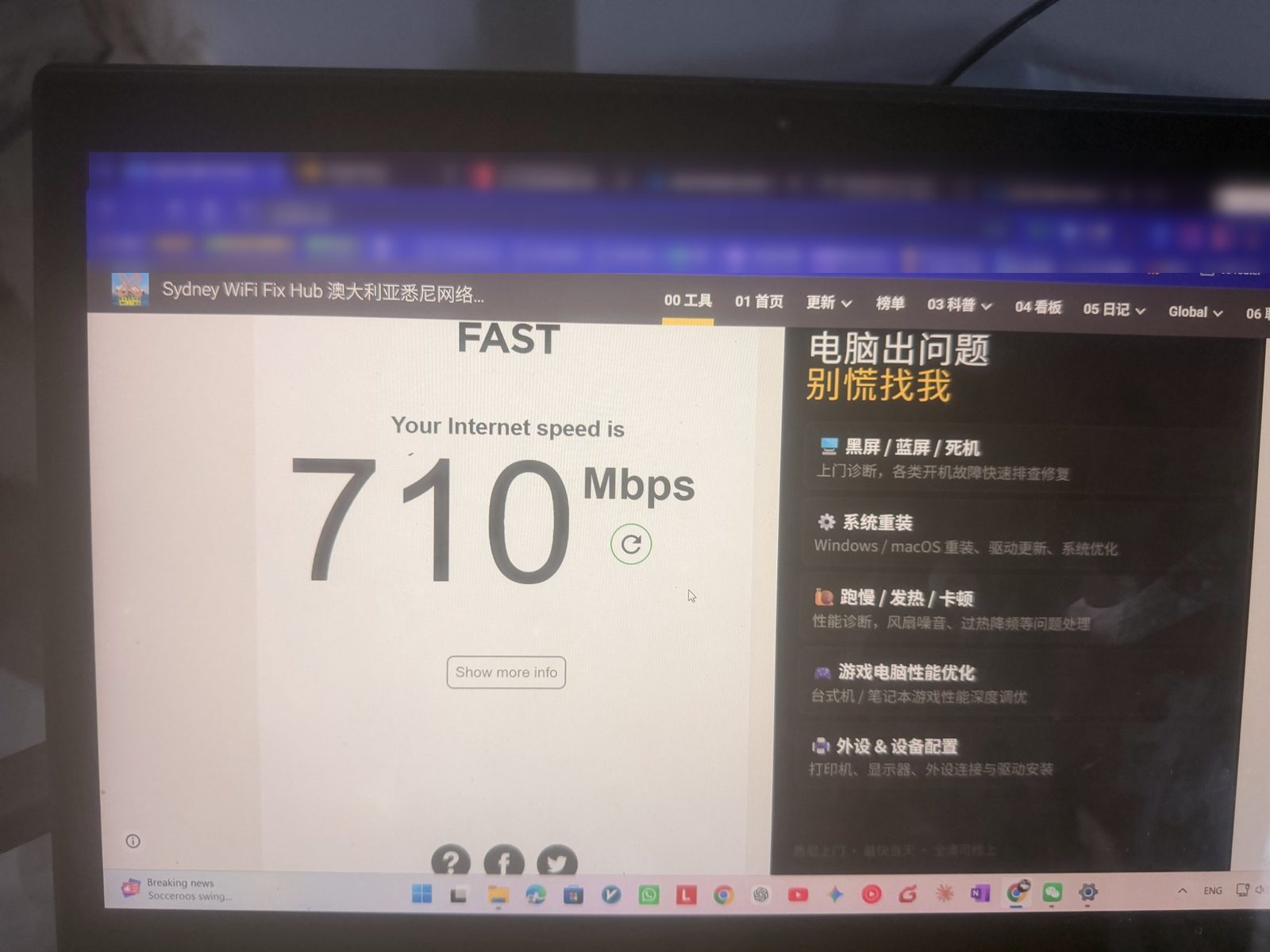
We installed the driver for the new ASUS PCE-BE6500 card, confirmed it in Device Manager and ran speed tests.
Also: we connected the client's new eufy security camera to the network.
Revesby is further out than most of our jobs. The client found us through ChatGPT, and confirmed it when we asked how they had heard of us after the job was done.
| Item | What we did |
|---|---|
| Mesh network | The existing ASUS router plus two new ASUS mesh nodes set up as one network for better upstairs coverage |
| Ports and cabling | Traced wall ports that did not run directly between floors, and cabling that took long routes |
| Dropouts | Found the dropouts may be linked to an unstable power supply in the house, and advised the client |
| Family laptop | A wireless driver problem stopped it joining WiFi; updated the driver |
| Desktop PC | Reinstalled Windows 11 after system problems |
| WiFi 7 card | Installed the driver for the new ASUS PCE-BE6500 WiFi 7 card and ran speed tests |
| Security camera | Connected the eufy camera to the network |