Contracts, client files, shared folders: an agency's day runs on its computers.
The client is a real estate agency in St Leonards on Sydney's Lower North Shore, and one of the businesses we support on an ongoing basis. Agency work depends on computers, the network, e-signed contracts and shared files, so a stable office directly affects staff productivity and client communication.
- Windows installsInstalling and reinstalling office PCs.
- Office networkSetting up and configuring the internal network.
- File sharingSetting up and maintaining shared files.
- Everyday fixesComputer, system and software problems.
Because we already know their equipment and how they work, we can suggest the right fix faster when something new comes up.
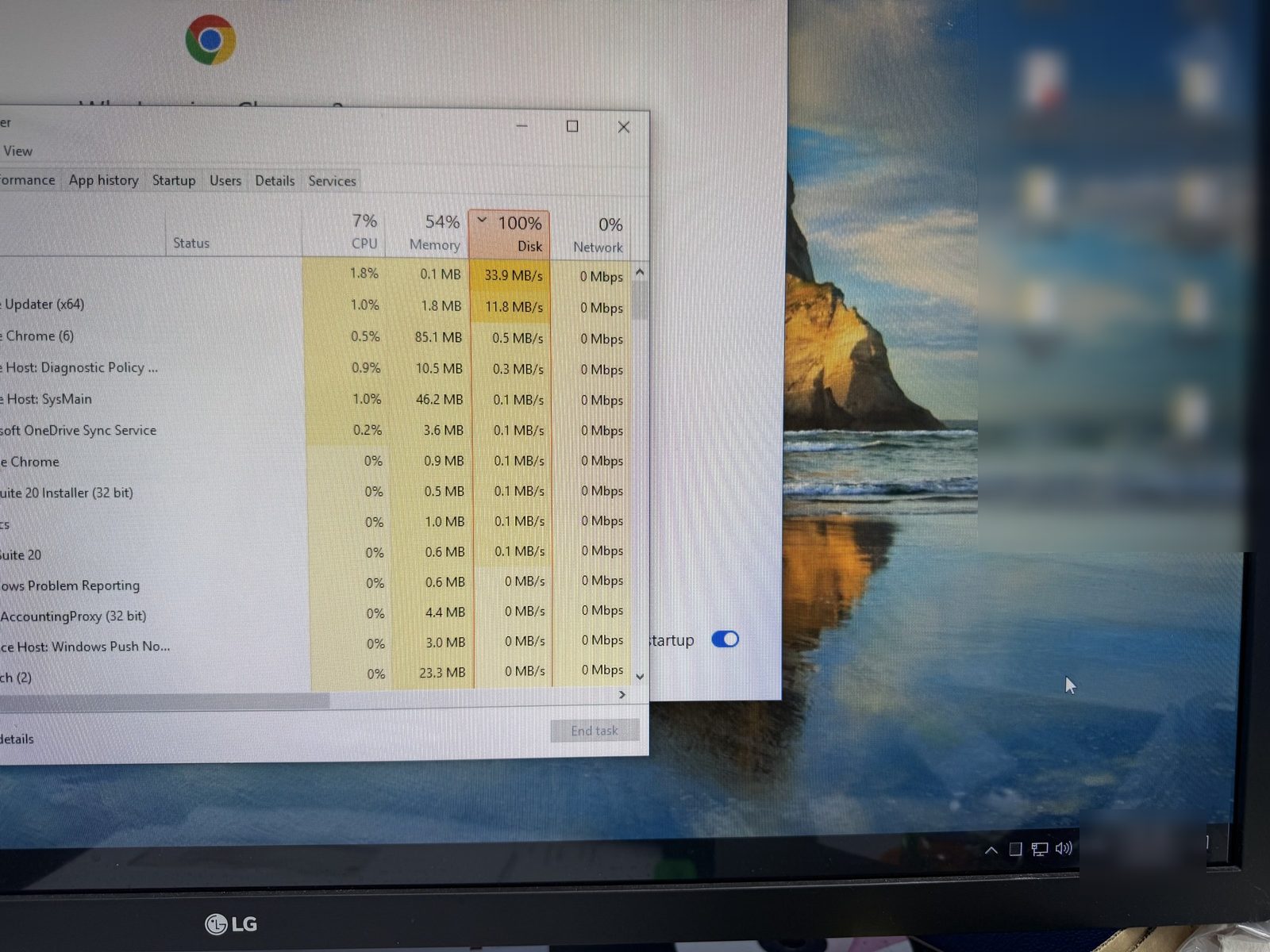
Disk at 100%,
and the PC grinding to a halt.
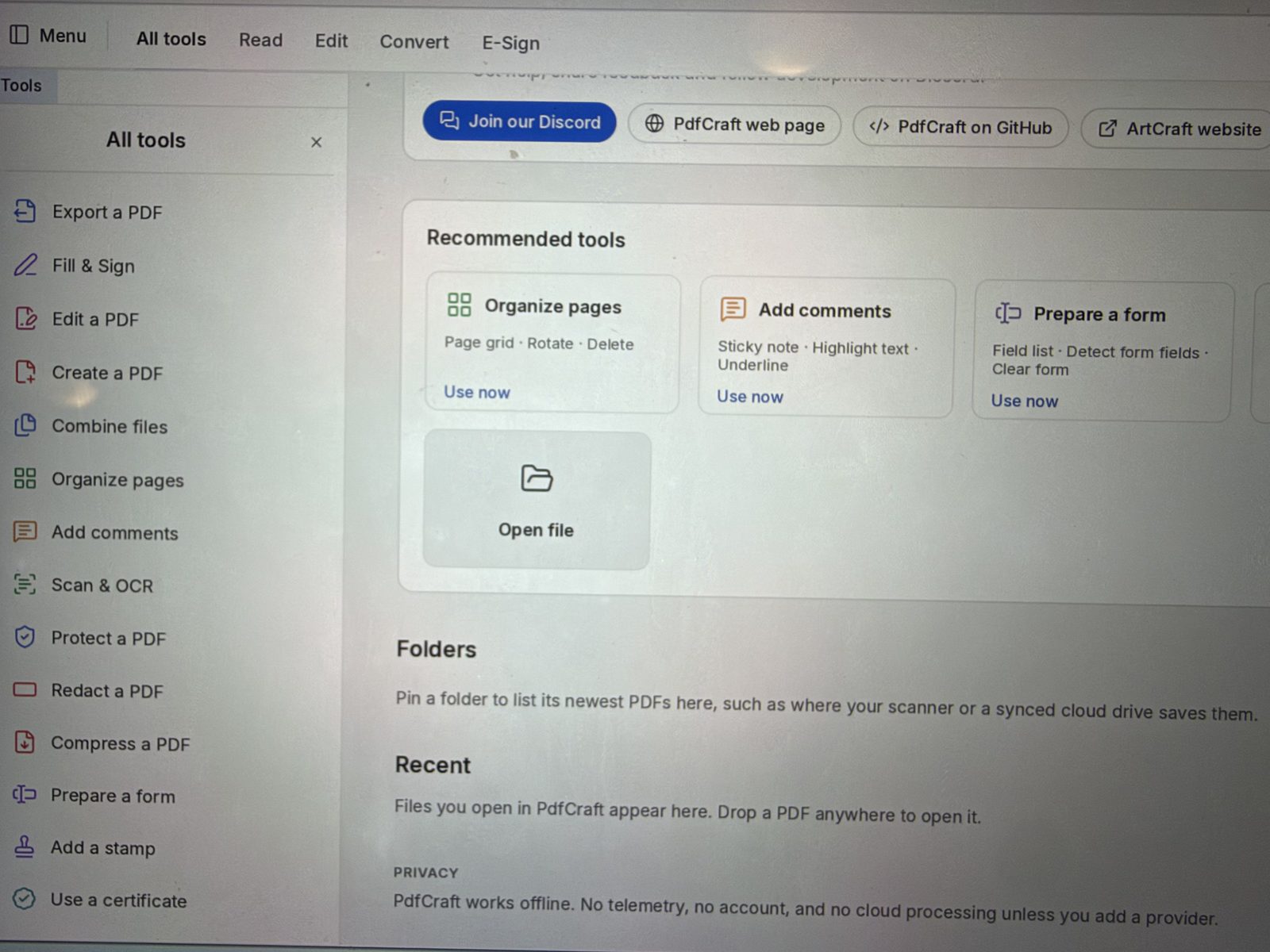
A full PDF editor on two PCs
The agency handles contracts and client documents as PDFs every day. They wanted a PDF editor on two office PCs that could edit text, sign and handle everyday changes. On the first visit we installed and set it up on both.
Disk usage near 100% at start-up and when opening programs
One office PC had been slow for a long time. Checking its system, hardware and disk on site, we saw disk usage reach almost 100% at start-up and when opening some programs, with Windows lagging badly.
An old hard drive with nearly 70,000 power-on hours
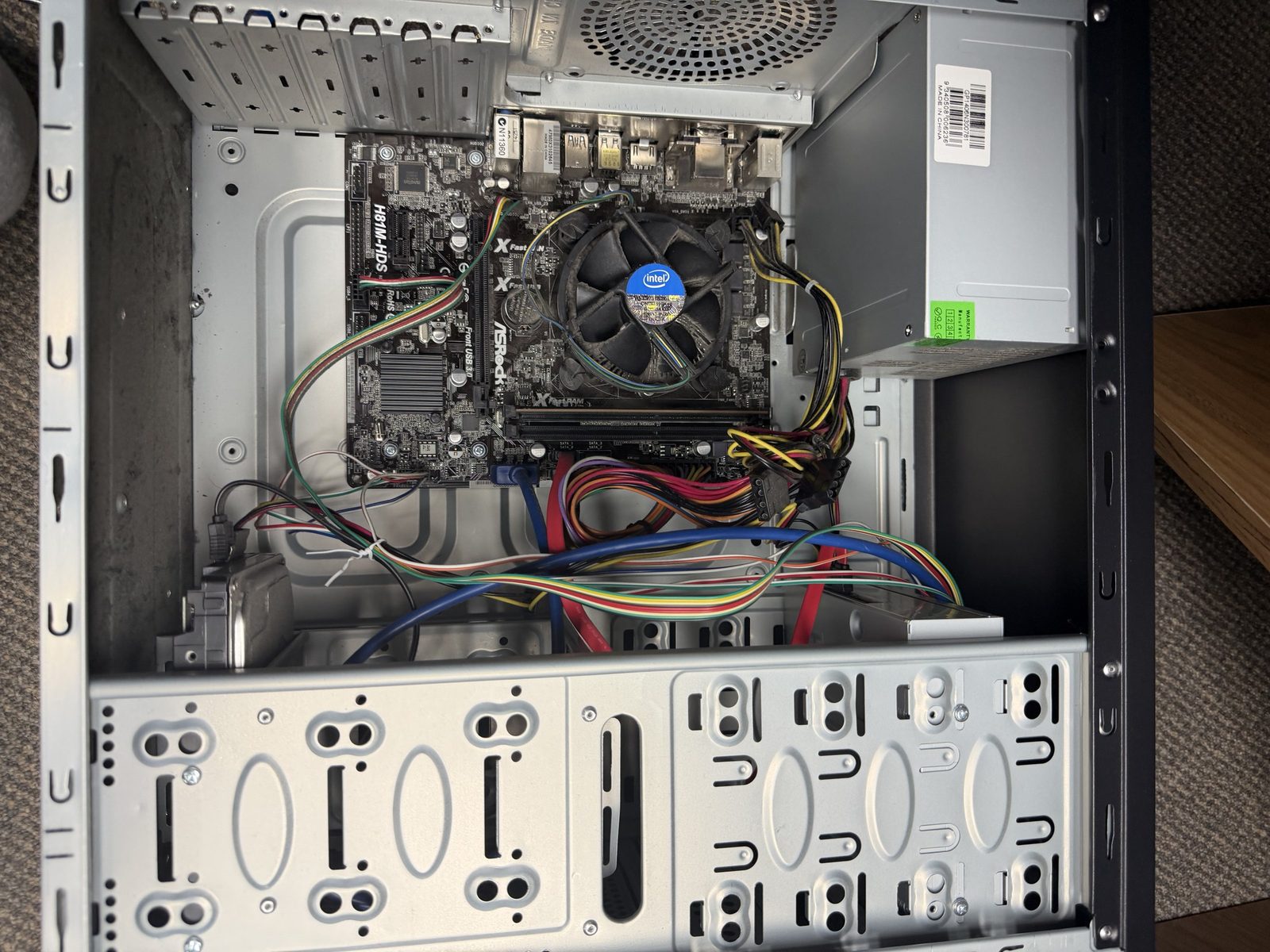
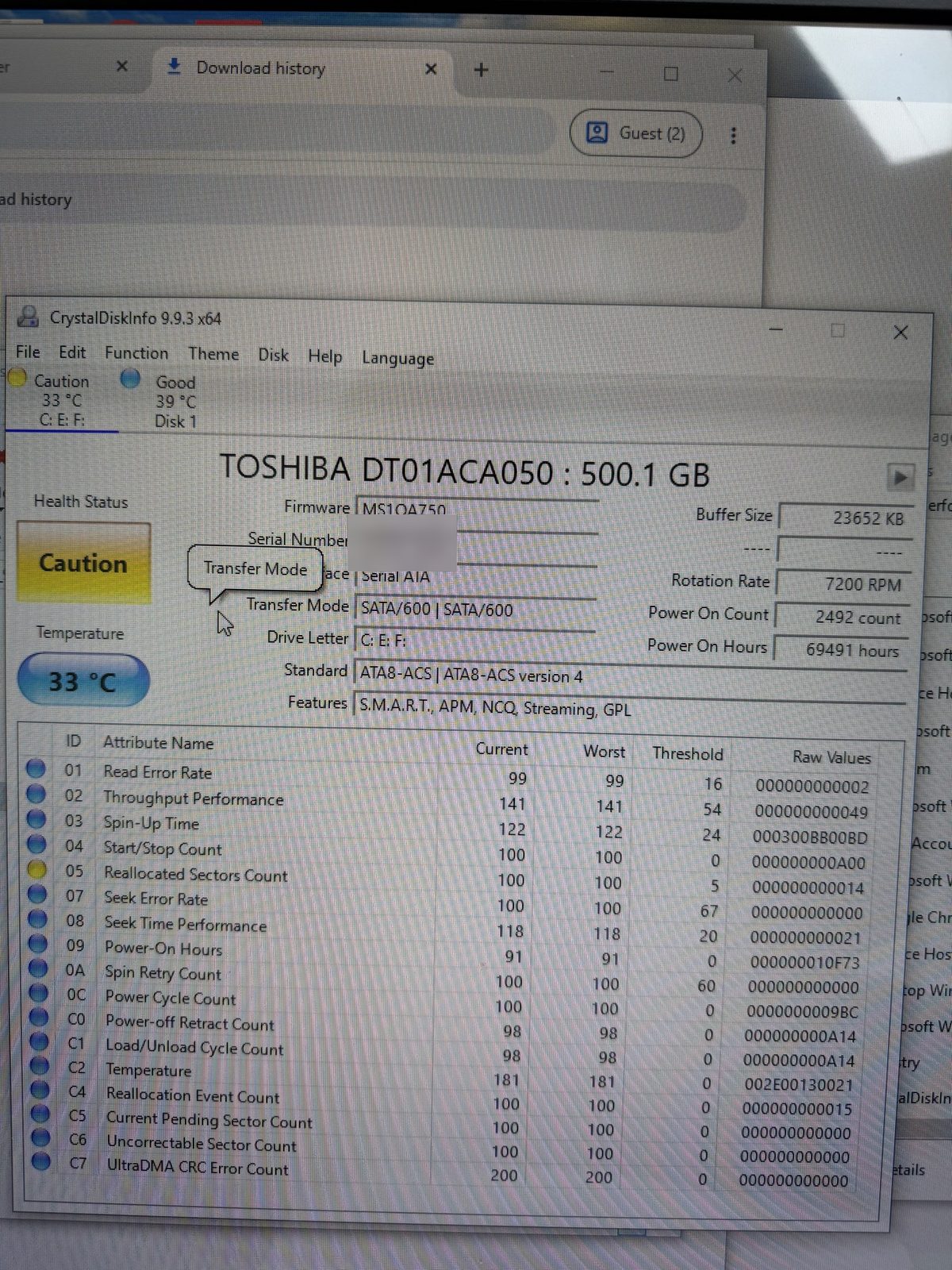
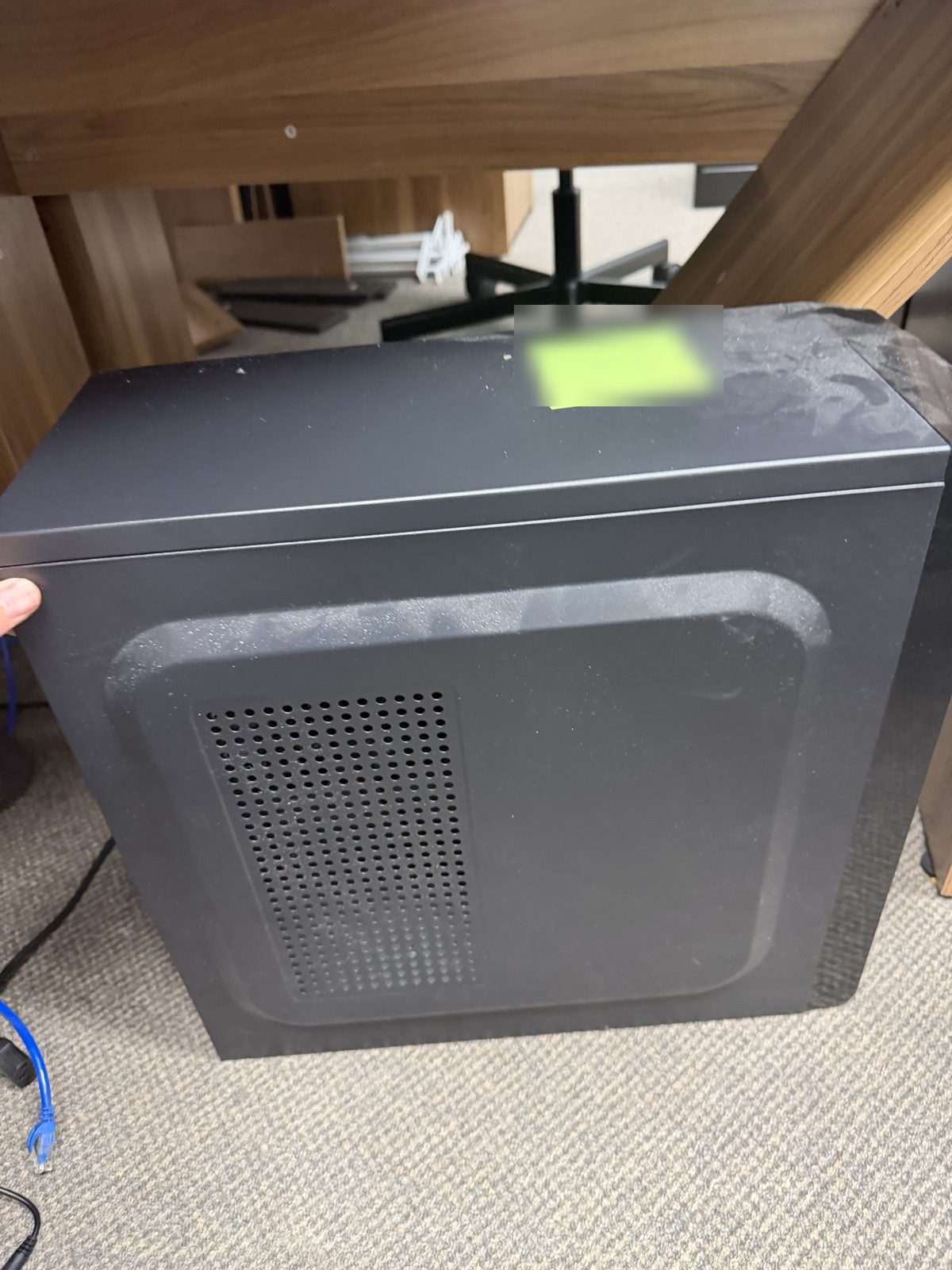
The PC is more than ten years old and Windows was still on a 500GB mechanical hard drive (HDD). A disk health tool showed 69,491 power-on hours and a health status of “Caution”. Together with our tests, that pointed to the ageing hard drive as the main reason the PC was slow.
We talked the client through the likely cause and the options. The PC still met the office's basic needs, so buying a new one was not the only choice.
We recommended replacing the hard drive with a solid-state drive (SSD) to speed up Windows start-up and everyday programs, while keeping the existing Windows, software settings and work data to avoid disrupting the office.
The client agreed and asked us to source the parts. Once the specs were confirmed, we bought a 512GB SATA SSD and the mounting and connection accessories.
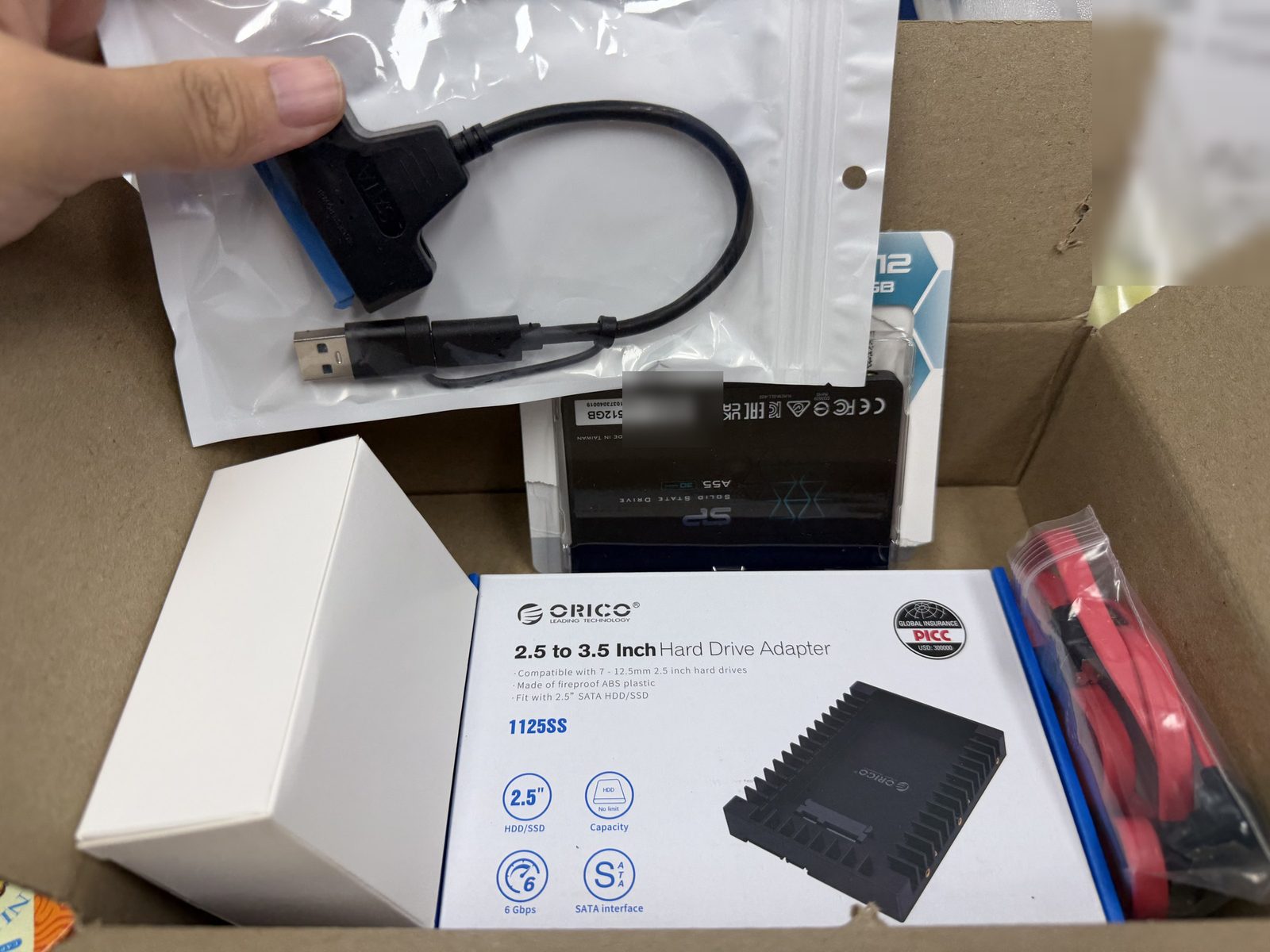
SSD in, existing system moved across
We fitted the new SSD as the system drive, then moved Windows and the related data from the old hard drive to it, keeping the software and settings staff were used to rather than rebuilding the whole office setup.
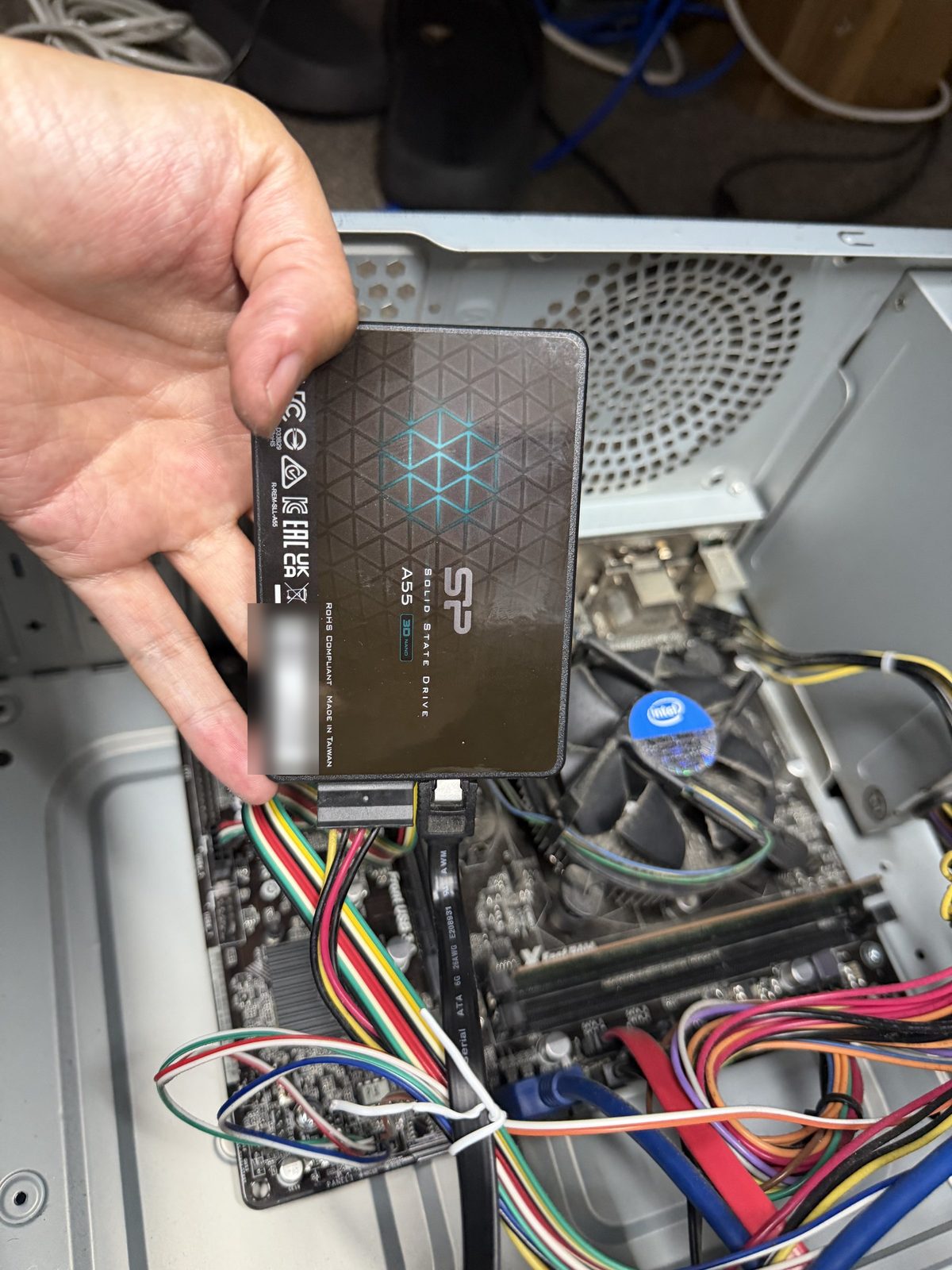
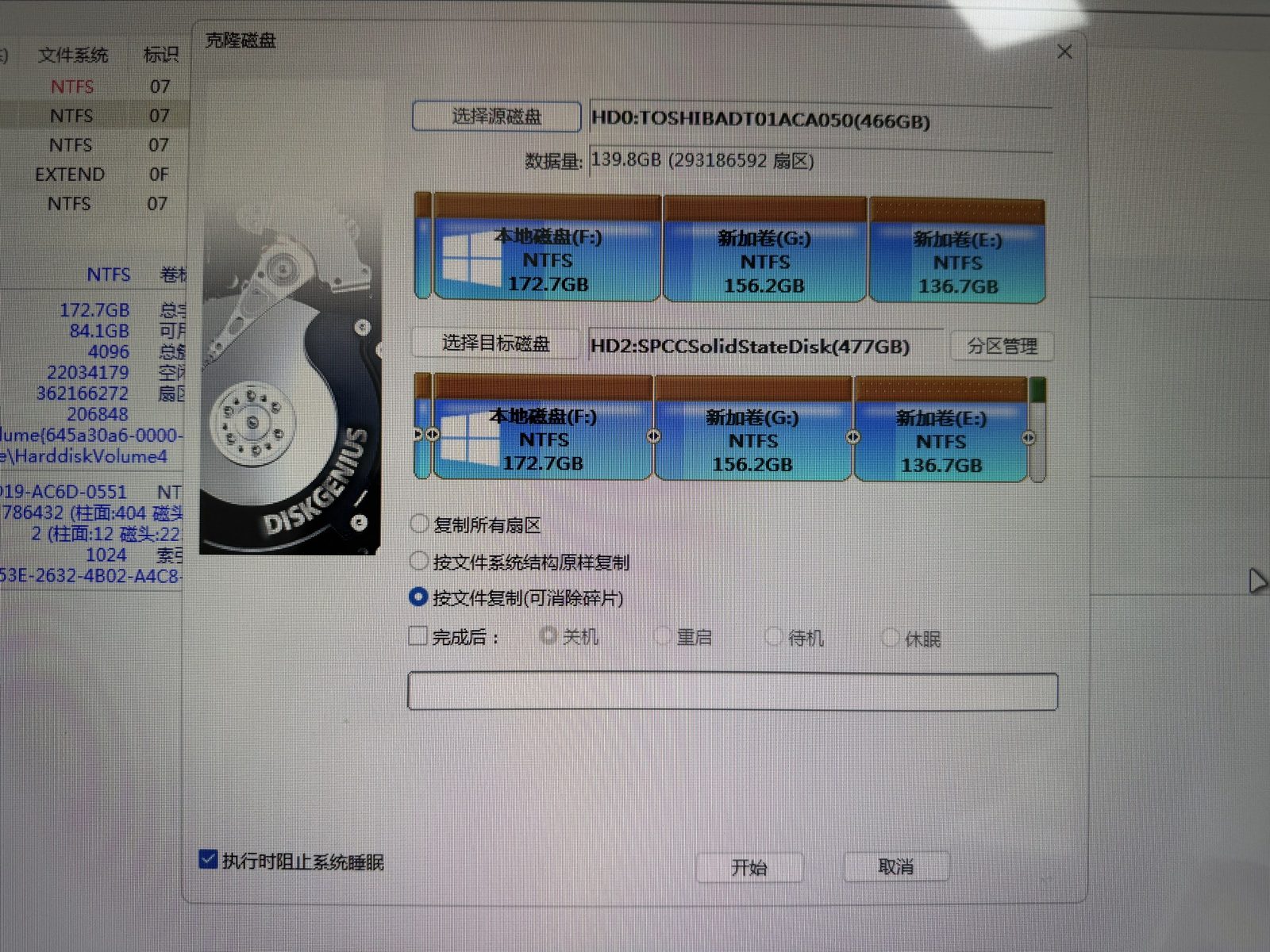
Some files would not read, so we kept working on them
After many years of use, the old hard drive could not read some files during the migration, which took longer than expected. We checked further and copied what we could in additional passes rather than abandoning the upgrade. Once the main migration was done, we reconnected the old drive so the remaining files could still be checked or copied.
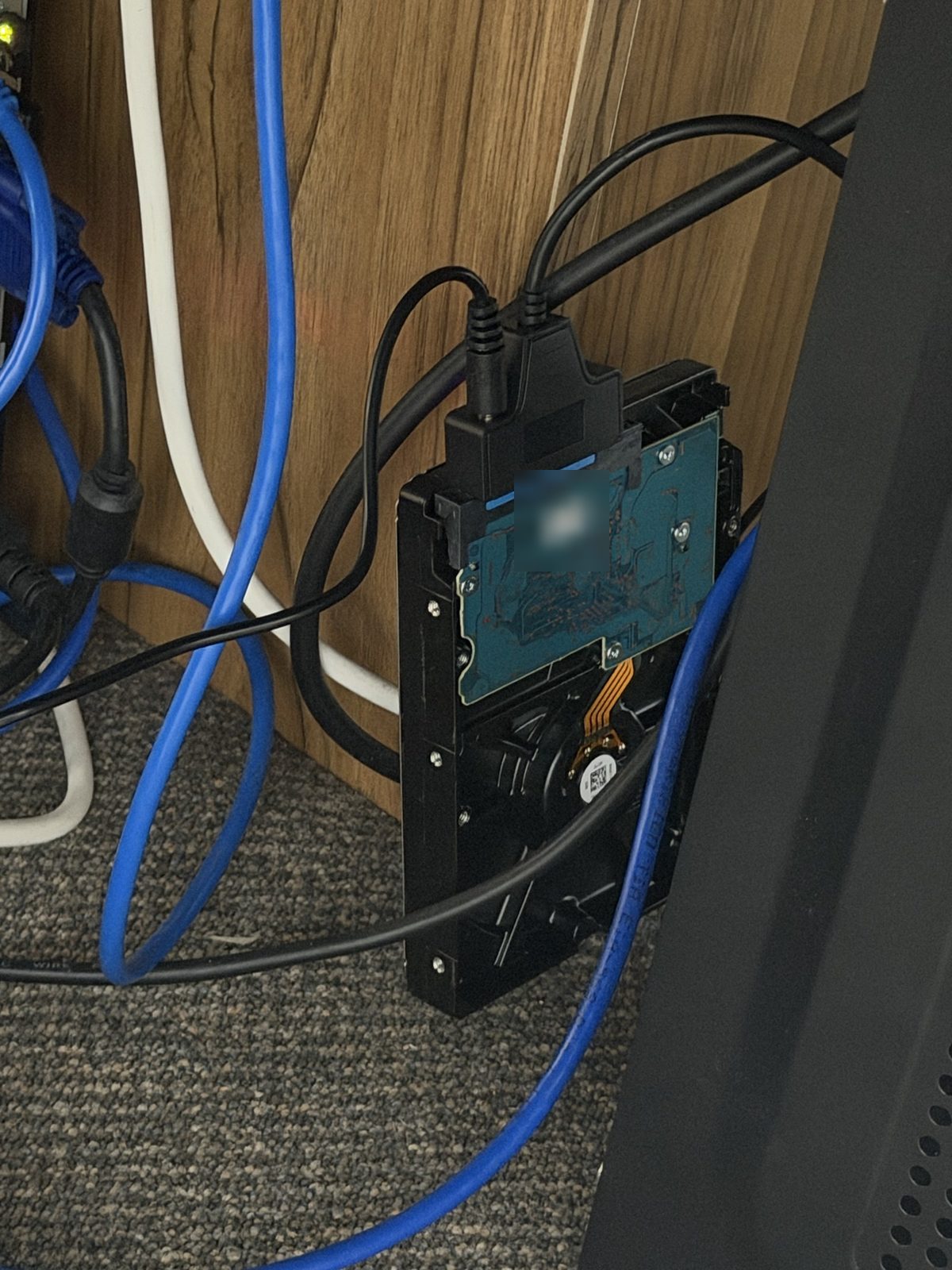
- 10:00On siteSSD fitted.
- MorningMigrationWindows and data moved to the SSD.
- LunchAbout 1 hourNot counted as service time.
- AfternoonExtra workUnreadable files copied and checked again.
- 15:00TestedStaff tried it; about 4 hours of work.
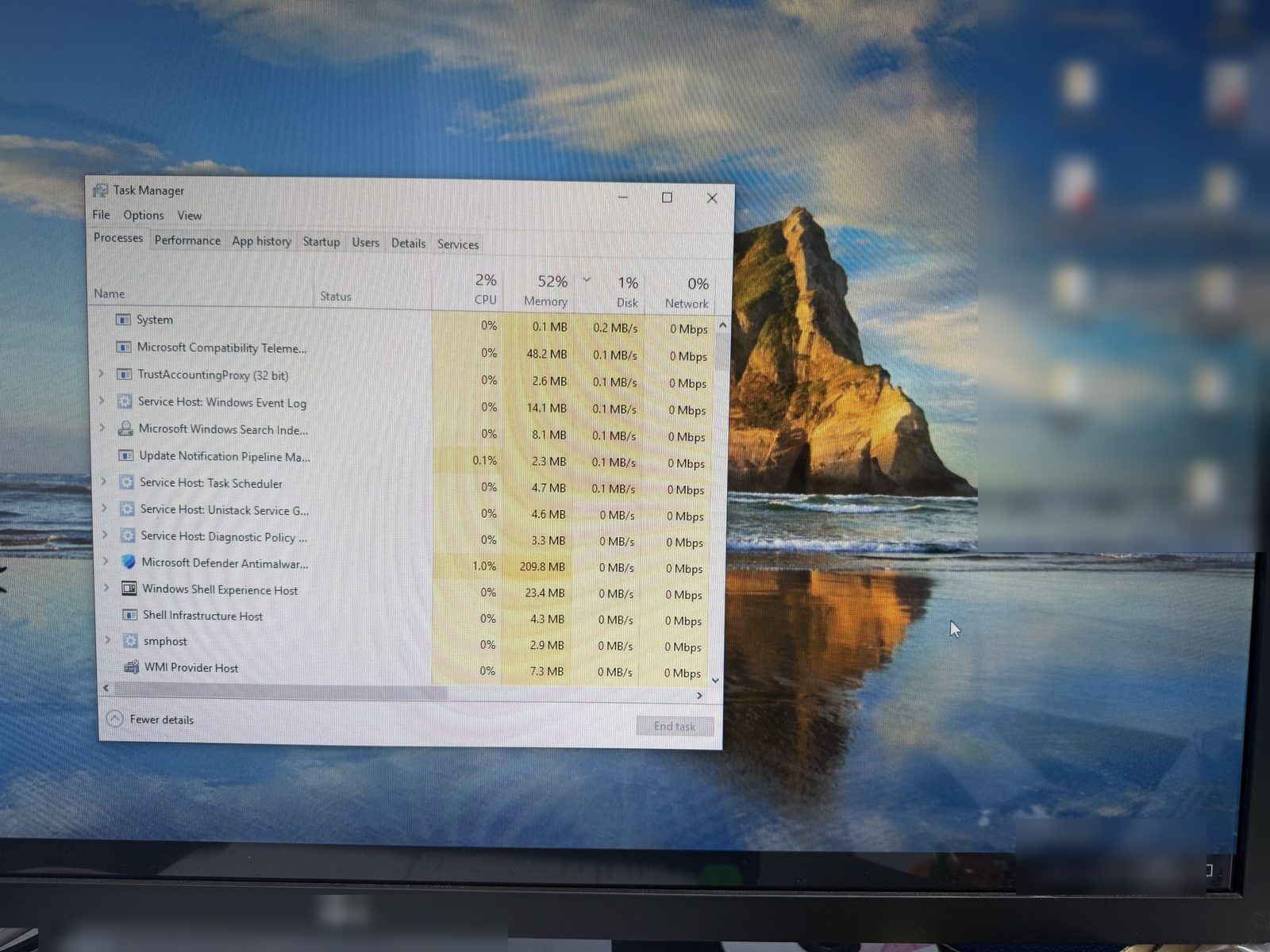
Before the upgrade the PC lagged at start-up and in daily use, with disk usage near 100%. Afterwards it started Windows from the new SSD and everyday tasks and programs responded noticeably faster. Staff tried it on site and said it ran much more smoothly.
- PDF softwareInstalled and set up on two office PCs.
- Root cause foundThe ageing hard drive was the main reason it was slow.
- SSD upgrade512GB SSD fitted and Windows migrated.
- VerifiedWindows starts normally; staff confirmed it feels much faster.
Note: this upgrade focused on performance and keeping the office running. For the individual files on the old drive that had read errors, what can be recovered depends on checking each file.



