0420 119 140More ways to reach us
On-site across Sydney · Remote support Australia-wide
Skip to content
Sydney WiFi & Computer RepairSydney WiFi
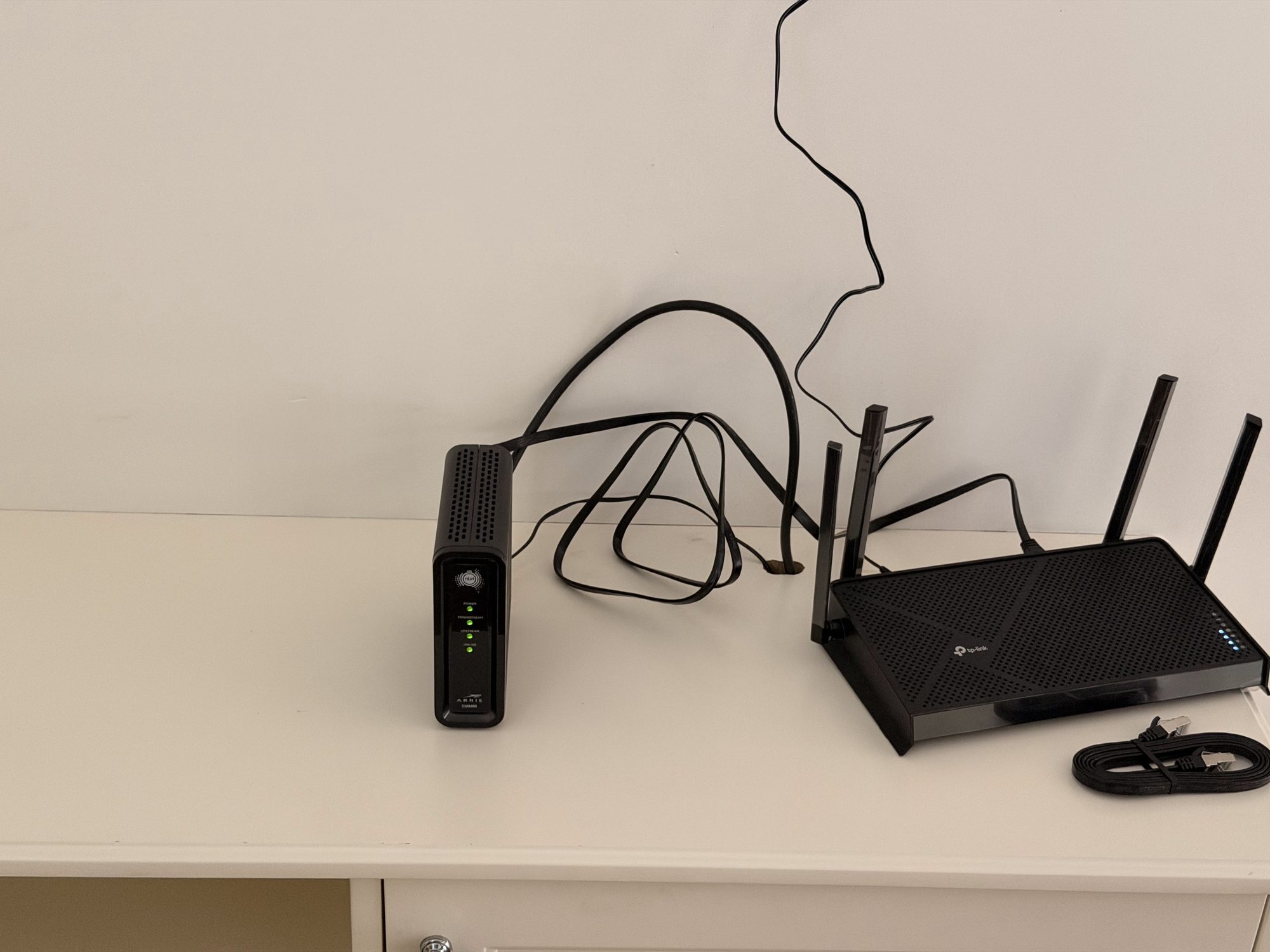
The HFC box and a TP-Link WiFi 7 router

Featured case · Wahroonga · Whole-home WiFi

A WiFi 7 mesh across a long home with no wall cabling

A referred client planned the network before moving in: a long house on a 1,200 m² block, no wall cabling and the HFC box by the garage. Aussie Broadband 500 Mbps and a TP-Link WiFi 7 mesh

Home
1,200 m²+ block · ~300 m² · 5 beds
Internet
Aussie Broadband 500 Mbps · HFC
Equipment
TP-Link WiFi 7 mesh
Challenge
No wall cabling · box by the garage
Result
Whole home covered, 430 Mbps
RESULTWiFi 7 mesh across a long home with no wall cabling, with a dedicated node and cable for the gaming room.

THE CLIENT

A long house, no wall cabling, and the HFC box by the garage

Referred by another client, the owner bought a house on a block of over 1,200 m², with about 300 m² inside and five bedrooms, laid out very long. It had been renovated without data cabling in the walls, the HFC NBN box sits near the garage far from the furthest bedroom, and the provider signal at the address is weak.

She asked us to plan the network before moving in, so other systems could be connected later.

01
The house
Floor plan first, then how each person uses it

After checking the layout on site, we talked through how each family member uses the internet before settling on a plan.
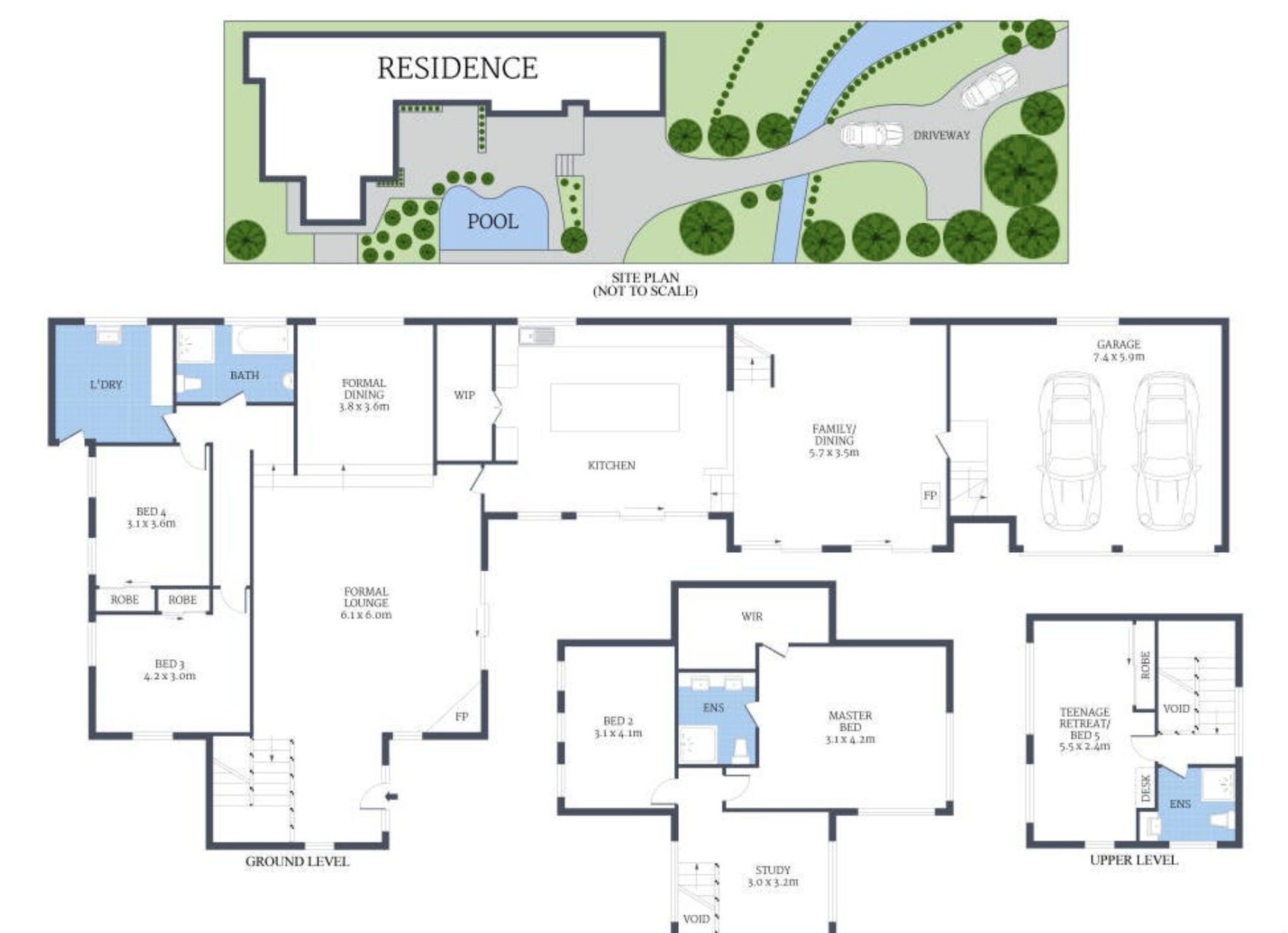
The floor plan: ground floor, upper level and site
Floor plan
02
Provider and equipment
Aussie Broadband with TP-Link WiFi 7

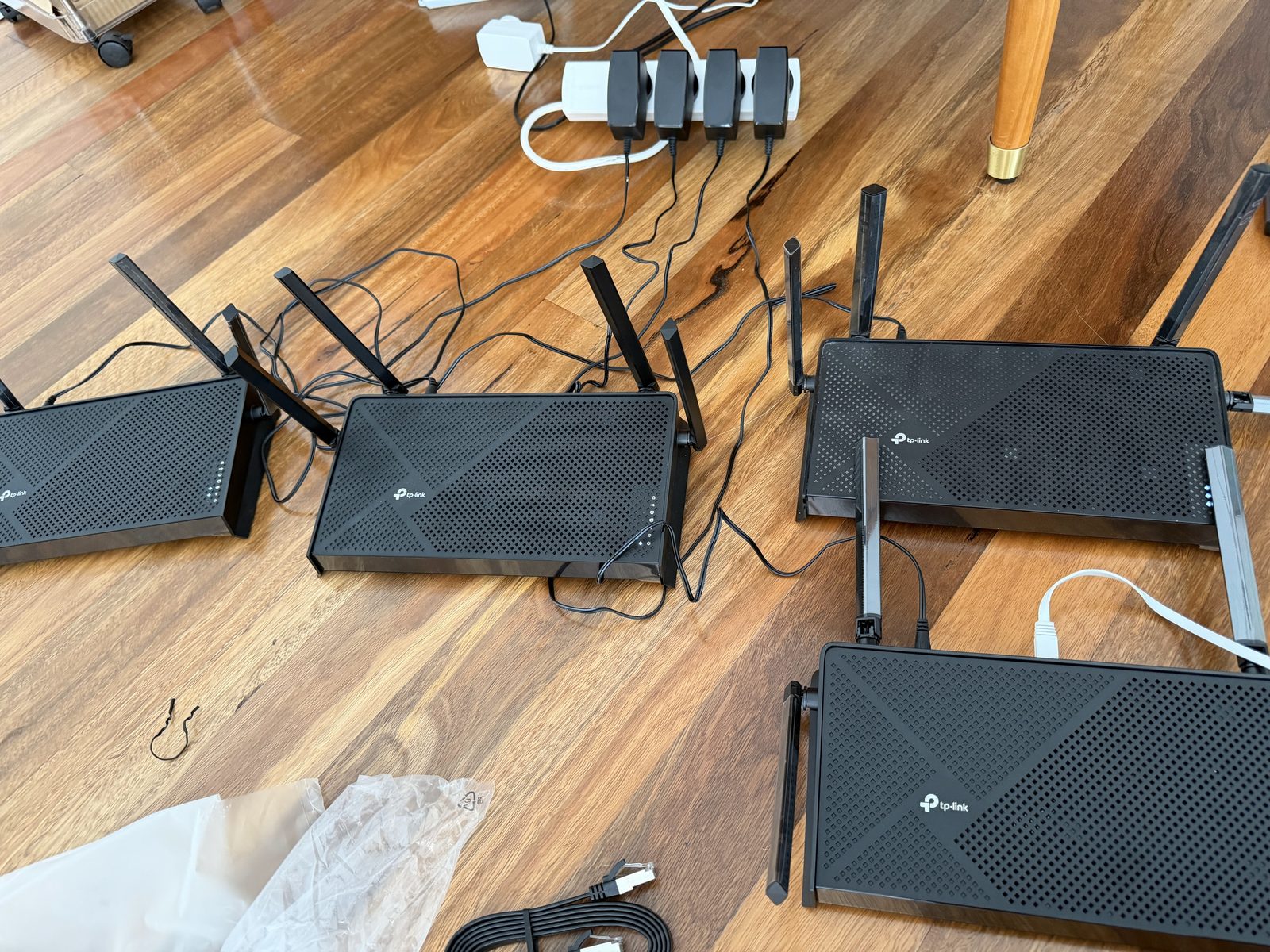
We chose Aussie Broadband 500 Mbps on HFC and supplied TP-Link WiFi 7 routers for a whole-home mesh.
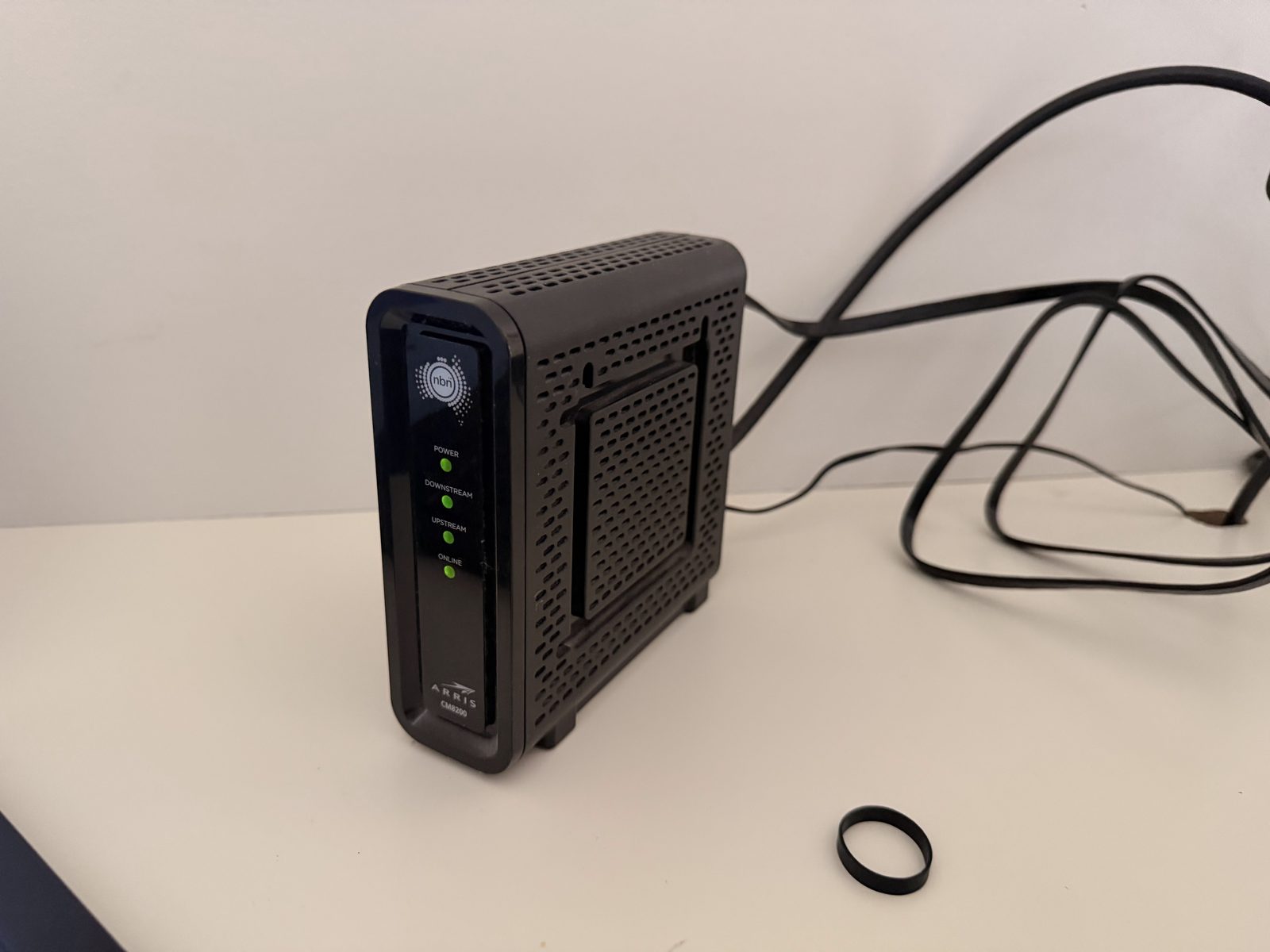
The HFC box near the garage
HFC box
TP-Link WiFi 7 routers before setup
TP-Link WiFi 7 routers
03
The mesh
Gaming room first, no dead spots elsewhere

We put the effort where it mattered most: the gaming room, then even coverage everywhere else.

  1. 1

    Gaming room

    The son games and needs low latency, so his room has its own mesh node plus a spare cable straight to the PC.

  2. 2

    Everyday areas

    The living room and other bedrooms are mainly for video, news and browsing, so they need coverage without dead spots.

  3. 3

    Wireless backhaul

    With no wall cabling, WiFi 7 wireless backhaul covers the long layout, with seamless roaming around the house.
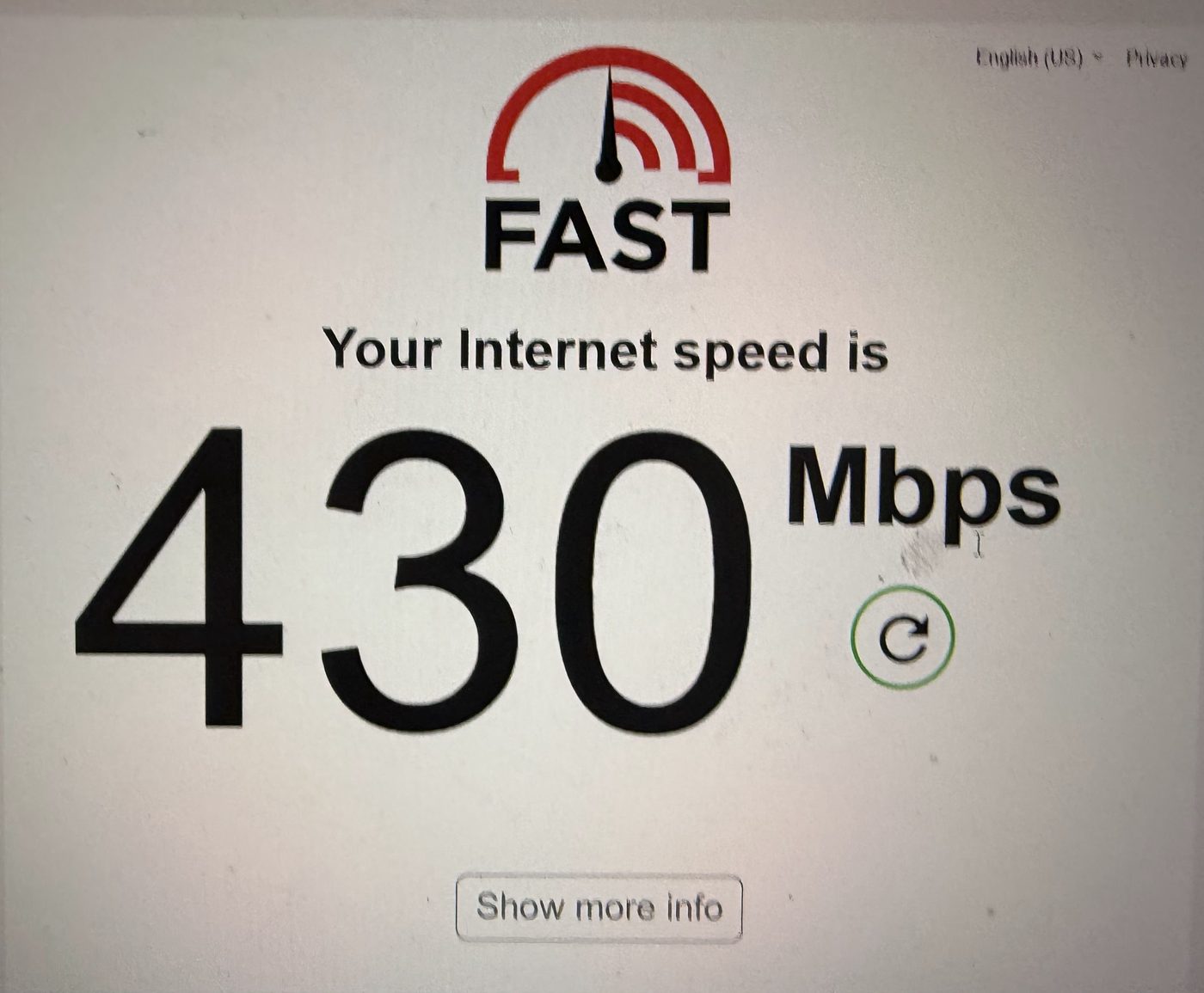
Speed test after setup: 430 Mbps
430 Mbps after setup
04
Handover and follow-up
App set up, then a garage node

We installed the network management app on the owner's phone, so she can check the network and devices any time, and answered her questions.

Later she added a solar battery in the garage that needed a connection. We came back, added a mesh node in the garage, reconnected the eufy cameras, doorbell and TV, and tested everything before leaving.
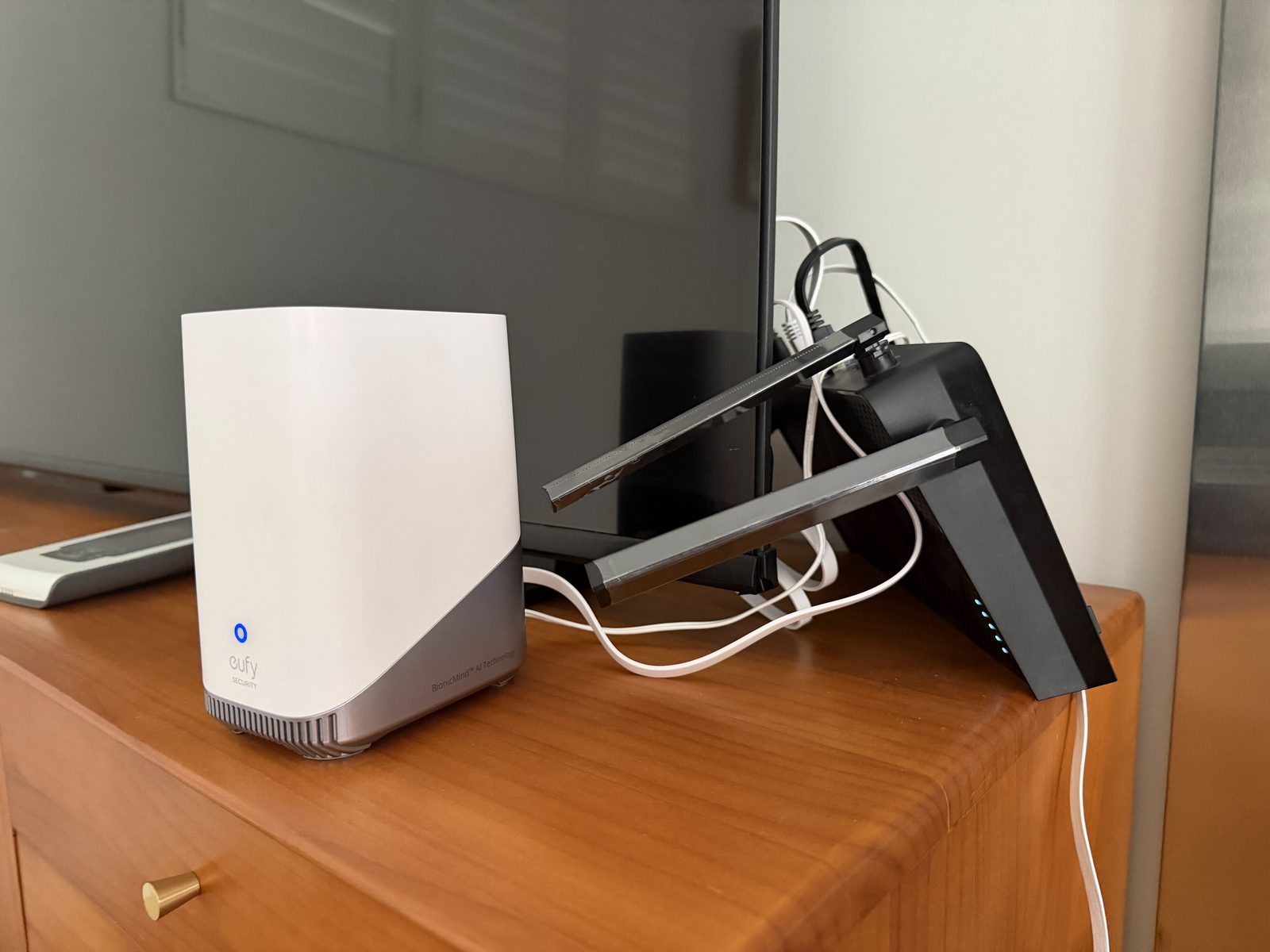

A mesh node by the TV and the reconnected eufy HomeBase
Mesh node and eufy HomeBase
RESULT
A long home with no wall cabling, covered end to end.

Aussie Broadband 500 Mbps with a TP-Link WiFi 7 mesh, a dedicated gaming-room node, and a garage node for the solar battery.

NEXT STEP

Big house, weak WiFi?

Mesh networks for large and long homes, provider choice and activation, equipment, installation and follow-up across Sydney.

Whole-home WiFi · WiFi 7 · Mesh


