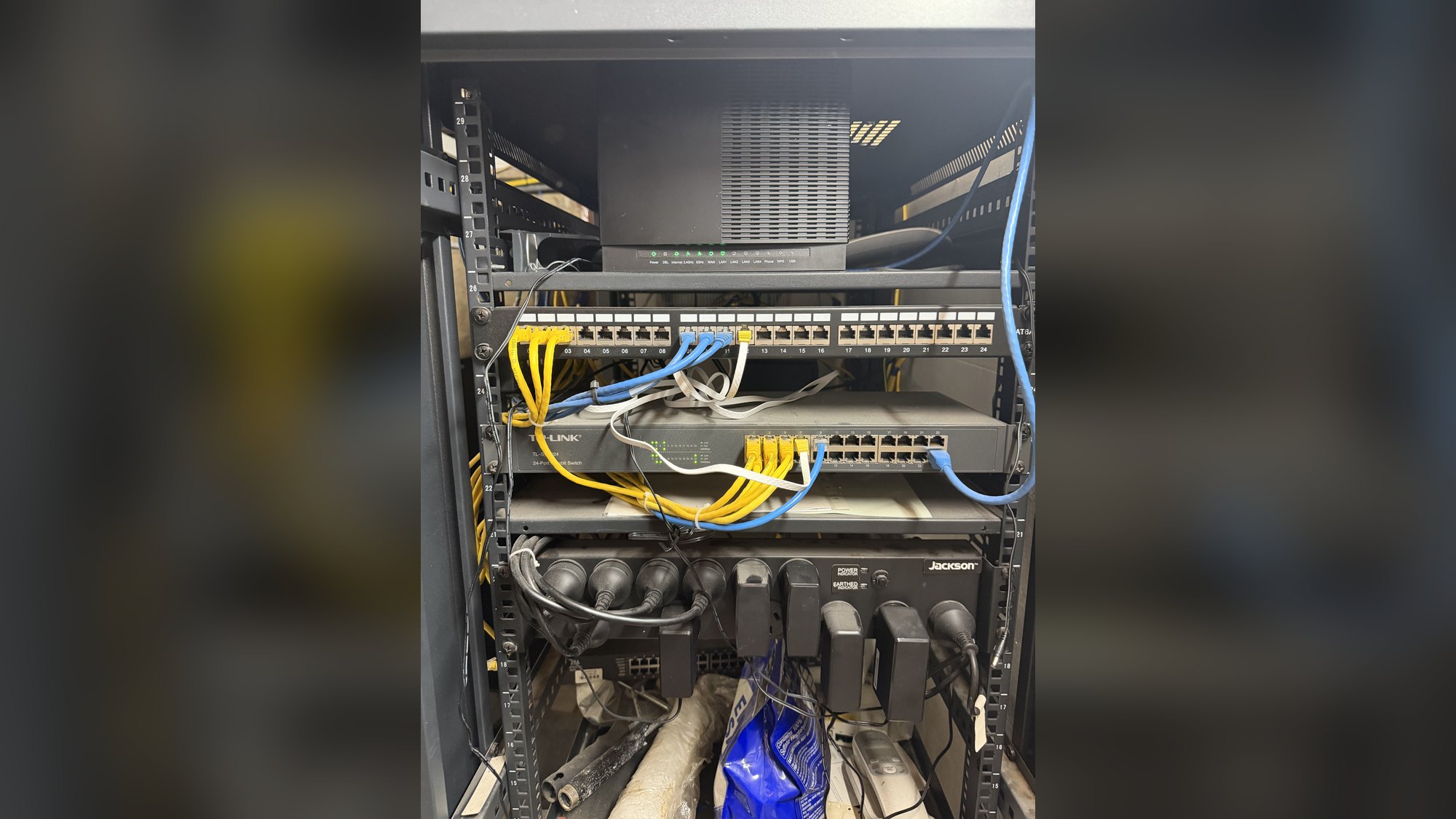
"The internet just stopped." We asked for photos of the device lights and the address, then booked a visit for the same day.
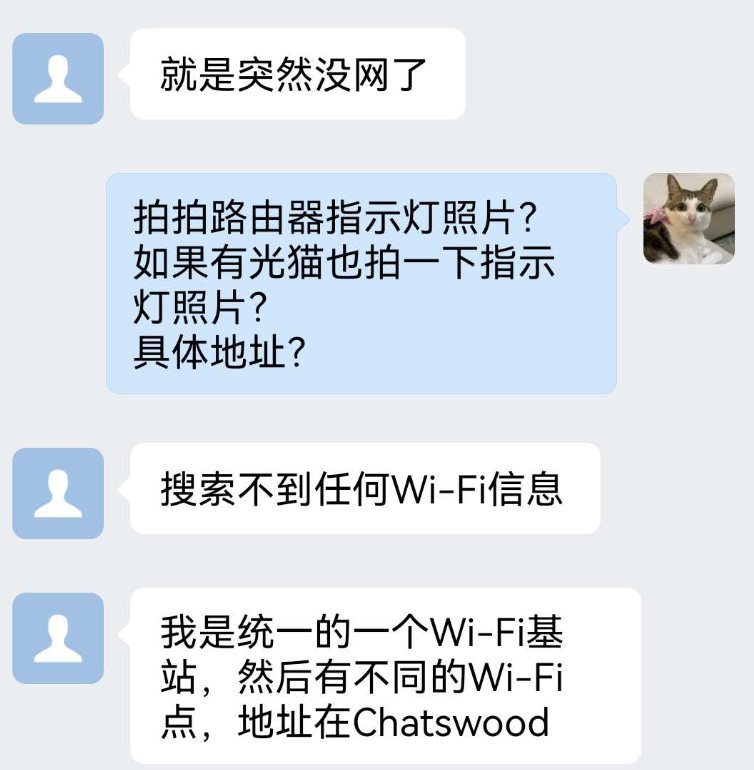
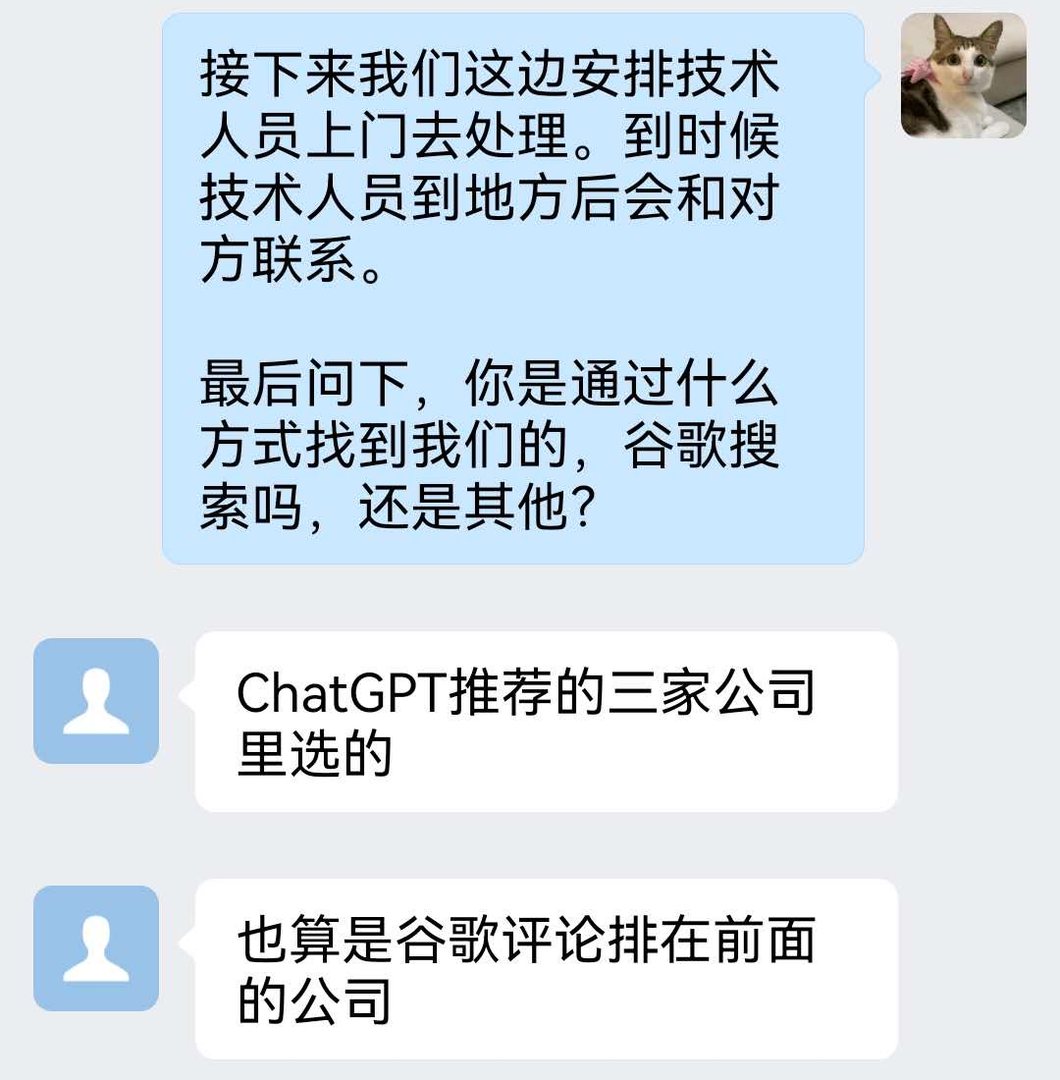

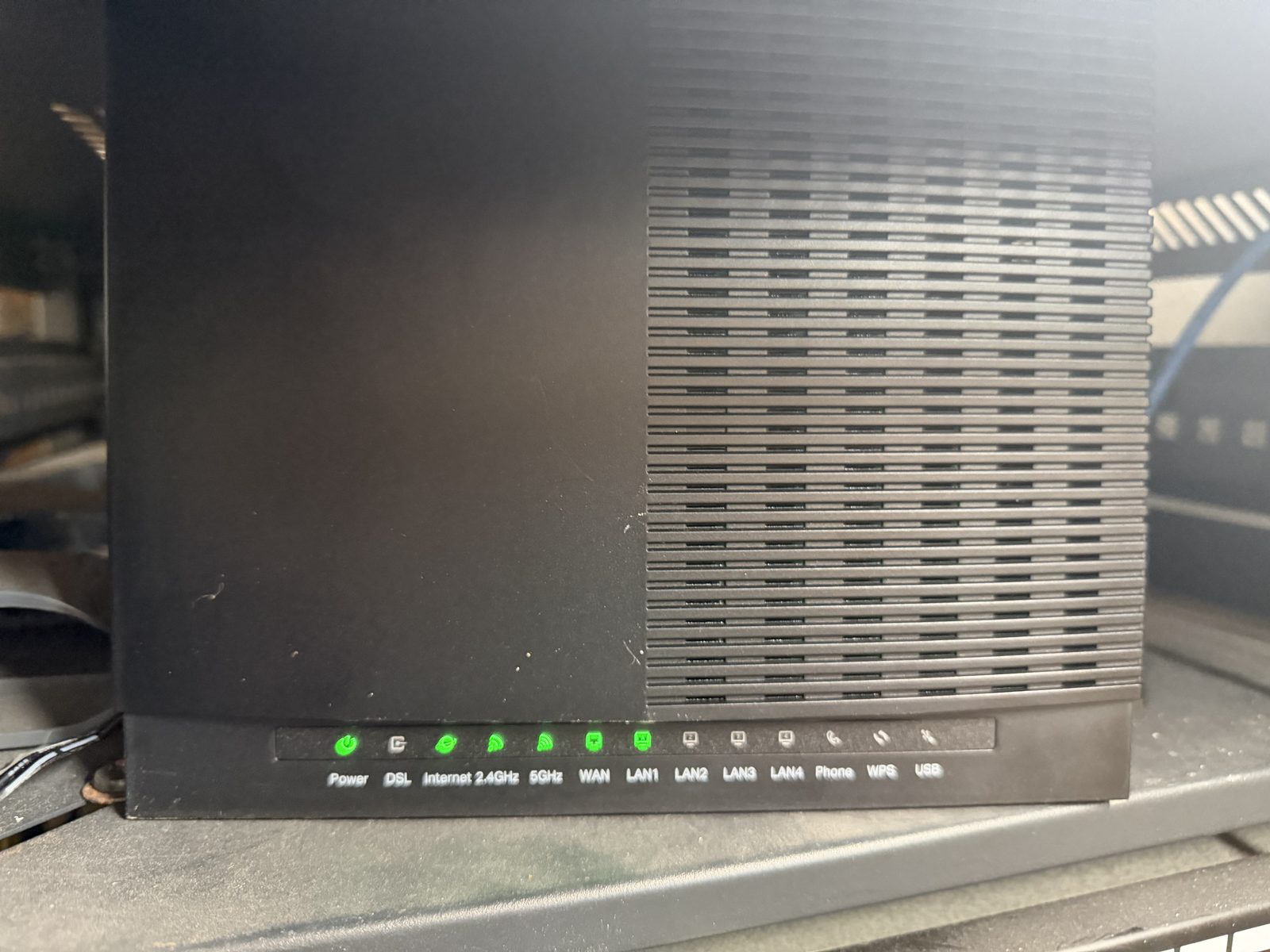
The landlord confirmed by phone that it started after the storm: a surge had killed the main Telstra Smart Modem Gen 2 (Cobra XH).
- 1
WiFi gone
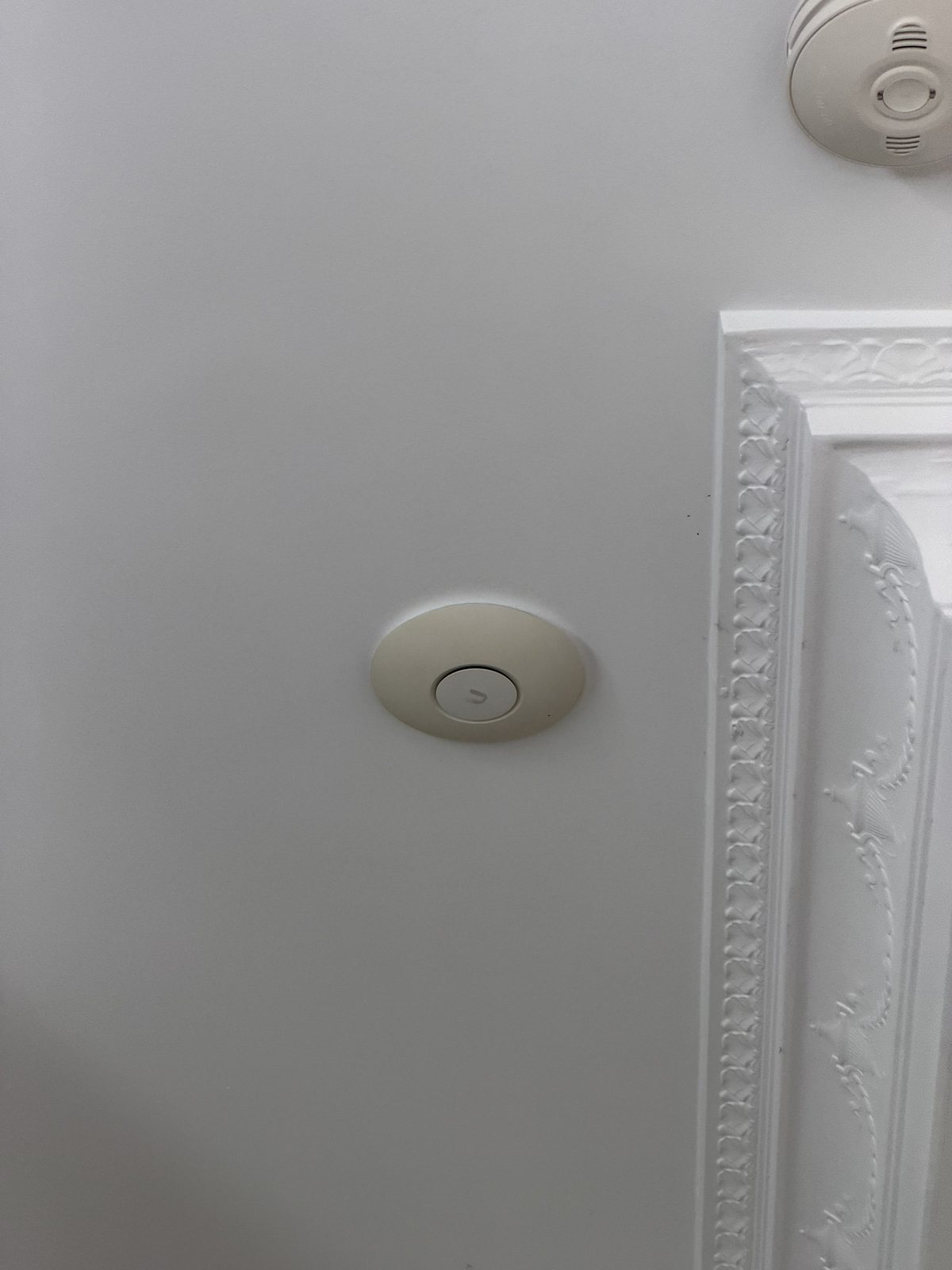
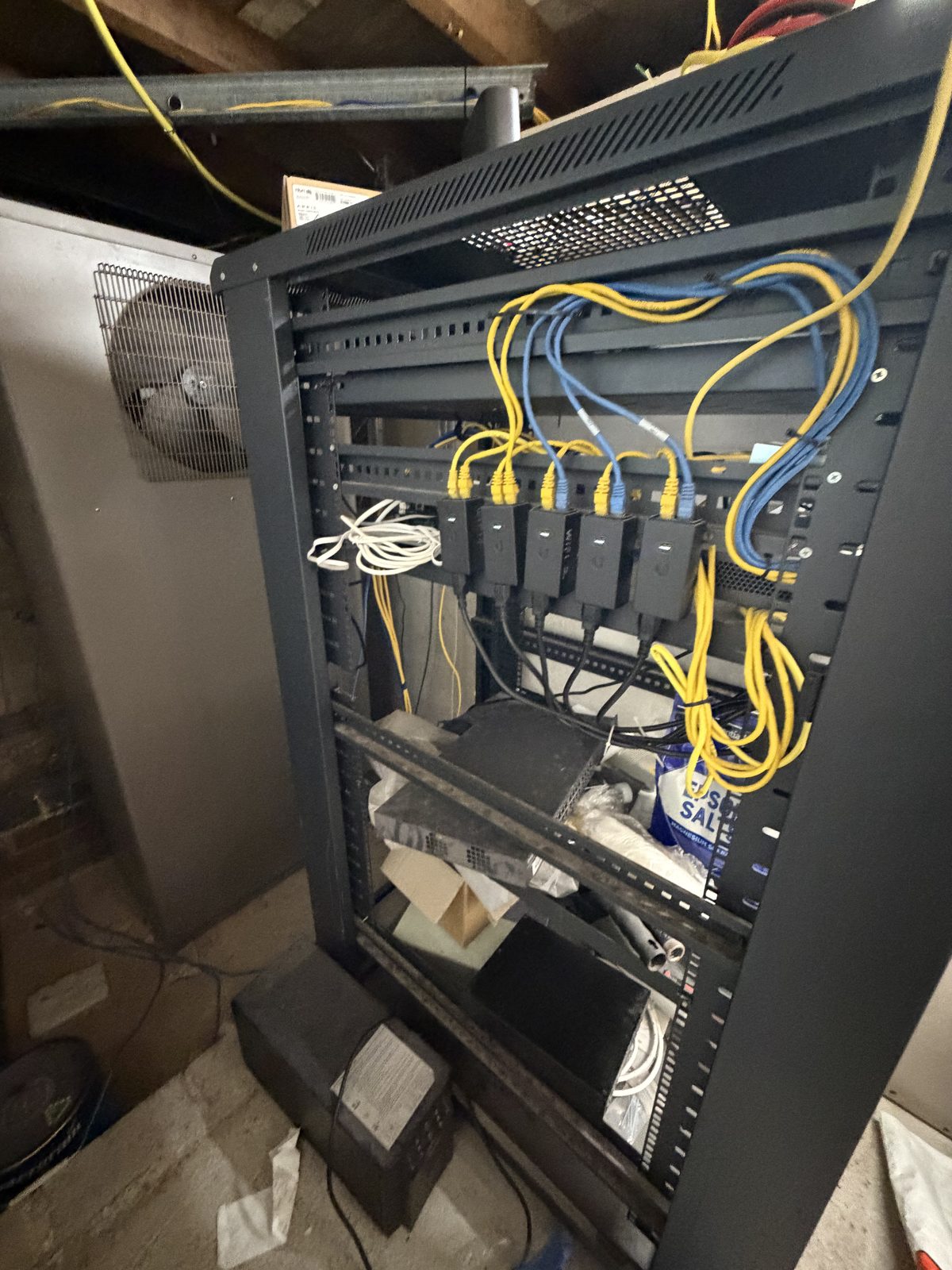
With the gateway dead there was no DHCP, so the 5 UniFi APs lost their uplink and stopped broadcasting. The TV and cameras dropped too.
- 2
Four brands stacked up
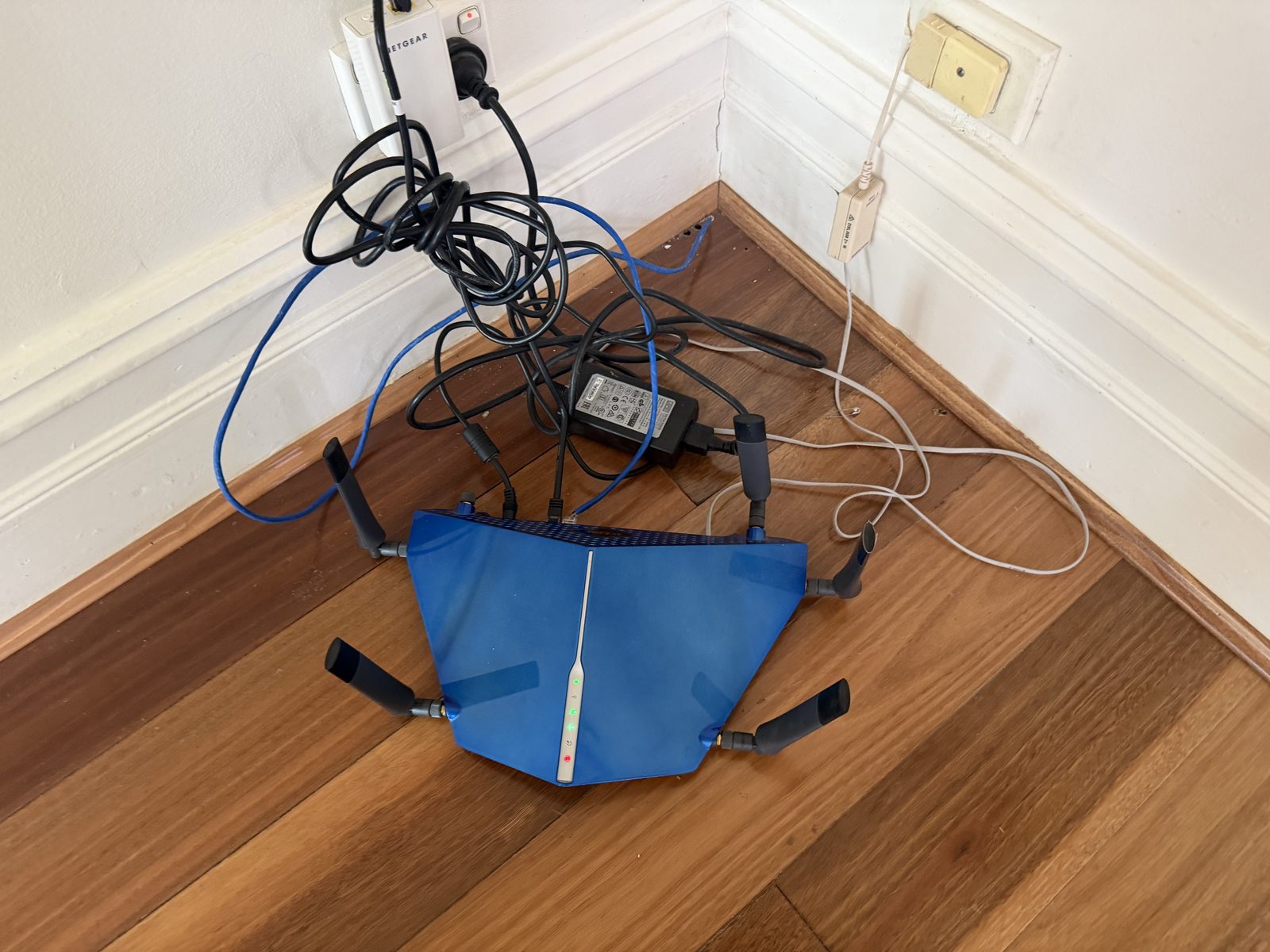
After several providers and technicians, the rack still had powered-on old gear: 3 TP-Link routers, a D-Link, a Telstra router and extender, and a NETGEAR powerline adapter from years ago.
- 3
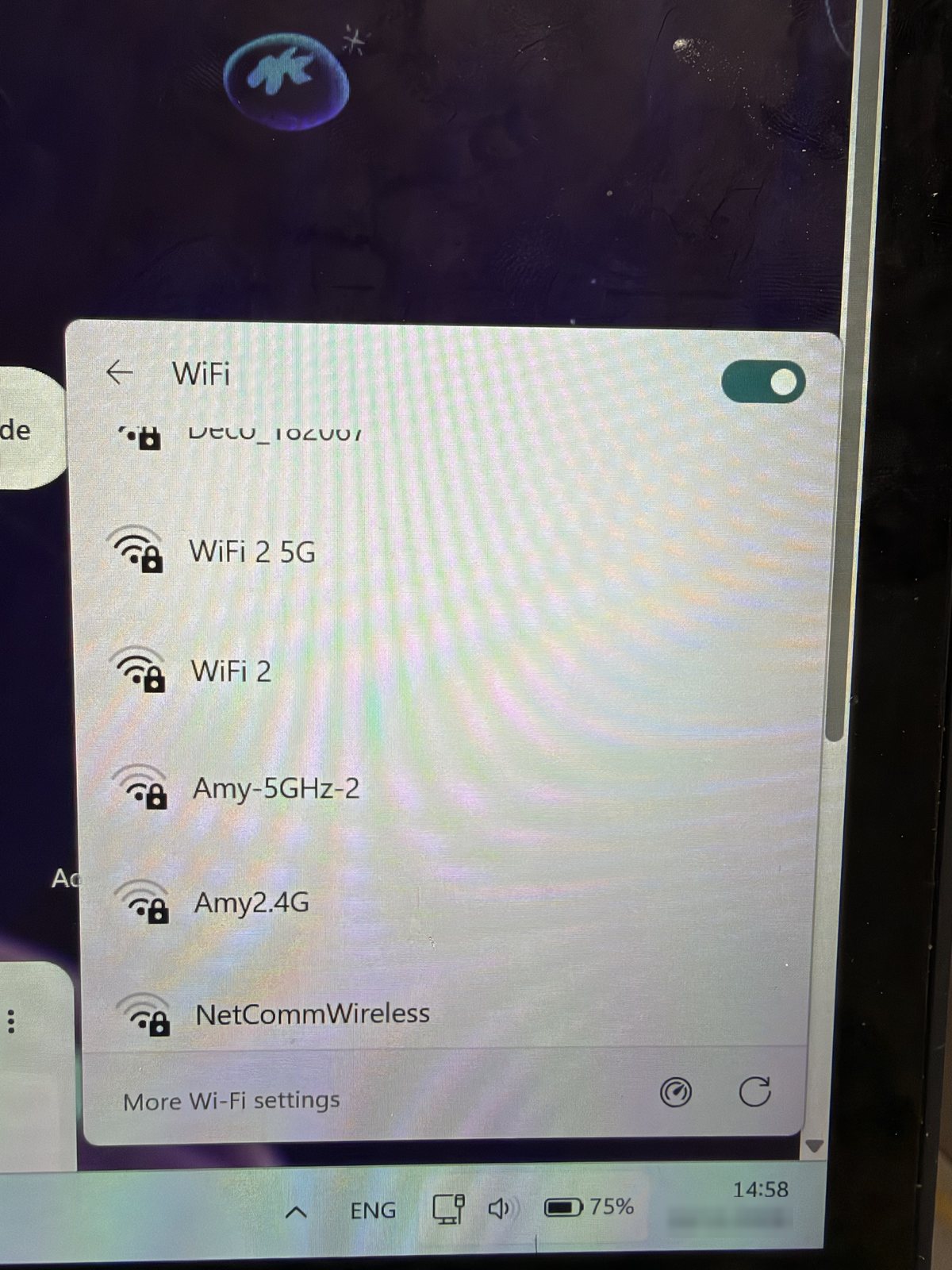
15+ WiFi networks
Every old device broadcast 2.4 and 5 GHz, on top of the APs' own networks: more than 15 SSIDs fighting for channels.
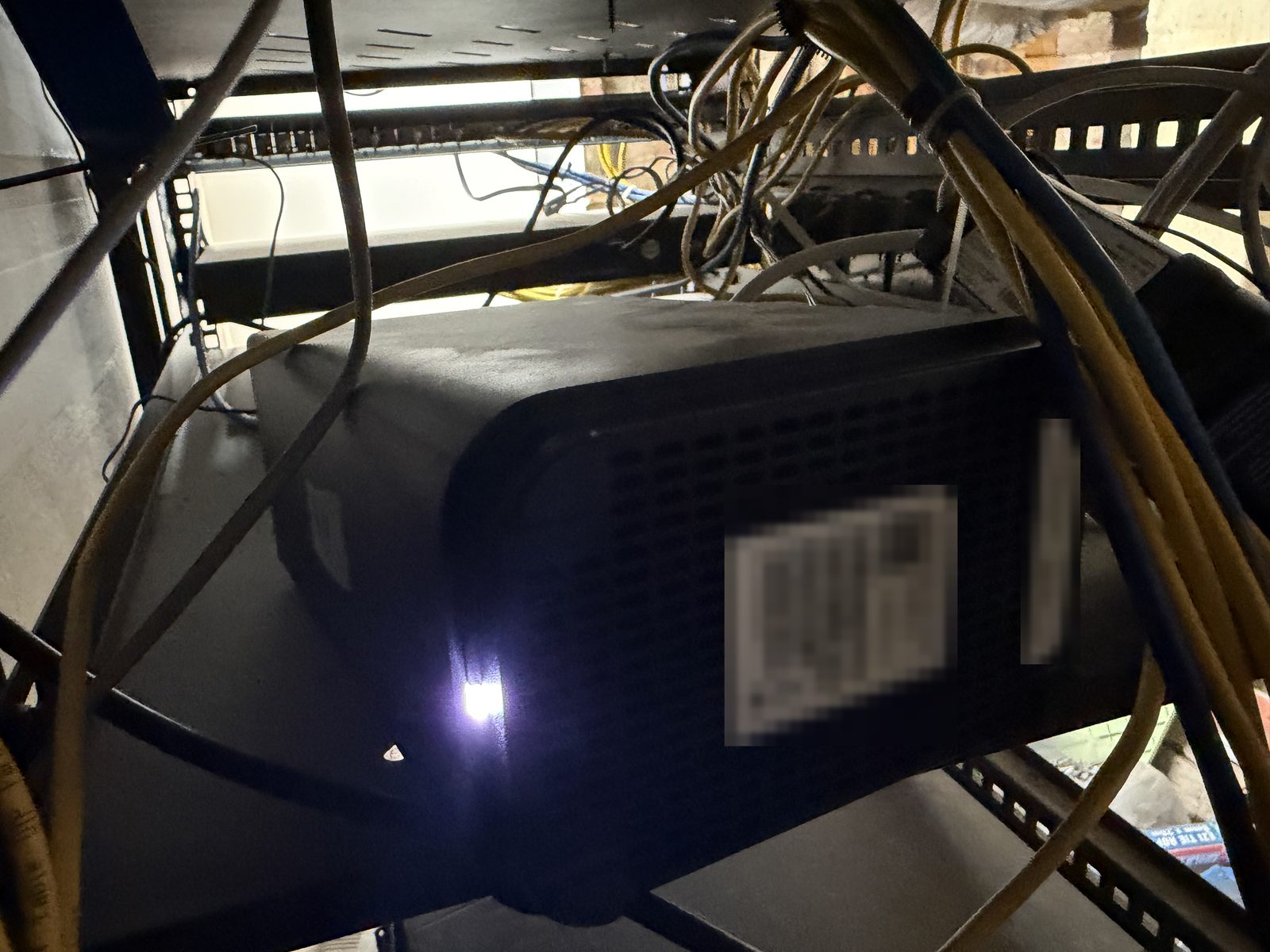
With tenants arriving next day, the plan was simple: unplug the dead weight, reuse a good router, bring the APs back.
- 1
Unplug old gear
The dead and unused D-Link, old TP-Link and Telstra extender were powered off and disconnected, removing several sources of interference.
- 2
Reuse a router as gateway
A working TP-Link router from the site was set up for the NBN connection and DHCP, feeding the 24-port TP-Link switch.
- 3
APs back on their own
Once the 5 Ubiquiti PoE injectors (hand-labelled 1–5) had a live link, all 5 UniFi APs came back.
- 4
11 networks, for now
Re-pairing the APs wasn't part of this urgent job: 5 APs on their original dual-band setup (10) plus 1 in the basement laundry, 11 in total.
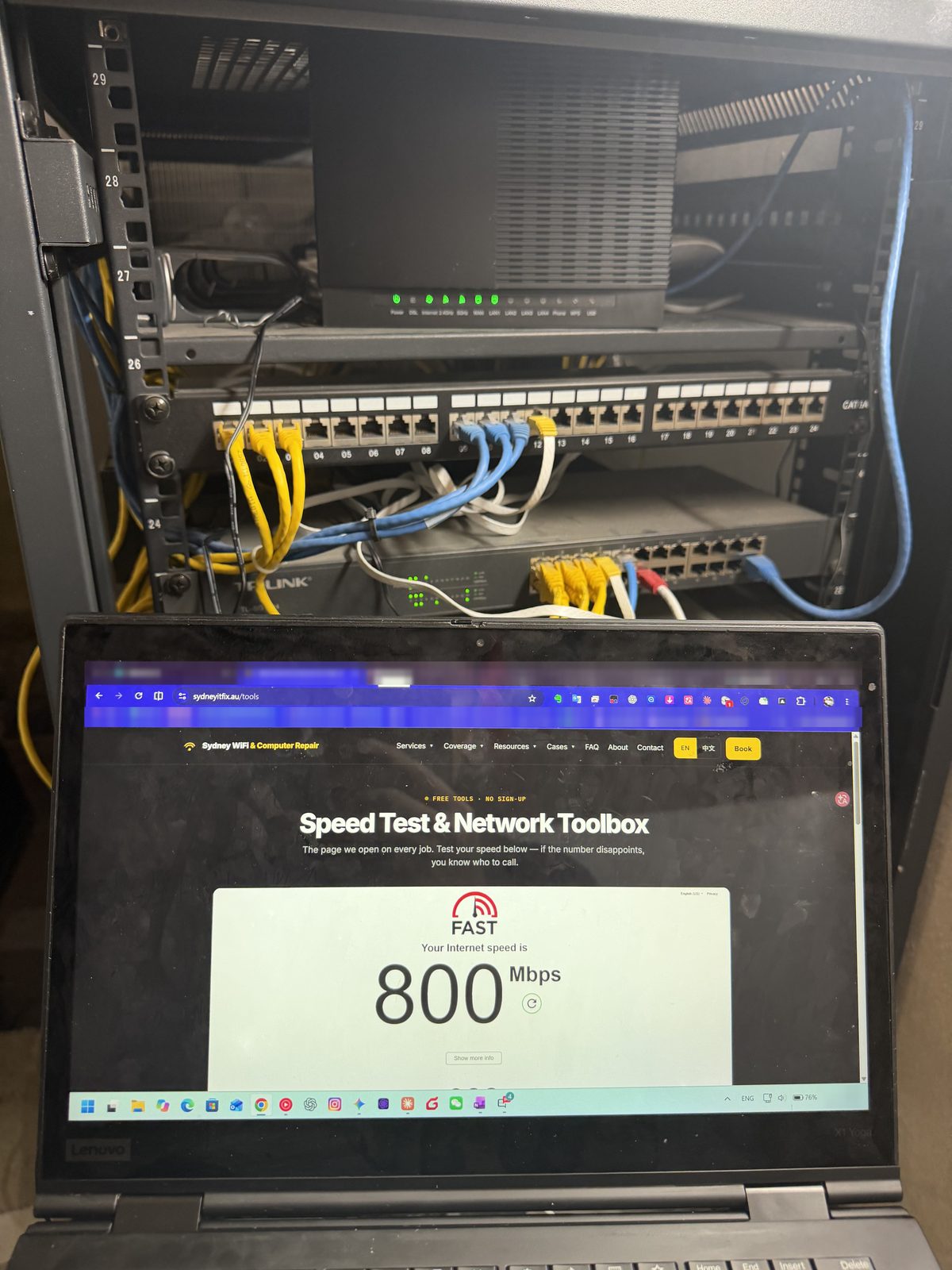
A laptop at the rack ran our network toolbox: about 800 Mbps down. Then we checked every room.
- 1
Gigabit test
On NBN 1000, about 800 Mbps measured on site.
- 2
Devices reconnected
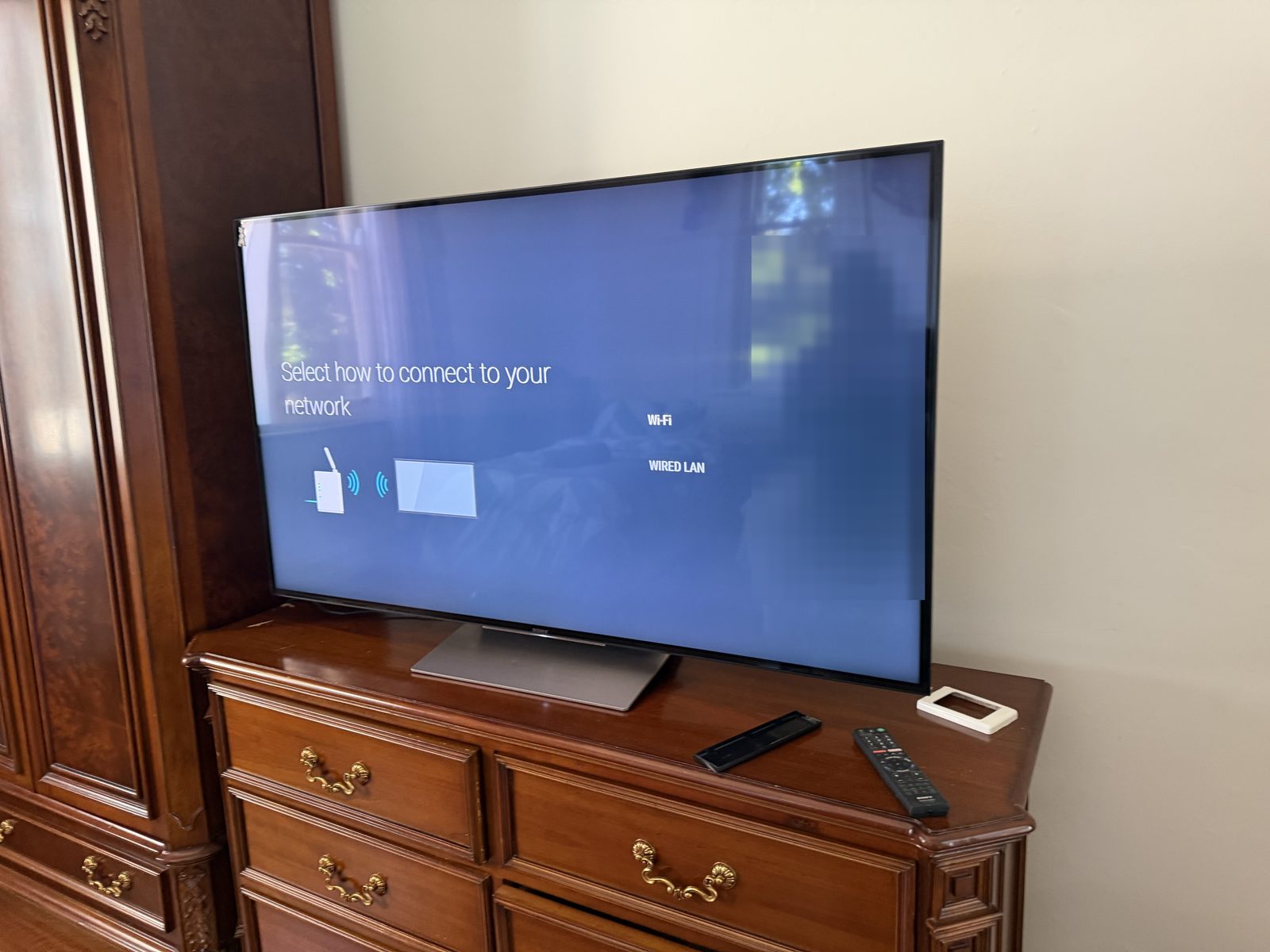
The living-room smart TV and security cameras set up on the network again.
- 3
Room by room
Signal and stability checked in each room with the property agent.
At handover we gave the client a parts list, budget and upgrade plan. They've booked us for when the house is next vacant.
- 1
New gateway
A Ubiquiti Cloud Gateway Ultra (UCG-Ultra) to replace the temporary TP-Link.
- 2
No ladders
Reset the APs from the Reset holes on the 5 PoE injectors in the rack.
- 3
One WiFi, whole house
Merge the 11 networks into one seamless roaming WiFi in UniFi, with the network visible on the client's phone.
- 4
Tidy the rack
Re-dress the rack cabling on the same visit.
Homes that have been through several providers and technicians end up with layer upon layer of gear and cabling. We get them working first, then rebuild them properly.
- 1
Rewiring
Map the existing cabling and rack, re-plan the runs and remove dead lines and devices.
- 2
Optimisation
Merge duplicate WiFi networks and plan channels so the whole house roams on one network.
- 3
Equipment upgrades
One gateway and one family of access points, with old routers, extenders and powerline adapters retired.
- 4
A clear plan
An on-site assessment, then a parts list, budget and staged plan that can be done while the house is vacant.
We'll be writing up a series on upgrading the networks in older Sydney homes.



