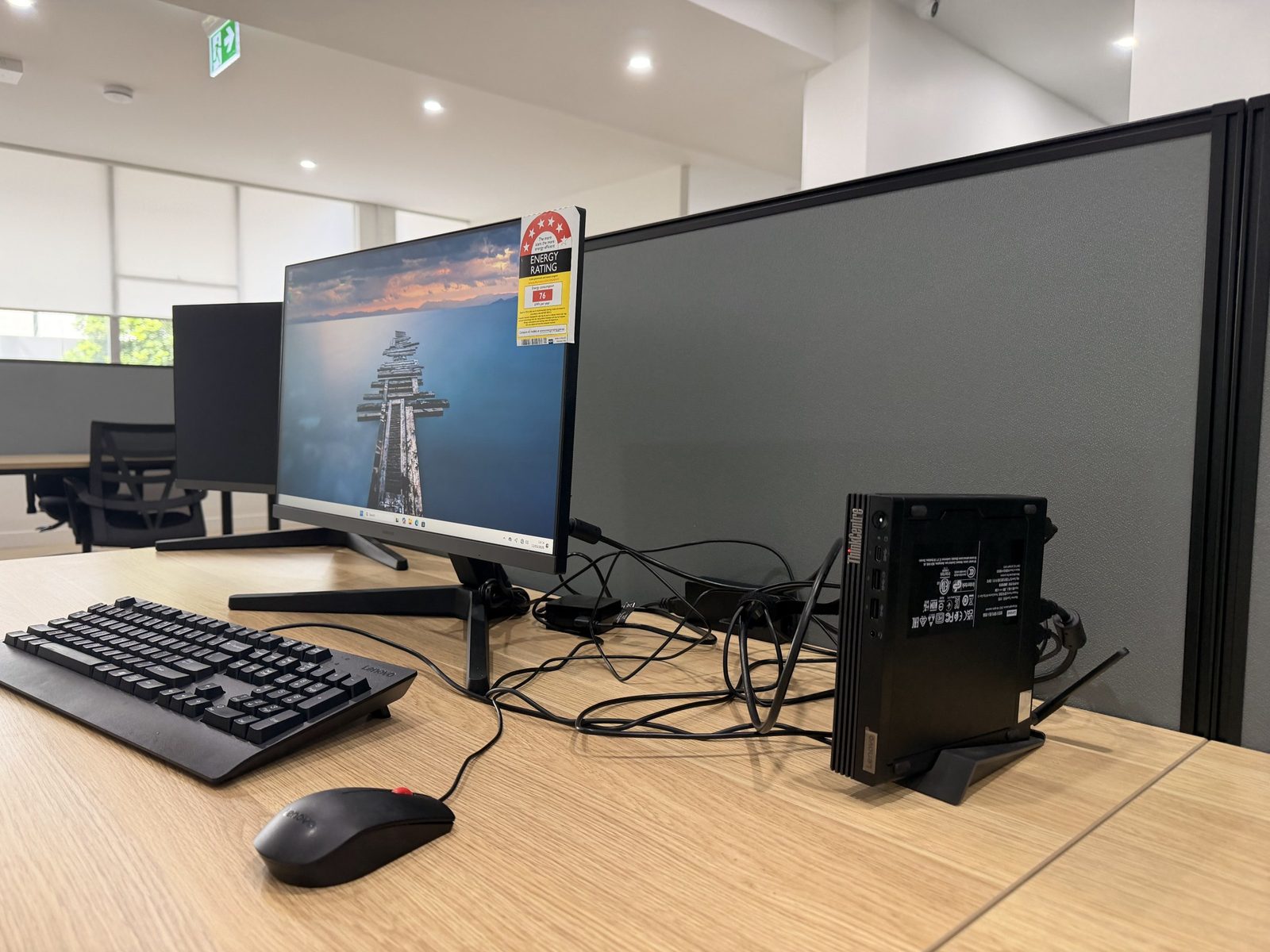
A small business without in-house IT needs an outside team that knows its office.
This Crows Nest small business came to us through a client referral while moving into a new office. Computer maintenance, the printer, an email migration and internal file sharing followed. We have visited several times, sorting each one out as it came up.
A new email provider,
and the printer's scan-to-email stopped working.
PCs chosen for the work and budget, installed on site
We chose PCs to suit their everyday work and budget, bought them in store and brought them straight to the new office.
Staff working in the new office as soon as possible
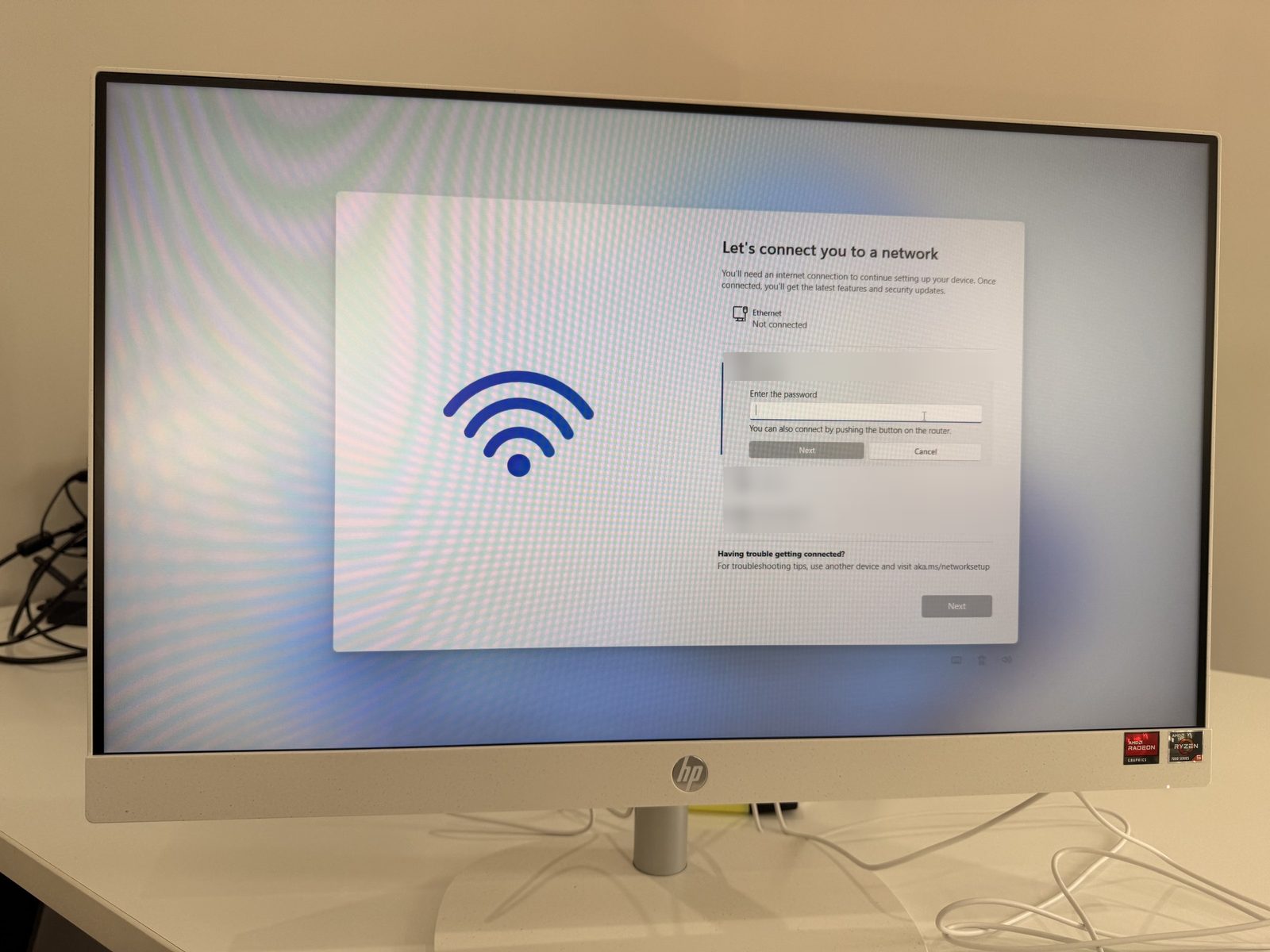
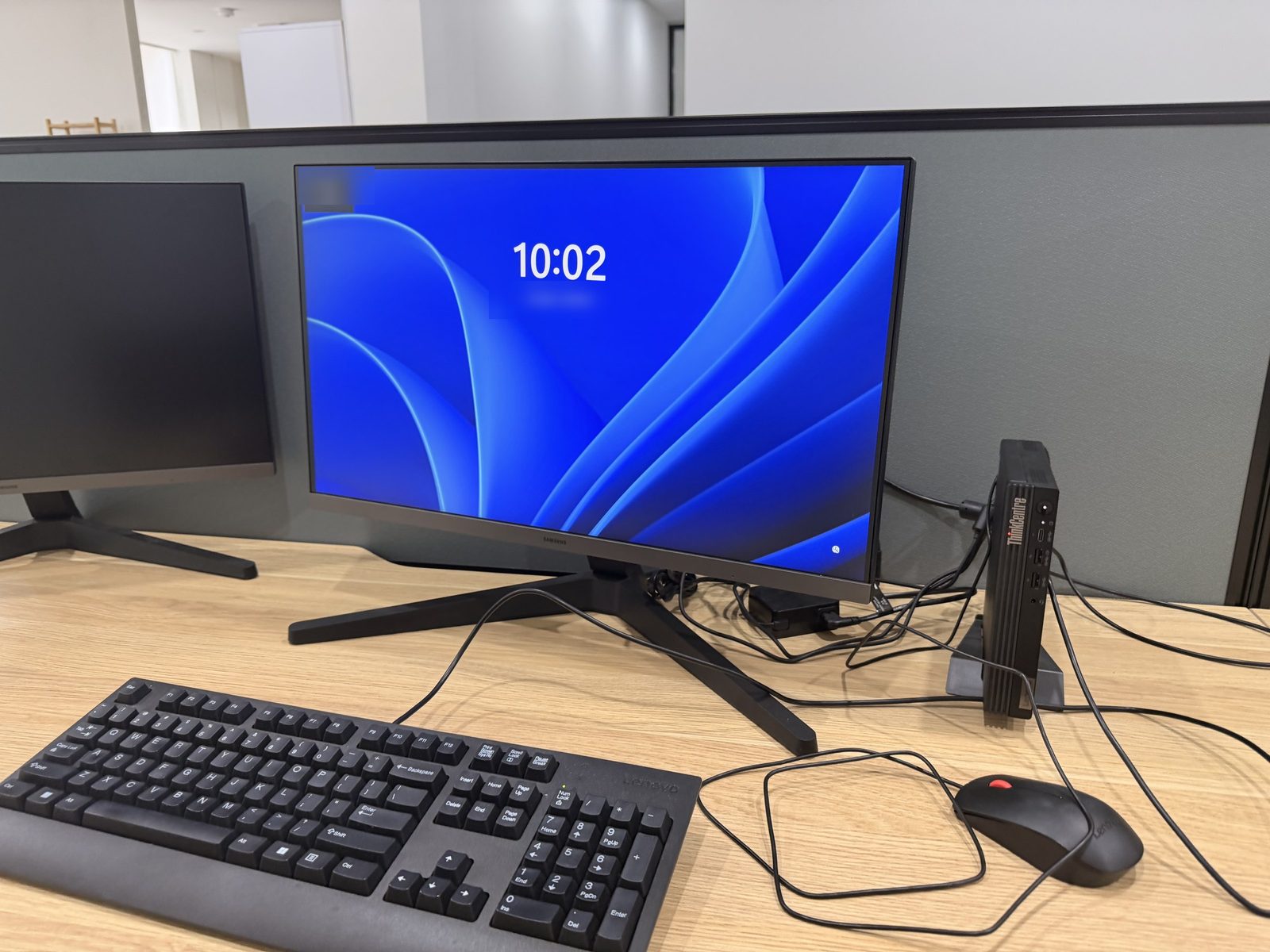
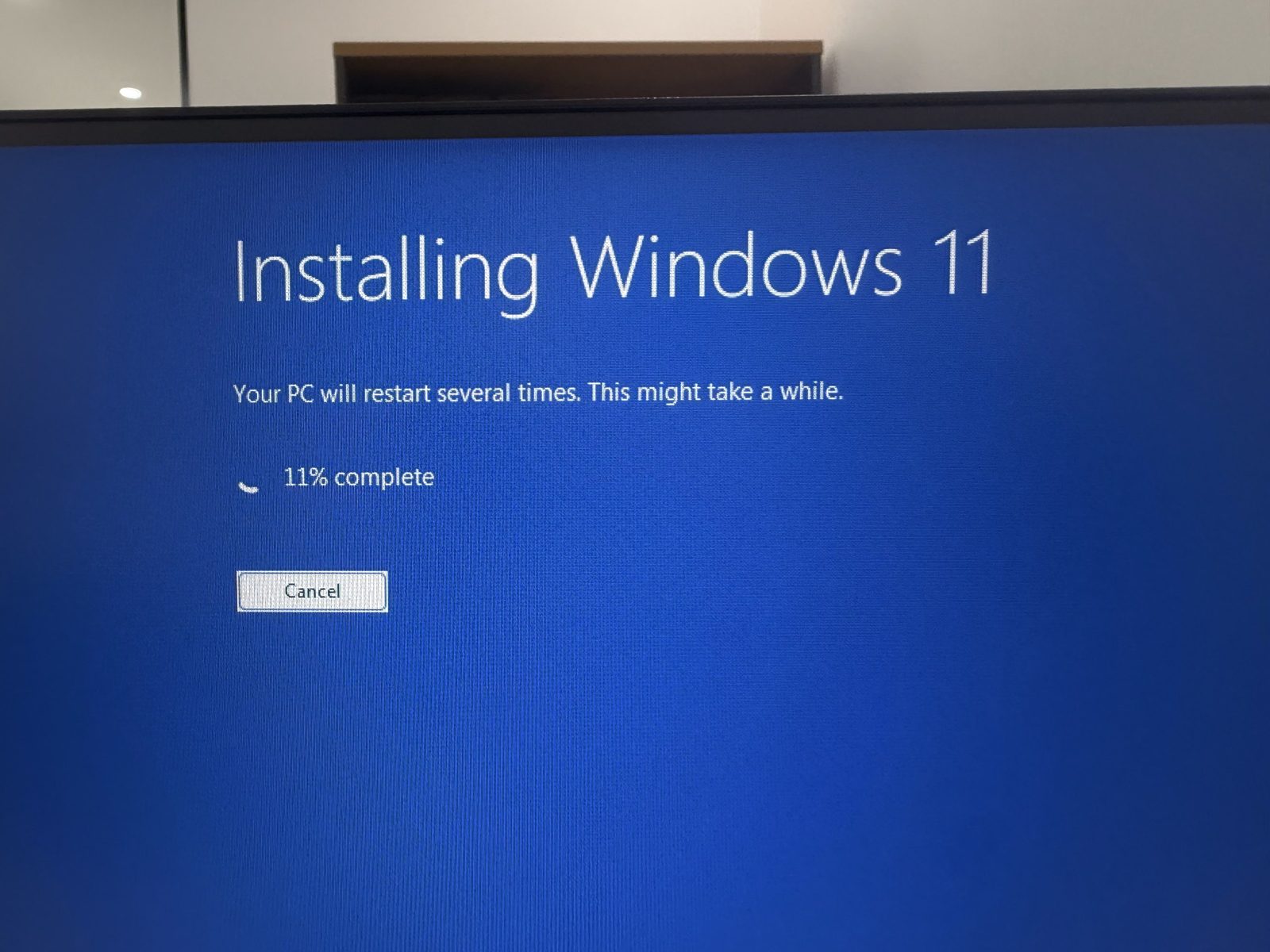
Some desktops from the old office were slow or needed reinstalling. Rather than replace them all, we checked each one, reinstalled Windows on those worth keeping and handled old data as the client asked, saving a second round of buying.
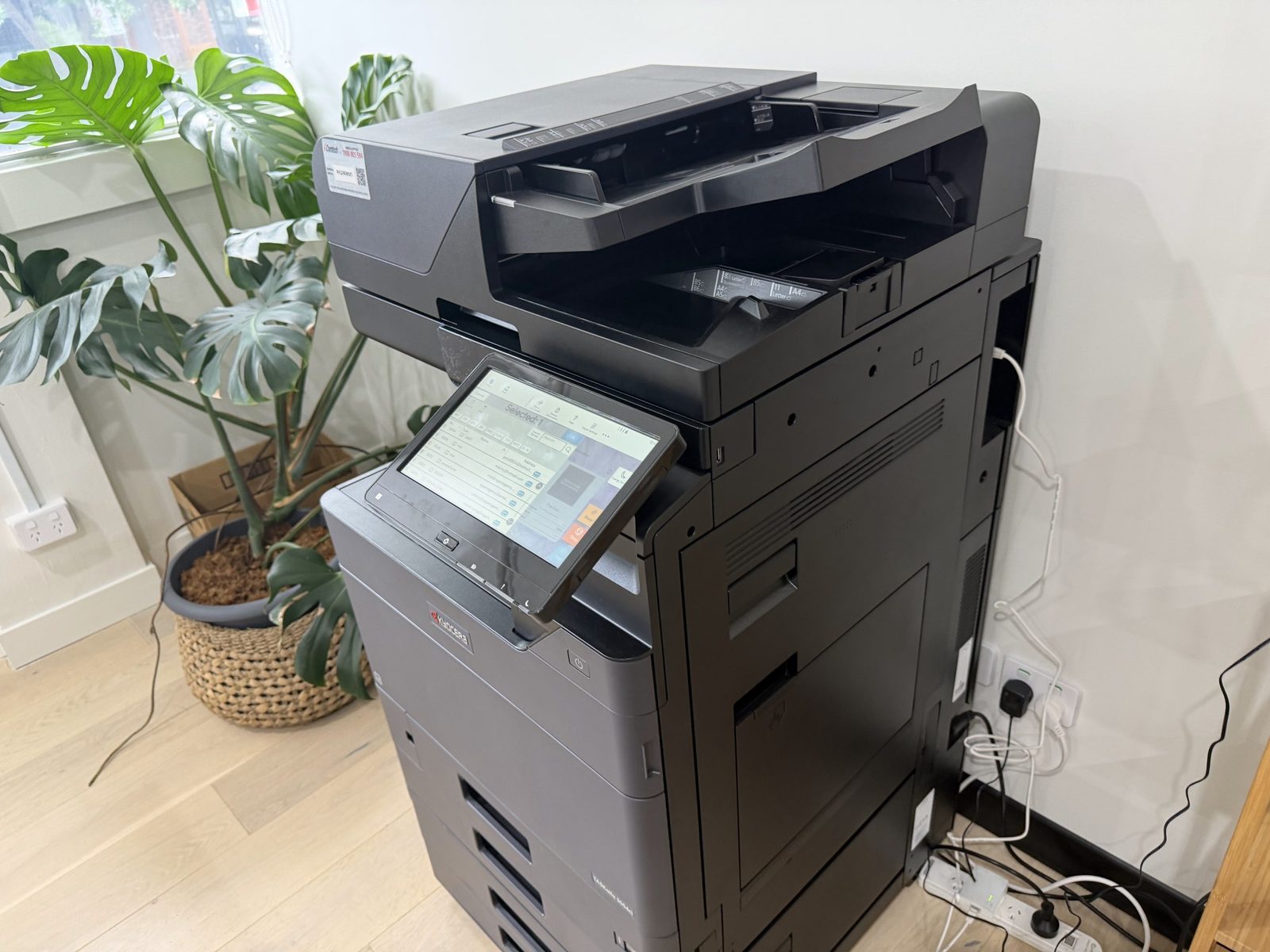
The office leases a large commercial multifunction printer with several trays, for printing, copying and scanning.
- 1
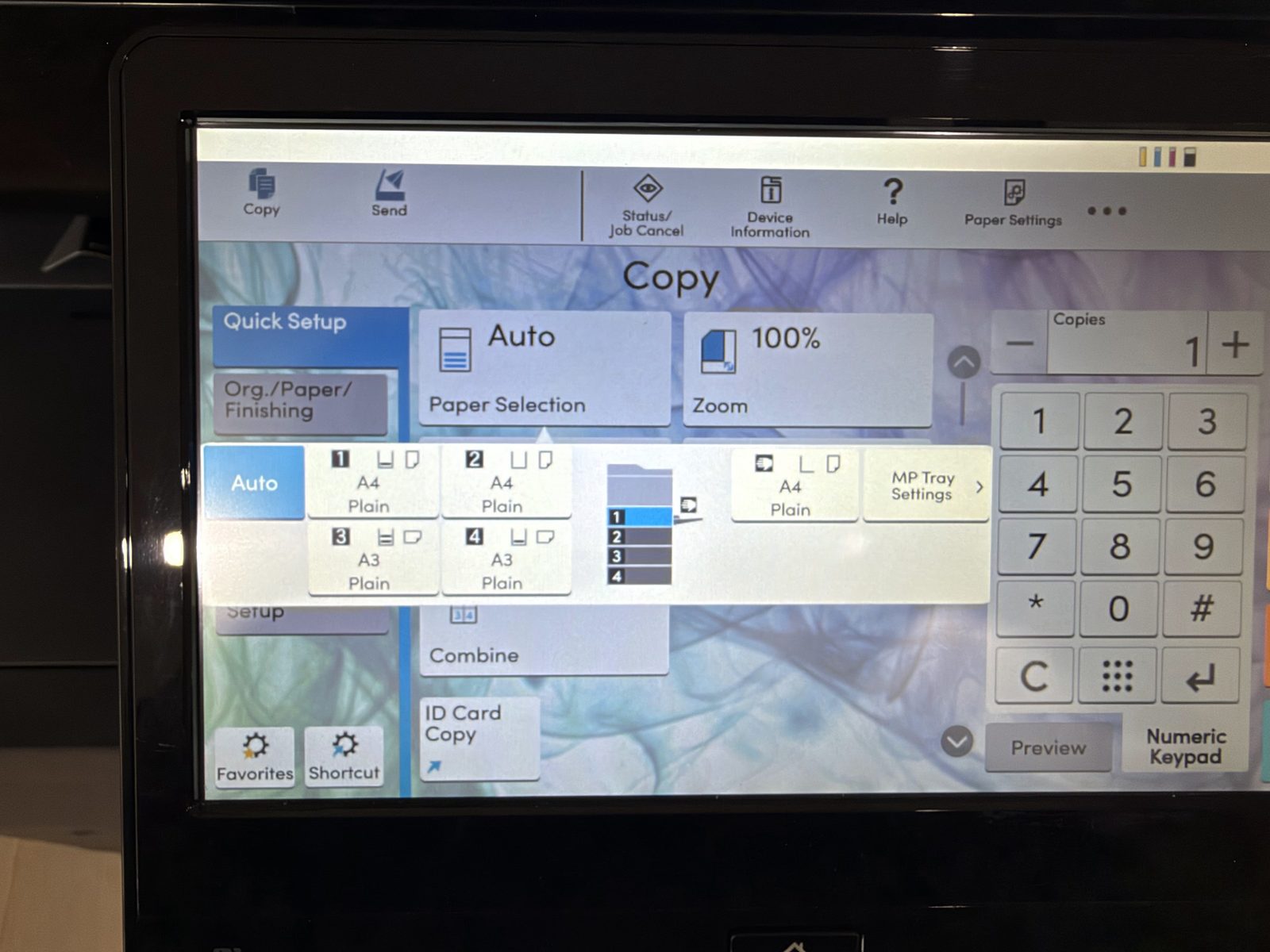
No more choosing a tray every time
Settings now match the office's main printing, so ordinary A4 goes to the A4 tray and only other paper needs choosing.
- 2
A few PCs could not reach the shared printer
We checked the connection, drivers and settings, reinstalled or adjusted the driver and ran test prints until it worked.
- 3
Scan-to-email broke after the email move
The printer sent scans through the old Microsoft 365 mailbox. After the move to Google Workspace its settings had not changed, so we updated them for the new setup and tested on site.
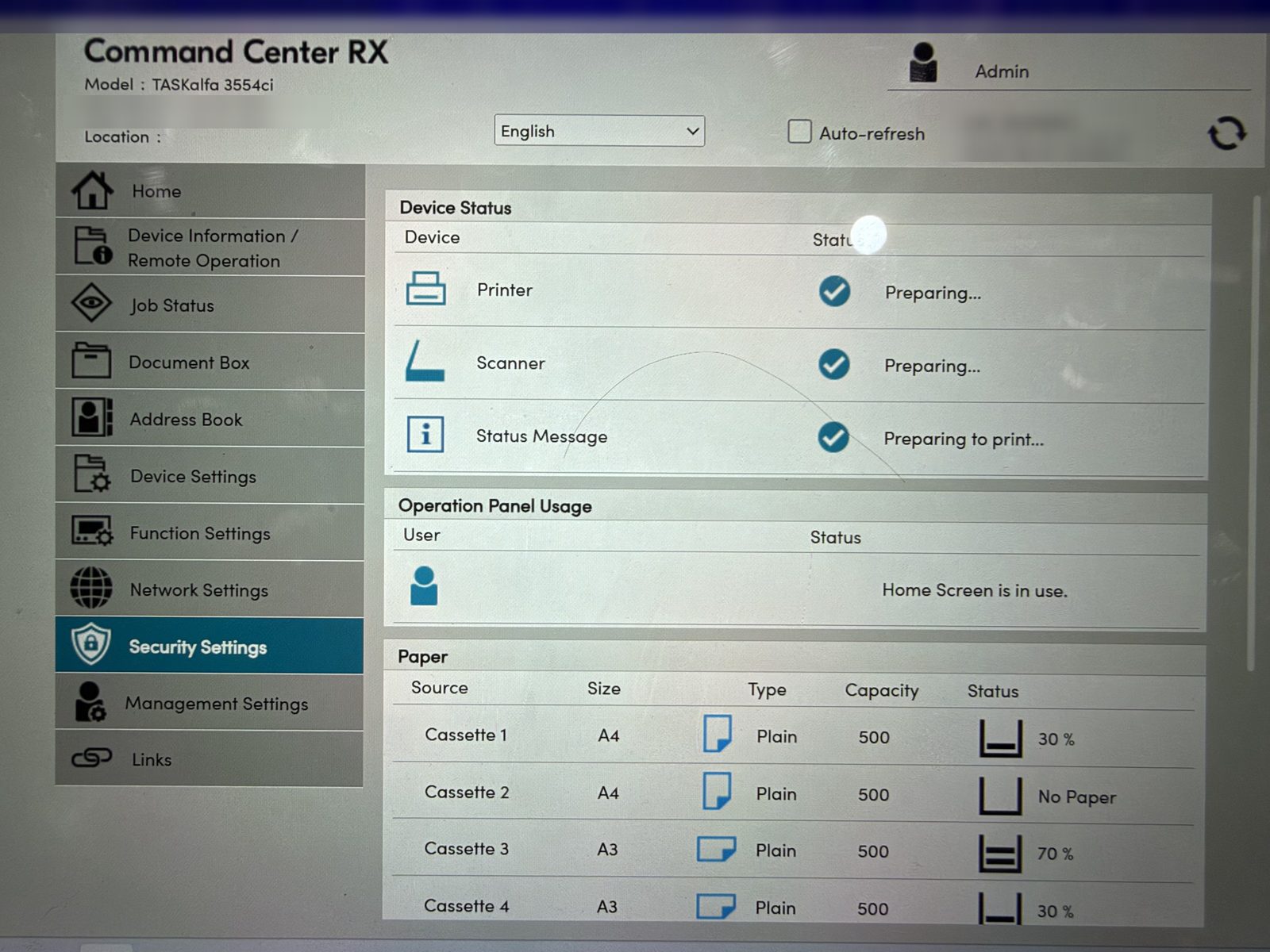
A common business IT problem: after changing email, network or another system, the devices that relied on it often need their settings changed too.
The client managed its domain at GoDaddy and used Microsoft 365 for email. After weighing cost and needs, they moved email to Google Workspace on the same domain, keeping years of old mail.
- Domain settingsGoDaddy settings adjusted to work with Google Workspace.
- New mailboxesGoogle Workspace email configured and checked.
- Old emailGuidance on exporting and importing mail with Outlook.
- Familiar toolsNew accounts set up in Outlook so staff carry on as before.
Staff used to pass large files through cloud uploads and downloads. We set up file sharing on the office network, so authorised PCs can open and move files locally without uploading internal files to a third-party cloud each time.
This work happened in stages. When something new comes up, the client contacts us and we arrange remote help or a visit.
| Business IT need | What we did |
|---|---|
| New office setup | Buying, installing and configuring office PCs |
| Reusing older PCs | Windows reinstalls, clean-up and configuration |
| Everyday software | Installing software and setting up the work environment |
| Printer problems | Tray settings, drivers, connection and test prints |
| Scan-to-email failing | Updating the printer's email settings and testing |
| Email migration | GoDaddy, Microsoft 365 and Google Workspace migration support |
| Old email | Guidance on exporting and importing mail and setting up Outlook |
| File sharing | Setting up local network file sharing |
| Everyday issues | Repeat on-site visits, configuration changes and ongoing support |



