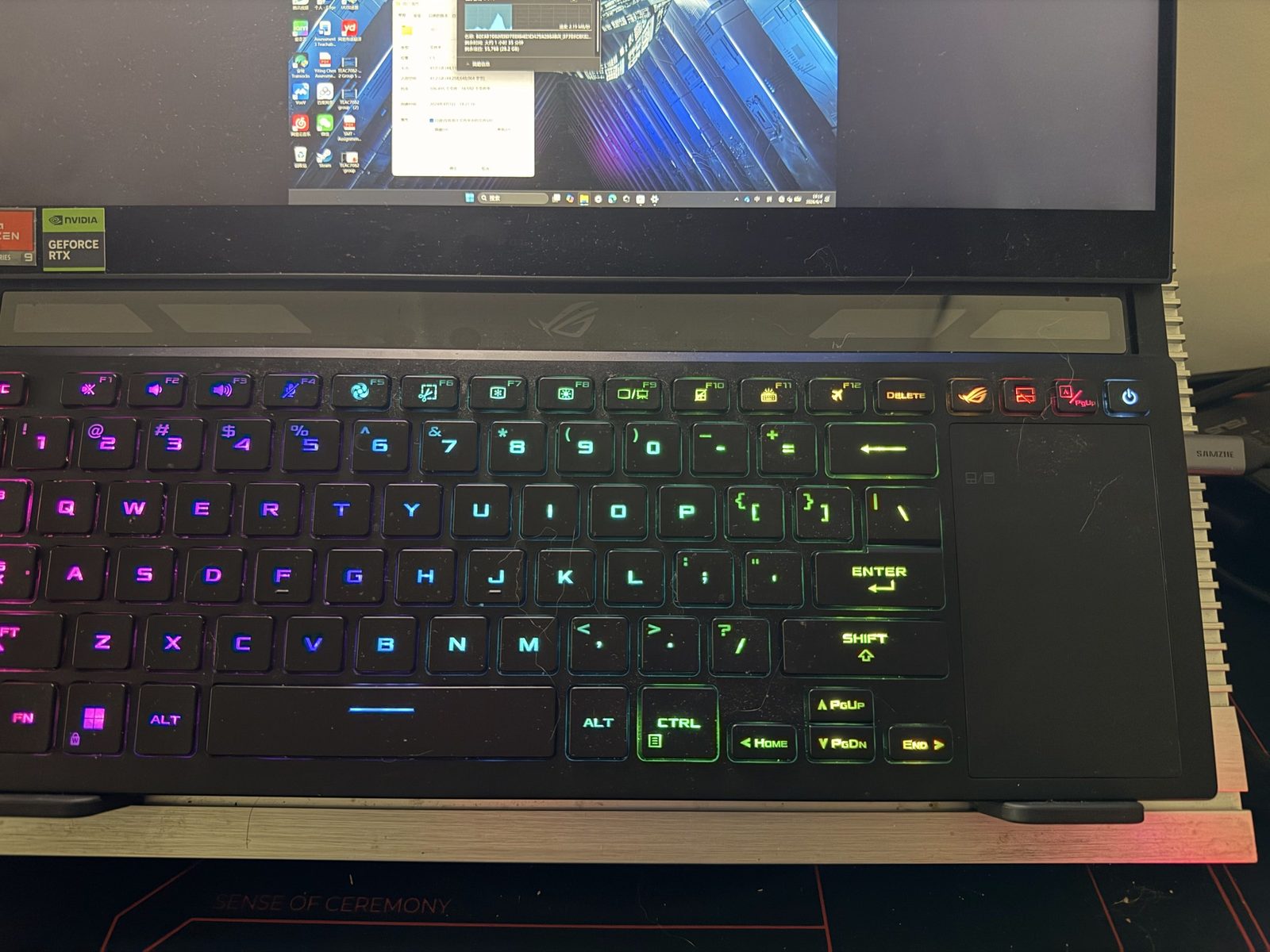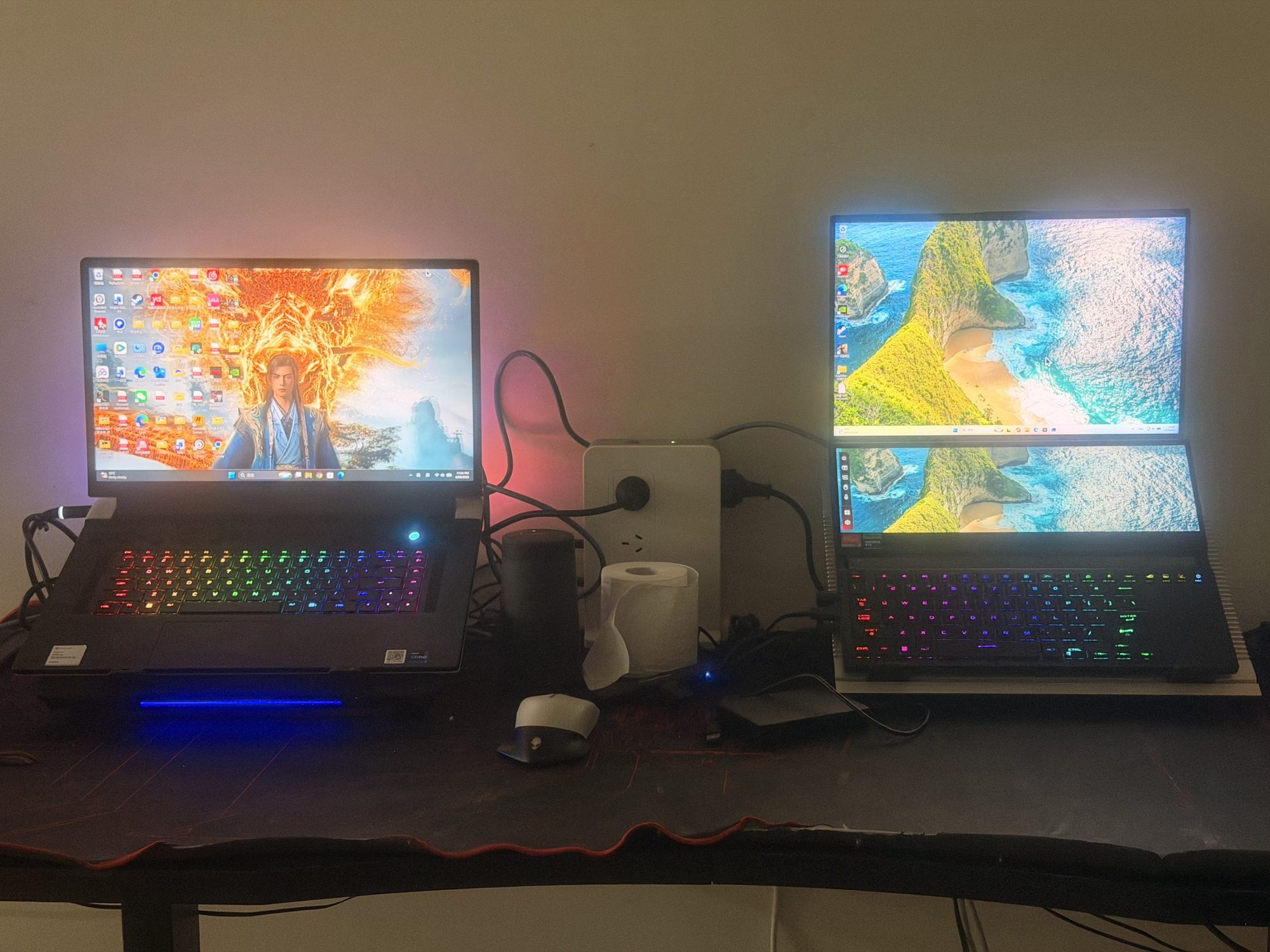
On the desk: an ASUS ROG Zephyrus dual-screen laptop (Ryzen 9 7945HX, 64 GB RAM, RTX 4090) and an Alienware laptop.
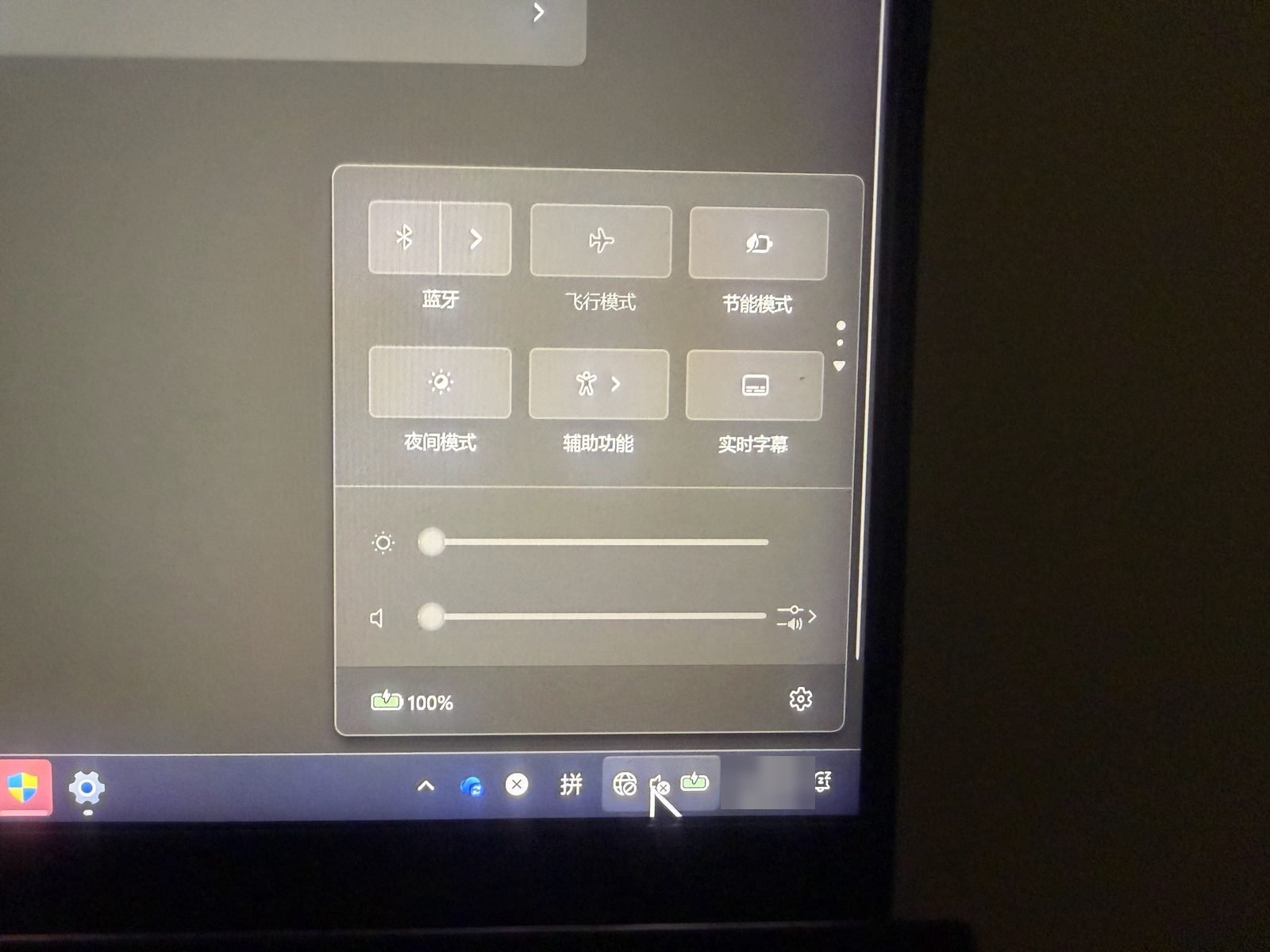
The internet had suddenly stopped working, and the volume, brightness and Bluetooth icons were greyed out and unresponsive. The error was a stack-based buffer overrun in ShellHost.exe, a core part of the Windows interface. Command-line repairs and restarting Explorer did not help, so a clean reinstall was the fix.

Reinstalling a flagship laptop
means clearing one lock at a time.
- 1
Secure Boot
The firmware would not boot from USB. We set a BIOS administrator password so Secure Boot could be turned off.
- 2
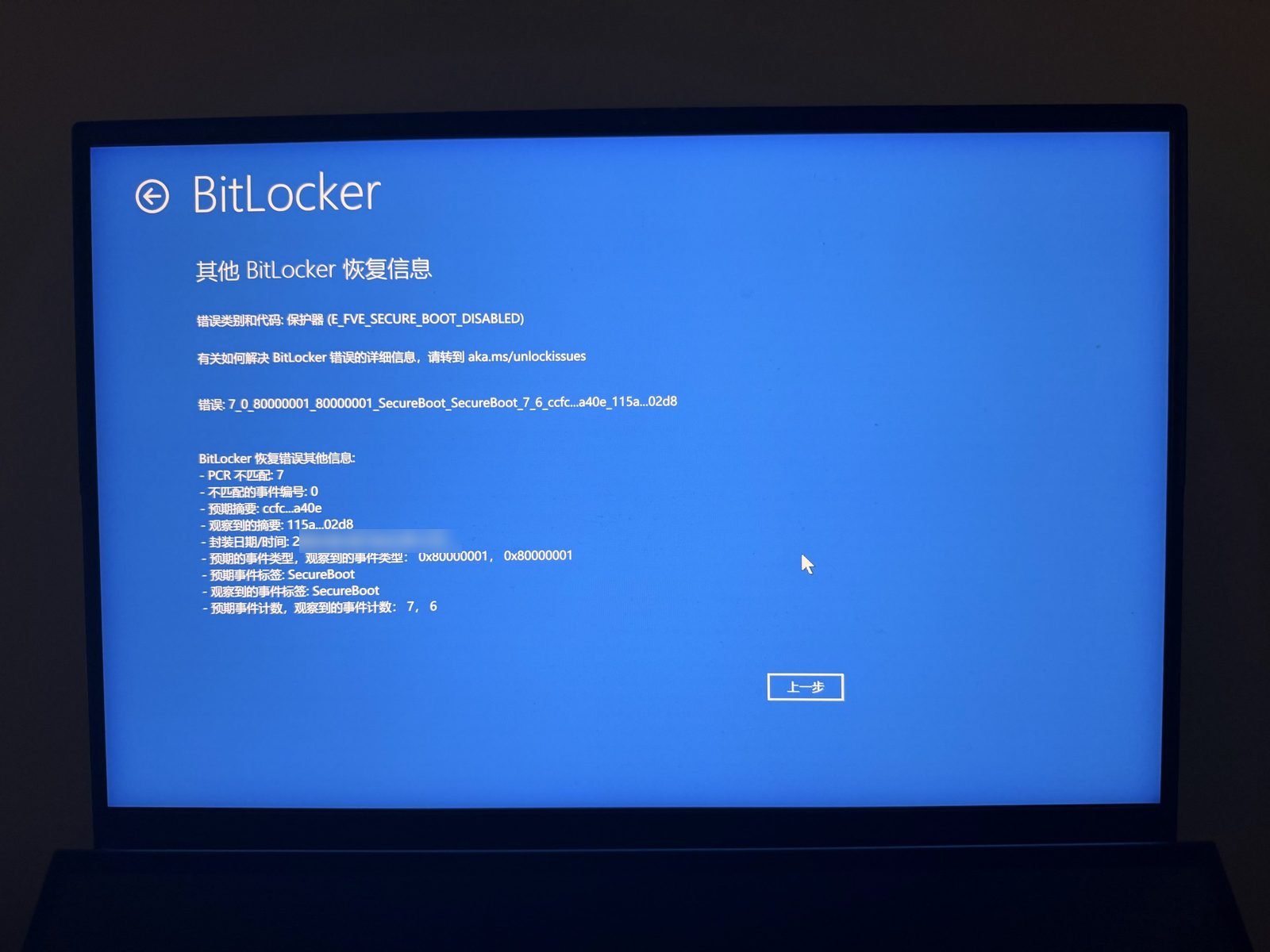
BitLocker
The drive was encrypted with BitLocker by default and had to be dealt with first.
- 3
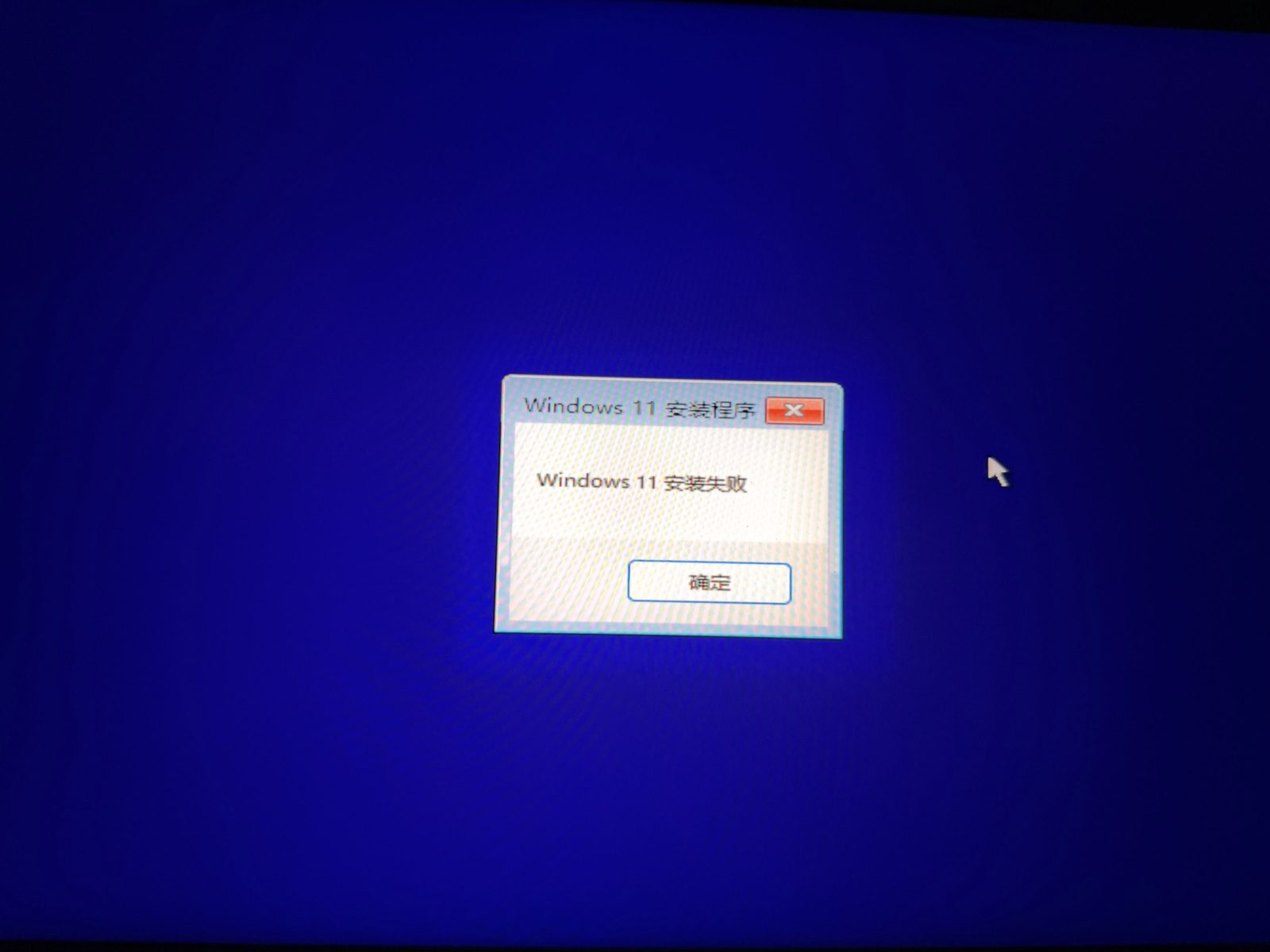
Setup errors
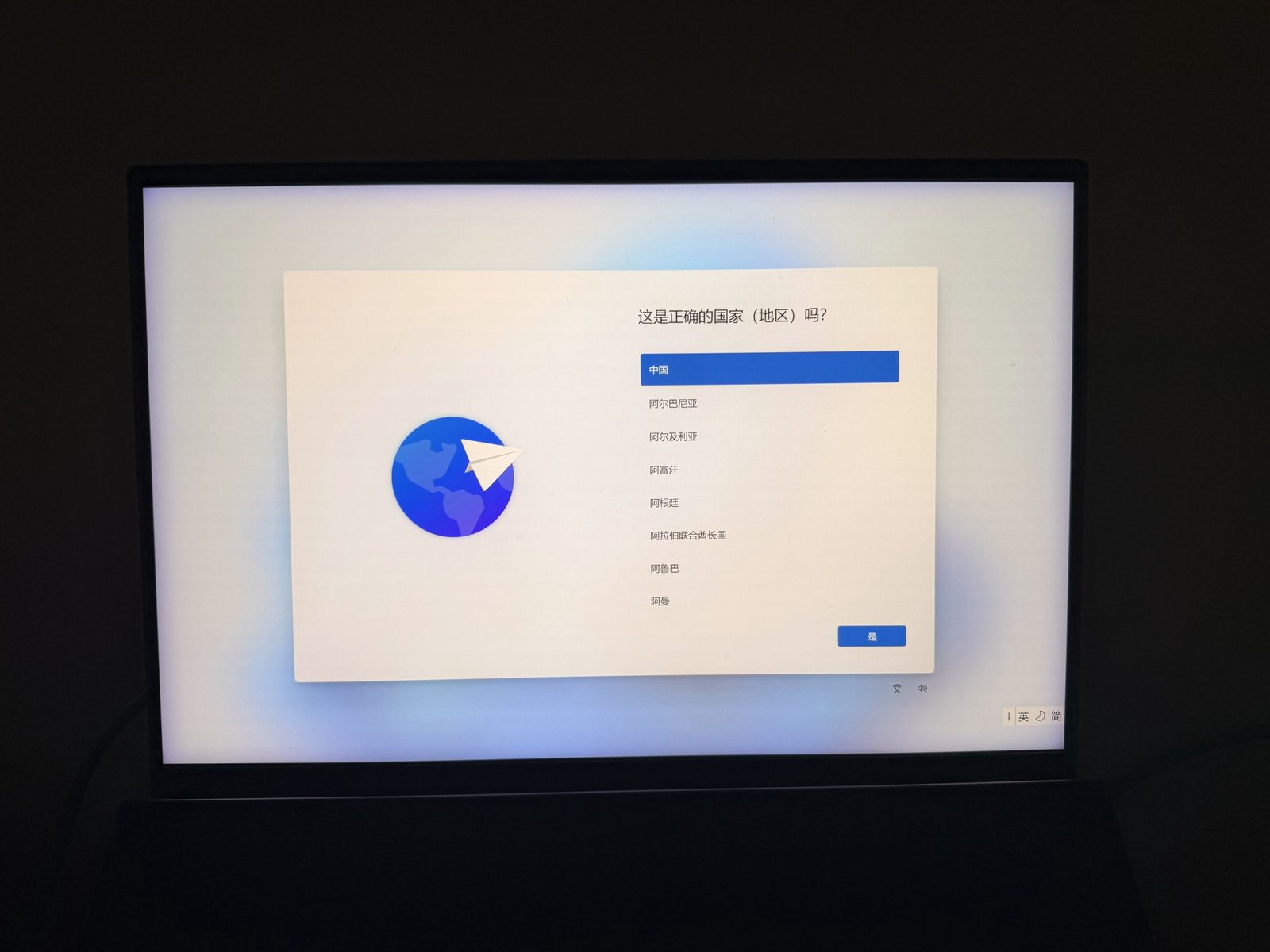
Errors came up at different stages; it took three attempts to get a clean Windows 11 installed.
- 1
Graphics
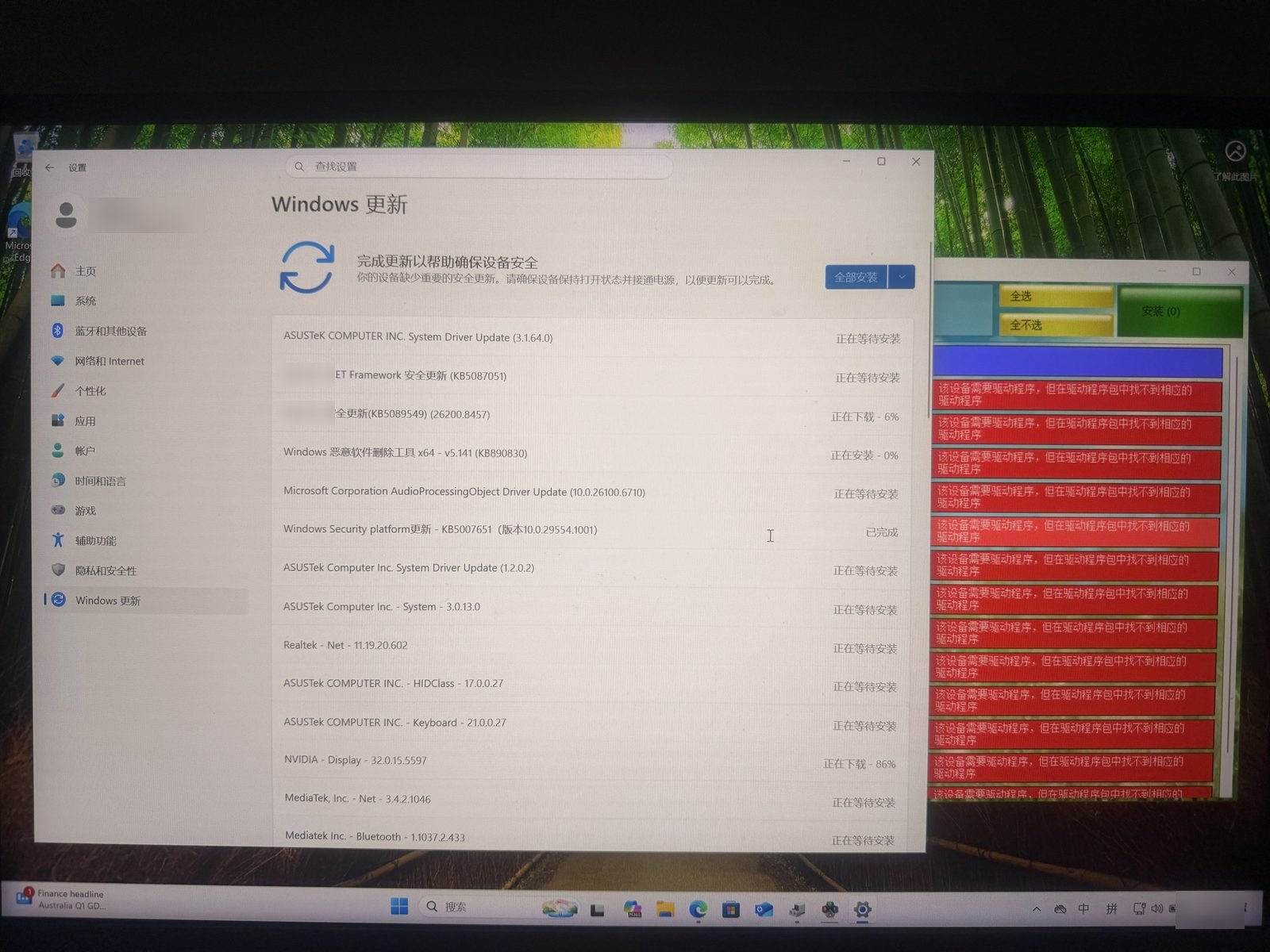
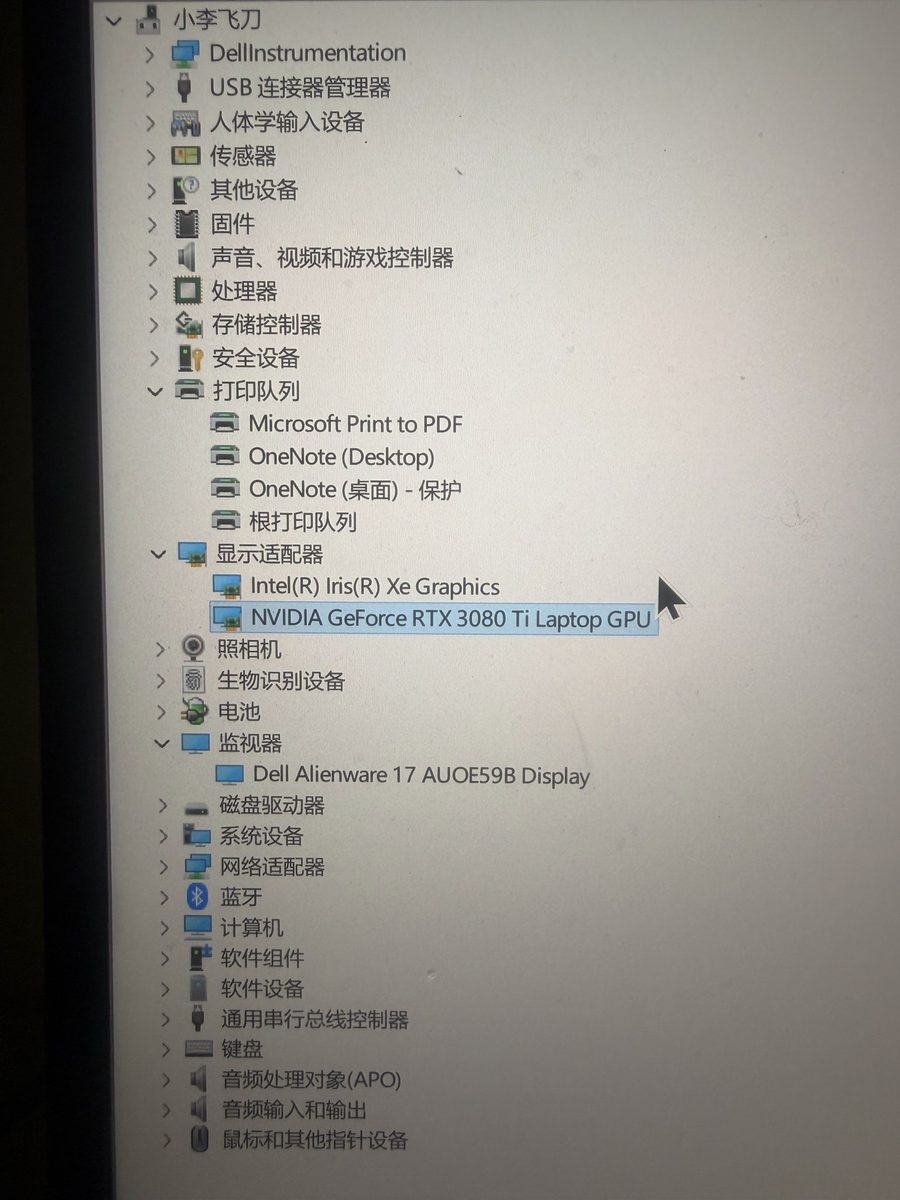
NVIDIA drivers and system updates installed.
- 2
Dual screen
Armoury Crate and ScreenXpert set up so the second screen's touch and linking work properly.
- 3
Alienware
A few small issues on the Alienware laptop sorted too.
- 4
Games
Steam installed and the game library set up, then tested with high settings.

By then it was midnight, five hours after we started at 7 pm. Before leaving we connected the living-room wall port, and a wired connection reached the full 1000 Mbps.