0420 119 140More ways to reach us
On-site across Sydney · Remote support Australia-wide
Skip to content
Sydney WiFi & Computer RepairSydney WiFi
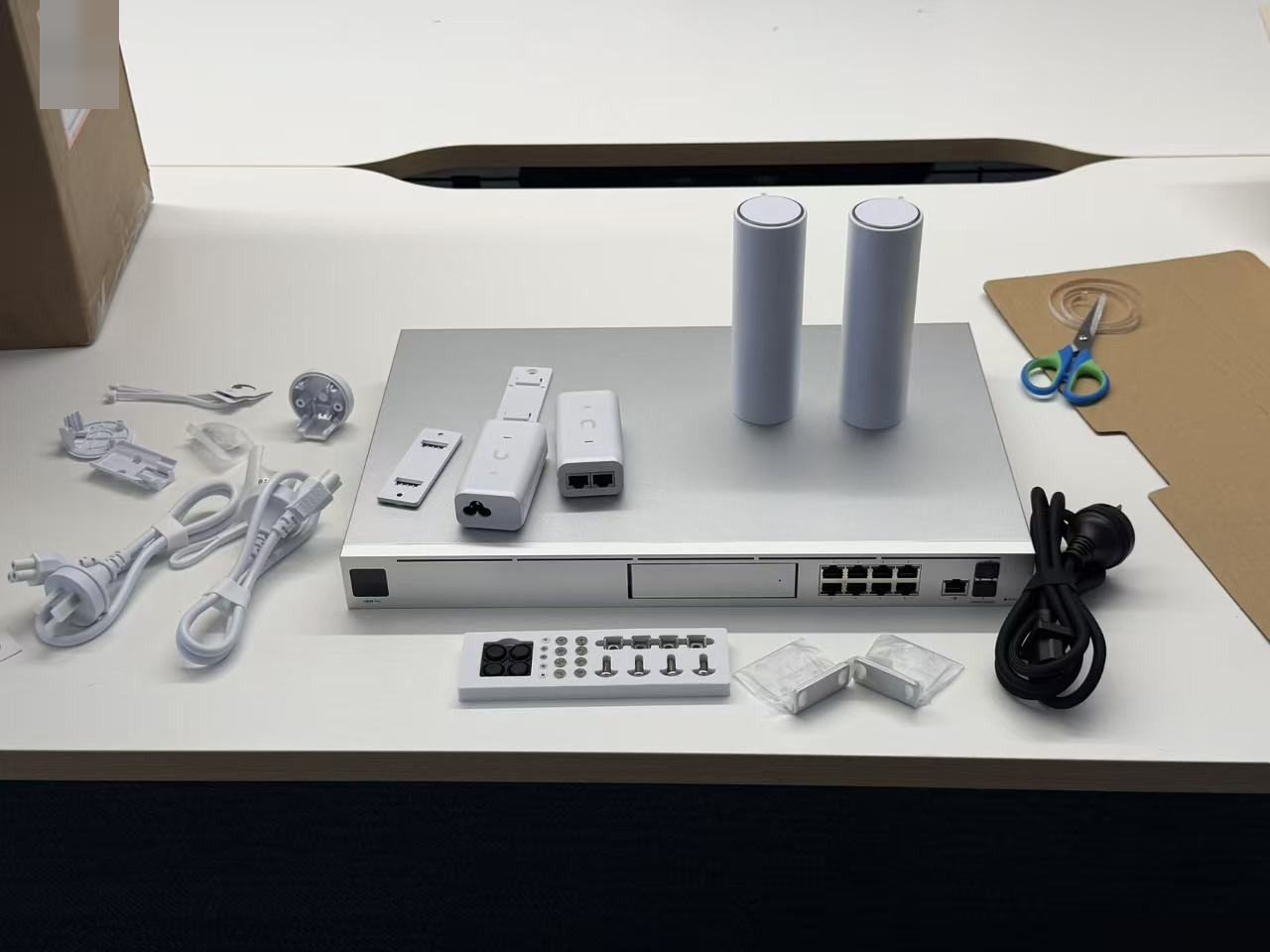
The UniFi Dream Machine Pro and two U6 Mesh access points on arrival

Featured case · North Sydney · Business IT

An office network from planning to access policies

A new 400 m² office for 30 to 50 staff: provider chosen, building cabling arranged, UniFi gear installed, slow WiFi fixed and staff access policies set up

Location
North Sydney
Office
About 400 m² · 30–50 staff
Internet
OCCOM 1000 Mbps
Equipment
UniFi UDM Pro · two U6 Mesh
Fault
WiFi under 100 Mbps
Result
About 600 Mbps
RESULTOne provider for the whole office network, from choosing the internet plan to managing staff access.

THE CLIENT

A new 400 m² office, with the network starting from nothing

This North Sydney company moved into a new office of about 400 m² for 30 to 50 staff. We handled the network from the start: planning, choosing the provider and plan, cabling from the building to the office, activation, then buying, installing, configuring and testing the network equipment.

Since then we have handled a speed problem, staff access policies, and the cameras, printers and meeting-room TVs on the network.

01
Planning and activation
Provider chosen, building cabling arranged

Based on the office size, staff numbers and what the client needed, we recommended a provider and plan: OCCOM 1000 Mbps.

The office is in a multi-tenant building, so cabling had to run from the building's main patch panel (MDF) to the office, with a permit from the property manager. We arranged this, then the service was connected.
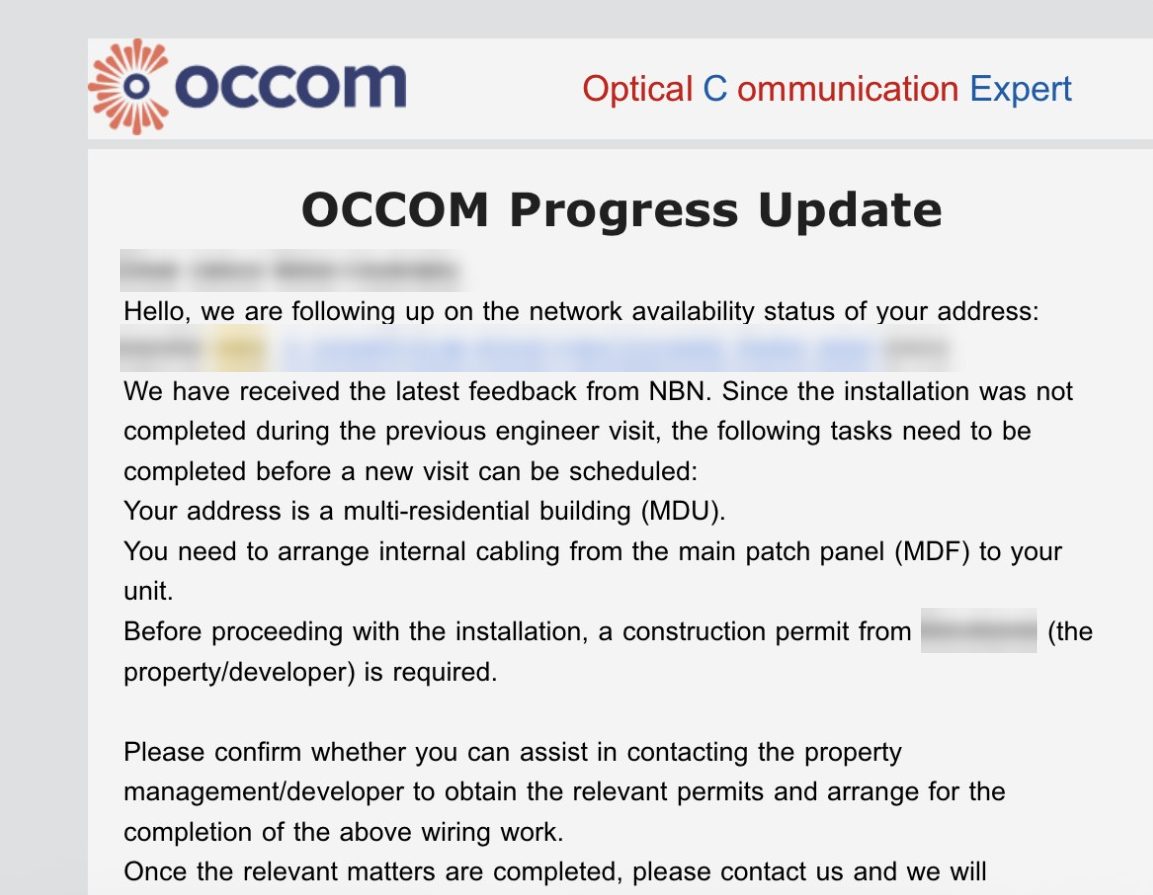
The provider's progress email: cabling needed from the building MDF to the office (client name and address hidden)
Building cabling needed before activation
02
Equipment
A UniFi gateway and two access points

We supplied the network equipment: a Ubiquiti UniFi Dream Machine Pro (UDM Pro) as the gateway and two UniFi U6 Mesh access points.

The UDM Pro sits in the comms rack below the Cat6 patch panel. After installing and configuring it we tested the connection. The whole network is managed and monitored from the UniFi dashboard.
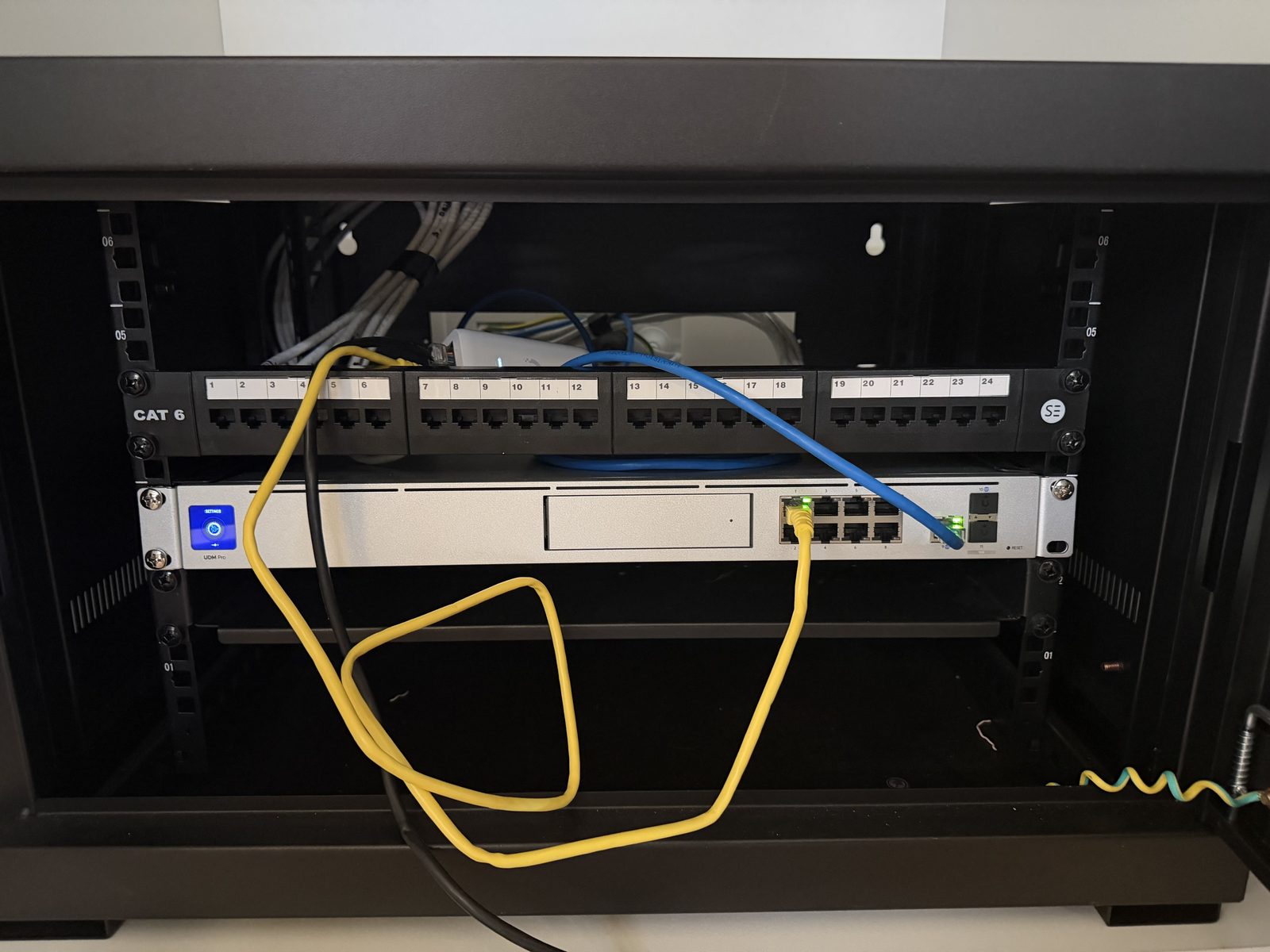
The UDM Pro in the comms rack below the Cat6 patch panel
UDM Pro in the rack
03
Speed fix
A 1000 Mbps plan, under 100 Mbps on WiFi

Some time after activation, staff reported slow internet: WiFi tests were under 100 Mbps on a 1000 Mbps plan.
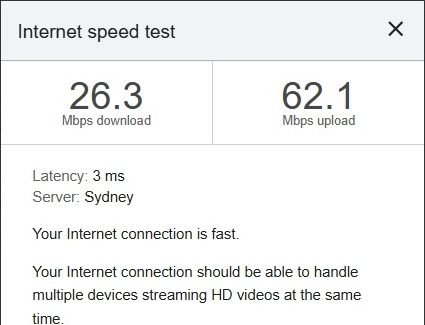
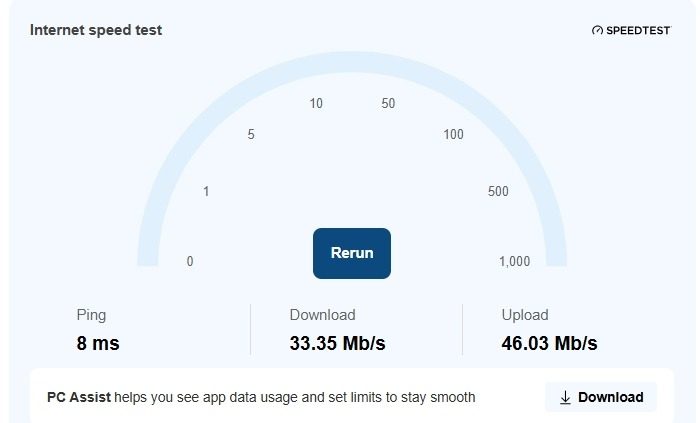
A WiFi speed test before the fix: 26.3 Mbps download
Before: 26.3 Mbps
Another WiFi speed test before the fix: 33.35 Mbps download
Before: 33.35 Mbps
  1. 1

    Cause

    Some policy settings in the router were likely slowing traffic, so we adjusted them.

  2. 2

    Wired APs

    On site, we moved both access points onto wired connections.

  3. 3

    Bands and channels

    We tuned both access points' WiFi bands and channels for all the devices in the office.

  4. 4

    Retest

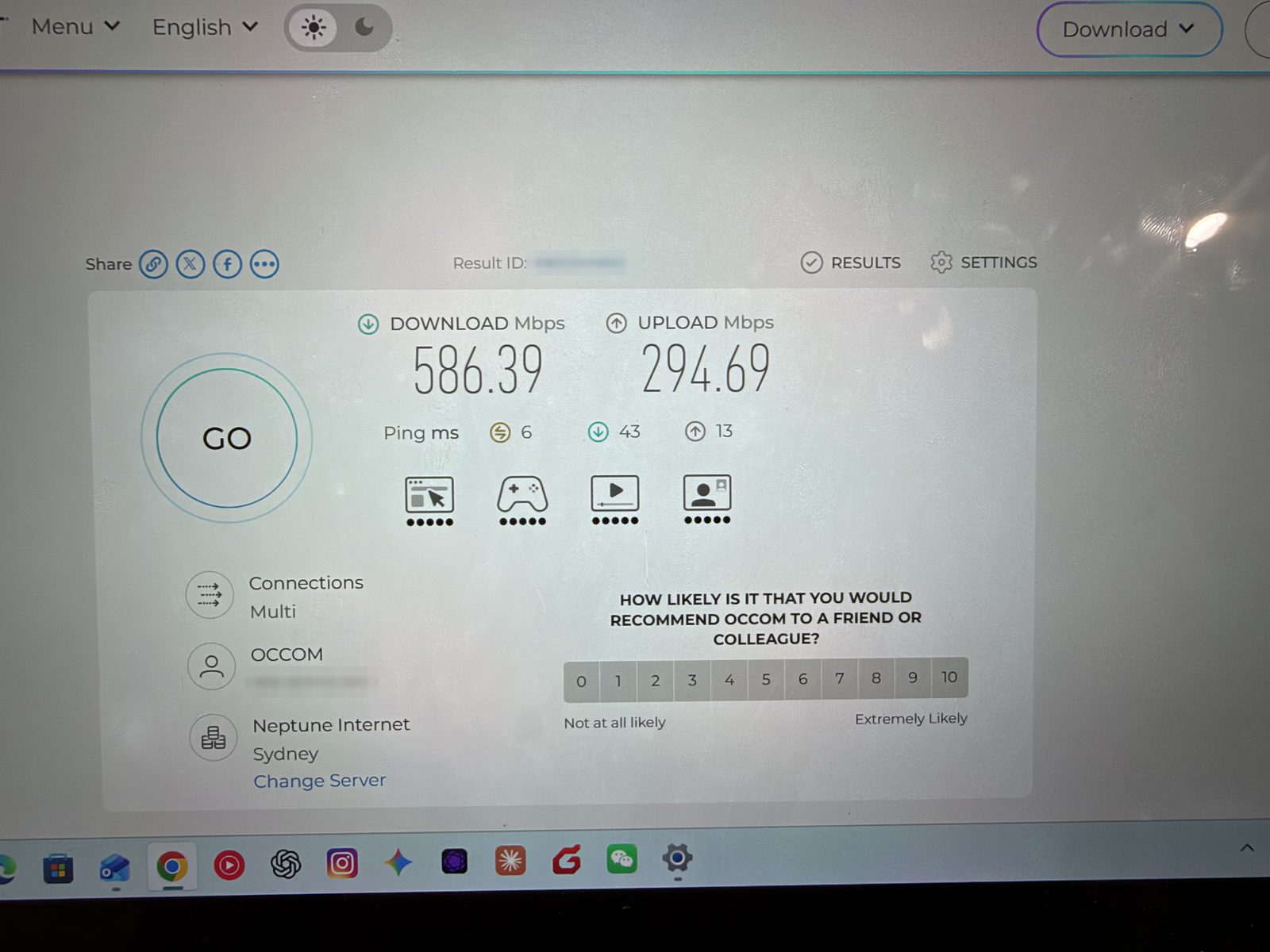
    Tests now reach about 600 Mbps, enough for day-to-day office use.
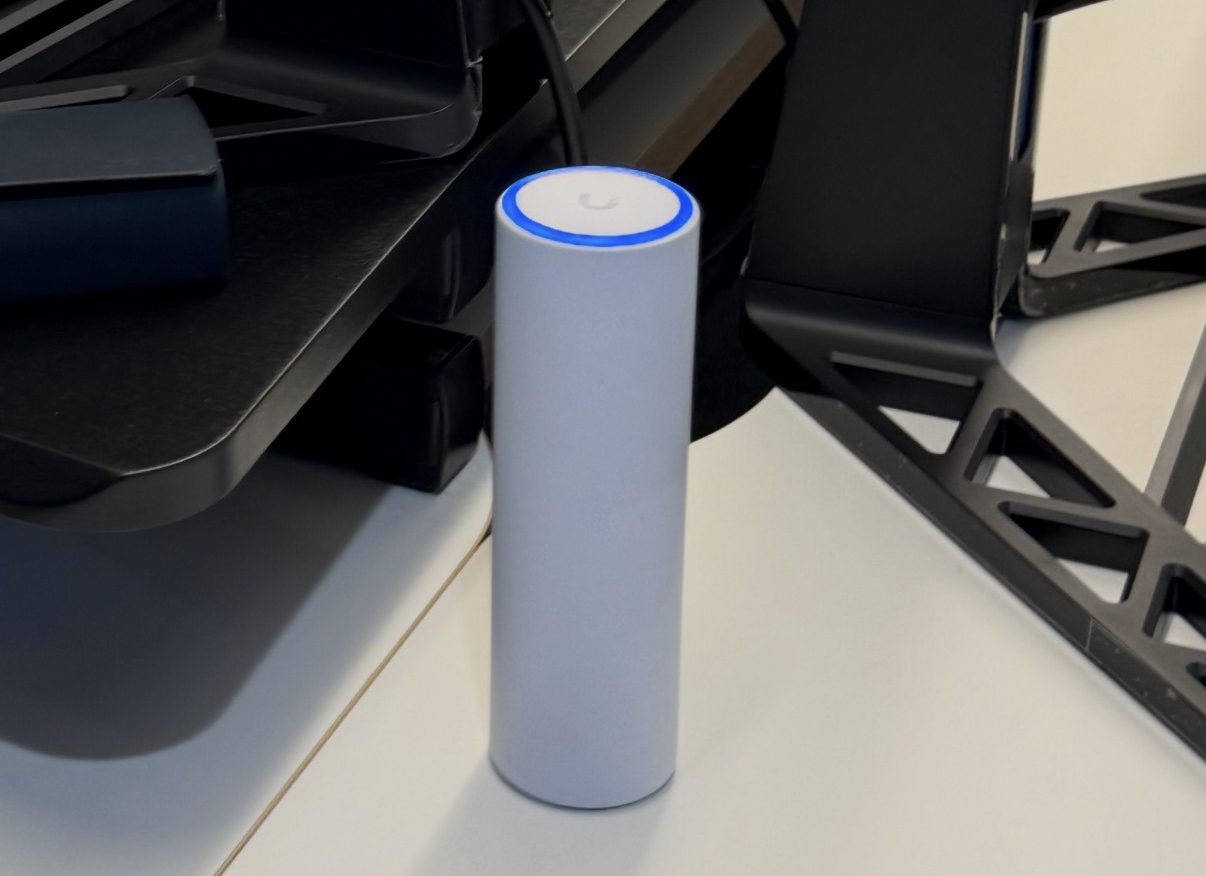
A U6 Mesh access point now on a wired connection
Access point now wired
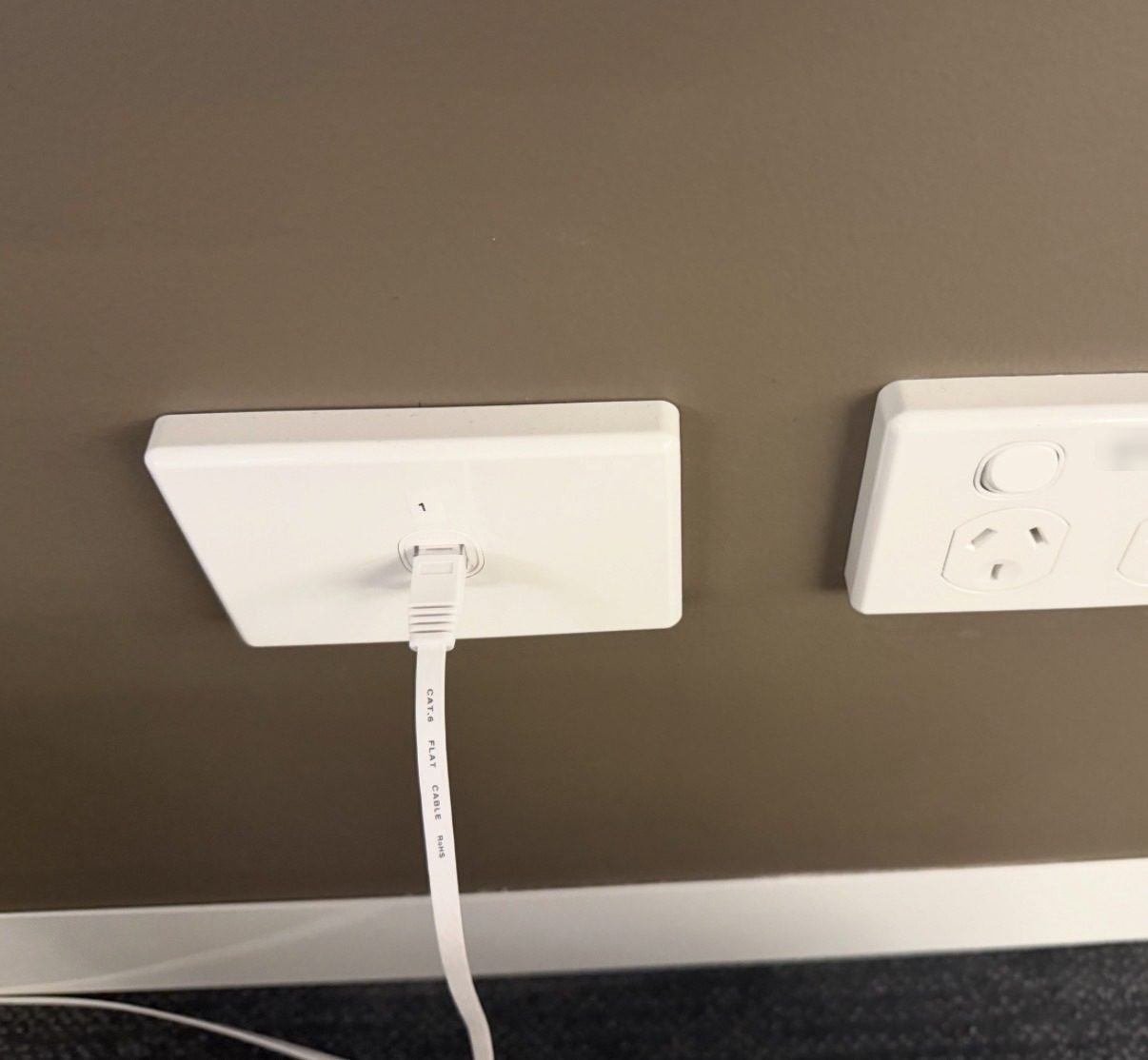
The access point connected to a wall port with Cat6 cable
Wired through a wall port
A speed test after the fix (IP address hidden)
After the fix
04
Policies and monitoring
Group limits, app and website blocking

After activation the client asked for more control over staff internet use. We set it up in the UniFi dashboard.

  1. 1

    Group policies

    Most staff are grouped under shared limits, so one person's large downloads or uploads don't slow the office.

  2. 2

    Blocking

    Selected apps and websites are blocked, as the company asked.

  3. 3

    Monitoring

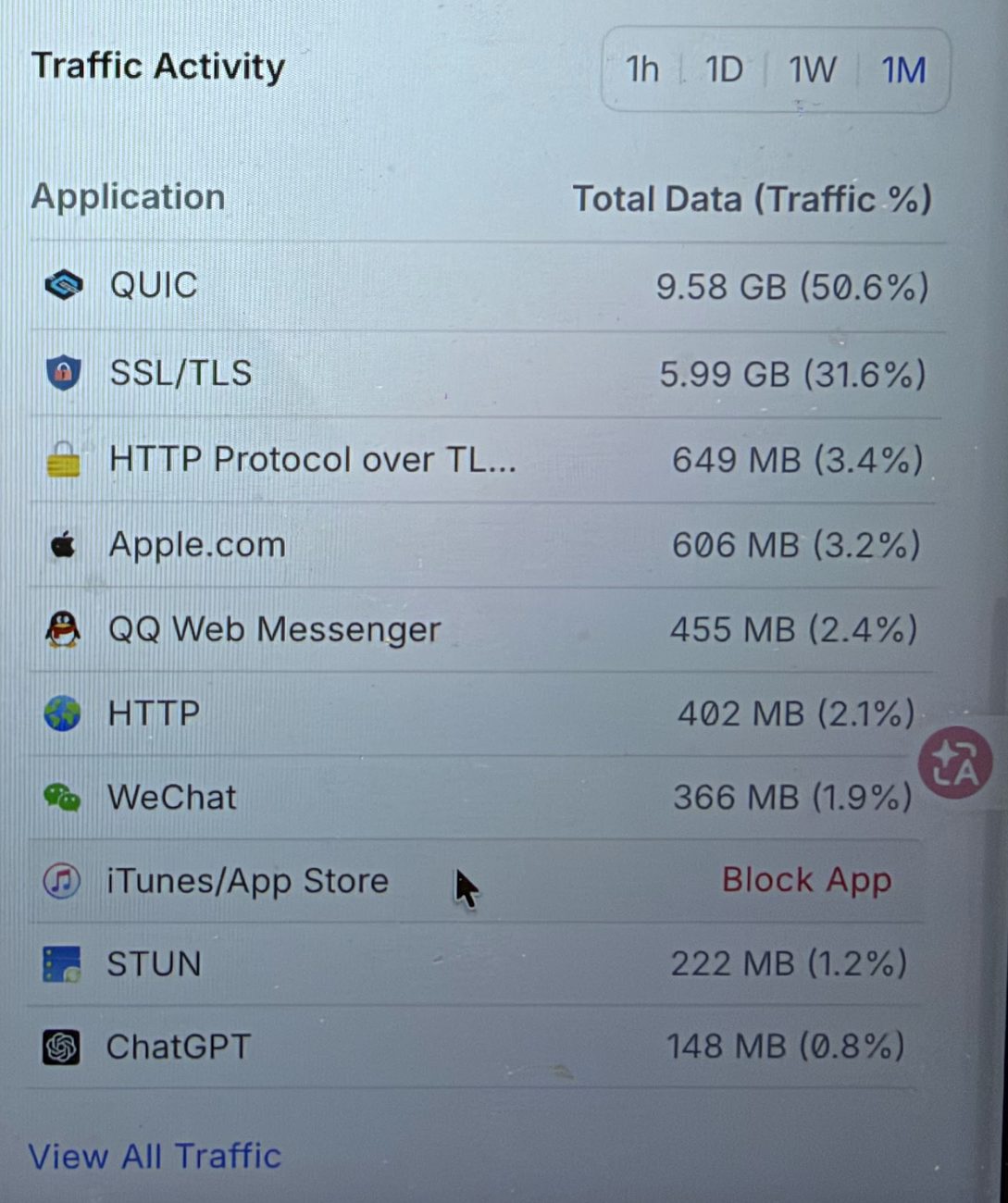
    Network status, connected devices and traffic by app are visible in the UniFi dashboard.
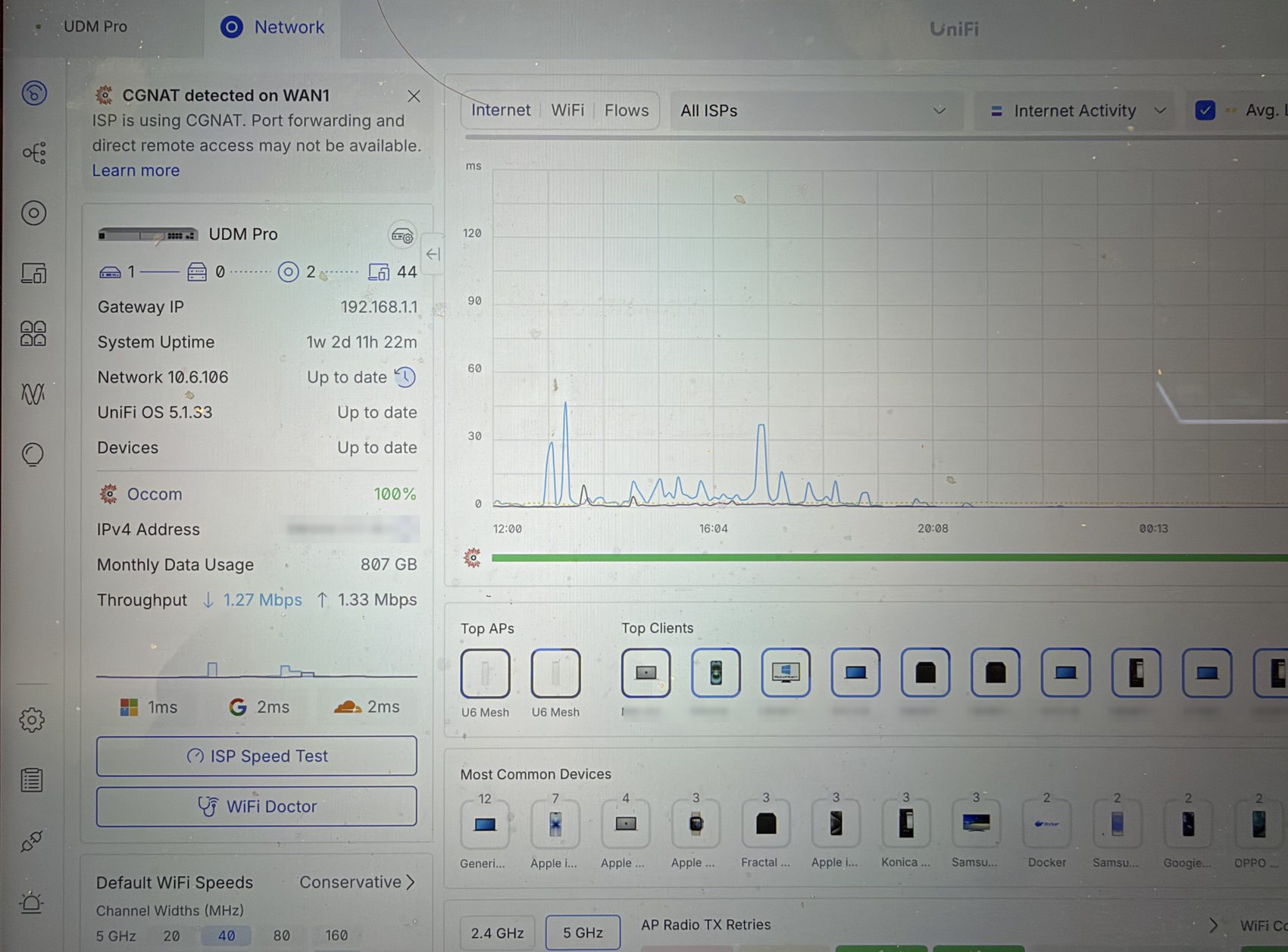
UniFi dashboard overview: the UDM Pro, two U6 Mesh and connected devices (device names and IP hidden)
UniFi dashboard
Traffic by app, with the option to block an app
Traffic by app, with blocking
RESULT
From the internet plan to daily management, one provider throughout.

Planning, activation, UniFi equipment, the speed fix, access policies and connected devices, all handled by us.

NEXT STEP

Want one team to run your office network?

Office network planning, provider and plan selection, activation, network equipment, troubleshooting, access policies and device setup for Sydney businesses.

Business IT · Office network · UniFi