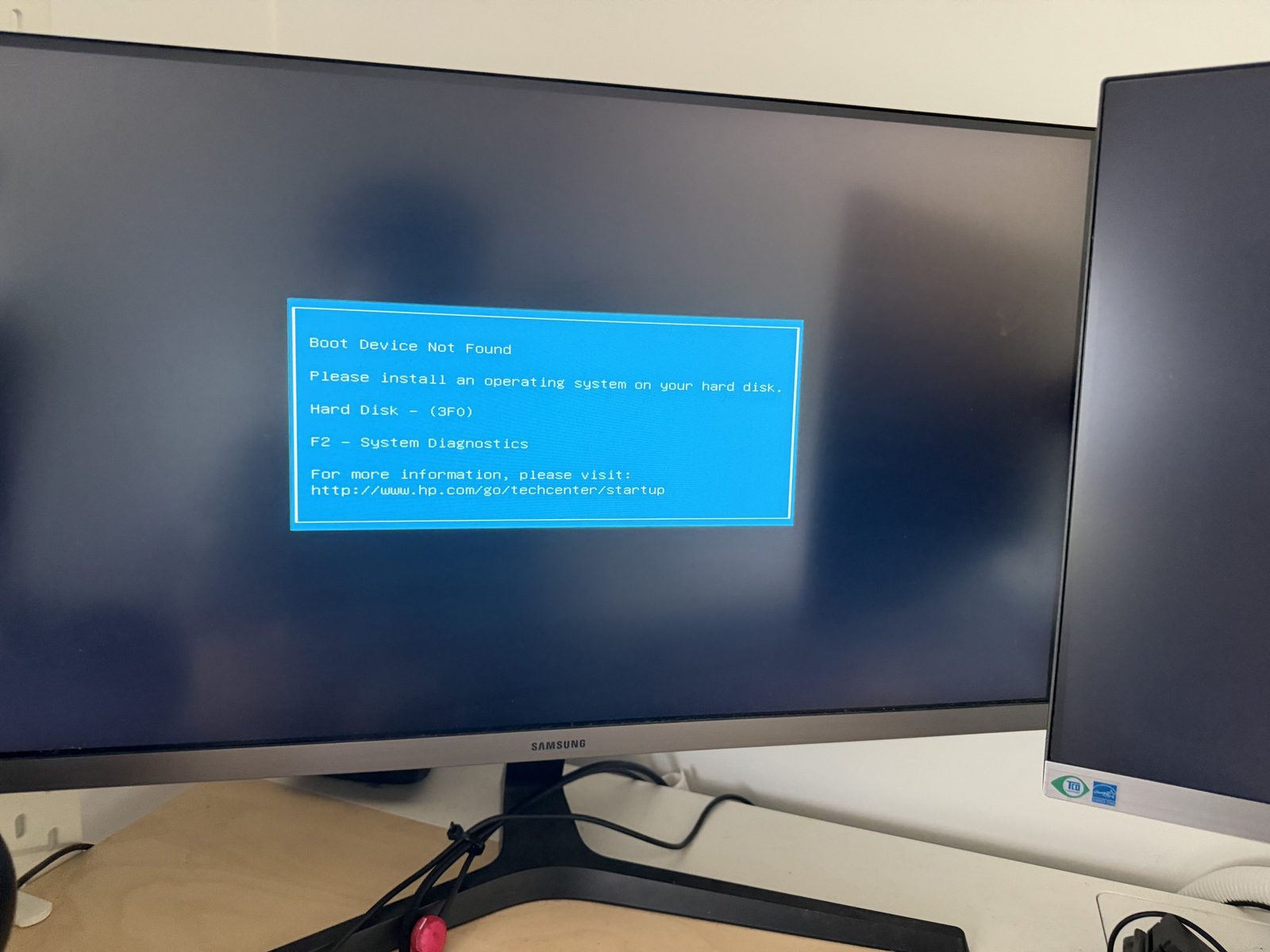
After a restart, the PC stopped at the Windows Boot Manager and would not go further.
The client found our website through Google and used the contact email on it to describe the black screen, attaching photos of the error. We replied quickly with our first assessment, the likely fix and the times we could visit.
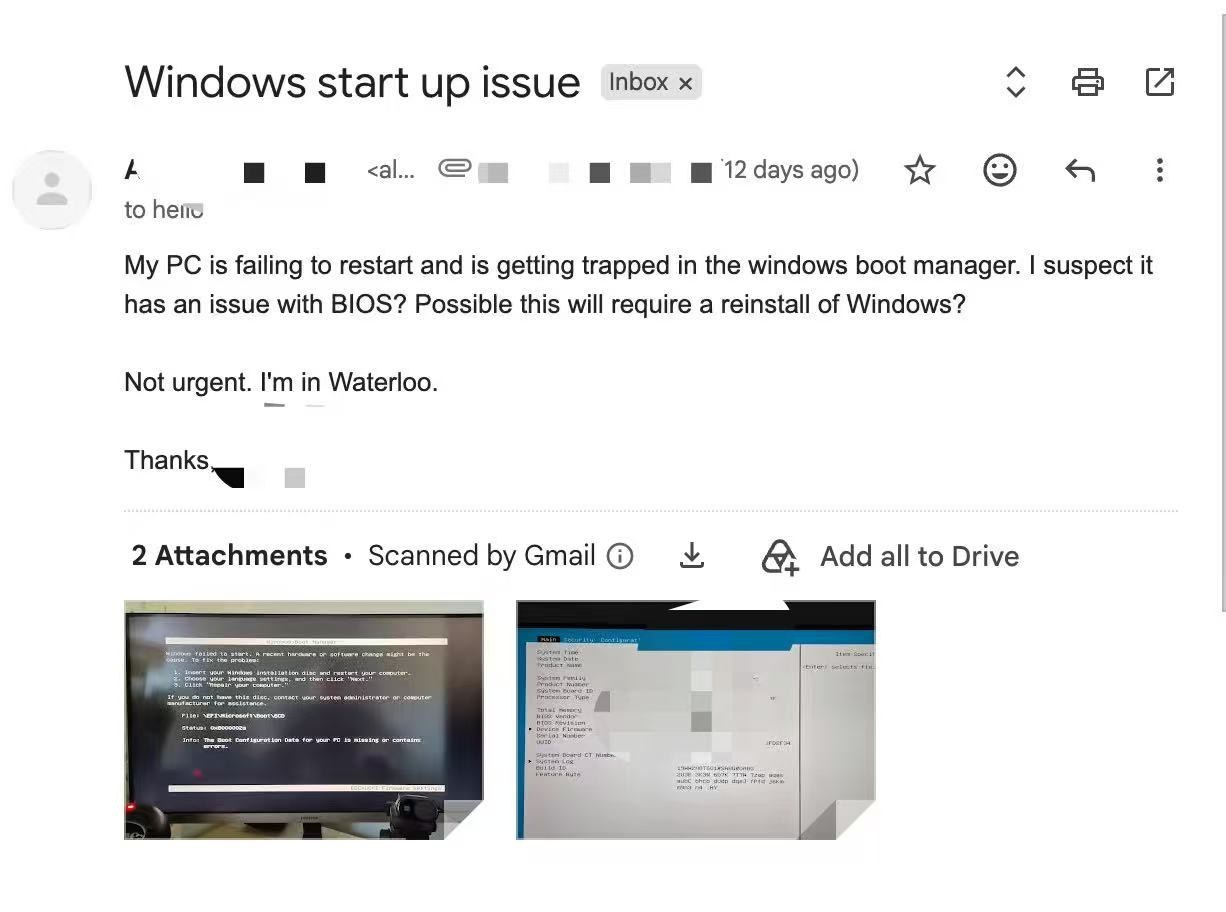
- The fault
My PC is failing to restart and is getting trapped in the windows boot manager. I suspect it has an issue with BIOS? Possible this will require a reinstall of Windows?
- Timing
Not urgent. I'm in Waterloo.
His week was busy, so we agreed to visit the following week when he had time.
One line on a black screen:
boot configuration data missing.
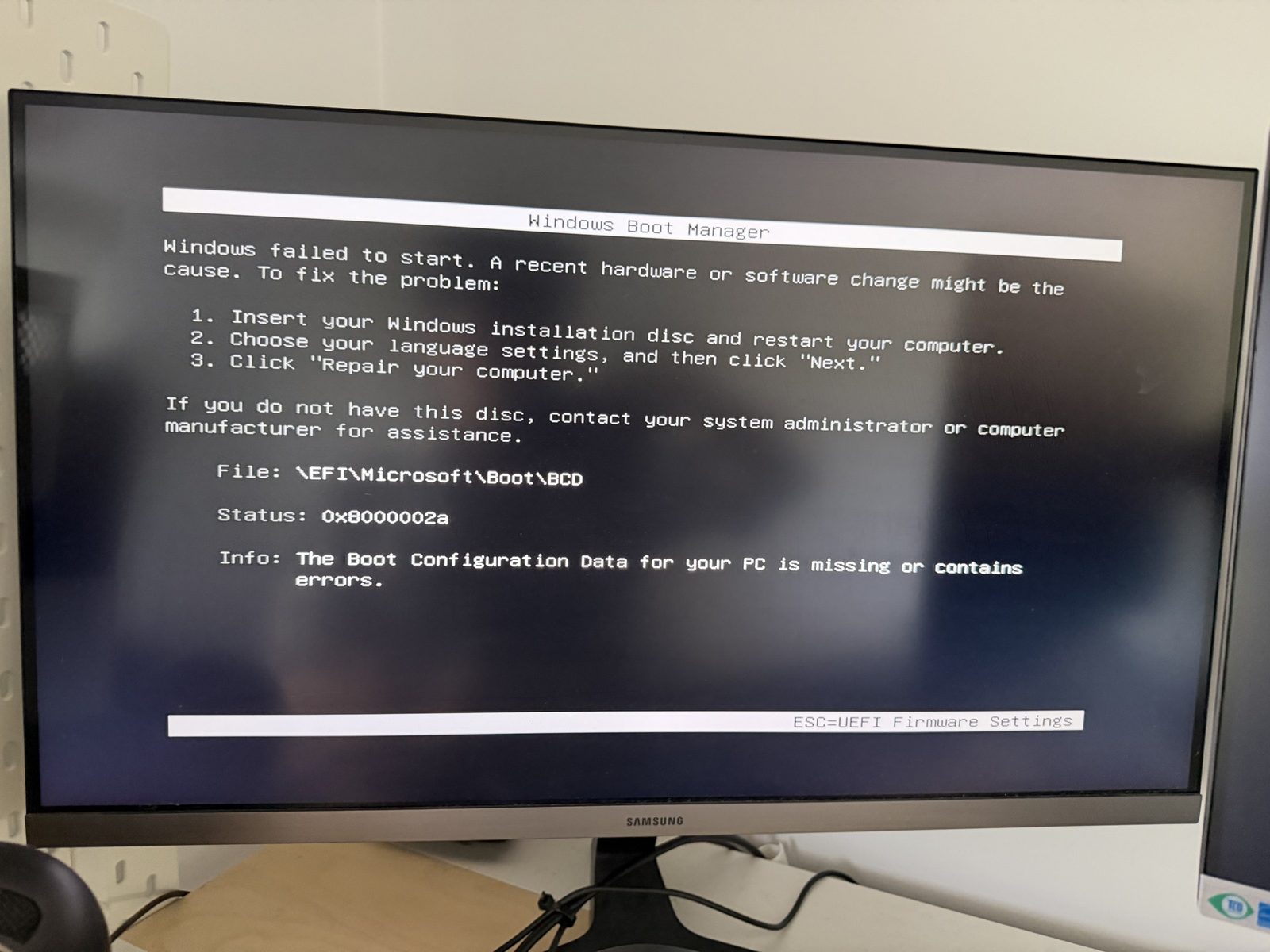
On site, the PC first reported that no boot device was found. The Windows Boot Manager then reported that the Boot Configuration Data (BCD) was missing or contained errors (0x8000002a), so Windows could not load.
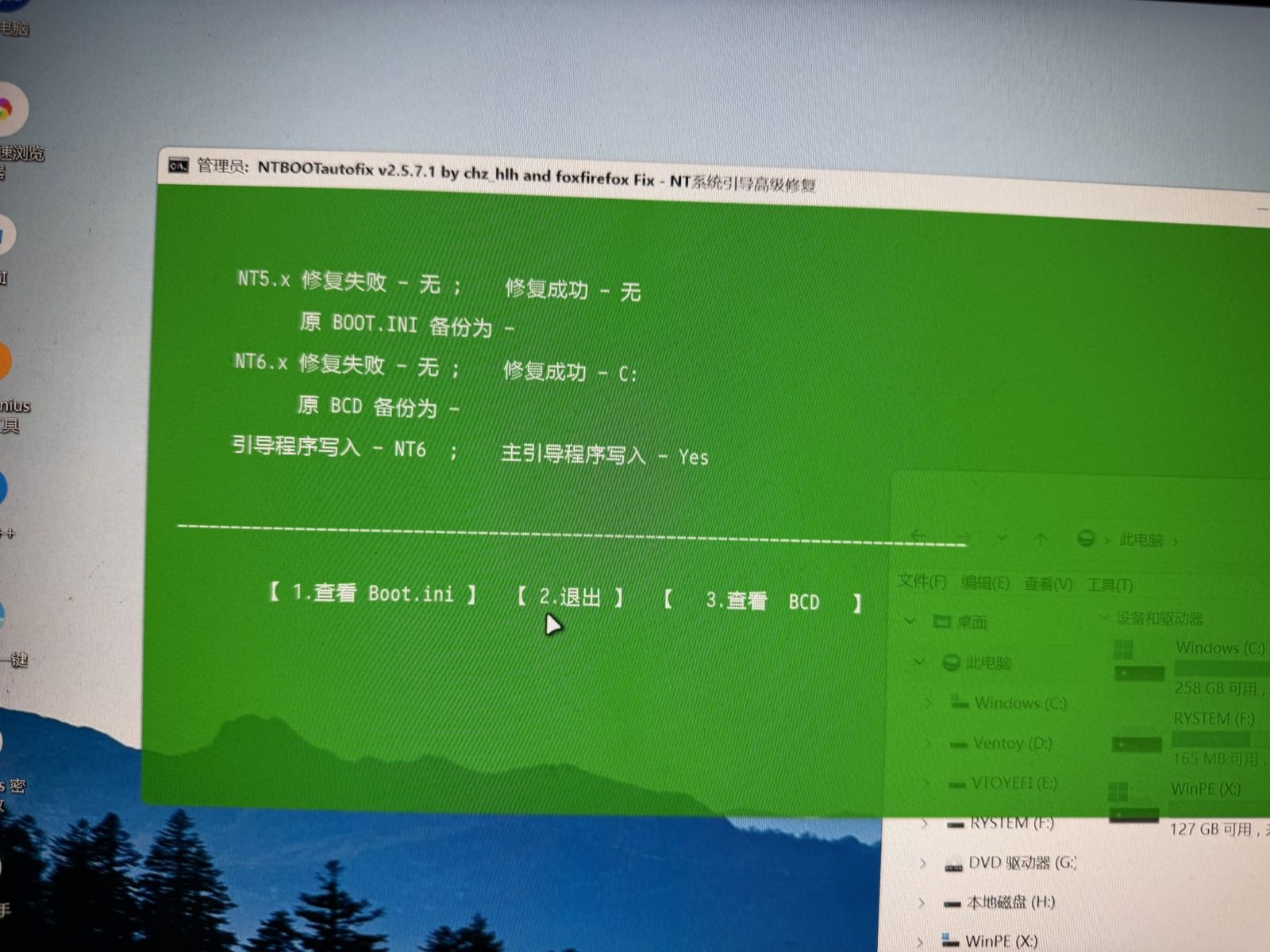
Two boot rebuilds from WinPE
Our technician booted the PC into WinPE and used repair tools and the command line to rebuild the boot files. After two attempts the repair still failed, because the underlying system files were badly damaged.
Files were in OneDrive, so the client approved a reinstall
We told the client plainly that the repair had not worked and asked about his data before going further. More than 600GB of the 1TB drive was in use, but he works across several devices and all his important files were already backed up to OneDrive. He confirmed nothing on the drive needed keeping and approved a clean reinstall.
Windows 11 Home, same edition as before
We installed the same edition he had before, Windows 11 Home. The visit took about an hour in total, and Windows Update took the longest part of it.
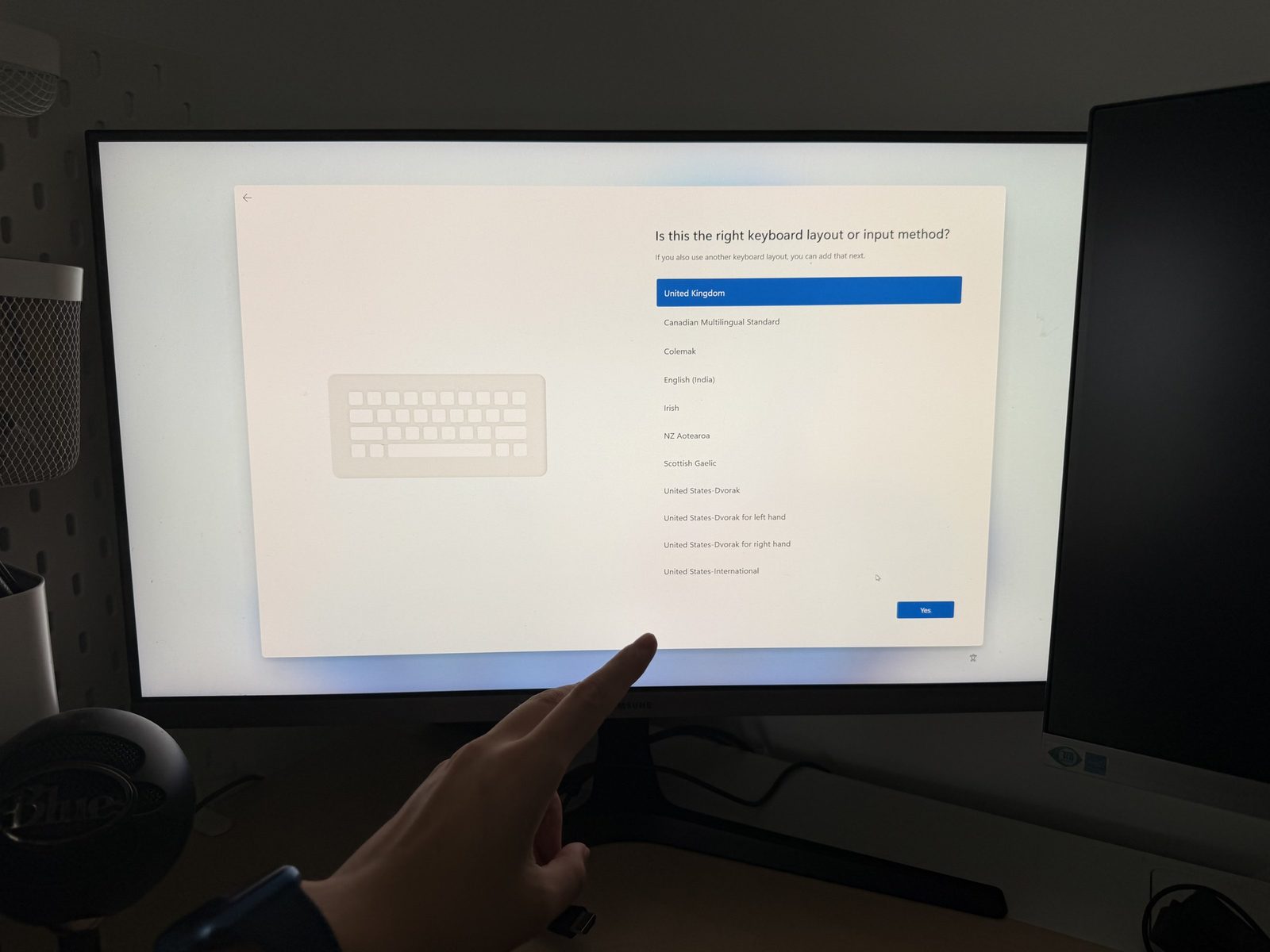
Why the updates were slow: the townhouse's area is capped at 100Mbps and the client's plan is 50Mbps. The ground floor has wired internet, but the PC is upstairs on WiFi only, which held back the large update downloads.
- Email receivedReplyFirst assessment, likely fix and visit times.
- Following weekOn siteAt a time that suited the client.
- On siteWinPE repairTwo boot rebuilds, both unsuccessful.
- Data confirmedReinstallClean install of Windows 11 Home.
- About 1 hourHandoverMicrosoft account signed in, data synced back.
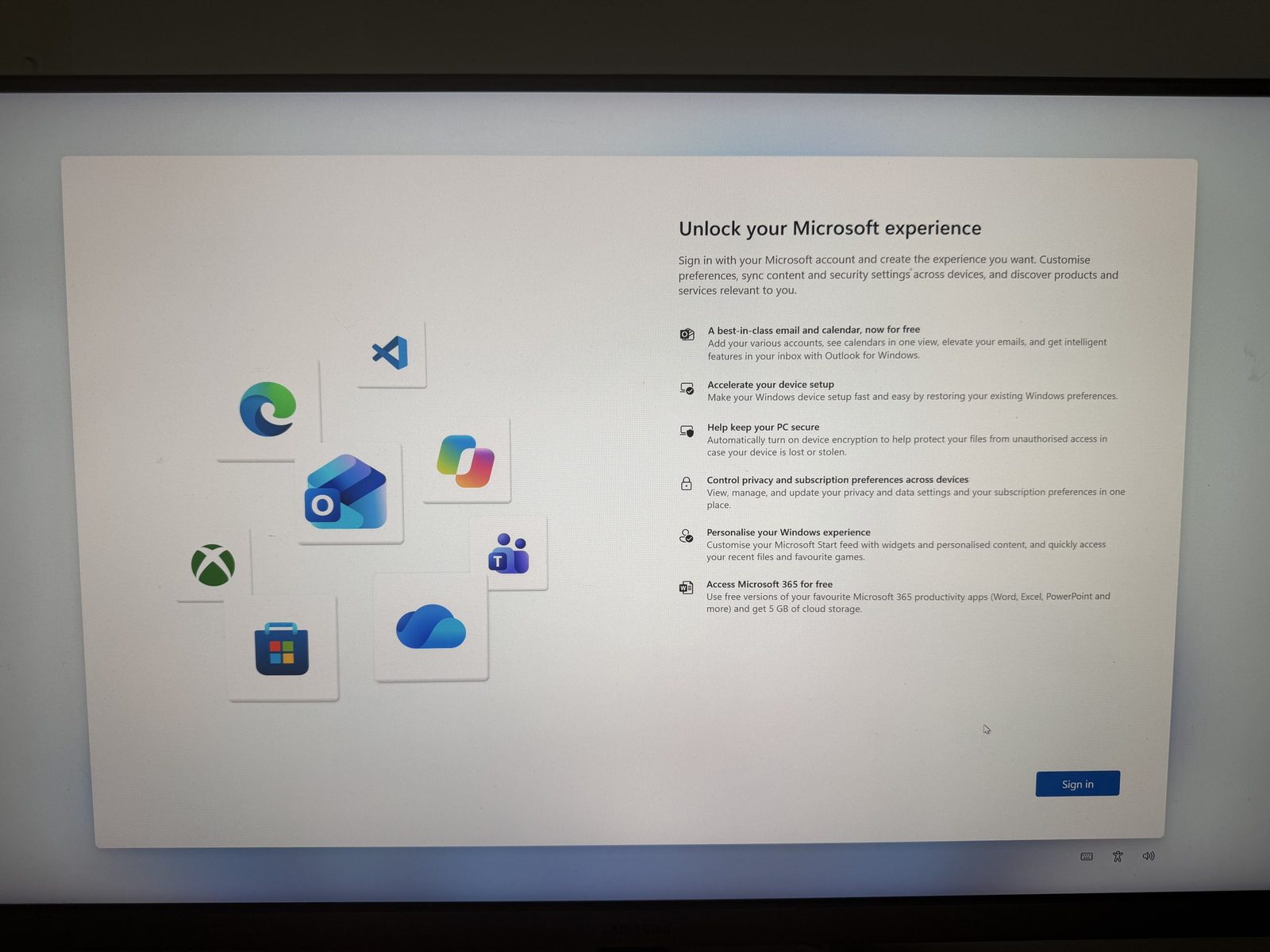
With the new system in place, we walked the client through signing in to his Microsoft account. Thanks to his backup habits, his accounts, data and preferences synced back quickly and he could carry on as before.
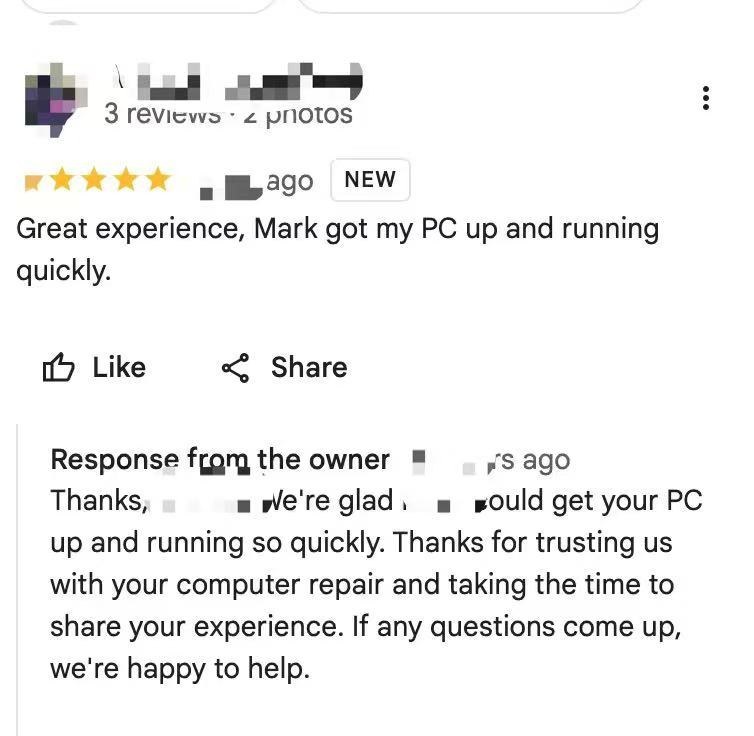
Great experience, Mark got my PC up and running quickly.
The client's five-star Google review. The clean install also cleared out years of clutter, and the client was very happy with how the PC ran afterwards.



