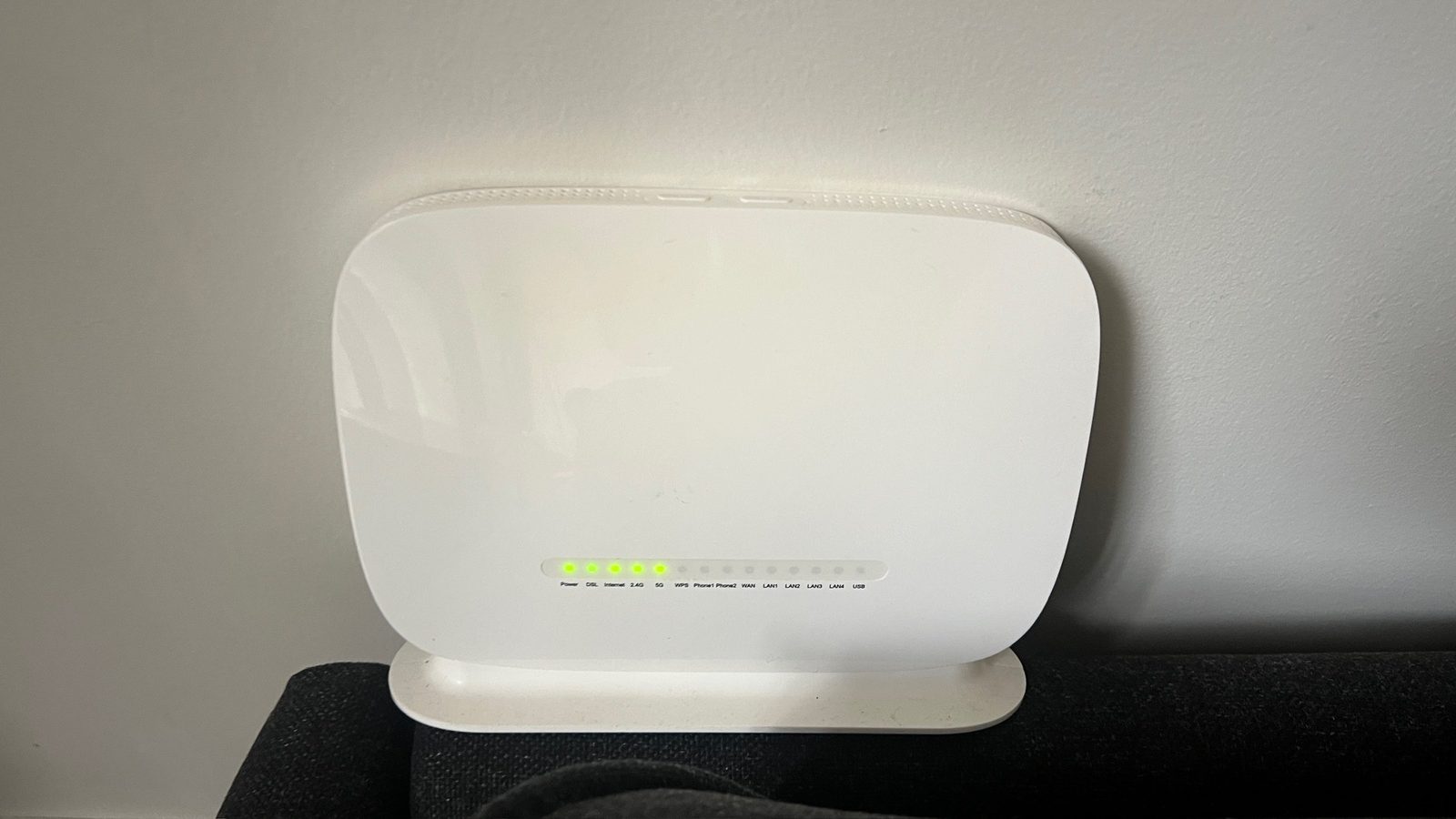
Every other device was online. Only the all-in-one PC had stopped.
Every other device in the home was online. One Windows all-in-one PC showed “Connected” but would not load a single page. The client had already restarted the TP-Link router and the extender and run the Windows network troubleshooter, with no change.
He had also called TPG, who told him the service was working and the fault was not on their side. He then searched Google for on-site help, saw us near the top, and the AI's first recommendation was us too. He called the afternoon before; once we had agreed how we would test it, we booked 10:00 the next morning.
Called the afternoon before, on site the next morning
On the call we went through what was happening and what he had already tried, so on the day we could start where it mattered.
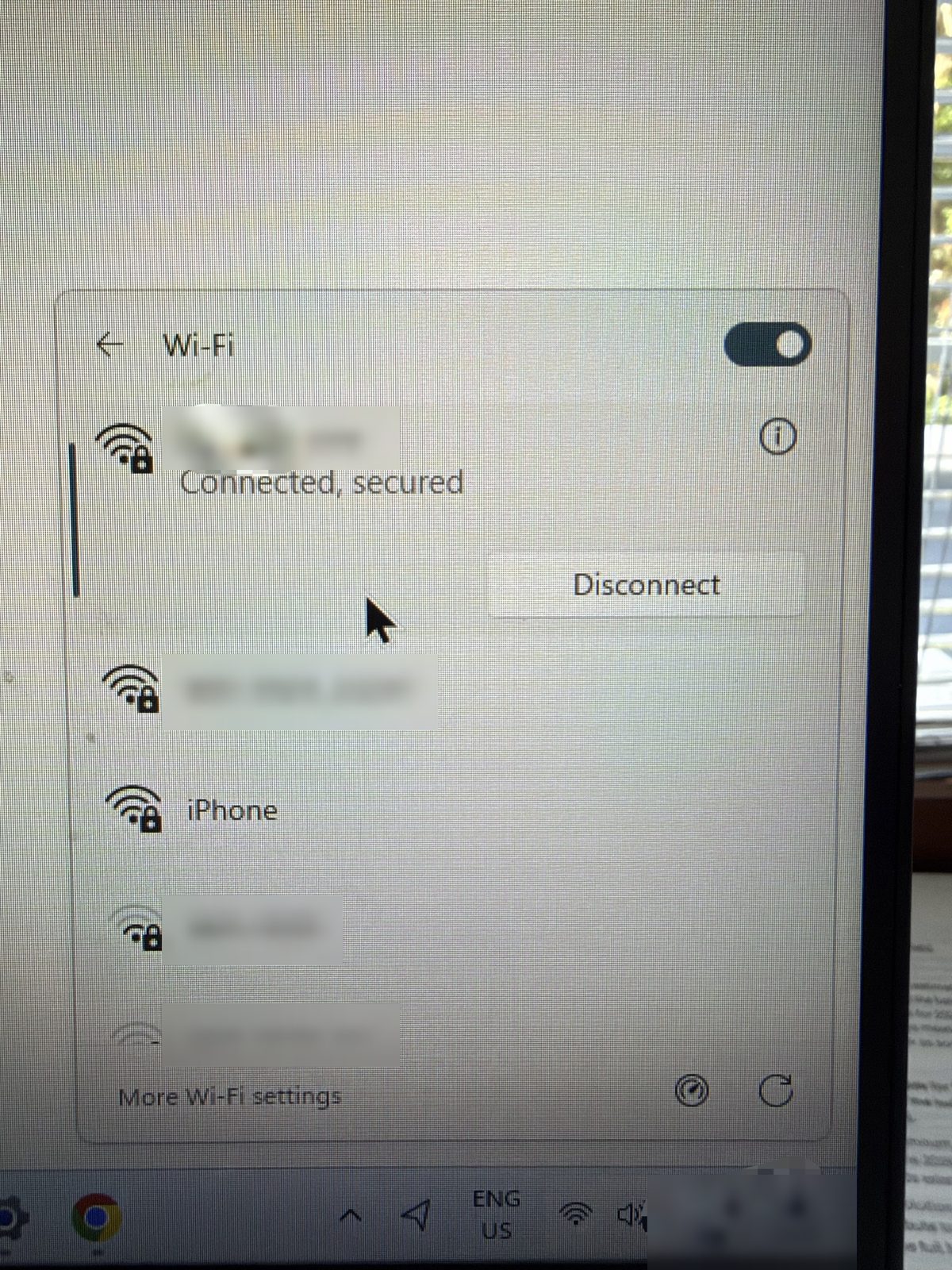
Sydney WiFi and Computer Repair Center ON GOOGLE ↗WiFi said connected,
but nothing would load.
On arrival we did not reset the computer. We ran comparison tests first to narrow down where the fault was.
Our devices on the same WiFi worked normally
Our technician connected his own phone and laptop to the client's TP-Link WiFi. Speed tests and browsing were normal, so the HFC line and the router were working.
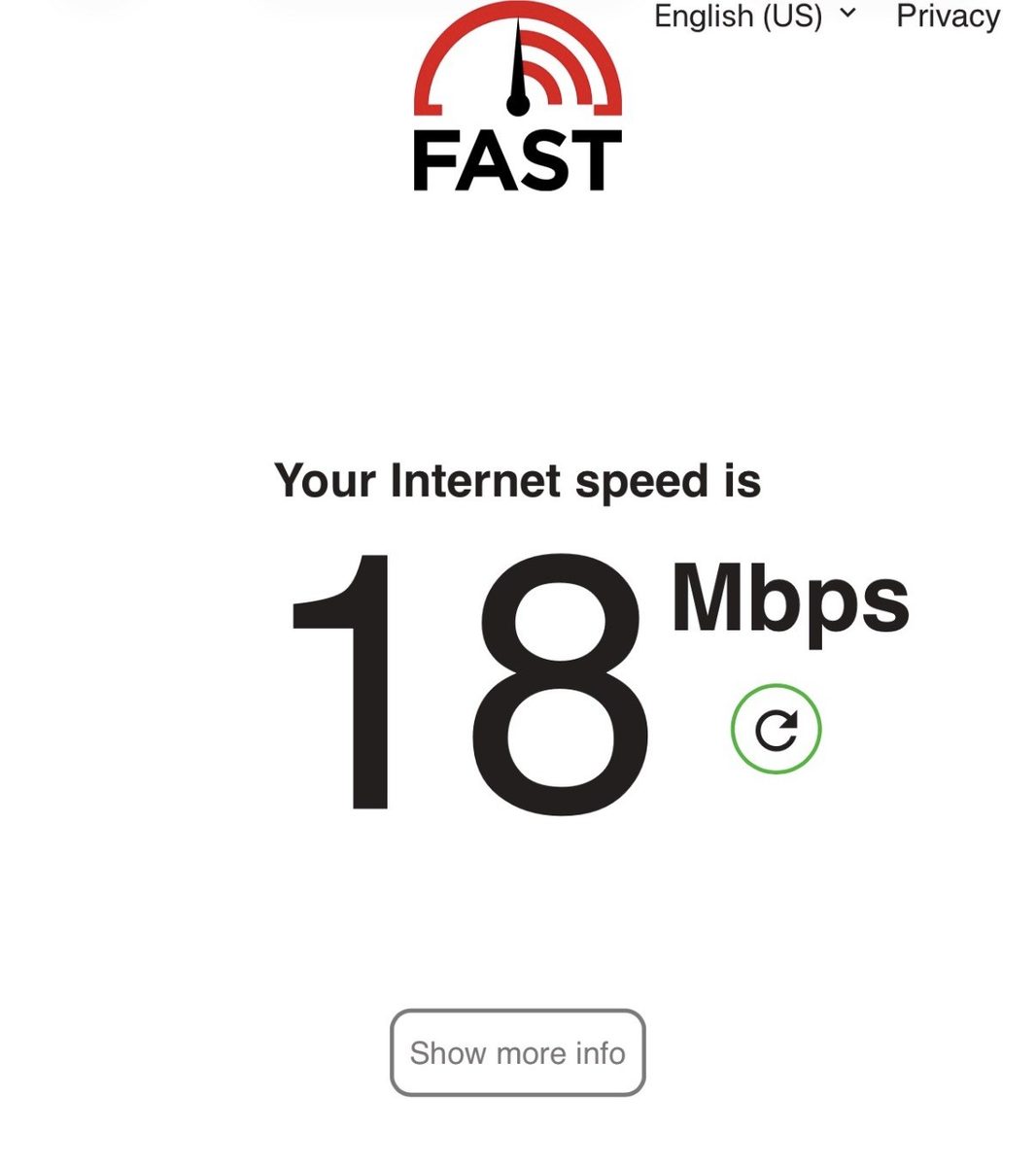
On a phone hotspot, the PC still could not get online
We then connected the all-in-one to 4G/5G hotspots from different phones. It still could not load a page. With a different network and the same fault, the problem had to be inside the PC itself, not the internet or the router.
A conflict in Norton 360's network filter driver
Working through the PC's network configuration, we found that Norton 360 (a paid subscription that includes a VPN and other network protection) had a conflict in its low-level network filter driver, which was blocking all network traffic. We removed it, cleaned up what it left behind and set it up again. The connection came straight back, all in under an hour.

- Afternoon beforeCallWhat was happening, what had been tried, time booked.
- Next day, 10:00On siteChecked the network first.
- Cross-checksNarrowed downWiFi fine, hotspot still failing: the PC itself.
- Step by stepCause foundNorton 360 filter driver conflict.
- Under 1 hourBack onlineRemoved, cleaned up and reinstalled.
Many people follow online guides when the internet stops working. But every PC has different hardware, software versions, security settings and habits. The same “connected but no internet” can come from very different causes:
- A damaged network driverWindows shows connected but no data moves.
- Proxy or VPN settingsTraffic is sent to an address that no longer works.
- A security software conflictAs with Norton 360 here, a filter driver blocks all traffic.
- Changed network settingsAfter several guides' worth of changes, the fault is harder to find.
If restarting the router and the computer has not fixed it, it is worth getting a technician to check each possibility in turn, rather than changing more system settings.
There was a warm moment during the visit. The client mentioned he had chosen us after searching Google for local businesses and reading an AI assistant's overall assessment.
Our shop is near UNSW, and when he asked about our background it turned out he is a long-time UNSW alumnus who still works at the university.
His home runs on a router plus an extender. We agreed that if he later wants a whole-home upgrade, to stop devices stalling as they switch between WiFi signals, he will get a special alumni upgrade offer.