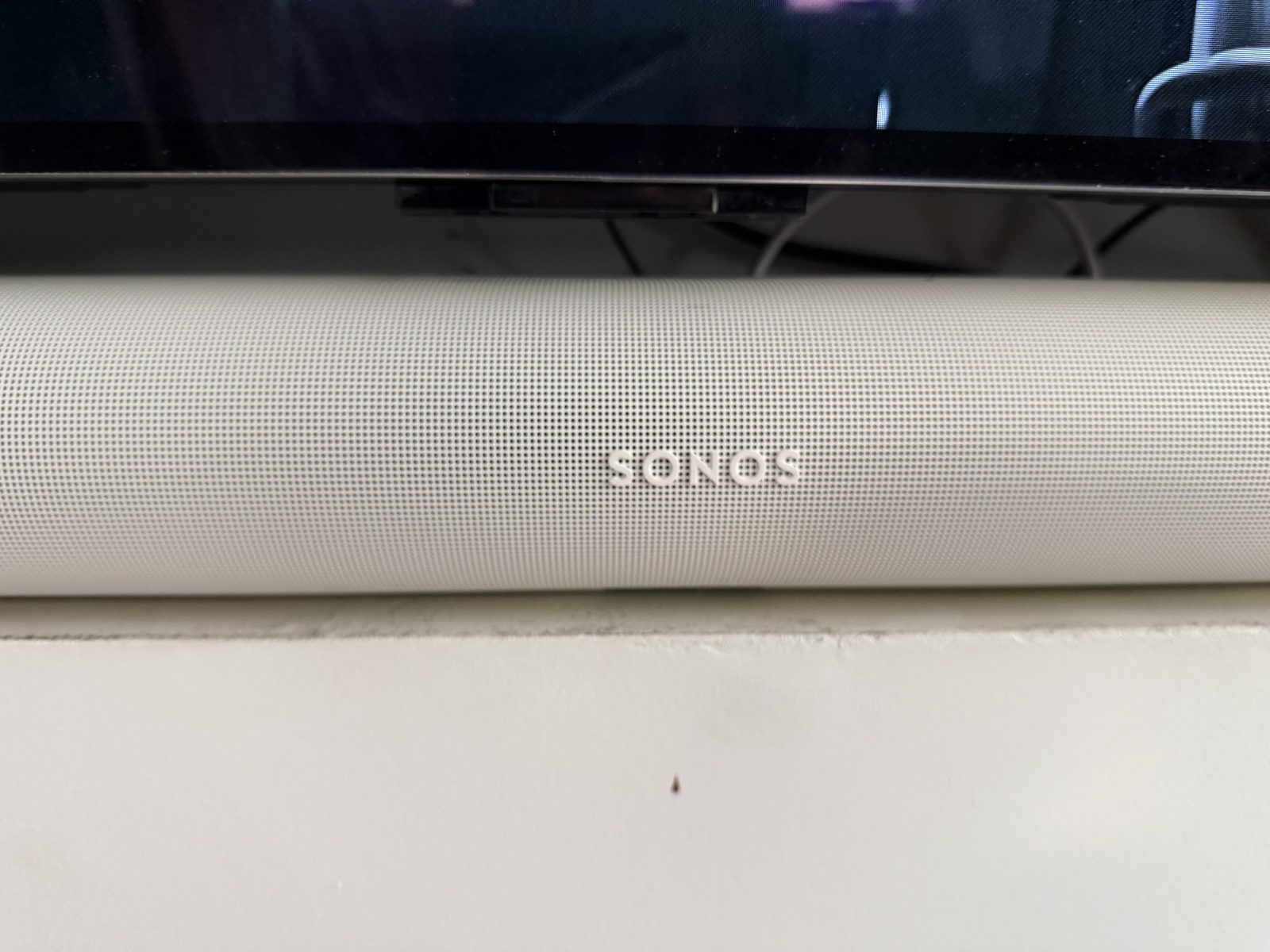
He had paid for a visit, and the devices he cared about most still did not work.
When the network failed, the owner first paid a local chain of on-site IT technicians. They reconnected some computers, the TV and the printers to ordinary WiFi, but left his four Sonos speakers and the AirTouch air-conditioning control untouched, suggested he buy a TP-Link mesh, and did not follow up. Most of the home was still offline.
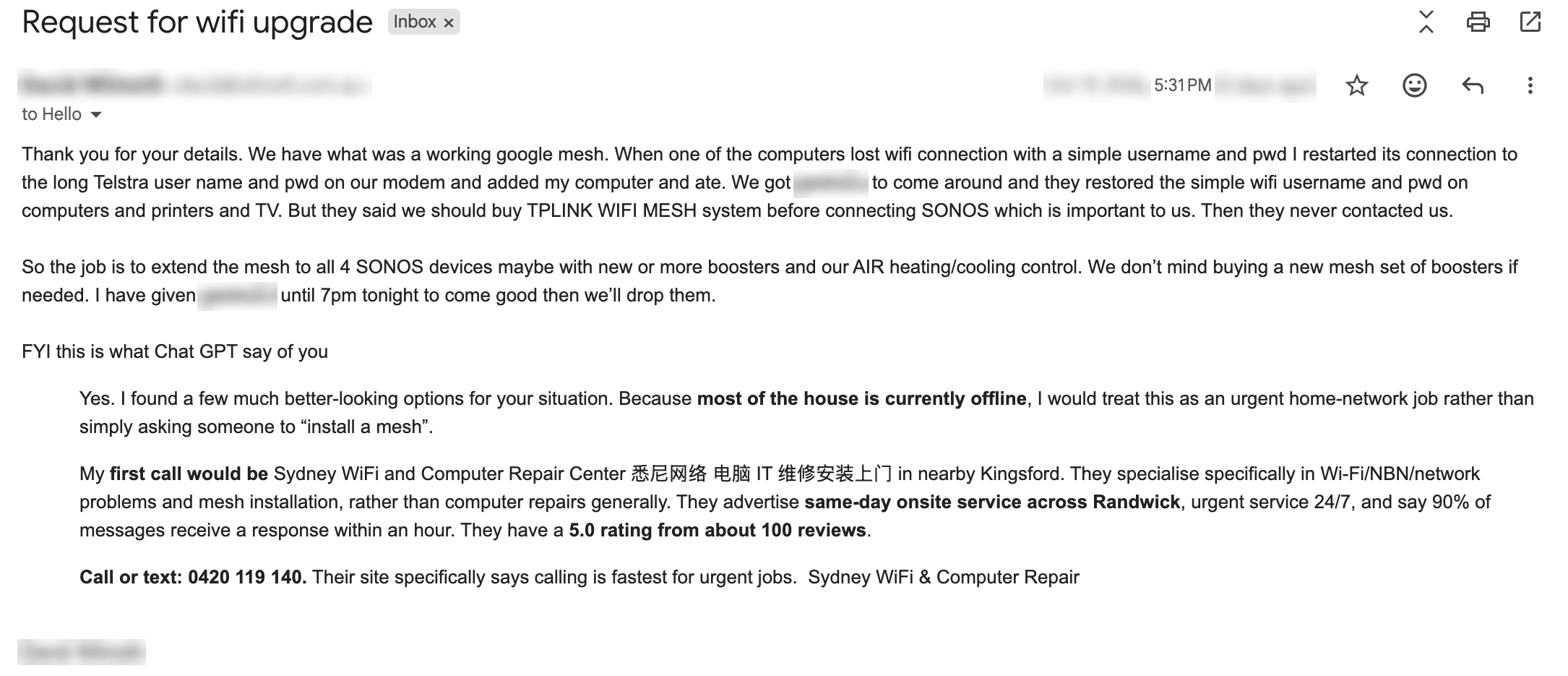
He then asked ChatGPT. Its recommendation read “My first call would be” Sydney WiFi and Computer Repair Center, in nearby Kingsford, rated 5.0 on Google. At 5:31 that evening he emailed us in detail: what the first provider had done, what he needed now, and ChatGPT's recommendation pasted in full.
- The first provider
They restored the simple wifi username and pwd on computers and printers and TV. But they said we should buy TPLINK WIFI MESH system before connecting SONOS which is important to us. Then they never contacted us.
He had given them until 7pm that night to come good. - What he needed
So the job is to extend the mesh to all 4 SONOS devices maybe with new or more boosters and our AIR heating/cooling control. We don’t mind buying a new mesh set of boosters if needed.
- What ChatGPT said
Because most of the house is currently offline, I would treat this as an urgent home-network job … My first call would be Sydney WiFi and Computer Repair Center … in nearby Kingsford … They advertise same-day onsite service across Randwick … They have a 5.0 rating from about 100 reviews.
Plan agreed the same day, on site the next morning
The day his email arrived, we agreed the plan, got the equipment ready and booked 9:30 the next morning. Our technician arrived at about 9:20.
Sydney WiFi and Computer Repair Center ON GOOGLE ↗One home,
two WiFi networks.
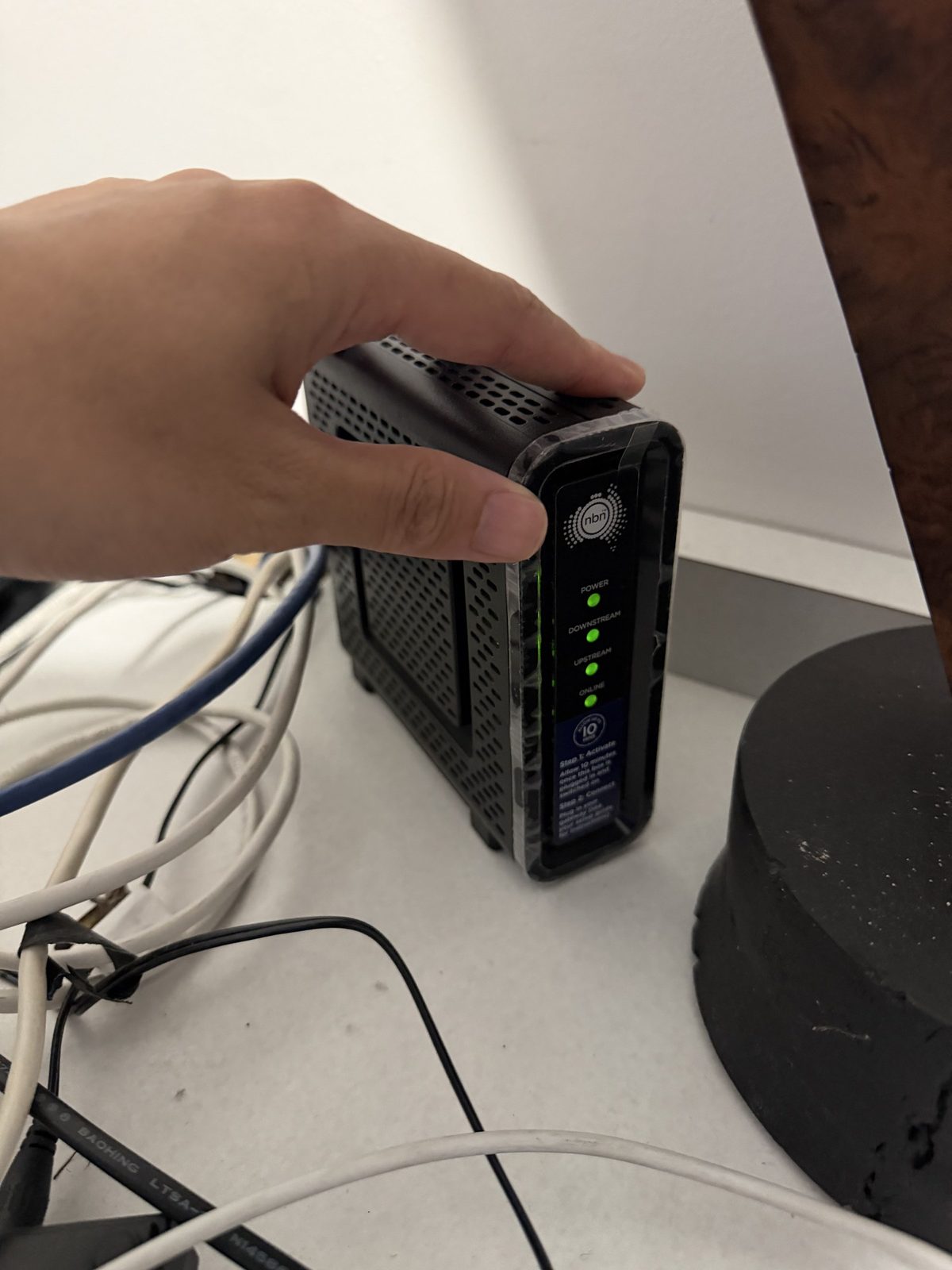
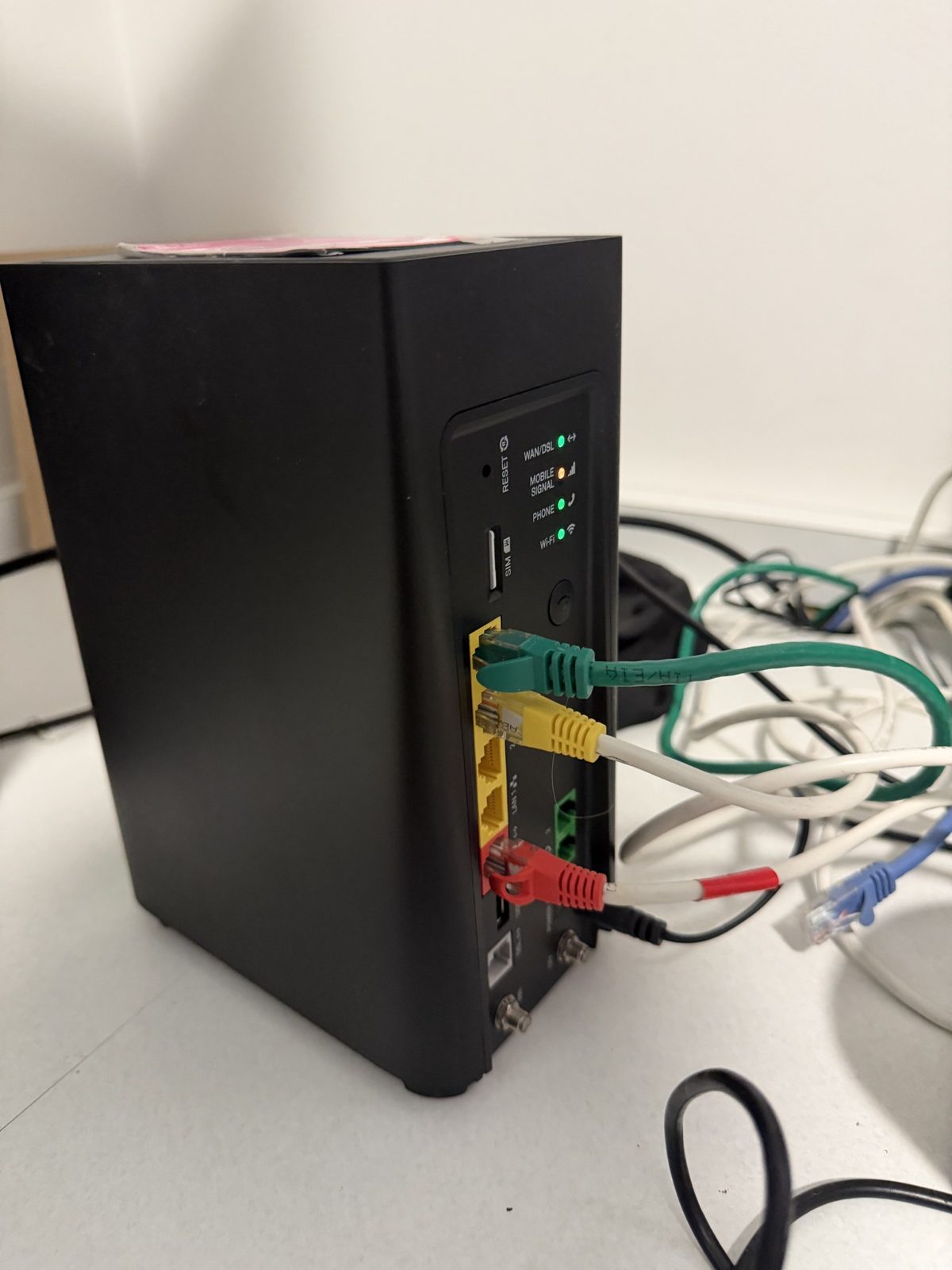
The home is a two-storey townhouse in Randwick NSW 2031 ↗, on a Telstra NBN HFC plan with 500 Mbps download. The original setup was the Telstra modem router plus a three-node Google WiFi mesh.
After the earlier fault and several mistaken resets, the home ended up with two separate WiFi networks: one from the Telstra router and one from the Google mesh, each on its own subnet. Devices on different networks could not see each other, so anything that needs a shared local network, like Sonos, dropped off.
- Two WiFi networks, two subnetsTelstra and Google mesh both broadcasting, with devices split across them.
- Four Sonos offlineThe multi-room speakers could not be grouped or played from the app.
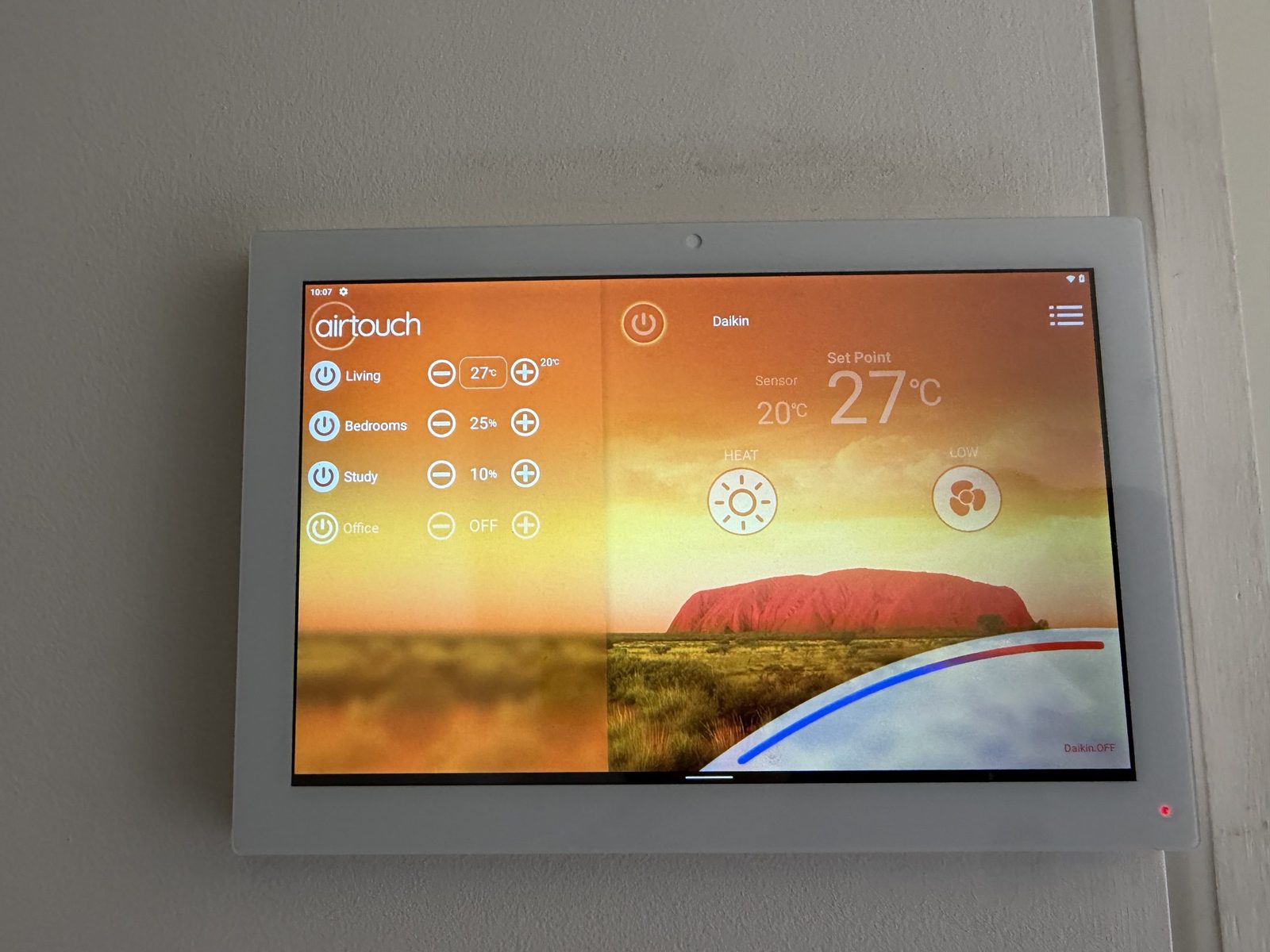
- AirTouch offlineThe whole-home air-conditioning control panel could not connect.
- Two storeysUpstairs and downstairs both needed coverage, with node positions and backhaul replanned.
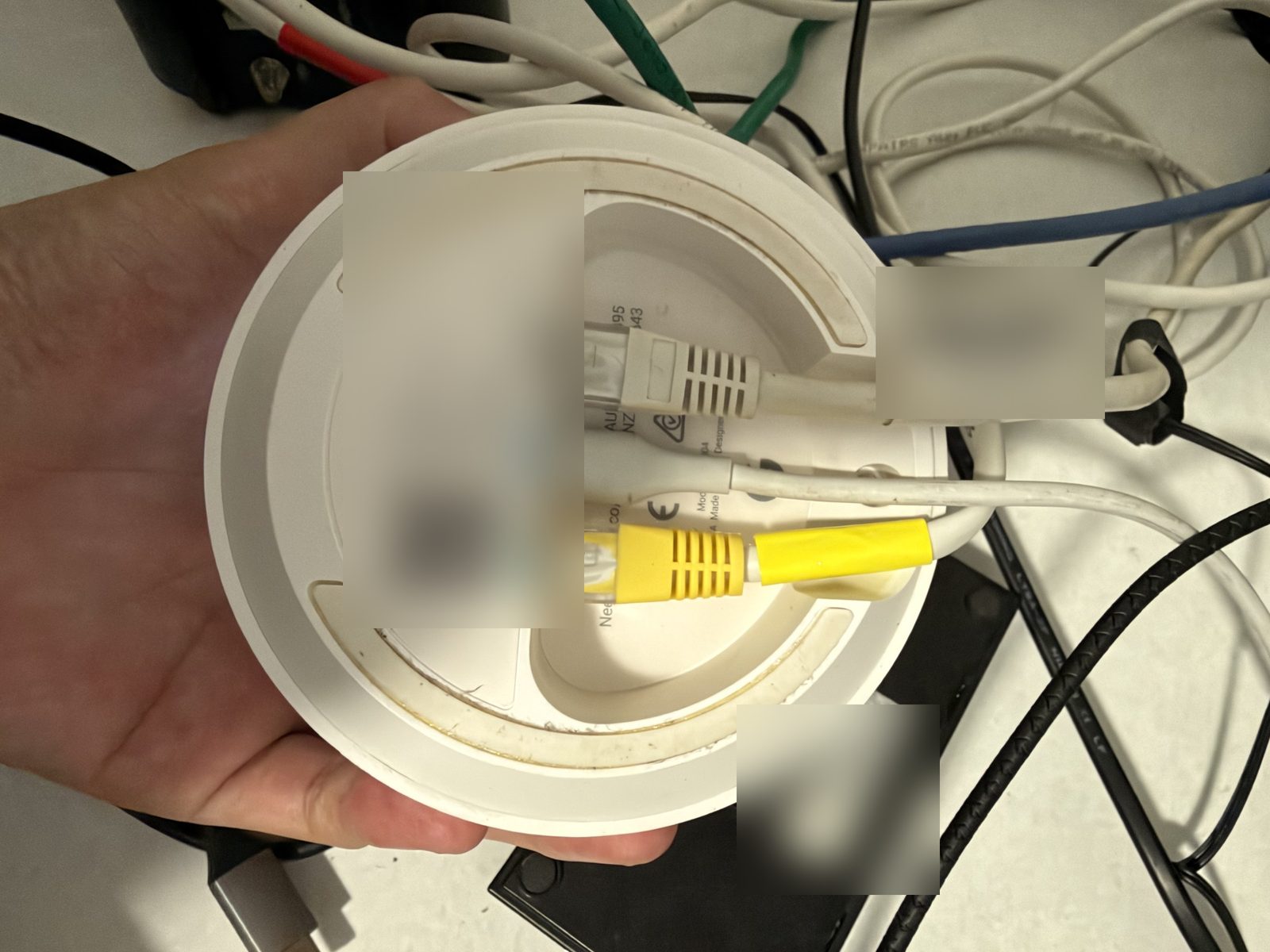
On site with a four-node Deco mesh
For a two-storey townhouse, we bought a TP-Link Deco four-node mesh on the owner's behalf and brought it on the day. It was charged at the official retail price, with no mark-up and the manufacturer's warranty.
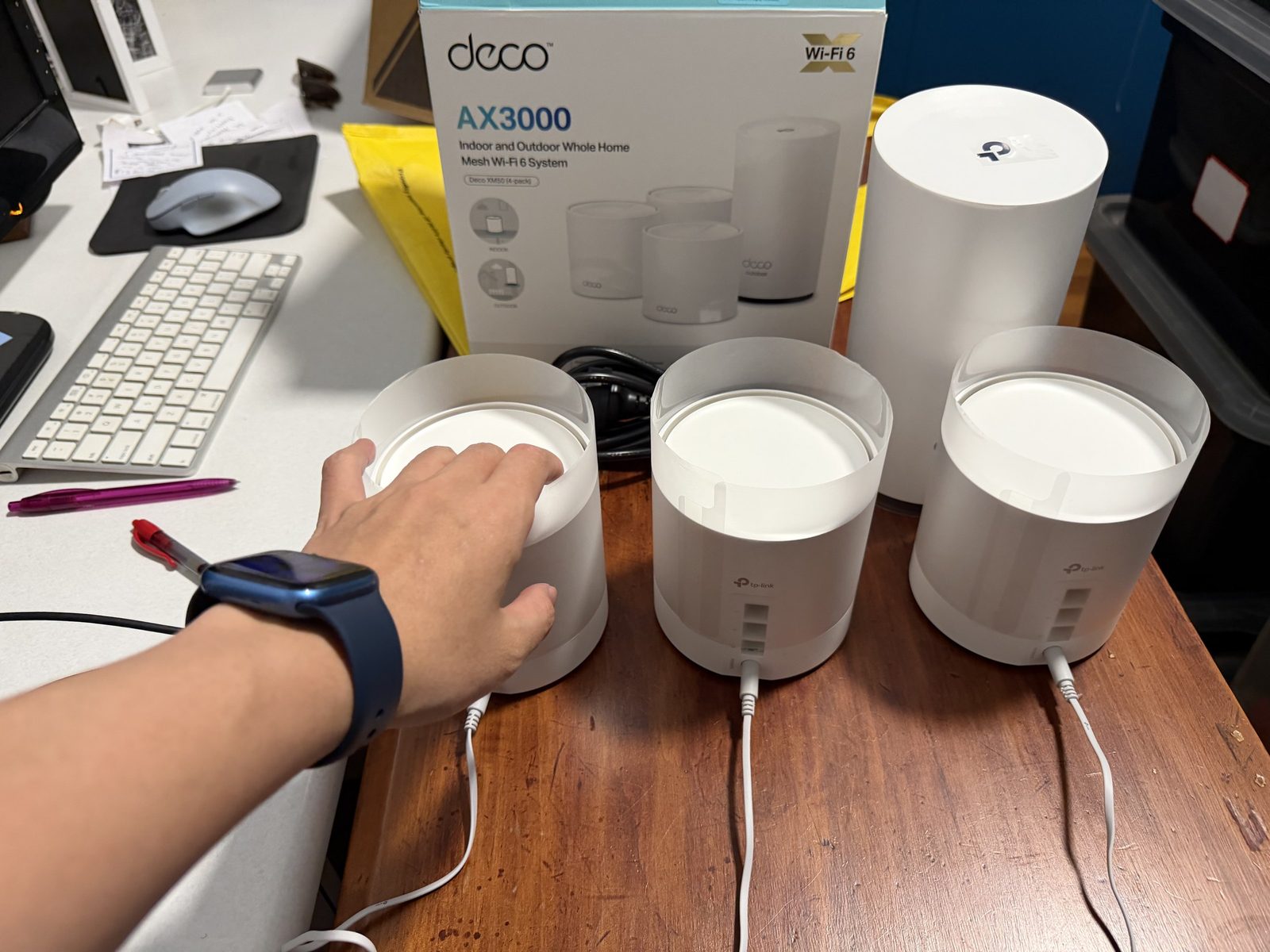
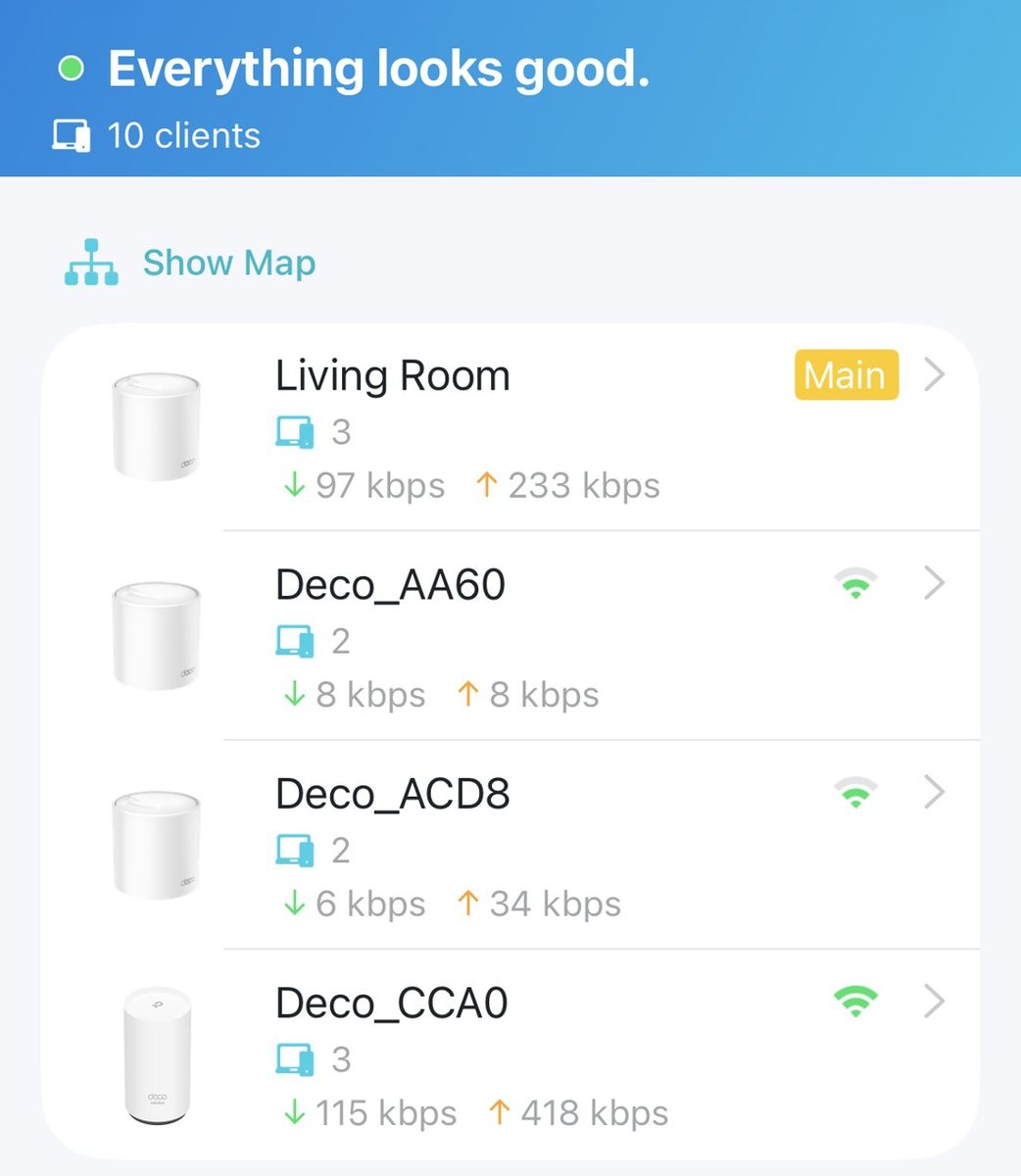
Two networks merged into one, same name and password
We placed and tuned nodes upstairs and downstairs to remove dead spots and merged the two networks into one WiFi for the whole home. The new network uses exactly the same name and password as the old Google mesh, so the computers, TV and both printers reconnected automatically without being set up one by one.
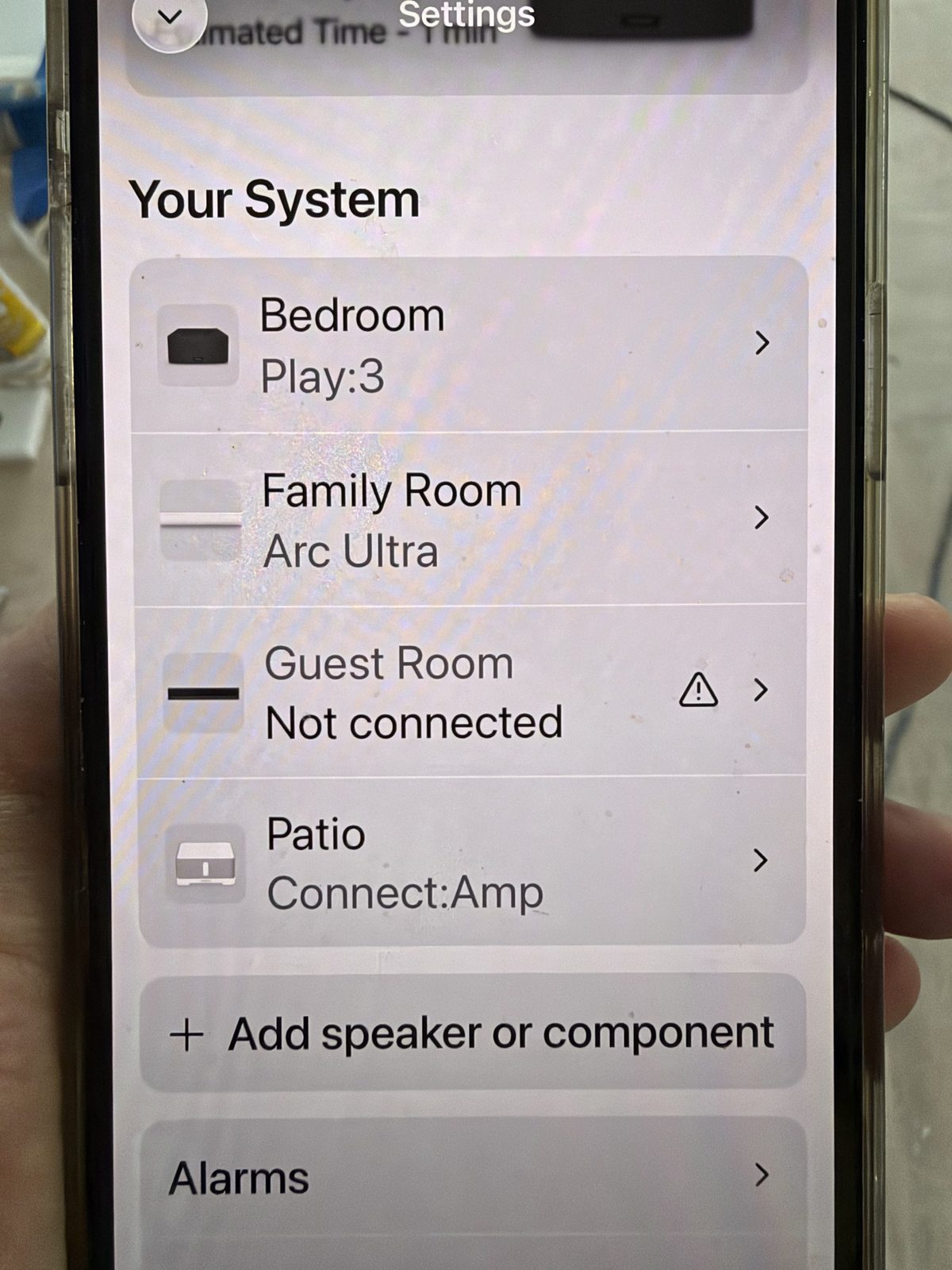
All four Sonos speakers set up again
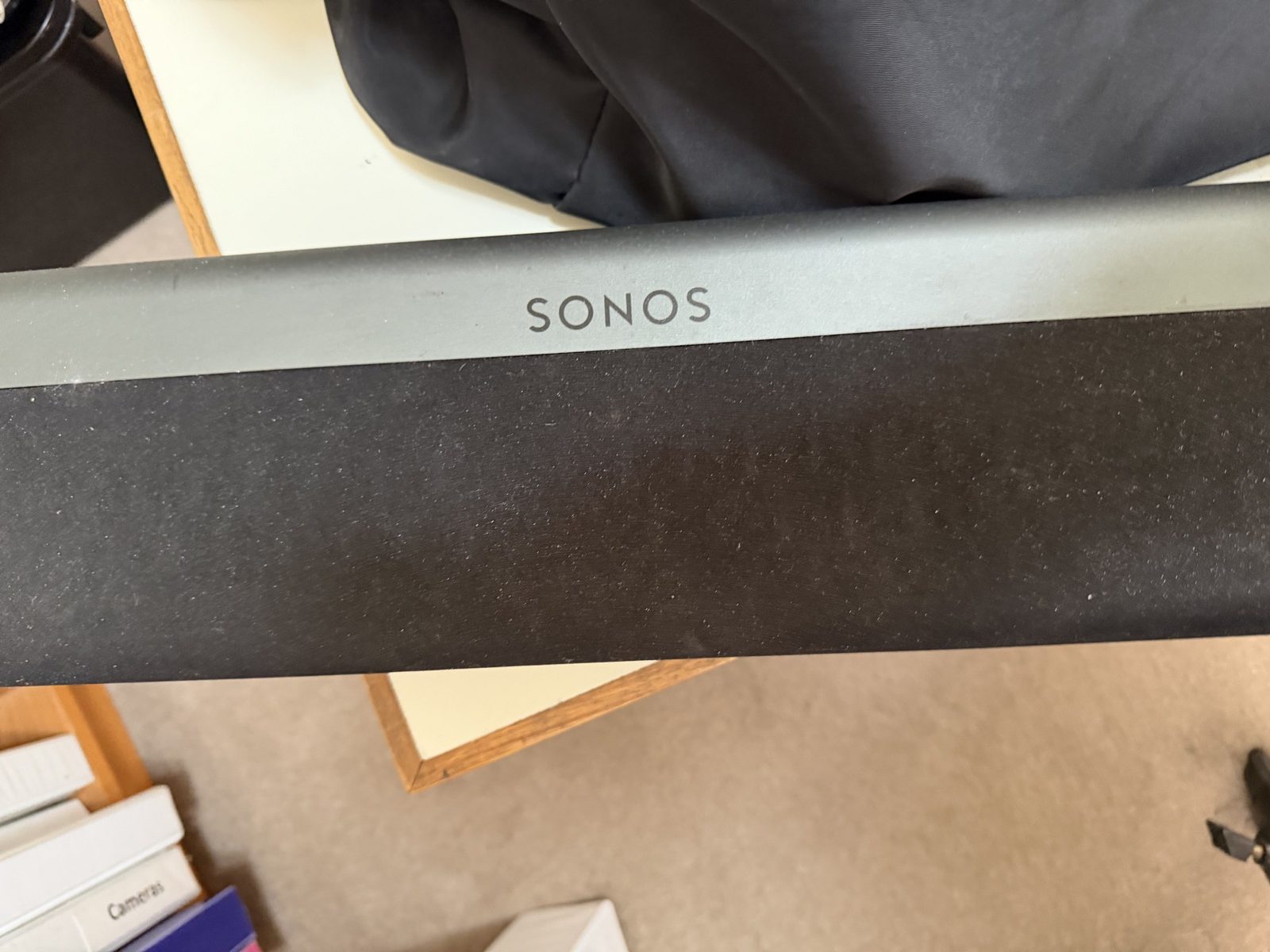
We set up each of the four Sonos speakers on the new network. Afterwards the owner could pick any room in the app and play or adjust it, and switching between rooms was smooth when we tested with music on site.
Air-con control and printers on the same network
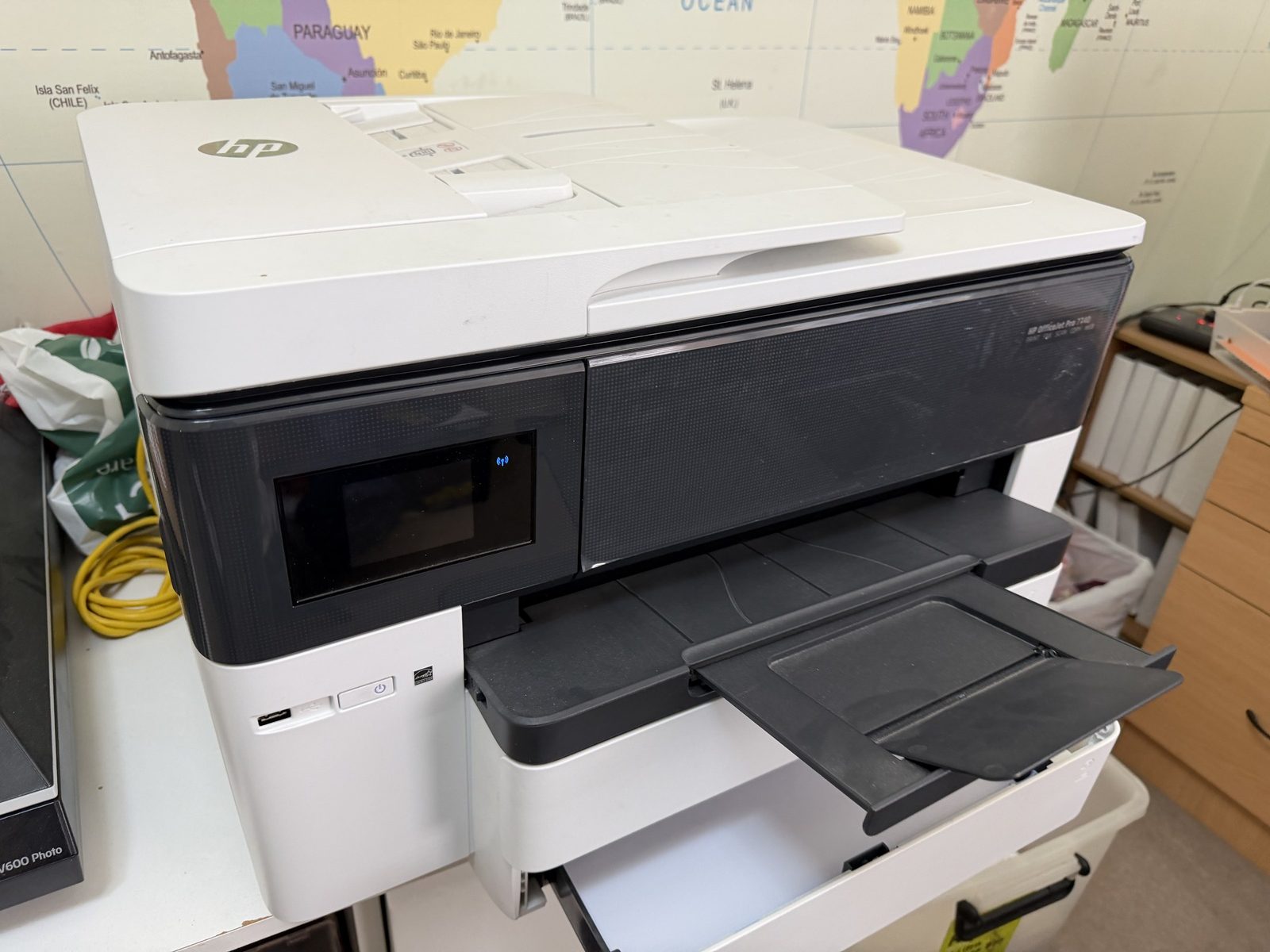
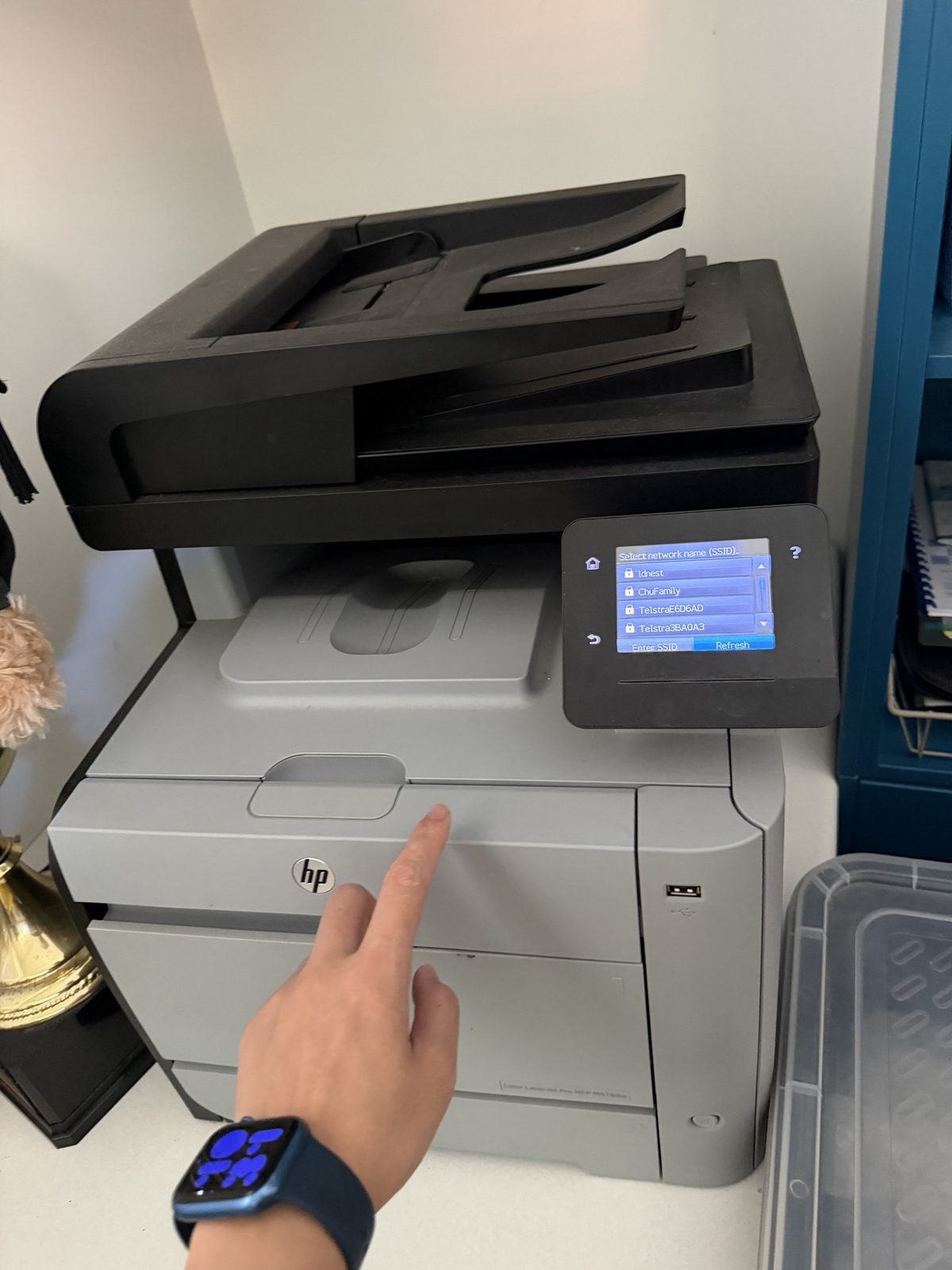
The AirTouch air-conditioning control and both HP printers were reconnected. We then turned off the Telstra router's WiFi to avoid interference, so all traffic runs through the Deco mesh. Before leaving, we helped the owner install the Deco app and showed him how to check the network.
- Day 1, 17:31Client emailWhat the first provider did, what he needed, and ChatGPT's recommendation.
- Day 1Plan and equipmentPlan agreed, Deco mesh prepared, 9:30 booked for the next day.
- Day 2, 9:20Early arrivalAbout ten minutes before the booked time.
- MorningPlacement and reconnectionMesh placed and tuned; Sonos, air-con control and printers reconnected.
- About 11:30HandoverOld WiFi switched off; Deco app walkthrough.



